


The Ultimate Guide to Sim Racing Accessories: What's Worth Adding to Your Rig
|
|
The difference between a basic setup and a truly immersive racing experience often comes down to the sim racing accessories you choose to add. These aren't just expensive extras to drain your wallet (though some can certainly do that).
The right accessories can genuinely transform how you drive, how long you can race comfortably, and ultimately, how much faster you'll get around that track.
Let's explore the accessories that'll take your rig from "yeah, this is alright" to "I never want to leave my sim."
Not all sim racing accessories are created equal. Some will genuinely improve your lap times, while others just make the whole experience more enjoyable. Both matter.
Think about real racing for a moment. Professional drivers don't just hop into any seat with a basic steering wheel. They've got custom-fitted seats, perfectly positioned shifters, button boxes within thumb's reach, and displays showing critical telemetry data. Your sim racing setup deserves the same attention to detail.
The beauty of the current market is that you don't need to spend thousands to see meaningful improvements.
If you're running a budget racing sim setup or planning something more premium, there are accessories at every price point that'll make a genuine difference to your racing.
Let's start with something everyone underestimates: comfort. You might think you can just race in your office chair for hours but your back, shoulders, and concentration will tell a different story after a few endurance races.
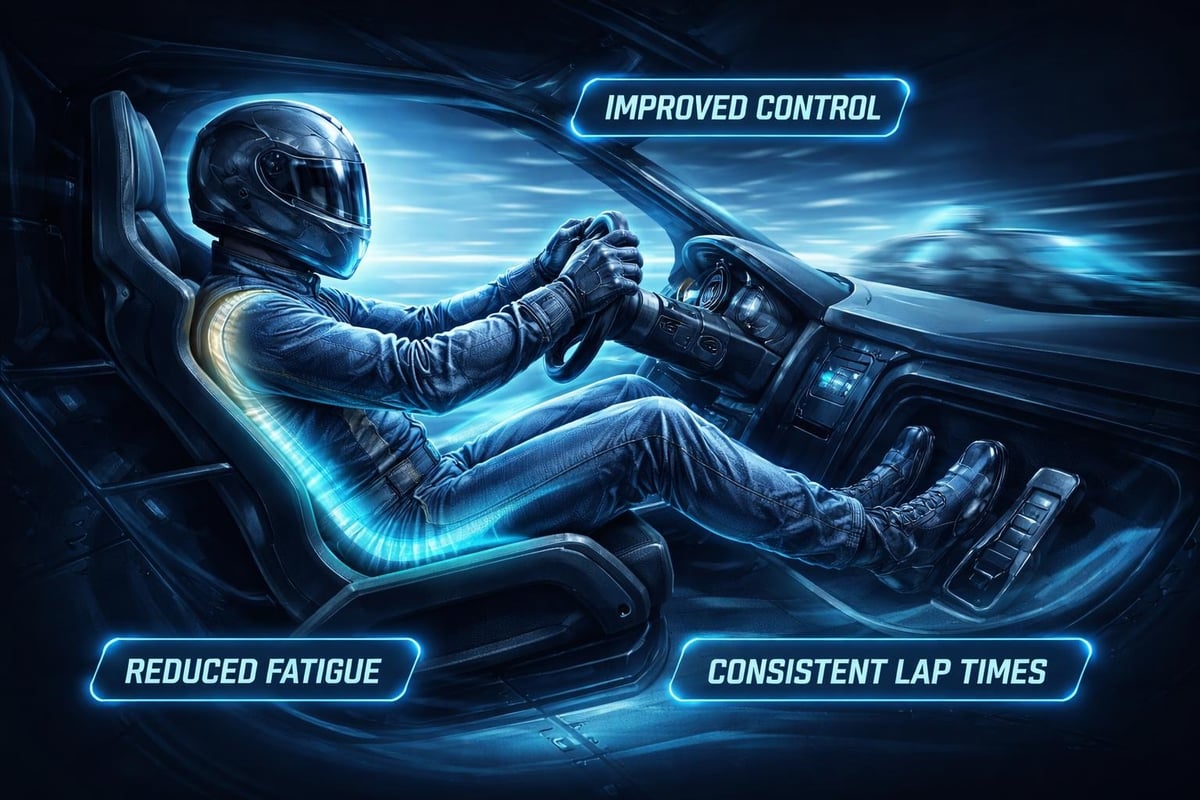
Racing seats aren't just about looking the part. They provide proper lumbar support, keep you positioned consistently (crucial for muscle memory), and reduce fatigue during longer sessions. Once you've experienced racing in a proper bucket seat versus an office chair, there's simply no going back.
Some accessories fall firmly into the "must-have" category. These are the items that experienced sim racers won't race without, regardless of their budget level.
Automatic transmission might be faster in some sims, but where's the fun in that? A proper shifter adds another dimension to your racing that you didn't know you were missing.
Shifter Options:
Sequential shifters for modern race cars and rally
H-pattern shifters for road cars and classic racing
Combination units that switch between both modes
Magnetic shifters for that satisfying clunk
Handbrakes deserve special mention for rally enthusiasts. If you're throwing a car sideways through Scandinavian flicks, a hydraulic handbrake is essential. The Logitech G Pro Racing Wheel ecosystem, for example, integrates beautifully with various shifter options, making it easier to build a cohesive setup.
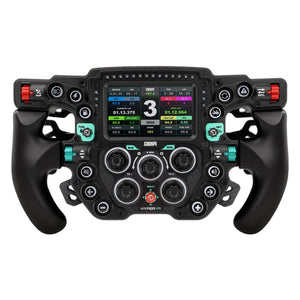
Ever watched an onboard camera from a GT3 race and counted how many buttons and switches the pros use? Dozens. That's where button boxes come in.
A button box puts all your most-used controls within easy reach-headlights, windscreen wipers, ABS settings, traction control adjustments, and pit lane speed limiters. Instead of fumbling for keyboard shortcuts mid-corner, everything's right there at your fingertips.
Feature |
Entry-Level Box |
Mid-Range Box |
Premium Box |
|---|---|---|---|
Programmable Buttons |
8-12 |
20-30 |
40+ |
Rotary Encoders |
0-2 |
2-4 |
6-8 |
Toggle Switches |
2-4 |
6-8 |
12+ |
Backlit Display |
No |
Sometimes |
Yes |
The learning curve is surprisingly short. After a few practice sessions, your muscle memory takes over and you'll be adjusting brake bias through corners without conscious thought. Understanding how to mount a button box properly ensures it's positioned exactly where you need it.
You might think pedals come with your wheel, so why consider them separately? Because your pedals are arguably more important than your wheel for consistent lap times.
Here's something most beginners don't realise: real race car brakes work on pressure, not distance. Standard potentiometer-based pedals measure how far you push them. Load cell pedals measure how hard you push them. That's a game-changer.
With load cell brakes, you develop genuine muscle memory for braking points. You're pressing to a specific pressure rather than eyeballing pedal travel, which means your braking becomes infinitely more consistent and repeatable.
Benefits of Load Cell Pedals:
Consistent brake pressure equals consistent braking points
Reduced lock-ups and flat-spotted tyres
More realistic brake feel
Improved trail braking ability
Better endurance race performance
Getting your pedals at the right angle and distance makes an enormous difference. Many cockpits allow angle adjustment, but if yours doesn't, separate pedal plates are available.
Some racers even add dampers to their throttle pedals for that progressive resistance feel, or springs to their brake pedals before upgrading to load cells. These small modifications cost relatively little but add noticeable realism.
Information is speed in sim racing. Knowing your tyre temps, fuel load, lap times, and split times helps you make better strategic decisions and push harder when it matters.
Secondary displays showing telemetry data have become increasingly popular, and for good reason. Instead of cluttering your main screen with overlays, you can have a dedicated display showing exactly what you need.
Options include:
Small 5-7 inch screens for basic telemetry
9-12 inch screens for detailed data dashboards
Smartphone or tablet mounts with companion apps
Full-size monitors for comprehensive timing screens
Many sim racers position these displays above their main screen or to the side, mimicking where you'd glance at dash data in a real car. Software like SimHub makes it easy to customise exactly what information you see.
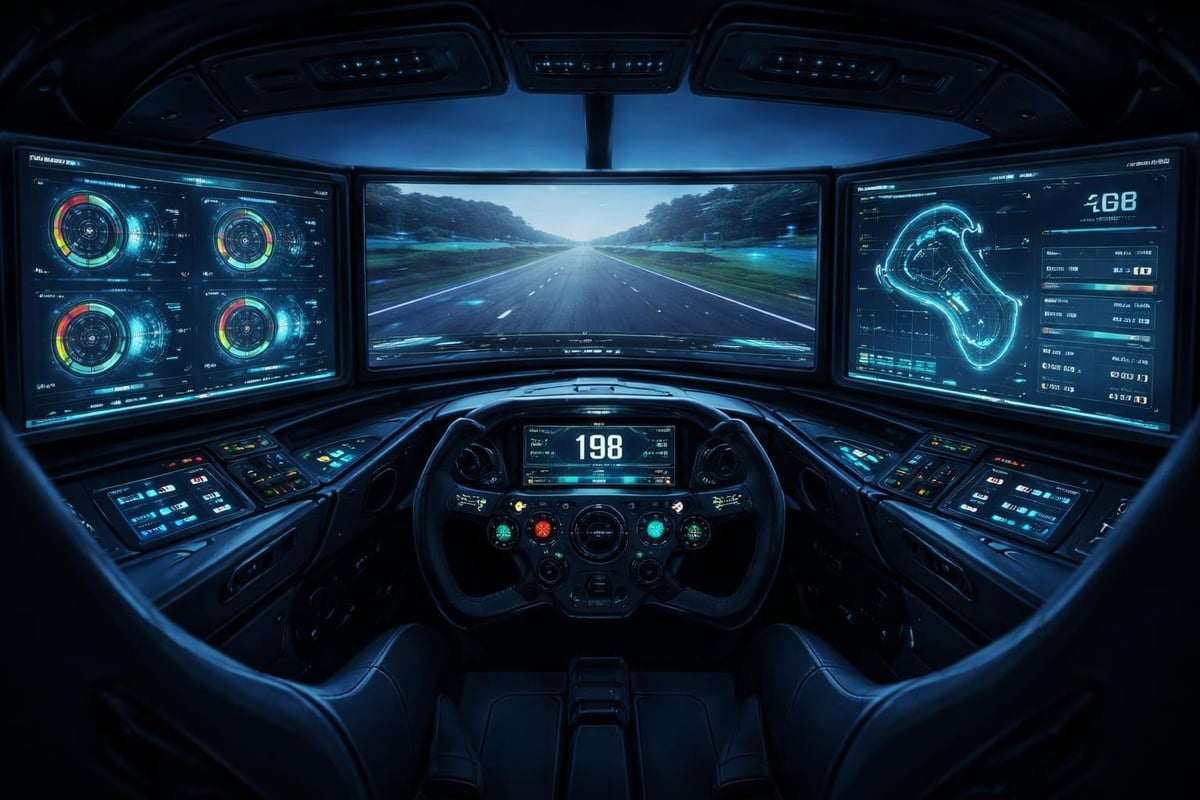
The best racing simulator cockpits often include mounting points specifically designed for additional displays, making integration straightforward.
Don't underestimate what proper audio brings to sim racing. Hearing your tyres at their limit, the gear whine under acceleration, and the engine note changing through corners provides crucial feedback.
This largely comes down to personal preference, but each has advantages:
Speakers allow:
More natural spatial awareness
Better cooling (no hot headset)
Easier communication with others in the room
Bass shakers integration for tactile feedback
Headsets provide:
Complete immersion without disturbing others
Precise directional audio cues
Built-in microphone for team racing
Noise isolation from external distractions
Many experienced racers actually use both-headsets for competitive online racing where every audio cue matters, and speakers for casual sessions or endurance racing where comfort over hours becomes paramount.
Bass shakers (also called tactile transducers) attach to your seat or cockpit and convert audio signals into vibrations. They're genuinely transformative accessories that help you feel when tyres are sliding, when you've hit track limits, or when you're experiencing understeer.
Professional setups might have four or more shakers positioned strategically around the rig. Budget-conscious racers often start with a single unit under the seat. Even that single shaker adds a dimension of feedback that improves your driving awareness significantly.
Your cockpit is the foundation everything else attaches to. Upgrading from a wheel stand to a full cockpit, or improving your existing cockpit, might seem expensive but pays dividends in adjustability and rigidity.
Here's the deal: every bit of flex in your cockpit reduces the force feedback you actually feel through the wheel. If your wheelbase is outputting detailed tyre slip information, but half that force is being absorbed by a wobbly mount, you're missing crucial feedback.
Aluminium profile cockpits have become the gold standard for good reason. They're infinitely adjustable, rock solid, and make mounting accessories straightforward.
From choosing the best ultra-wide 49 inch gaming monitor for sim racing to adding motion actuators later on, a proper cockpit grows with your needs.
Cockpit Type |
Rigidity |
Adjustability |
Price Range |
Best For |
|---|---|---|---|---|
Wheel Stand |
Low |
Limited |
$150-400 |
Beginners, space-limited |
Basic Frame |
Medium |
Moderate |
$400-800 |
Intermediate racers |
Aluminium Profile |
High |
Extensive |
$800-2000+ |
Serious enthusiasts |
Premium Branded |
Very High |
Fully Adjustable |
$2000+ |
Dedicated sim racers |
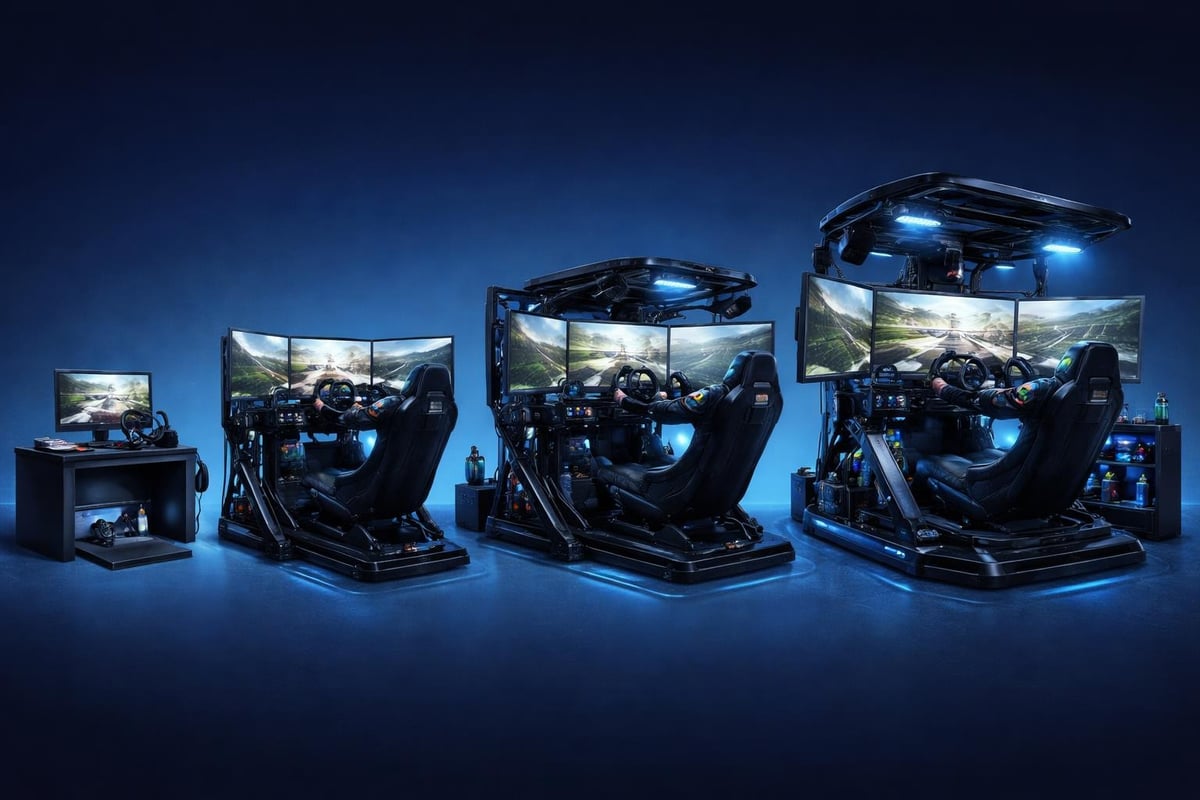
Once you've mastered the basics, motion simulation represents the next frontier. Motion sim racing might sound extravagant, but entry-level motion platforms have become surprisingly affordable.
Motion systems range from simple seat movers to full six-axis platforms that simulate every movement of a race car. Even basic two-axis systems that handle pitch and roll add immense immersion.
Motion Platform Options:
Traction loss systems (simulate wheel spin and slides)
2-DOF platforms (pitch and roll)
3-DOF platforms (add surge/brake simulation)
Full 6-DOF platforms (complete motion simulation)
The fascinating thing about motion is that even subtle movements dramatically improve your spatial awareness. Your body picks up on weight transfer cues that help you drive more intuitively.
This might sound gimmicky, but wind simulators that blow air at you based on your speed actually enhance immersion more than you'd expect. They provide another layer of sensory feedback that helps with speed perception.
Some dedicated racers even add environmental controls-lights that simulate time of day changes during endurance races, or temperature controls that replicate racing in different climates. These definitely fall into the "nice to have" rather than essential category, though.
Virtual reality deserves its own discussion because it fundamentally changes the sim racing experience. VR sim racing provides depth perception and spatial awareness that monitors simply cannot match.
You can naturally look into corners, check your mirrors with head movements, and judge distances perfectly. The immersion factor is off the charts. However, VR also demands significantly more from your PC and takes some getting used to.
Advantages:
Perfect depth perception for judging braking points
Natural head tracking for looking through corners
Ultimate immersion factor
No screen bezels or viewing angle limitations
Challenges:
Requires powerful PC hardware
Some people experience motion sickness initially
Can't see your button box or keyboard
Higher cost of entry for quality headsets
Many racers use VR for certain types of racing (rally, where looking ahead is crucial) and stick with monitors for others (oval racing, where peripheral vision matters more). There's no single right answer.
Different racing disciplines benefit from different sim racing accessories. A rally enthusiast needs different gear than someone focused on Formula 1 racing.
Rally demands quick reactions and aggressive inputs. Priority accessories include:
Hydraulic handbrake (absolutely essential)
Sequential shifter with strong spring resistance
Button box for pace note controls
Motion platform or bass shakers for surface feedback
VR headset for looking ahead through corners
Endurance racing means comfort becomes crucial alongside performance:
Load cell brake pedals for consistent pressure
Comfortable racing seat with proper lumbar support
Button boxes with numerous switches for complex cars
Telemetry displays for fuel management
Multiple monitor setup for peripheral awareness
Precision and immediate feedback take priority:
Direct drive wheel base for maximum detail
High-quality load cell pedals
Sequential or paddle shifters
Minimal button box (these cars are simpler)
Single ultra-wide or triple monitor setup
Understanding essential race car simulator features helps you choose accessories that complement your specific simulation platform.
This sounds boring, but proper cable management transforms your rig from messy to professional. Nothing ruins immersion faster than catching your foot on a USB cable mid-corner or having wires tangling around your shifter.
Effective strategies include:
Velcro cable ties at regular intervals
Cable raceways along cockpit profiles
USB hubs positioned centrally
Wireless accessories where possible
Labelled connections for easy troubleshooting
Most aluminium profile cockpits include cable routing channels, but even basic setups benefit from thoughtful organisation. Spend an afternoon doing this properly and you'll thank yourself every single session afterward.
Your sim racing accessories need occasional maintenance to perform optimally. A few simple items help keep everything running smoothly:
Electronics contact cleaner for potentiometers
Lubricant for shifter mechanisms
Spare fasteners and mounting hardware
Cleaning materials for pedal surfaces
Spare USB cables and connectors
Load cell pedals particularly benefit from periodic cleaning and lubrication. Check manufacturer recommendations, but generally, a light spray of contact cleaner every few months keeps things feeling fresh.
You don't need to buy everything at once. Building a comprehensive sim racing setup is more like a journey than a destination.
First priority: Comfortable seating position (even a basic racing seat helps)
Second priority: Load cell brake pedals (biggest performance improvement)
Third priority: Shifter appropriate to your racing style
Fourth priority: Button box for frequently-used controls
Fifth priority: Additional displays or VR
Future upgrades: Motion, advanced telemetry, environmental effects
This approach ensures each purchase delivers meaningful improvements rather than buying accessories that don't integrate well with your current setup. Even budget racing simulators can be transformed into competitive rigs with smart accessory choices.
Before buying any sim racing accessories, verify compatibility with your existing equipment. Not all wheels work with all pedals, and some button boxes require specific software.
Research whether accessories connect via:
Direct wheelbase connection
USB connection to PC
Wireless protocols
Proprietary ecosystems
Companies like Logitech and MOZA each have their own ecosystems. While many accessories work across platforms, some features only function within their native ecosystem. The Logitech G RS50 showcases how manufacturers are creating more integrated ecosystems.
Planning your upgrade path around compatible equipment saves money and frustration long-term.
Physical accessories only tell half the story. Software configuration is where you fine-tune everything to work exactly how you want.
Most serious sim racers use:
SimHub for telemetry displays and custom dashboards
JoyToKey or similar for button mapping
Manufacturer-specific configuration software
Game-specific profilers for force feedback tuning
Taking time to properly configure your accessories makes them exponentially more useful. A button box with default mappings is okay; a button box configured to your exact preferences becomes indispensable.
Here's something interesting: talking to other sim racers about their accessories often provides better guidance than any review. Join local sim racing communities, online forums, or Discord servers where people actively discuss their setups.
Australian sim racing communities are particularly helpful because they understand local availability and pricing. What works brilliantly for someone in Europe might be prohibitively expensive or impossible to source here. Local knowledge matters.
Don't be afraid to ask questions about specific accessories before buying. Most sim racers love discussing their gear and sharing hard-won knowledge about what works and what doesn't.
Building the perfect sim racing setup takes time, research, and thoughtful accessory selection, but each upgrade brings you closer to that ideal racing experience you're chasing. Whether you're just starting your journey or looking to refine an established rig, choosing sim racing accessories that match your driving style and budget will transform how you race.
At Gamer Gear Direct, we understand the Australian sim racing community's unique needs and stock quality simulation gear to help you build exactly the setup you're dreaming of. Ready to take your rig to the next level?