Our Recommendations For Motion Sim Racing
|
|
Motion simracing changes the way a racing simulator feels because the rig no longer stays fixed under you. Under braking, cornering, kerb strikes and surface changes, the seat and chassis can move with the car instead of leaving all feedback to the wheelbase, pedals, audio and screen.
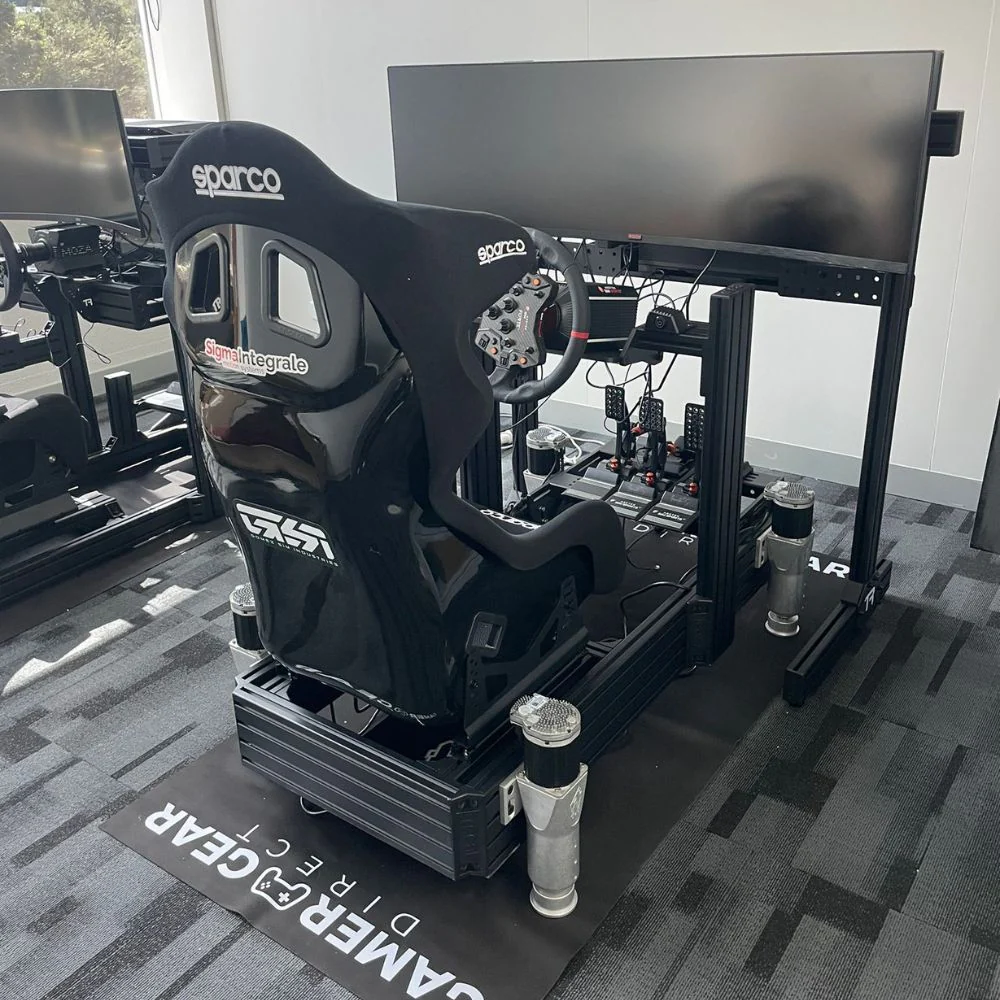
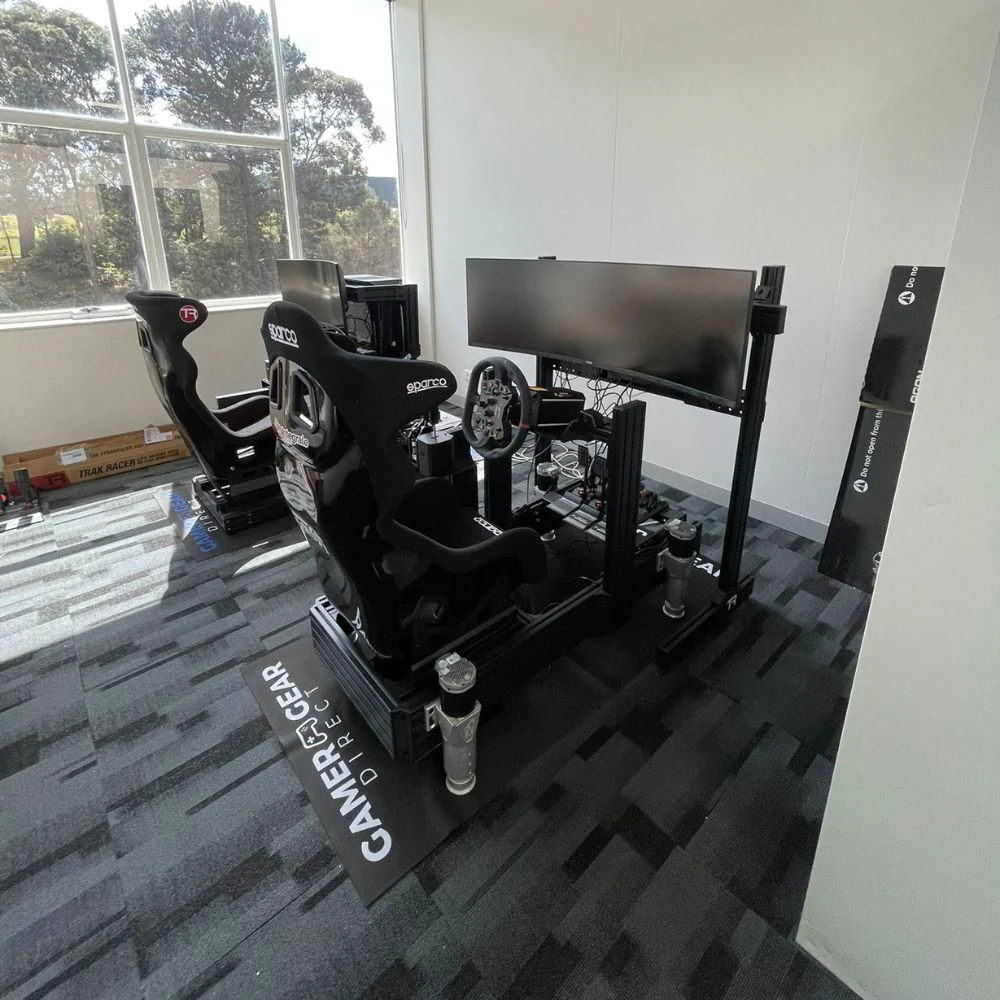
Our team has used motion systems in full simulator builds, including D-BOX and Sigma Integrale setups, to understand how the movement feels once it’s connected to a real cockpit, direct drive wheelbase, pedal set and display. The biggest lesson is that motion simracing isn’t only about how much the rig can move. It’s about how cleanly the system communicates useful driving cues without making the car feel exaggerated or tiring to drive.
A good motion simracing setup should feel connected, repeatable and controlled. The movement should support what you’re seeing on screen, not distract from it. The right system can make braking zones easier to read, kerbs easier to feel and car balance easier to understand. The wrong setup can feel too aggressive, too noisy, poorly matched to the cockpit or uncomfortable during longer sessions.
If you’re comparing systems, start with the full build. The motion platform is only one part of the result. Cockpit rigidity, seat position, pedal pressure, wheelbase torque, display choice and software calibration all affect how motion simracing feels once you’re driving.
When we assess a motion simracing system, we don’t only look at actuator speed or quoted travel. We look at the whole rig as a driver would use it. That includes the cockpit, seat, wheelbase, pedals, display, cable routing, emergency stop access and the available room around the simulator.
The first check is always cockpit strength. Motion adds load through the frame, seat brackets, pedal deck and wheel deck, so flex becomes more noticeable than it would on a static rig. A frame that feels acceptable with a standard wheel and pedal setup may not feel right once actuators start moving the driver, seat and chassis.
The second check is driver comfort. Motion intensity can feel impressive in a short demo, but the real test is how the rig feels after multiple laps. We prefer a system that can start with a controlled profile, then increase intensity once the driver is comfortable. For many users, moderate motion feels better than maximum travel.
The third check is feedback quality. A motion simracing setup should make braking, kerbs, weight transfer and road texture easier to understand. If the rig moves a lot but doesn’t give clear information, the system can feel more like an amusement ride than a useful simulator.
A static simulator relies on force feedback, pedal pressure, visuals and sound. Motion simracing adds physical movement through the cockpit or seat, so the driver feels more of what the virtual car is doing.
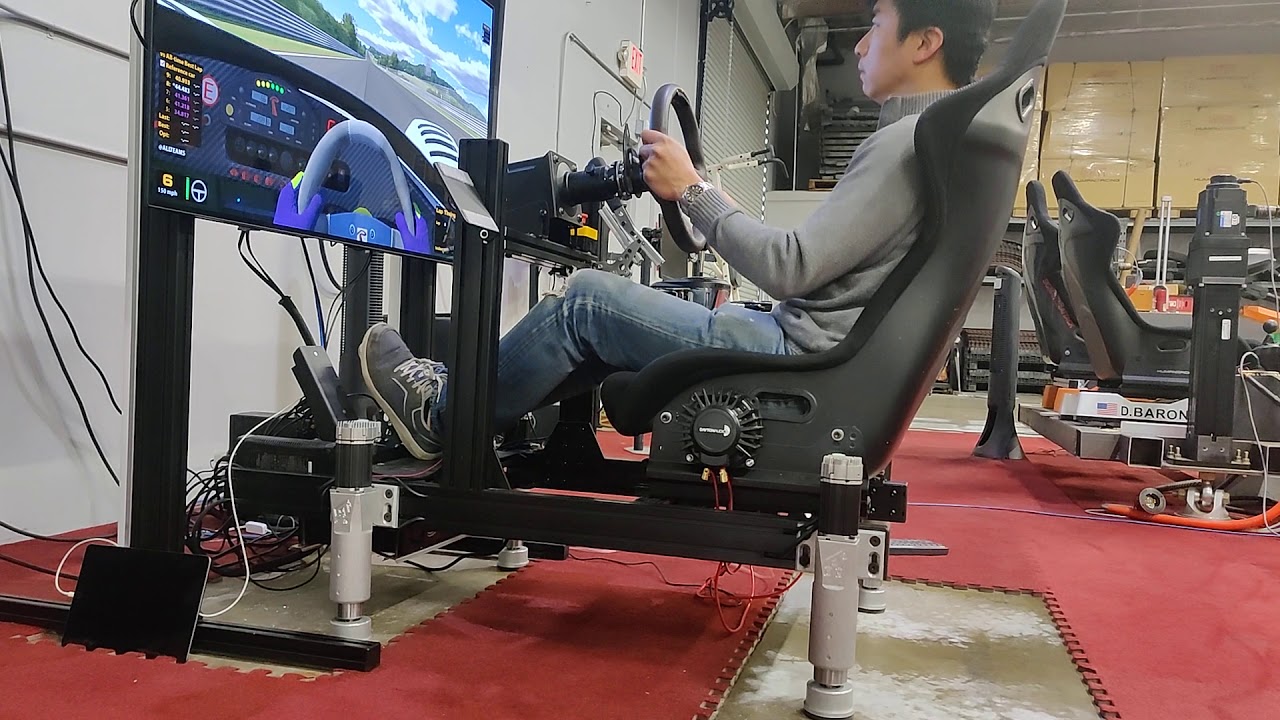
Under brakes, the rig can pitch forward to simulate weight transfer. Through corners, it can roll or shift to show load building across the car. Over kerbs, the driver can feel sharp impacts or vibration through the seat. When traction starts to fade, the system can add cues that make the rear of the car feel more alive.
The best feeling comes when the motion is subtle enough to blend with the rest of the rig. You don’t want the system throwing the driver around just because it can. You want a controlled layer of feedback that supports braking consistency, corner entry and car control.
Motion simracing is especially noticeable in GT, formula, rally and endurance-style driving. GT and formula cars benefit from clean pitch and roll cues. Rally and off-road driving can benefit from extra travel because the surface changes are larger. Endurance sessions benefit from comfort and repeatability, not just movement strength.
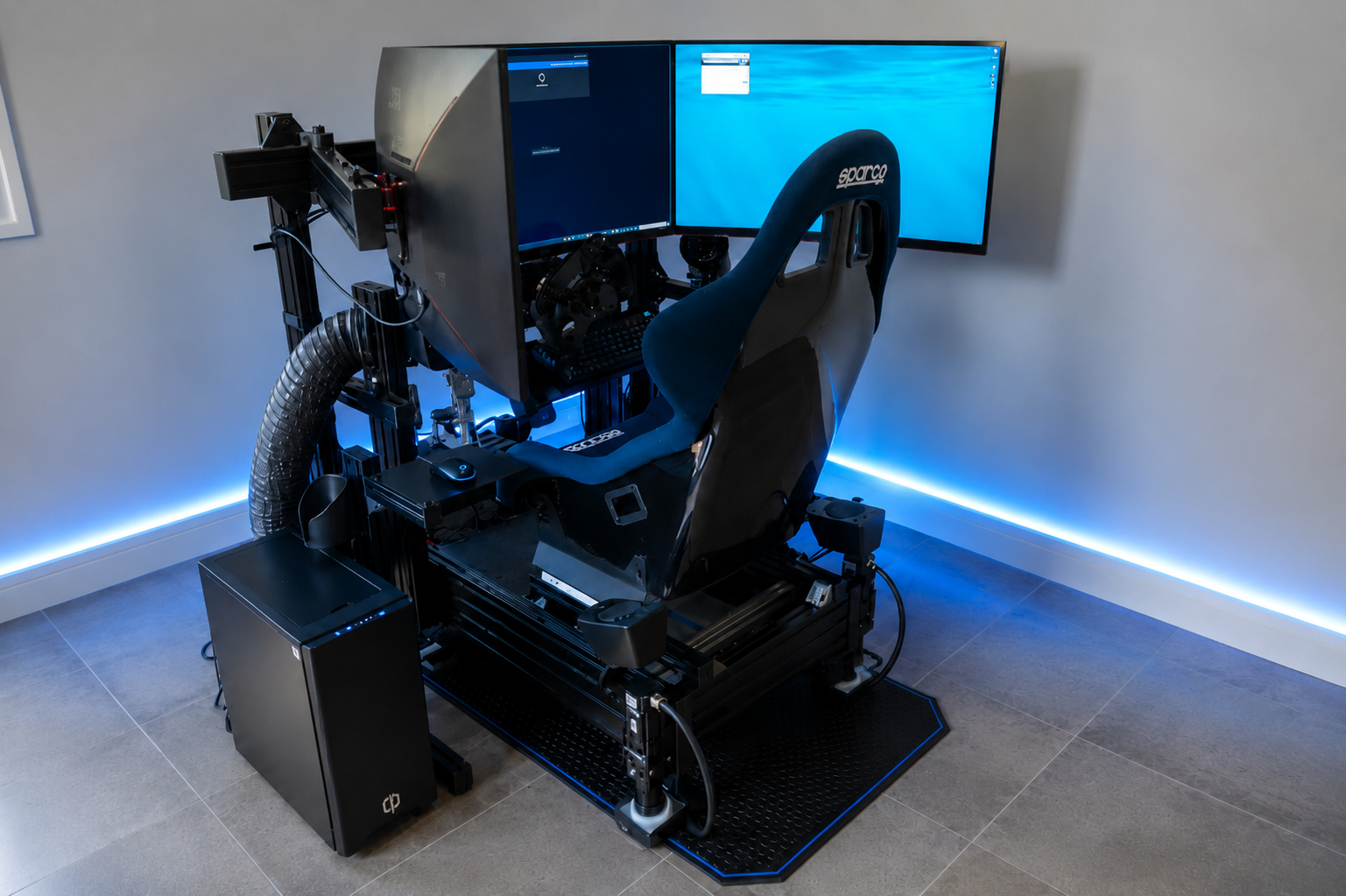
A complete motion simracing build usually includes a motion system, cockpit, racing seat, wheelbase, steering wheel, pedals, display or VR headset, PC or console, and the software needed to run the motion profile.
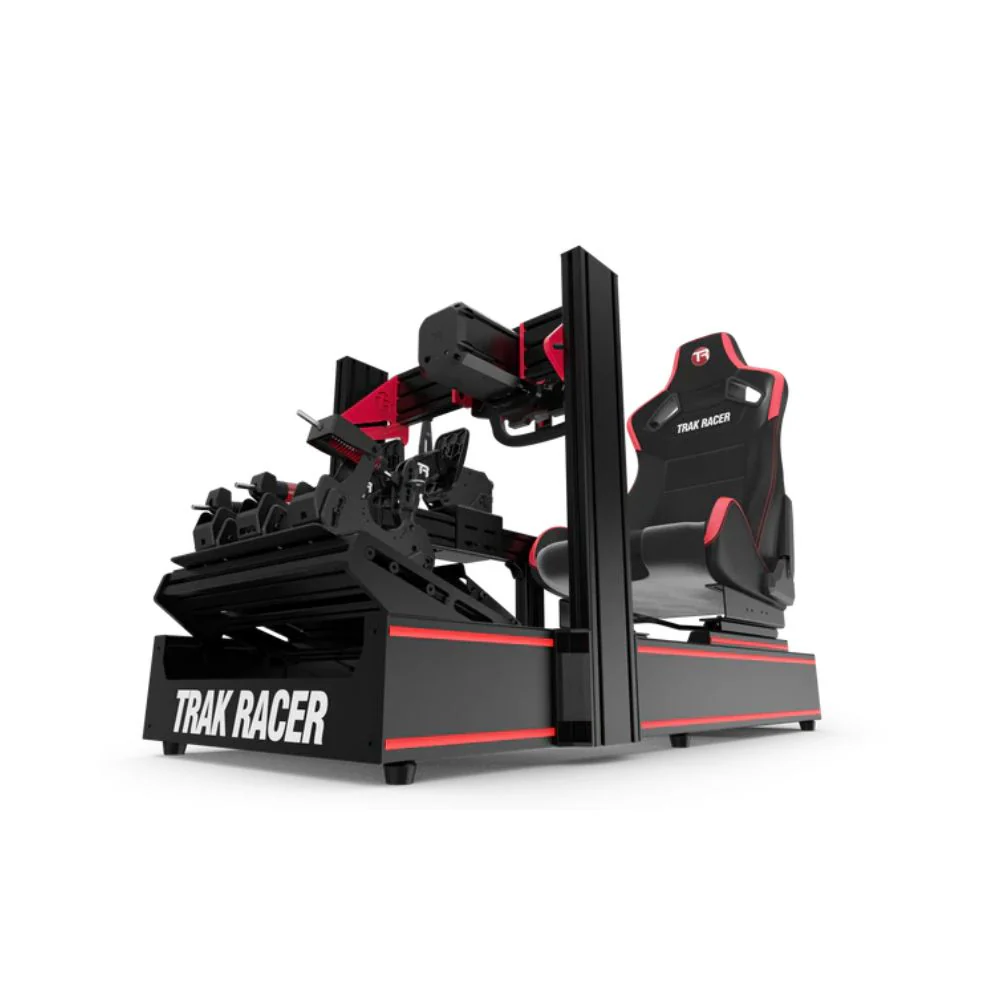
The cockpit is the foundation. If it flexes, the motion and force feedback lose detail before they reach the driver. For most builds, an aluminium profile cockpit or heavy-duty tubular frame is the safer direction because it gives the motion system a stronger platform to work from. If you’re still choosing the base of the rig, compare options in racing simulator cockpits before choosing the motion hardware.
The seat also changes the result. A fixed-back racing seat gives the driver a stable connection to the rig, while a recliner-style seat may introduce movement that isn’t coming from the motion system. A good seat position also reduces fatigue, especially with stronger pedals.
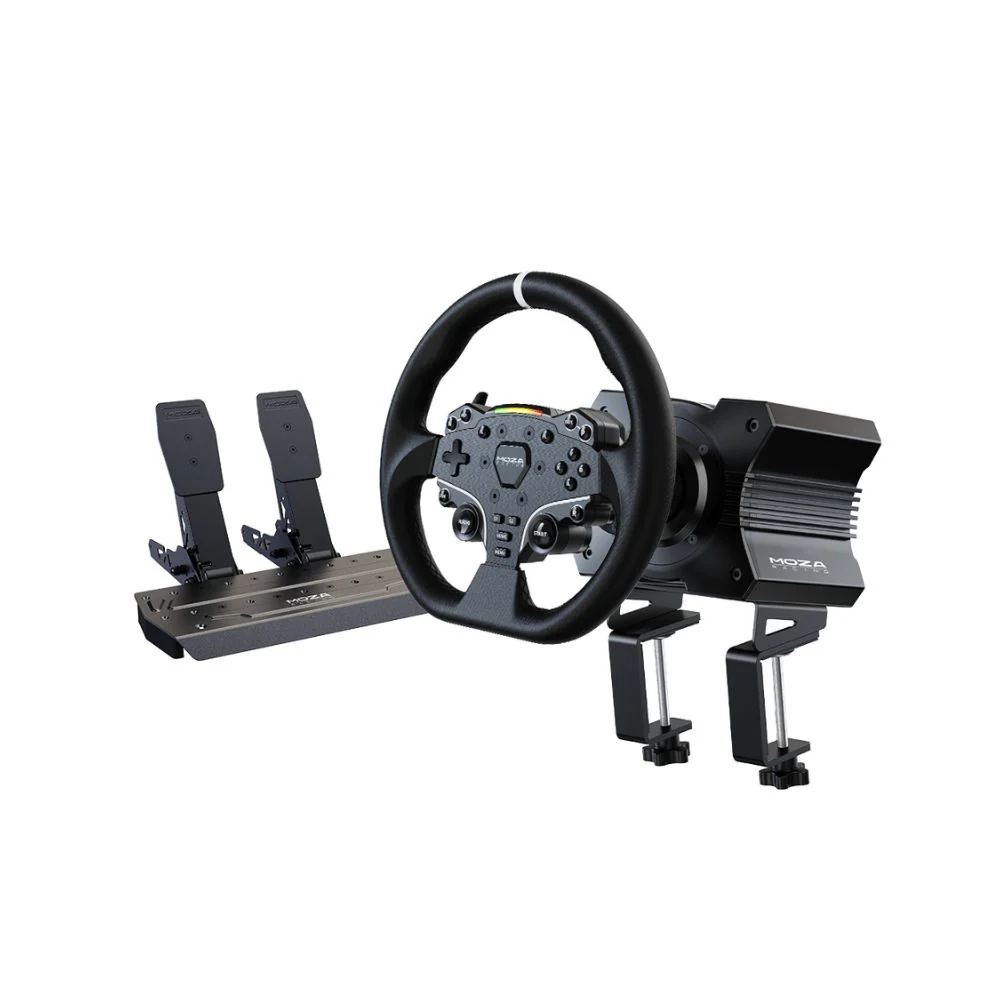
Controls need the same attention. A direct drive racing wheel gives sharper steering feedback, while quality sim racing pedals make braking more consistent. Motion won’t fix weak pedals or a flexible wheel mount. It will often expose those issues faster.
Visuals complete the feeling. A large single monitor, triple-screen setup or VR sim racing headset can all work with motion simracing. VR can be immersive, but it needs careful motion settings because some drivers are more sensitive to movement when the headset view and physical motion aren’t aligned.
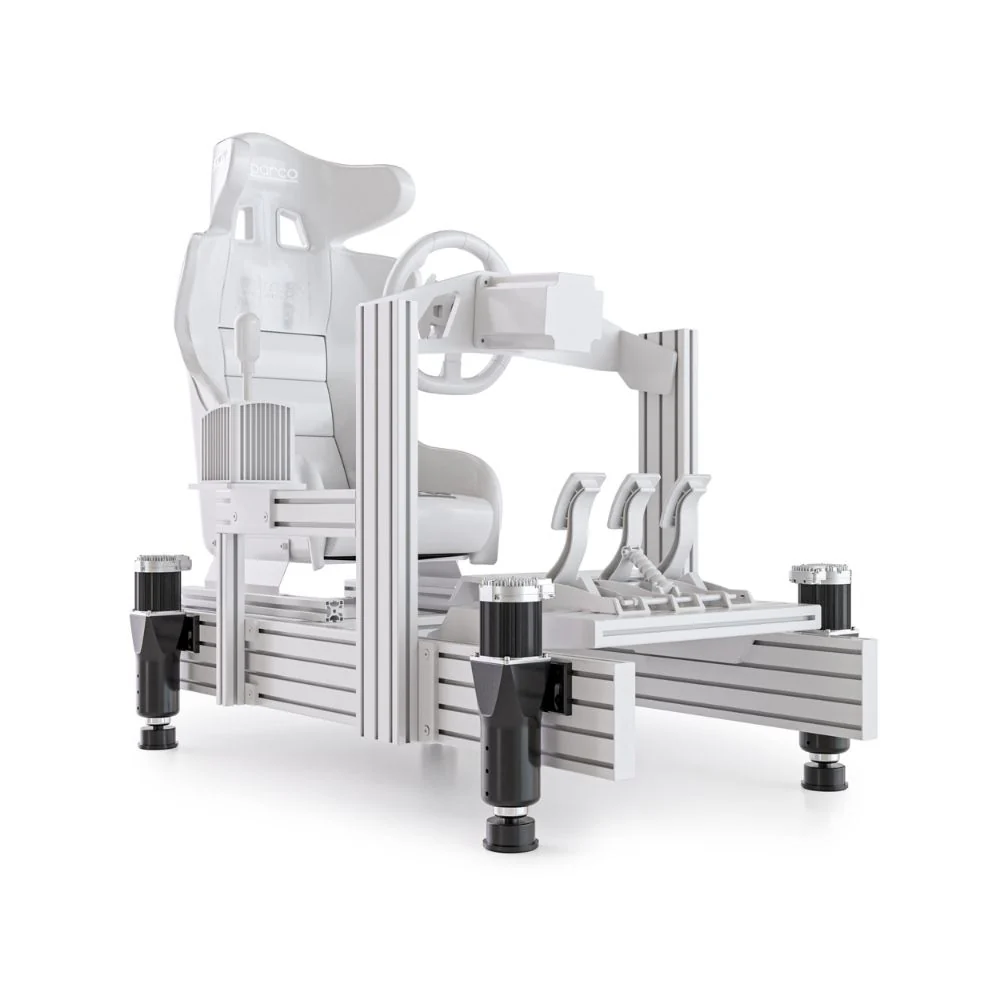
D-BOX and Sigma Integrale take different approaches to motion simracing, and both can suit different drivers.
D-BOX is best understood as a motion and haptic system. It focuses heavily on small cues, vibration and texture feedback, so the driver can feel more than basic pitch and roll. In a racing setup, that can make kerbs, surface detail, traction changes and gearshift effects feel more defined.
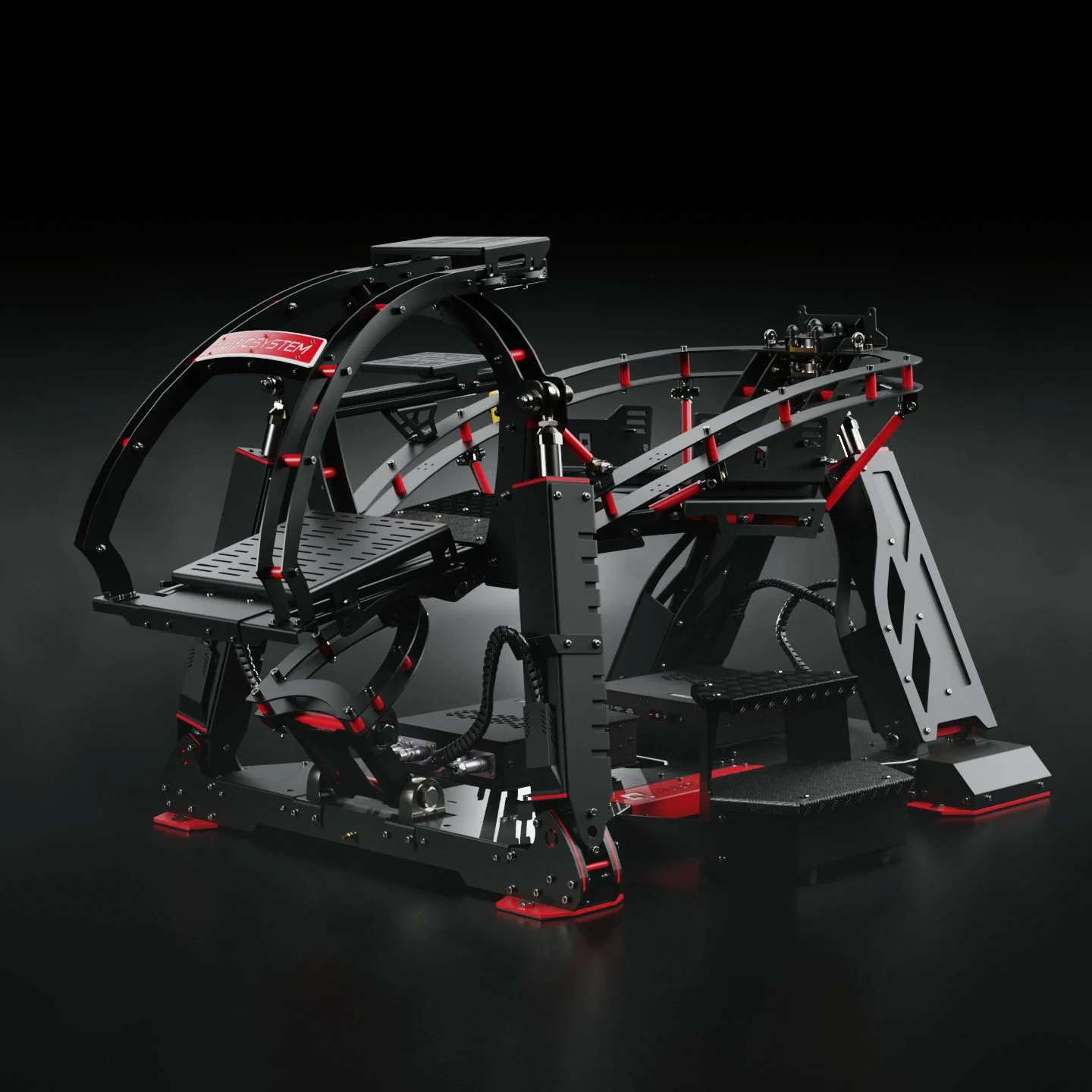
Sigma Integrale focuses on direct vehicle simulation feedback and offers different DK systems for different payload and travel needs. The DK2 is the compact option, the DK2+ adds higher payload capacity, and the DK6+ adds more travel for applications that benefit from larger movement, such as rally, off-road and flight-style use.
In a motion simracing setup, we’d generally position D-BOX for drivers who want refined haptic detail and a polished premium feel. We’d position Sigma Integrale for drivers who want a strong telemetry-led motion experience and a clear choice between compact travel, heavier rig support and larger movement.
The right answer depends on the driver, cockpit and use case. A home racer chasing road texture and clean feedback may prefer one direction. A commercial sim room or heavier rig may need payload headroom and a system that can handle repeated use. A rally driver may care more about travel than a circuit racer using formula or GT cars.
Buyer type |
Motion direction to consider |
|---|---|
Home circuit racer |
Refined movement, low noise and controlled haptic detail |
Rally or off-road driver |
More travel and stronger surface movement |
Commercial simulator operator |
Higher payload, durability and easier repeatable profiles |
VR driver |
Smoother profiles with careful motion compensation |
First motion buyer |
Controlled setup with room to adjust intensity |
Before buying a motion simracing platform, start with four questions: how much room do you have, how heavy is the full rig, what type of racing do you enjoy, and how much motion do you actually want?
Travel sounds exciting, but more travel isn’t always better. A compact system can feel excellent for circuit racing if the profile is clean. A larger travel system can be the better choice for rally, off-road or flight use, where bigger chassis movement can make more sense.
Payload is just as important. You need to account for the driver, cockpit, seat, wheelbase, pedals, shifter, handbrake, monitor mounts and accessories. If the system is close to its limit, performance may not feel as crisp, and the setup may have less room for upgrades.
Noise also counts. Many buyers focus on performance, then forget that the rig may be used at night, inside a home or near other people. A quieter setup is easier to live with and easier to use more often.
Software support is another key point. Motion simracing depends on profiles, game compatibility and calibration. Make sure the system supports the titles you plan to drive most, and check how easy it is to adjust intensity, smoothing, pitch, roll and vibration.
The cockpit needs to be chosen before the motion system is finalised. A motion-ready cockpit should have a rigid frame, secure seat mounting, a strong pedal plate and enough room around the base for moving parts.
Seat position should put the driver in control without locking the body into an uncomfortable angle. If the pedals are too far away or the wheel is too high, the driver can start bracing against the rig instead of driving naturally. Motion simracing feels much better when the driver’s legs, shoulders and arms are relaxed.
Monitor clearance also needs attention. A monitor stand attached to the moving cockpit can feel different from a freestanding display. With larger travel systems, you may need more clearance around the screen, button boxes, shifter, handbrake and cables.
For a full build, it’s worth planning the whole racing simulator setup before ordering parts. That includes the cockpit footprint, display position, power points, USB routing, PC location and how easily the rig can be serviced.
Motion simracing works best when the controls are already solid. A direct drive base gives the steering detail needed to match the movement from the chassis. Load cell or hydraulic pedals give a firmer braking reference, which works well with pitch movement under braking.
A shifter and handbrake can add a lot to rally, drift and road car driving. Button boxes and dashboards are useful once the rig is moving because the driver can keep key controls close without reaching for a keyboard.
Cable management deserves more planning than many people expect. A moving rig needs enough slack for actuator travel, but not so much that cables drag, catch or create a mess under the cockpit. USB hubs, power boards and control boxes should be mounted where they’re easy to reach but protected from moving parts.
For add-ons, start with sim racing accessories that improve control and comfort before chasing extras for looks. A better pedal mount, seat slider, shifter bracket or monitor stand can make the full motion simracing setup feel more complete.
Displays play a major role in how motion simracing feels. A single ultrawide monitor is clean and space-efficient. Triple monitors give more side vision, which can improve awareness in close racing. VR gives the strongest cockpit feeling, but it also needs the most care with comfort and motion settings.
Refresh rate, screen position and field of view all affect the result. If the screen is too far away, the movement can feel disconnected from the visuals. If the field of view is wrong, the speed and distance cues can feel off.
Audio adds another layer. Engine note, tyre scrub, kerb impact and wind noise can make the motion cues feel more convincing. A surround headset or strong speaker setup can work well, but avoid placing speakers or loose gear where the moving frame can hit them.
A motion simracing setup should never start at maximum intensity. Begin with a moderate profile, check the direction of each movement, confirm that the emergency stop is easy to reach and make sure every cable has room to move.
Once the system is moving correctly, adjust one setting at a time. If pitch feels too strong under braking, reduce it before changing roll or vibration. If kerbs feel harsh, lower the effect instead of reducing the whole profile. Small changes are easier to judge than large changes across every setting at once.
The goal is a rig that feels natural and repeatable. A good profile should let the driver focus on braking points, steering input and throttle control. If the driver is thinking more about the rig than the car, the settings need more work.
The most common mistake is buying the motion system before checking cockpit compatibility. A platform can be excellent on paper and still be the wrong fit for the frame, seat or room.
Another mistake is chasing maximum movement. Big motion can feel impressive, but it can also slow the driver down if the cues are too aggressive. Clean, predictable feedback is usually better than a dramatic profile.
Some buyers also forget about the total system weight. The cockpit, driver, displays, controls and accessories all count. Motion simracing works best when the hardware has enough headroom.
The last mistake is ignoring support. Motion systems combine hardware, software and game profiles, so local advice can save a lot of time. If something doesn’t feel right, the answer might be calibration, not a new part.
Motion simracing is ideal for drivers who already have a solid cockpit and want more physical feedback from the car. If you’re still using a desk-mounted wheel or light frame, upgrade the cockpit and pedals first.
A home enthusiast will usually want a balanced system that’s comfortable, quiet and easy to adjust. A driver focused on rally or off-road racing may want more travel. A commercial operator should focus on durability, ease of use and repeatable settings for different drivers.
For a premium full racing simulator, motion can be the part that makes the whole build feel more complete. It brings the cockpit, controls, visuals and audio together into a more physical driving experience.
When we recommend motion simracing gear, we look at the complete use case rather than the most expensive item in the category. We consider the driver’s space, preferred racing style, cockpit strength, body position, display choice, budget and upgrade path.
For D-BOX, we focus on drivers who want refined haptic detail, strong product support and a premium feel. For Sigma Integrale, we focus on drivers who want telemetry-led motion, payload options and a choice of travel levels across the DK range.
We also look at what the customer already owns. If the cockpit isn’t motion ready, that comes first. If the pedals are entry level, better braking may deliver a bigger improvement before motion. If the display setup is poor, the physical movement may not line up with the visual experience.
Motion simracing is at its best when every part of the rig is working together. The goal isn’t to buy the most aggressive system. The goal is to create a simulator that feels believable, comfortable and easy to drive for more than a quick demo.
Start with the cockpit, then choose the motion system. Make sure the frame is rigid, the seat is secure, the pedals are strong and the display is positioned properly. From there, compare motion systems based on the feedback you want, the travel you need, the payload required and the type of racing you enjoy most.
If you’re mainly driving GT or formula cars, focus on clean feedback, braking cues, kerb detail and comfort. If you’re driving rally, off-road or mixed simulation titles, extra travel may be more useful. If the rig will be used by many drivers, choose a system that’s easy to adjust and durable enough for repeated sessions.
A well-planned motion simracing setup doesn’t just move. It gives the driver more information. It makes the car feel more connected to the rig, gives the cockpit a physical link to the track and turns a static simulator into a more complete driving environment.