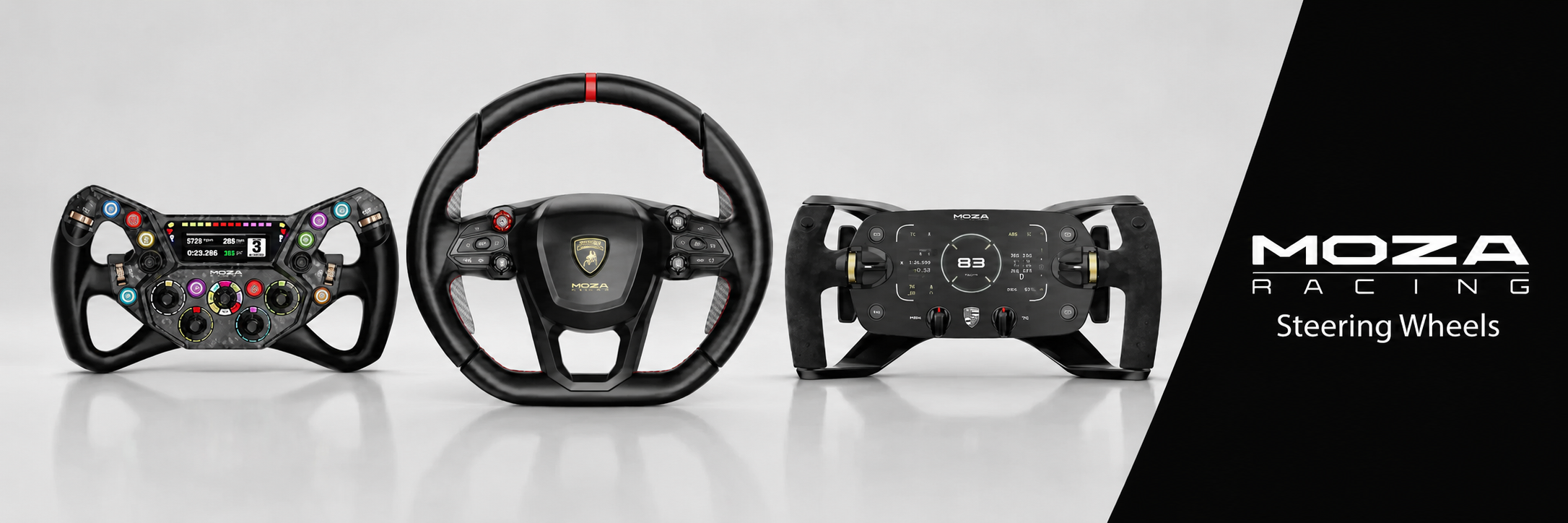
How To Pick The Best Sim Racing Steering Wheel For Your Rig
|
|
A sim racing steering wheel can completely change how your rig feels. It can make the car feel sharper, help you catch slides earlier, and give you more control through corners, kerbs, braking zones, and race starts.
But the best sim racing steering wheel isn’t always the most expensive one. It depends on how you race, what platform you use, what wheelbase you own, and how much control you want at your fingertips.
At Gamer Gear Direct, we’ve tested a wide range of sim racing wheels across direct drive setups, cockpit-mounted rigs, and different racing styles in our Dandenong South showroom. We’ve also helped customers choose wheels for GT racing, formula racing, rally, drifting, trucking, and general sim-cade driving.
This guide brings that hands-on experience together so you can choose a sim racing steering wheel that suits your setup now and gives you a smarter upgrade path later.
Before we recommend a sim racing steering wheel, we look at more than the product photos and spec sheet.
Our team tests wheels on mounted racing simulator rigs, checks how secure the quick-release feels, compares paddle action, looks at button access while driving, and checks grip comfort during longer sessions. We also test how easily customers can reach rotary dials, thumb encoders, clutch paddles, and menu controls without taking their eyes away from the screen for too long.
In our Dandenong South showroom, we’ve found that small details make a big difference. A wheel can look excellent online, but feel cramped once you’re wearing gloves.
Sim racing has come a long way, and the sim racing steering wheel is now at the heart of every serious setup. If you’re chasing realism, control, and immersion, understanding where the technology stands is essential. Let’s break down how far things have come, what types of wheels are on offer, and the key components every Aussie sim racer should know.
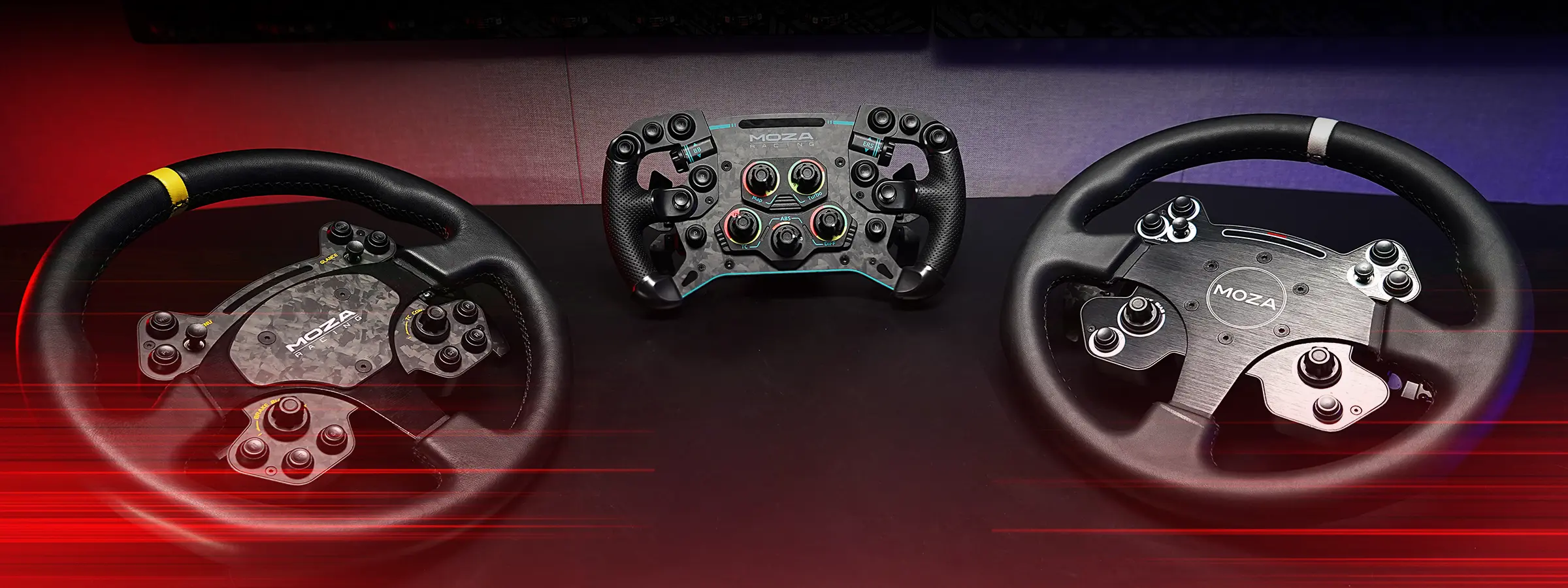
Choosing the right sim racing steering wheel means matching your gear to your racing style. There are four main types you’ll come across:
Wheel Type |
Best For |
Ergonomics |
Pros |
Cons |
|---|---|---|---|---|
Formula |
Open-wheel racing |
Flat top/bottom, compact |
High precision, immersive |
Less versatile |
GT |
Circuit/road cars |
Slightly round, grippy |
Good control, comfy for long races |
Not ideal for rally/drift |
Rally/Drift |
Off-road/drifting |
Fully round, robust |
Great for quick steering |
Bulky for other styles |
Universal |
All disciplines |
Modular, adaptable |
Versatile, cost-effective |
Less specialised feel |
For example, a Formula wheel is perfect for F1 sims, while a round rally wheel gives you better control in dirt and drift events. Modular wheels let you swap rims easily, so you can switch disciplines without buying a whole new setup.
Over 70% of sim racers now use a wheel that matches their preferred racing discipline. The takeaway? Picking a sim racing steering wheel tailored to your favourite style doesn’t just boost realism—it also makes those long sessions far more comfortable.
Getting to grips with the parts of a sim racing steering wheel is important for making smart upgrade choices. Here’s a quick rundown:
Wheelbase: The powerhouse that delivers force feedback.
Rim: The part you actually hold, available in different shapes and materials.
Quick-release systems: Let you swap rims fast, ideal for multi-discipline racers.
Button boxes: Add extra controls for complex sims.
Paddle shifters, rotary encoders, and thumb rotaries: Essential for smooth gear changes and quick adjustments.
Compatibility matters too. Make sure your sim racing steering wheel works with your pedals, shifters, and handbrake. For example, a quality quick-release system makes switching from rally to GT racing a breeze.
Understanding these components means you can make informed decisions when it’s time to upgrade or expand your setup, setting yourself up for years of racing enjoyment.
Choosing the right sim racing steering wheel is not just about the feel in your hands, but also about how seamlessly it works with your gaming setup. Compatibility can make or break your experience, whether you’re racing on PC, PlayStation, or Xbox.
When you’re searching for a sim racing steering wheel, platform compatibility is your first checkpoint. Not every wheel supports every system, and some require special firmware or licensing to work with PlayStation or Xbox. For example, an Xbox-ready wheel may not function on PlayStation, and vice versa. PC users generally have the most flexibility, but console gamers need to check for official certification.
Did you know that about 40% of sim racers run multi-platform setups? That means picking a sim racing steering wheel that fits your current and future needs is smart. Always check for up-to-date firmware, and look for wheels with a proven track record of cross-platform support. Choosing the right model ensures you spend more time racing and less time troubleshooting.
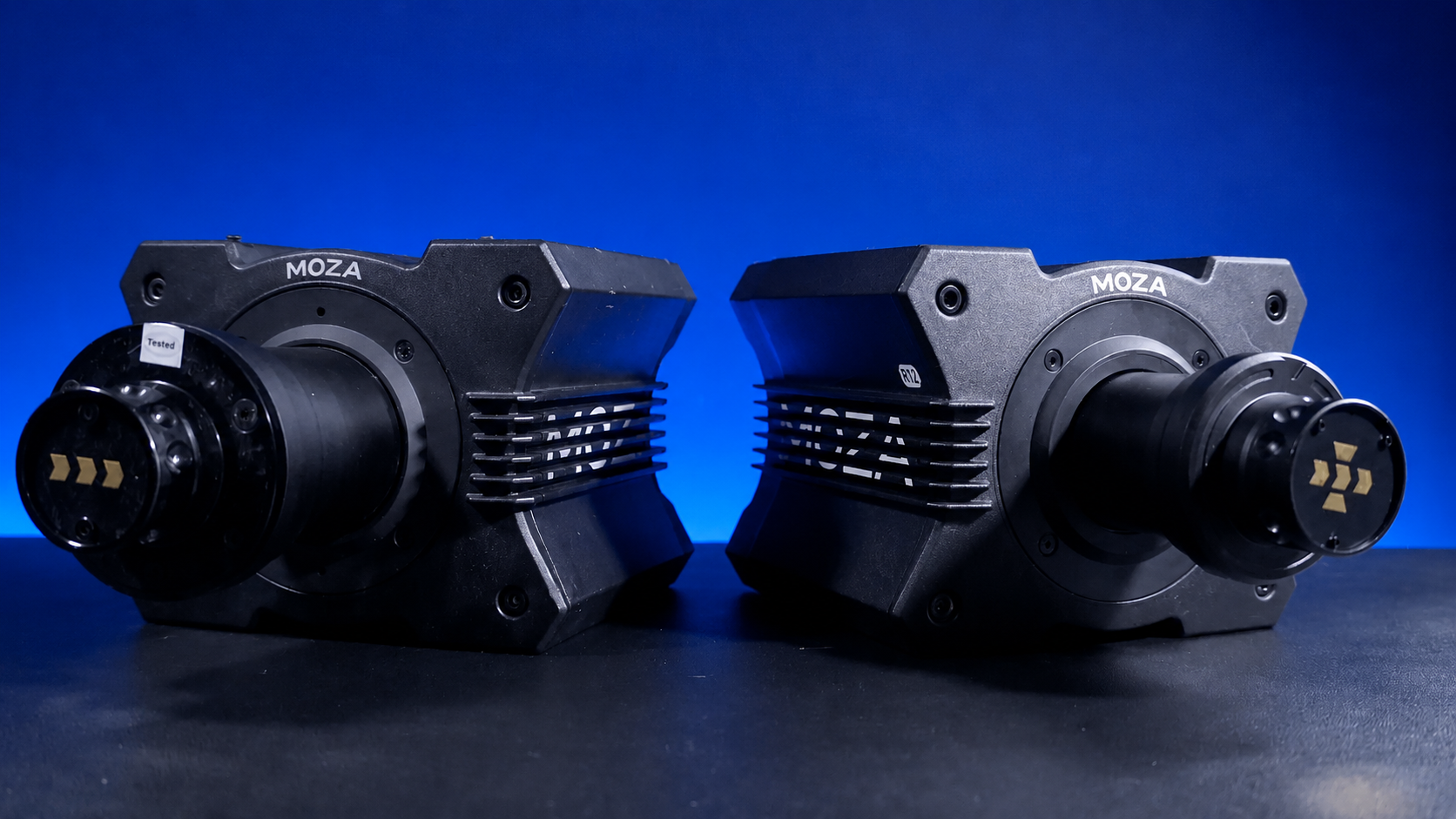
The wheelbase is the heart of your sim racing steering wheel setup, and it connects directly to your chosen rim. Matching the wheelbase and rim not only improves performance but also ensures smooth compatibility. Many brands like MOZA Racing and Simucube offer their own ecosystems. Sticking within one brand’s ecosystem can save you major headaches with upgrades and troubleshooting.
For Aussies keen to deep-dive into ecosystem setups, this MOZA Racing guide gives a great step-by-step overview. In fact, 65% of users prefer staying loyal to a single ecosystem, which simplifies future upgrades and keeps everything working together. Choose wisely, and your sim racing steering wheel will be ready for whatever racing style you throw at it.
Choosing the right sim racing steering wheel comes down to understanding which features matter most to your driving experience. Let’s break down the essentials you should keep an eye on before you make your next upgrade.
The heart of any high quality sim racing steering wheel is its force feedback system. Direct drive technology dominates the field, offering drivers a direct connection to the virtual road. These systems provide high torque output, often exceeding 20Nm, which means you feel every bump, kerb, and slide with remarkable realism.
Compared to older belt and gear driven wheels, direct drive units offer smoother, more precise feedback and minimal mechanical resistance. This boost in fidelity is why direct drive now powers the majority of competitive esports rigs. If you’re serious about immersion and want to shave those final tenths off your lap times, investing in a sim racing steering wheel with advanced force feedback is essential.
Durability and tactile feel are just as important as feedback. The best sim racing steering wheel models are crafted from premium materials like aluminium, carbon fibre, and reinforced plastics. High end wheels often feature Alcantara, leather, or textured rubber grips to ensure comfort and control during long sessions.
Here’s a quick comparison:
Material |
Pros |
Cons |
|---|---|---|
Aluminium |
Strong, lightweight, durable |
Can feel cold |
Carbon Fibre |
Ultra light, very rigid, premium |
Expensive |
Reinforced Plastic |
Affordable, decent strength |
Less tactile, wears faster |
Alcantara |
Soft, high grip, premium feel |
Needs careful cleaning |
Leather |
Classic look and feel, durable |
Can get slippery |
Choosing the right mix of materials enhances both the longevity and the enjoyment of your sim racing steering wheel.
Modern sim racing steering wheel designs put control at your fingertips. Button and rotary encoder layouts have become more advanced, especially for complex sim titles that demand quick access to multiple functions.
Look for wheels with at least 10 mappable buttons, clear labelling, and intuitive placement. Customisation is key, so modular button boxes and extra encoders can make a world of difference.
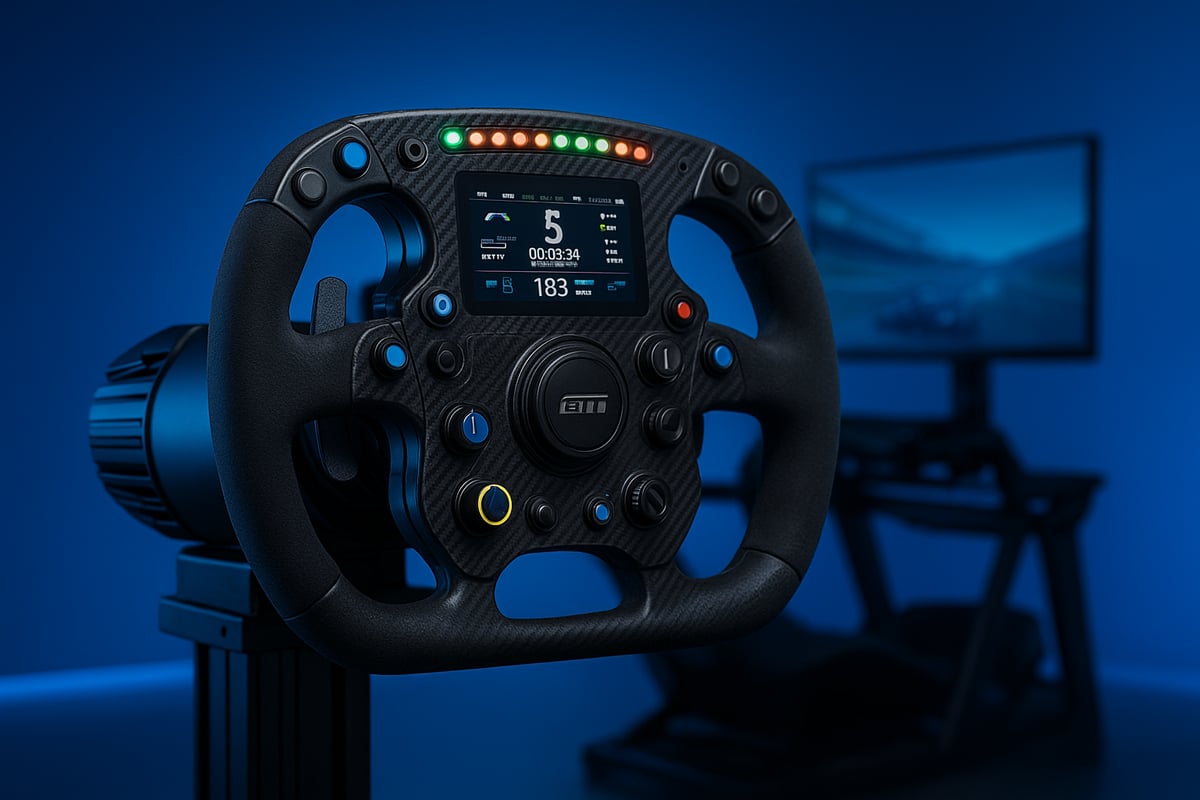
Built-in LCDs, shift lights, and telemetry dashboards are now common in high-end sim racing steering wheel setups. These displays let you monitor live race data, gear selection, RPM, and even tyre temps without ever glancing away from the track.
Having real-time stats on your wheel boosts immersion and helps you react faster during critical race moments. If you’re aiming for that extra edge, a wheel with integrated telemetry is a must.
In this day and age, wireless connectivity is more reliable than ever. Many sim racing steering wheel models now offer Bluetooth, proprietary wireless protocols, or USB-C connections. Going wireless can clean up your rig and reduce cable clutter, but it’s important to check for any potential latency issues.
For most, the convenience of a wireless sim racing steering wheel outweighs the slight trade-offs, especially if you’re looking for a tidy, modern setup.
Choosing a sim racing steering wheel can feel overwhelming with so many brands and options out there, right? But if you’re racing in Australia, there are a few standout names you’ll see again and again. Let’s break down the best brands, highlight some top models, and help you figure out what you’re really getting for your money.
When it comes to the sim racing steering wheel market in Australia, four brands dominate the grid: Gomez Sim Industries, MOZA Racing, Turtle Beach, and Simucube. Each brings its own flavour to the race, whether you’re after raw power, advanced features, or great local support.
MOZA is the most popular, holding a large percentage of the Australian sim racing steering wheel market. Their wheels are known for reliability, a broad ecosystem, and good warranty support locally.
Gomez Sim Industries and Simucube have surged ahead with innovative tech and modular options. Their sim racing steering wheel designs focus on customisation and high-fidelity feedback.
Turtle Beach is also a good choice for enthusiasts who want realism and robust build. All these brands offer strong community support, which is vital for troubleshooting and upgrades.
Here’s a quick comparison:
Brand |
Strengths |
Local Support |
Ecosystem |
|---|---|---|---|
Gomez Sim Industries |
Versatility, reliability |
Strong |
Growing |
MOZA Racing |
Innovation, modularity |
Moderate |
Extensive |
Turtle Beach |
Value, compatibility |
Moderate |
Expanding |
Simucube |
Realism, build quality |
Moderate |
Premium |
Australia’s sim racing steering wheel scene is stacked with impressive models. If you want a taste of what’s possible, here are some standouts:
Gomez Sim Industries X-29 Sim Racing Wheel: A control-heavy wheel with multiple rotary encoders, multi-switches, and customisable RGB buttons.
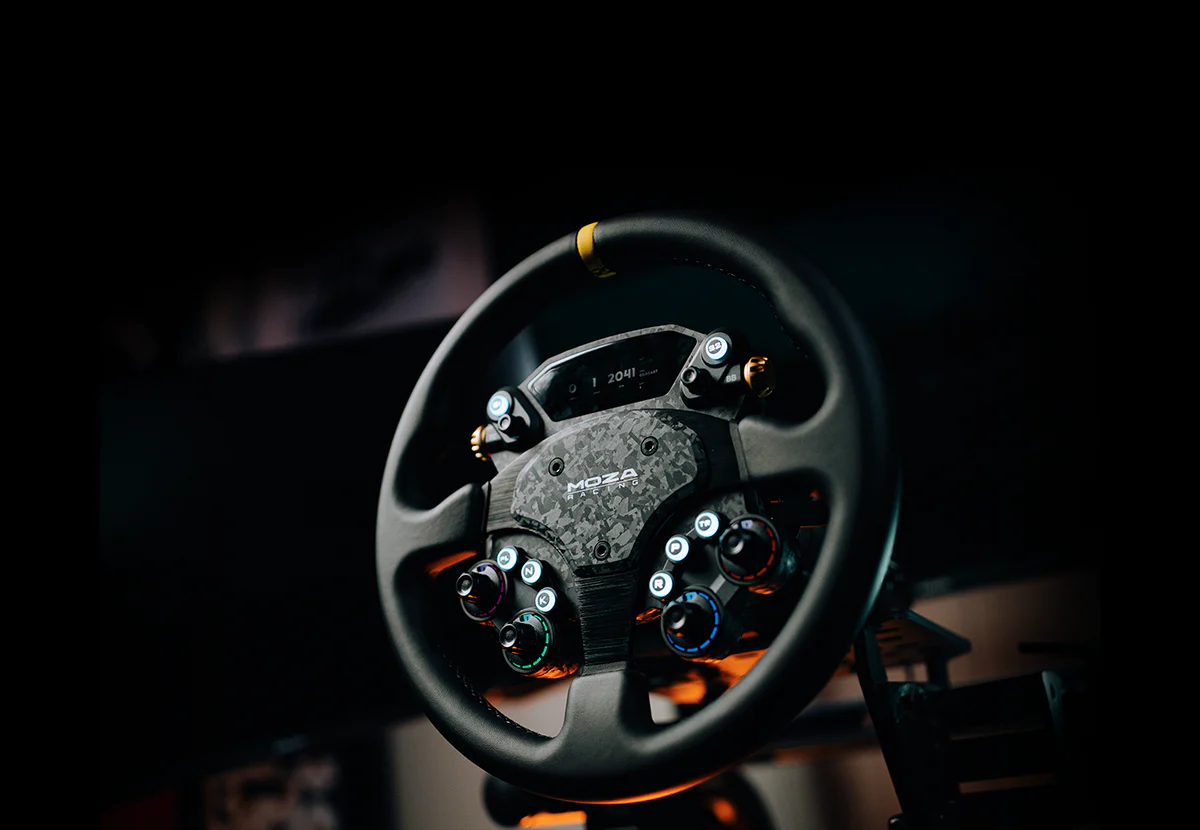
MOZA RS V2 Racing Wheel: A real-world GT-style leather wheel with a forged carbon button box, magnetic shifters and dual clutch.
Turtle Beach VelocityOne F-RX Formula Wheel: Built for formula-style control with mechanical switches, rotary dials, magnetic shifters, and tunable clutch paddles.
Simucube Tahko GT-21 Wireless Racing Wheel: A premium wireless GT wheel for Simucube bases, dual adjustable magnetic paddles with a 7-way switch.
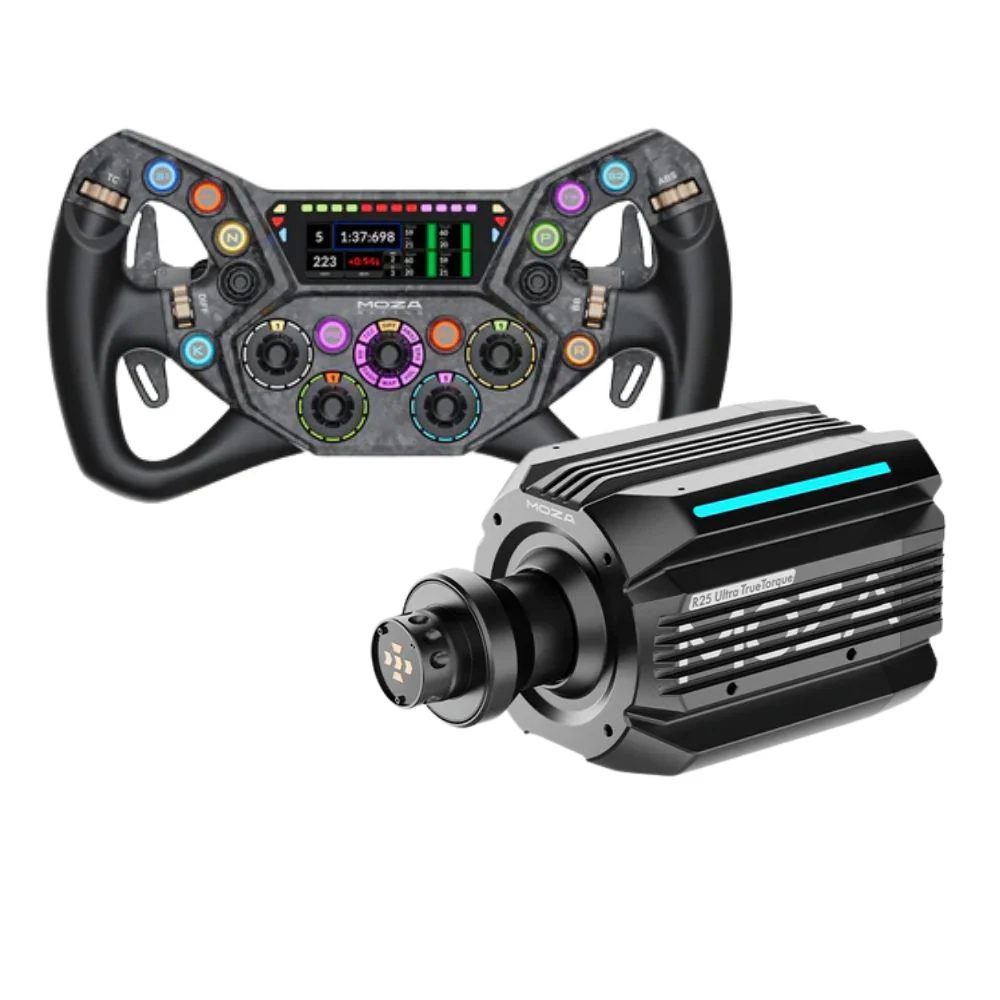
MOZA Racing’s flagship wheels focus on modularity and high torque, while Simucube balances affordability with advanced features. For those chasing peak realism, the MOZA R25 Ultra True Torque Bundle offers top-tier direct drive performance and unmatched customisation.
Choosing a sim racing steering wheel from these models means you’re getting cutting-edge tech, realistic feedback, and compatibility with the latest sim titles. It’s about finding the feel and features that suit your style.
Wondering how much you’ll need to invest in a sim racing steering wheel? Here’s what to expect:
Entry-level ($200–$400): Good for beginners, with decent force feedback and basic materials. You’ll get reliability but miss out on advanced features.
Mid-range ($400–$800): The sweet spot for most, offering better build quality, more buttons, and stronger feedback. Expect a balance of price and performance.
High-end ($1,000+): Premium materials like carbon fibre, advanced direct drive systems, and pro-level customisation. These wheels are built for heavy use and serious immersion.
On average, Aussie sim racers spend about $600 on their sim racing steering wheel. Remember, value isn’t just about the price tag—it’s about durability, upgrade options, and the overall experience you get over time.
So, whether you’re just starting out or looking to upgrade, knowing what you can expect at each price point helps you make a smart choice for your sim racing adventures.
If you’re a first-timer or a seasoned sim racer, following the right steps will make all the difference.
Let's break down the process so you can get racing faster, with less hassle and more confidence.
Step 1: Assess Your Racing Goals and Budget
First things first, think about what kind of racing excites you most. Are you keen on GT, formula, or rally events? Pinning down your favourite discipline helps narrow your choices. Set a budget that covers your immediate needs, but keep a little room for upgrades as your skills grow. The right sim racing steering wheel is an investment in your enjoyment and performance.
Step 2: Select the Right Wheel Type and Features
Once you know your racing style, look for a wheel that's shaped and sized to suit. Formula wheels offer precision and a flat design, while round wheels are great for drifting or rally. Prioritise features that matter most: direct drive force feedback, quality materials, and a button layout that lets you keep your focus on the race. Your comfort and control start here.
Step 3: Check Compatibility and Ecosystem
Now, make sure your chosen sim racing steering wheel works with your gaming platform, whether that's PC, PlayStation, or Xbox. Check for official certifications and look into brand ecosystems. Sticking with one brand, like Gomez Sim Industries or MOZA Racing, can make future upgrades easier. If you're looking for games that fully support your wheel, check out this best sim racing games guide for inspiration.
Step 4: Purchase and Unbox
After you've made your pick, it's time for the fun part: unboxing. Double-check that you've received all components, including the wheel rim, base, cables, and manuals. Take a moment to inspect each part for quality and finish. This is also a good time to read through the quick start guide so you don't miss anything important.
Step 5: Install and Mount Securely
A secure, comfortable setup is crucial for both performance and safety. Attach your sim racing steering wheel to your rig or desk using the right hardware. Adjust the angle, height, and distance so everything feels natural. Good ergonomics mean longer, more comfortable sessions and better lap times.
Step 6: Connect, Update, and Configure Software
Plug your wheel into your PC or console, then install any required drivers or software. Update the firmware to unlock the latest features and compatibility. Spend some time calibrating force feedback and sensitivity settings, so your wheel responds just how you like it. Manufacturer software often lets you fine-tune every detail for maximum immersion.
Step 7: Customise Controls and Test
Now for the final touches. Map out your buttons, rotary encoders, and paddles to match your favourite racing sims. Take a few test laps, tweaking feedback and ergonomics until it feels just right. Dialling in your sim racing steering wheel setup ensures you get the most out of every session, making each race more immersive and rewarding.
Upgrade when your current wheel is limiting your racing, comfort, or controls.
If you’re running out of buttons, it may be time for a more advanced layout. If your hands get sore, try a different rim shape or grip material. If you’ve moved into one main racing style, a specialised sim racing steering wheel may feel better than a general one.
You don’t need to upgrade just because a newer wheel exists. Upgrade when the change solves a real problem in your setup.
That could mean moving from a basic round wheel to a GT wheel, from a GT wheel to a formula wheel, or from a wired setup to a cleaner ecosystem with stronger software control.
The best sim racing steering wheel is the one that matches your racing style, platform, wheelbase, cockpit, and comfort preferences.
For most drivers, a GT-style wheel is the best starting point because it works across many racing titles and feels natural during longer sessions. Formula racers should choose a compact wheel with strong paddle access and useful controls. Rally and drift drivers should choose a round wheel for better hand movement.
From our hands-on testing at the Gamer Gear Direct Dandenong South showroom, the biggest lesson is simple: don’t choose a sim racing steering wheel from specs alone. Check how it feels, how it mounts, how the controls sit under your hands, and how well it fits into your wider rig.
For your next upgrade, start with sim racing steering wheels, then check direct drive wheelbases, sim racing pedals, racing simulator cockpits, and complete racing simulator packages so the whole setup works together.
This guide was written and reviewed by the Gamer Gear Direct team using hands-on product testing, customer setup support, and experience from our Dandenong South showroom. We test sim racing wheels, wheelbases, pedals, shifters, handbrakes, and cockpits to help customers choose gear that suits their platform, racing style, budget, and long-term setup plans.