







Sim Racing Setup Guide: Master Your Home Track in 2026
|
|
Want to race like a pro from your lounge room? The right sim racing setup can make all the difference.
Sim racing has taken Australia by storm, and by 2026, more Aussies than ever are chasing that ultimate home track experience. Whether you’re a newcomer or already chasing podiums, the right sim racing setup will completely transform how you drive, feel, and compete.
This guide is your ticket to mastering your own home circuit. We’ll cover everything you need to know, from choosing top-notch hardware and nailing cockpit ergonomics, to optimising your display, audio, and even advanced upgrades. If you’re craving an immersive, pro-level racing adventure, you’re in the right place—let’s get your sim racing setup sorted!
Keen to get the most out of your sim racing setup? Picking the right hardware is where the fun really begins. Whether you dream of conquering Bathurst or just want a realistic Sunday drive, matching your gear to your ambitions (and budget) is the first step to creating an immersive experience.
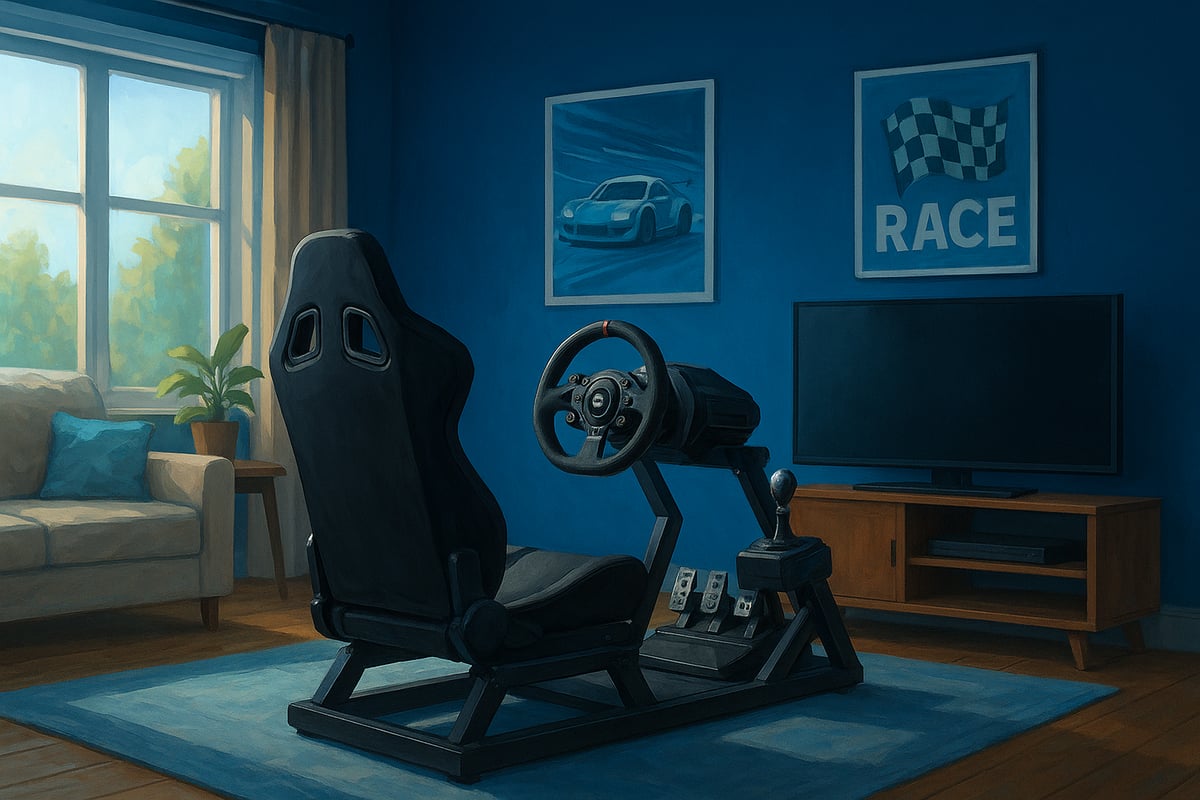
Before you dive into your sim racing setup, ask yourself: What type of racing excites you most? F1, GT, rally, or maybe oval track action? Your answer shapes which gear you should prioritise.
Budget also plays a big role. Entry-level setups are perfect if you’re just dipping your toes in, while pro-grade kits suit those chasing realism and ultimate performance. In Australia, popular brands like Logitech, Thrustmaster, Fanatec, and Simucube cater to every price range.
Compatibility matters too. Choose hardware that works with your platform, whether you’re on PC, PlayStation, or Xbox. For example, a Logitech G923 bundle is a reliable entry point, but if you’re after something with more punch, a direct drive system might be worth the investment. For a deep dive into matching your hardware to your goals, check out the Full racing simulator setup guide.
The heart of any sim racing setup is the wheel and pedal combo. You’ll find gear-driven wheels (affordable and reliable), belt-driven wheels (smoother, quieter), and direct drive wheels (maximum realism and force feedback).
Pedals come in two-pedal and three-pedal sets. If you want the most lifelike braking, look for load cell technology, which mimics real car pedal pressure. Shifters are another choice: H-pattern for classic cars, sequential for rally and modern racers.
Here’s a quick comparison of wheel types:
| Type | Price Range | Feel | Upgrade Path |
|---|---|---|---|
| Gear-driven | Low | Basic | Limited |
| Belt-driven | Mid | Smooth | Good |
| Direct drive | High | Realistic | Excellent |
Many Aussie racers start with a solid mid-tier pedal set, then upgrade as their skills grow. It’s a flexible way to future-proof your sim racing setup.
Your sim racing setup is only as good as the rig holding it together. There are wheel stands for flexibility, foldable frames for tight spaces, and full cockpits for maximum stability.
Rigidity is critical. A wobbly frame can sap your force feedback and dull pedal feel. Adjustability also matters, especially if you share your setup or swap cars often.
In Australia, options range from entry-level Playseat models to robust aluminium cockpits from Trak Racer. Playseat rigs are great for beginners, while Trak Racer offers pro-level stability and customisation. Remember, a stable rig transforms your sim racing setup, letting you feel every bump and kerb just like the pros.
Getting your cockpit ergonomics right is the secret sauce that separates a casual sim racing setup from a truly immersive experience. Think about it: if you’re not comfortable, you can’t perform at your best. Let’s break down how to fine-tune every detail, so your sim racing setup feels like it was custom built just for you.
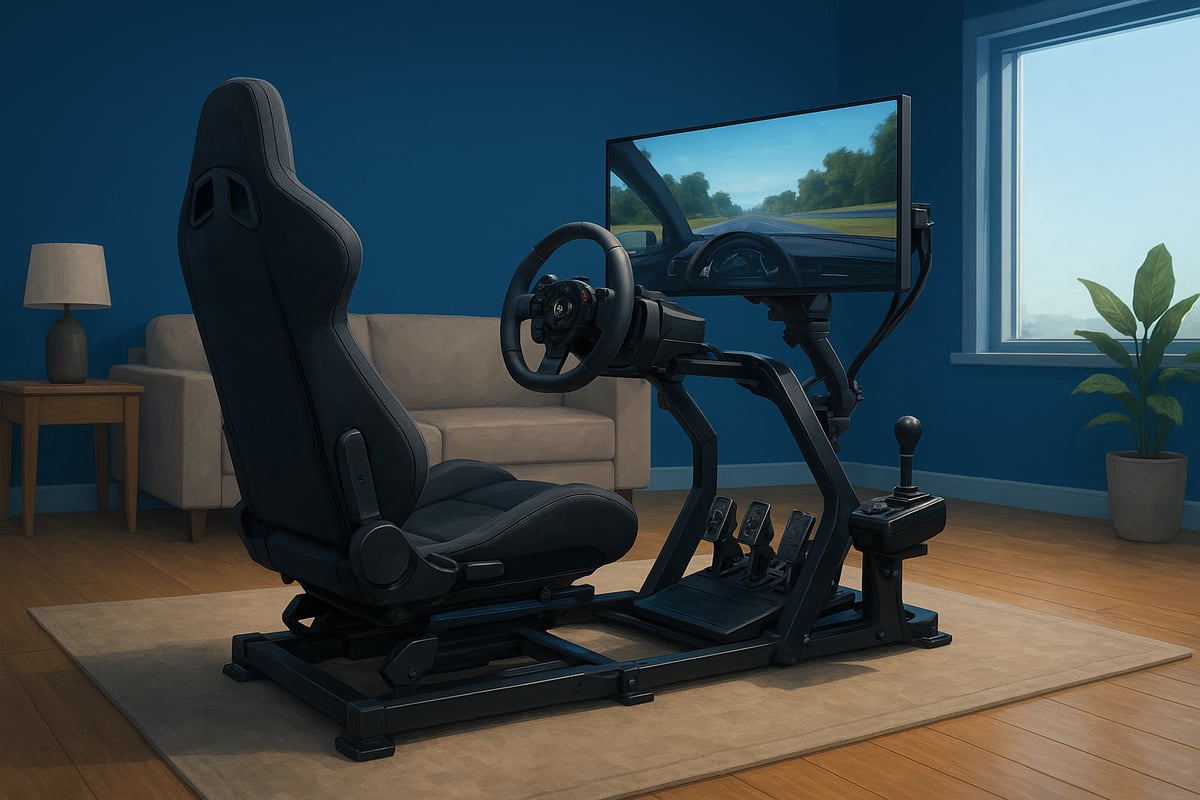
Your seat is the foundation of your sim racing setup. Getting the position right is vital for both endurance and realism. Start by finding a seat height that lets your knees bend comfortably, with your feet able to rest flat on the pedals.
Adjust the seat tilt so your hips and back are supported, not slouched. The distance from the pedals should let you fully press them without stretching. Want to mimic real motorsport? F1 setups use a reclined, low-slung seat, while GT positions are more upright and relaxed. Matching your seat style to your preferred racing discipline can completely change how your sim racing setup feels.
Once your seat is dialled in, focus on wheel and pedal placement in your sim racing setup. The wheel should sit at chest height, close enough that your arms are slightly bent when gripping it. This positioning helps with control and reduces fatigue.
Pedal angle and spacing matter too. Aim for a natural foot movement, like you’re driving a real car. Tweak the pedal board so your feet don’t have to reach or twist awkwardly. Fun fact: Many sim racers in Australia report shaving 0.2 to 0.5 seconds off their lap times after optimising their sim racing setup ergonomics.
A versatile sim racing setup should be easy to adjust, especially if multiple people use it or you switch between car types. Quick-release mechanisms on wheels and seats, plus sliding rails, allow for rapid changes without fuss.
For families or shared spaces, look for rigs that support fast adjustments. Dedicated single-user setups can be tailored for just one body type, but if you share, flexibility is key. This way, your sim racing setup is always ready for anyone to jump in and drive.
Good ergonomics in your sim racing setup isn’t just about comfort, it’s about staying healthy. Lumbar support and quality seat padding help prevent back pain during long sessions. Maintain an upright posture with shoulders relaxed and wrists straight.
Take regular breaks to avoid repetitive strain injuries. If you want to dive deeper into the science of posture and biomechanical stressors, the Sim Racing Ergonomics and Interventions Course offers practical tips for keeping your sim racing setup safe and sustainable. A few tweaks today can mean more laps, less pain, and a lot more fun tomorrow.
Ready to take your sim racing setup to the next level? The right display and audio choices can transport you straight onto the track, making every lap feel real. Let’s break down your options so you can build a truly immersive sim racing setup at home.
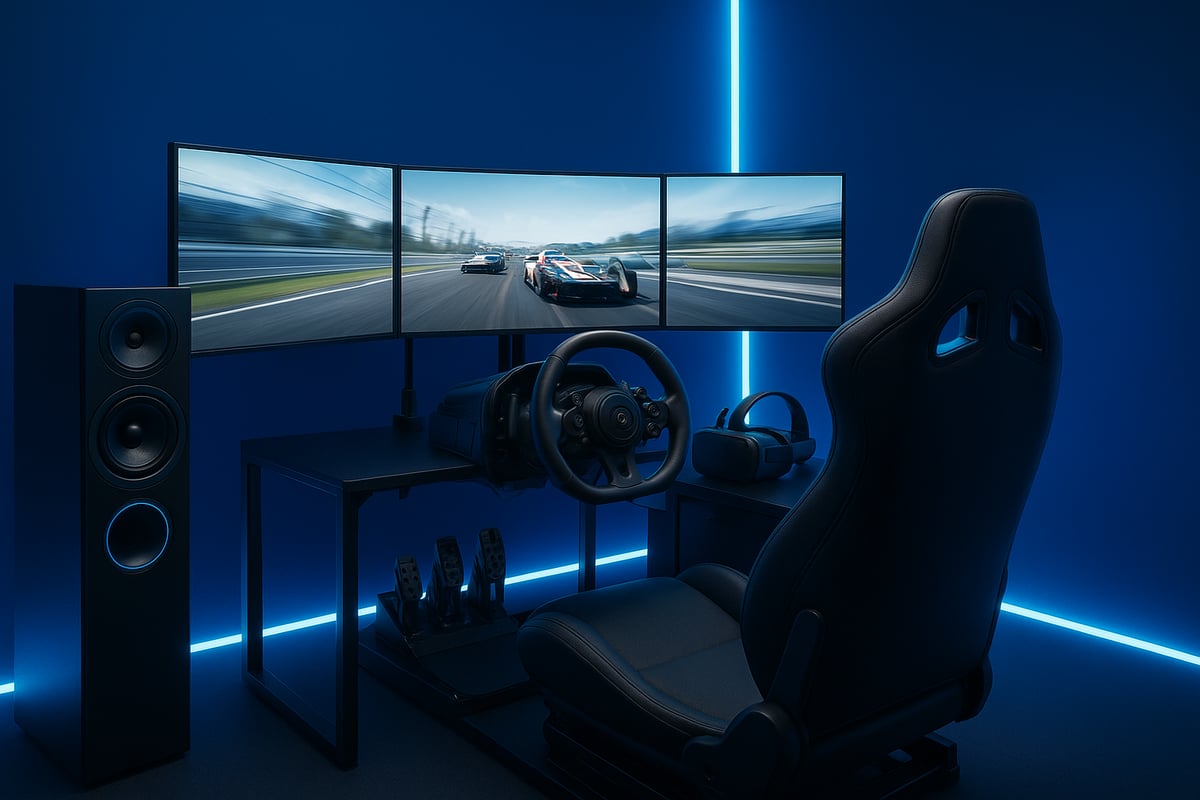
Choosing between monitors and VR for your sim racing setup? Both have unique strengths. Triple monitors are a classic choice, offering wide field of view and easy access to controls. They’re popular for competitive sim racing because you can see your mirrors and dash at a glance.
VR headsets, on the other hand, deliver unmatched immersion. You’ll feel like you’re truly inside the car. However, some racers experience motion sickness, and you’ll need a powerful PC to run VR smoothly. Want to explore VR further? Check out the Ultimate guide to VR sim racing for a deep dive into the best gear and tips.
Screen size and placement can make or break your sim racing setup. For single monitors, aim for at least 32 inches and position it so your eyes are level with the centre of the screen. Triple setups should wrap around your cockpit for that panoramic feel.
Proper field of view (FOV) is crucial. Adjust your in-game FOV settings to match your monitor distance and size. Studies show getting this right can help you drive more consistently and improve lap times.
Sound is often overlooked in a sim racing setup, but it’s key for immersion and performance. Quality speakers give you room-filling engine noise, while surround sound can help pinpoint other cars on track. Many racers prefer headsets for clear audio cues and team communication.
Want even more realism? Try haptic vests or bass shakers connected to your sim racing setup. These let you feel the rumble of the track and the feedback from every kerb.
A great sim racing setup isn’t just about hardware — your environment matters too. Block out sunlight with blackout curtains to reduce glare on your screens. Use soundproofing to keep out household noise and help you focus.
Keep your space tidy with good cable management. Every little detail helps you stay in the zone and get the most out of your sim racing setup.
Ever wondered what separates casual racers from the pros in a sim racing setup? The answer often comes down to your software, calibration, and how you use data. Getting these elements right can transform your experience, letting you extract every bit of realism and performance from your gear.
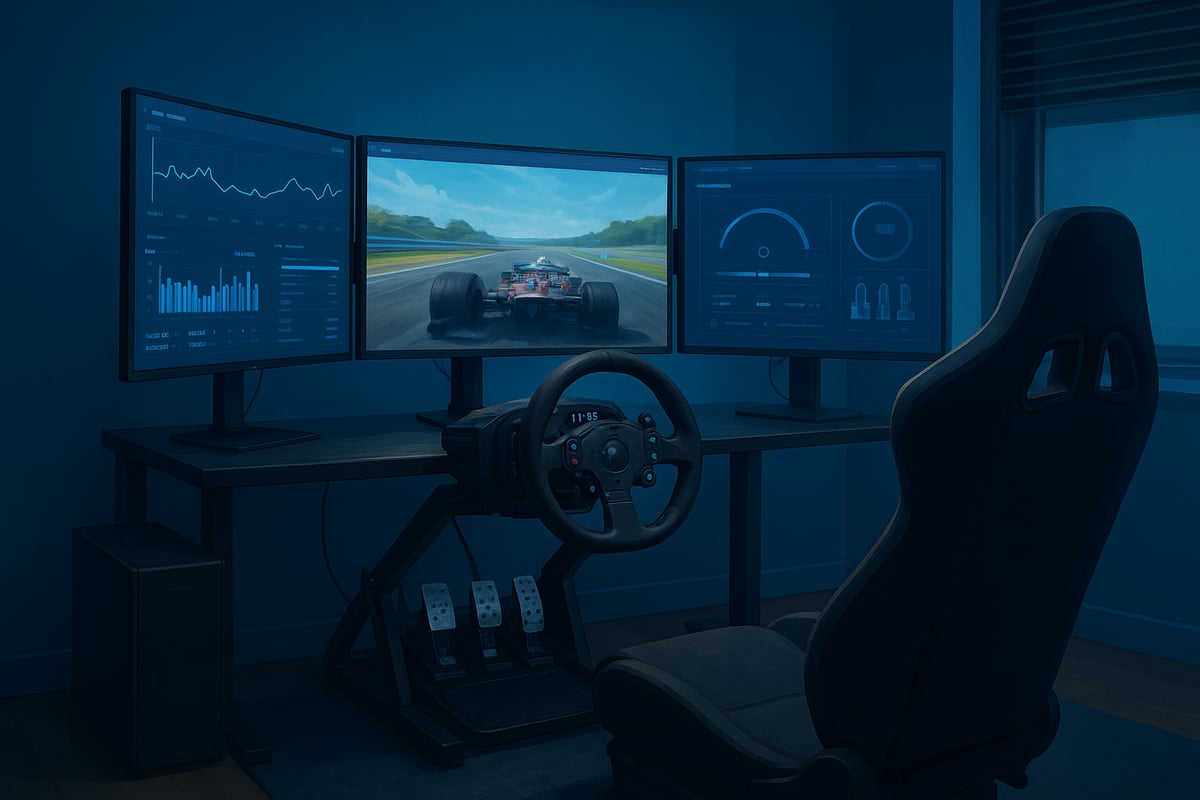
Choosing the right platform is the backbone of any sim racing setup. In Australia, leading options include iRacing, Assetto Corsa, rFactor 2, and Gran Turismo. Each offers unique strengths, from iRacing's robust online leagues and Australian servers to Assetto Corsa's flexible modding scene.
Here's a quick comparison:
| Platform | Physics Realism | Online Play | Mod Support | Local Servers |
|---|---|---|---|---|
| iRacing | High | Excellent | Limited | Yes |
| Assetto Corsa | Moderate-High | Good | Extensive | No |
| rFactor 2 | High | Good | Good | No |
| Gran Turismo | Moderate | Good | Limited | No |
If you want to develop advanced skills, you might explore tools like the Cyber Racing Coach: Haptic Shared Control Framework, which uses haptics to teach better driving habits. Your sim racing setup can really shine when paired with the right software for your goals.
Once your sim racing setup is ready, calibration is essential. Start by following your wheel and pedal manufacturer's calibration guide. Usually, this involves:
Proper calibration ensures your inputs are accurate and consistent. For different cars or tracks, tweak force feedback to avoid overcorrection and improve control. Many sim racers notice fewer mistakes and steadier lap times after taking calibration seriously.
If you're upgrading or using haptic controls, calibration becomes even more important. A well-tuned sim racing setup feels natural, responsive, and immersive.
Fine-tuning your in-game settings is where your sim racing setup becomes uniquely yours. Prioritise graphics settings that keep frame rates high, especially in fast-paced racing. Lowering non-essential details can boost performance without sacrificing immersion.
Audio is just as critical. Adjust engine, tyre, and opponent volumes so you don't miss crucial cues. Map your controls to a custom button box if you have one, allowing quick changes mid-race.
HUD customisation can declutter your view, helping you focus. The more you tailor these settings, the more comfortable and competitive your sim racing setup will feel.
Want to push your sim racing setup to the next level? Dive into telemetry. Software like MoTeC or iRacing's built-in tools let you analyse speed, braking points, and steering input.
Pay attention to:
Compare your laps against faster drivers to spot where you can improve. Many top racers use telemetry to consistently shave tenths off their times, proving that data-driven tweaks can make all the difference in your sim racing setup.
Creating the perfect environment for your sim racing setup is about more than just squeezing your rig into a spare corner. The right space transforms your experience, making every lap feel like the real thing. Let’s look at how you can build a home track that’s as functional as it is inspiring.
First things first, how much space do you actually need for a sim racing setup? You’ll want at least 1.5 x 2 metres for a basic rig, but more if you’re eyeing a full cockpit or triple monitor stand. Think about where your rig will live — is it a shared lounge, a study, or maybe a dedicated sim cave?
Here’s a quick comparison:
| Setup Type | Minimum Space Needed | Best For |
|---|---|---|
| Compact Wheel Stand | 1 x 1.2 m | Apartments, shared rooms |
| Full Cockpit | 1.5 x 2 m | Dedicated sim spaces |
| Triple Monitor Setup | 2 x 2.5 m | Immersive home tracks |
Plan for enough room to move around your sim racing setup, and don’t forget space for monitor stands and airflow. A cramped space can make even the best gear feel awkward.
Ever tried racing with sunlight glaring off your screen? It’s a nightmare. For your sim racing setup, aim for soft, indirect lighting that you can control. Blackout curtains work wonders for blocking out the Aussie sun, and adjustable LED strips can add serious atmosphere.
Climate matters too. Sim racing sessions can get sweaty, especially in summer. Good airflow keeps you and your hardware cool, so consider a quiet fan or even air conditioning if your space allows. Overheating hardware can shorten its lifespan, and nobody wants to cut a race short because of a hot seat.
Nothing ruins the vibe of a sim racing setup like a tangle of cables underfoot. Not only does it look messy, but it’s also a tripping hazard. Use cable sleeves, clips, and floor covers to keep everything tidy and safe.
Here are some quick tips:
A neat setup isn’t just about looks, it helps you focus on racing, not on dodging stray cords.
Now for the fun part — making your sim racing setup feel truly yours. Hang up some racing posters, display a model car, or add a splash of your favourite team’s colours. Even small touches can boost motivation and make each session more enjoyable.
A dedicated space can help you get into the racing mindset. Whether it’s a full room or a corner of your lounge, surround yourself with things that inspire you. A personalised environment isn’t just good for your mood, it can actually help you perform better on track.
Ready to push your sim racing setup to the next level? Advanced upgrades can transform your driving experience from impressive to unforgettable. Let’s dive into the options that will keep your rig ahead of the game for years to come.
Ever wondered what it would feel like to actually sense every bump and kerb? Motion platforms and haptic feedback add a dynamic layer to your sim racing setup. Entry-level options like seat movers or tactile transducers give you a taste of real-world motion by vibrating or shifting your seat during braking and acceleration.
If you want full immersion, advanced motion cockpits replicate the g-forces of racing. While these upgrades can be pricey, they offer unmatched realism and excitement. Weigh up your budget, available space, and commitment before diving in, since motion platforms require more maintenance and setup.
Stepping up your sim racing setup often means investing in high-end wheels, load cell pedals, and custom button boxes. Load cell technology in pedals delivers more precise braking, which can seriously improve your lap times. For a deeper dive into the science, check out this Comparative Analysis of Load Cell and Hall-Effect Brake Sensors.
A direct drive wheel is another game-changer, offering pure force feedback and a stronger connection to the virtual car. Many Aussie racers start with Logitech gear and eventually move to brands like Simucube for that professional edge. Think of your setup as modular: upgrade when you’re ready, and your rig will evolve with you.
Imagine your sim racing setup responding to your every move. Integrating smart lighting, fans, or even voice assistants can supercharge immersion. For example, you can automate room lighting to match the time of day in your race, or sync fans with your virtual car’s speed for a wind-in-your-hair sensation.
Smart plugs and routines make it easy to control everything from your phone or a simple voice command. It’s a clever way to add a touch of magic to every session and impress your mates when they come over for a race night.
Looking ahead, the sim racing setup landscape is evolving fast. Expect to see AI coaching tools, adaptive force feedback systems, and major leaps in VR quality. Modular rigs will help you swap out parts as tech advances, so you’re never left behind.
Australian sim racing communities are already embracing these changes, sharing tips and reviews on the latest gear. Stay active in those groups, and your setup will always be on the cutting edge.


