

7 Race Car Simulator Features We Test Before Recommending a Setup
|
|
A race car simulator can look impressive in photos, but the real test starts once you sit in the cockpit, brake hard, turn in, and feel how the whole setup responds. At Gamer Gear Direct, we've tested simulator setups through our Dandenong showroom and found that the best results don't come from one expensive part. They come from the way the cockpit, wheelbase, pedals, screen setup, software, and seating position work together.
This guide breaks down the seven race car simulator features we look for before recommending a setup. It’s written for drivers comparing their first rig, upgrading from a desk setup, or planning a more complete home simulator with sim racing cockpits, direct drive wheelbases, load cell pedals, triple monitor stands, and motion simulators.
When we assess a race car simulator, we look beyond the spec sheet. We check how much the frame flexes under braking, how clearly the wheelbase communicates tyre grip, how easy the pedals are to control, and how natural the seating position feels after a longer session.
Our team also looks at installation and ownership details. A setup can feel great for ten minutes and still be frustrating to live with if cable routing is messy, adjustment is limited, or future upgrades are hard to mount. That’s why our testing process covers rigidity, comfort, compatibility, screen position, driver control, and the upgrade path.
The goal is simple: a race car simulator should give you better control, better feedback, and a more believable driving experience without turning every adjustment into a workshop job.
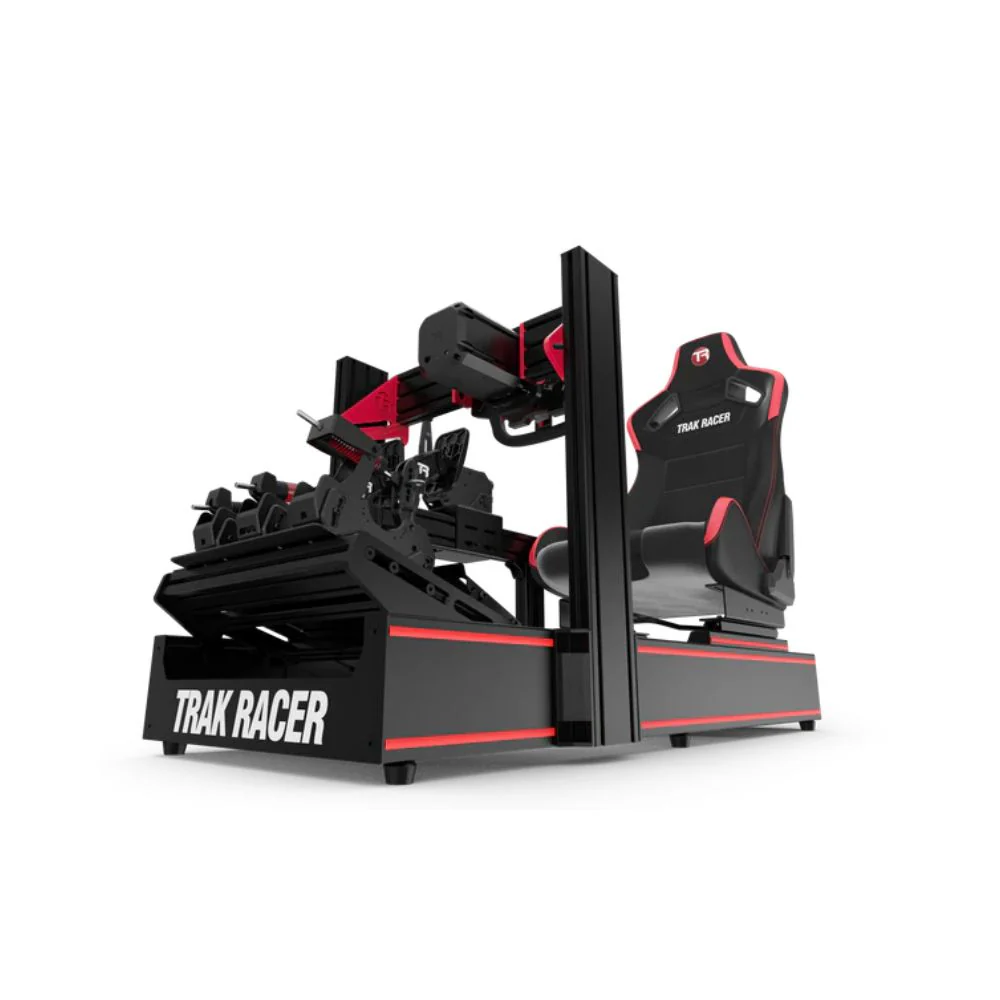
The cockpit is the base of any race car simulator. If the frame moves when you brake or turn, the rest of the hardware can’t perform at its best. We’ve found this is one of the most common issues when customers move from entry-level gear to stronger direct drive systems.
A rigid cockpit gives the wheelbase and pedals a stable platform. Under heavy braking, you want the pedal plate to stay planted. Under fast steering inputs, you want the wheel deck to stay firm. If either part moves, the driver loses precision and the simulator feels less connected.
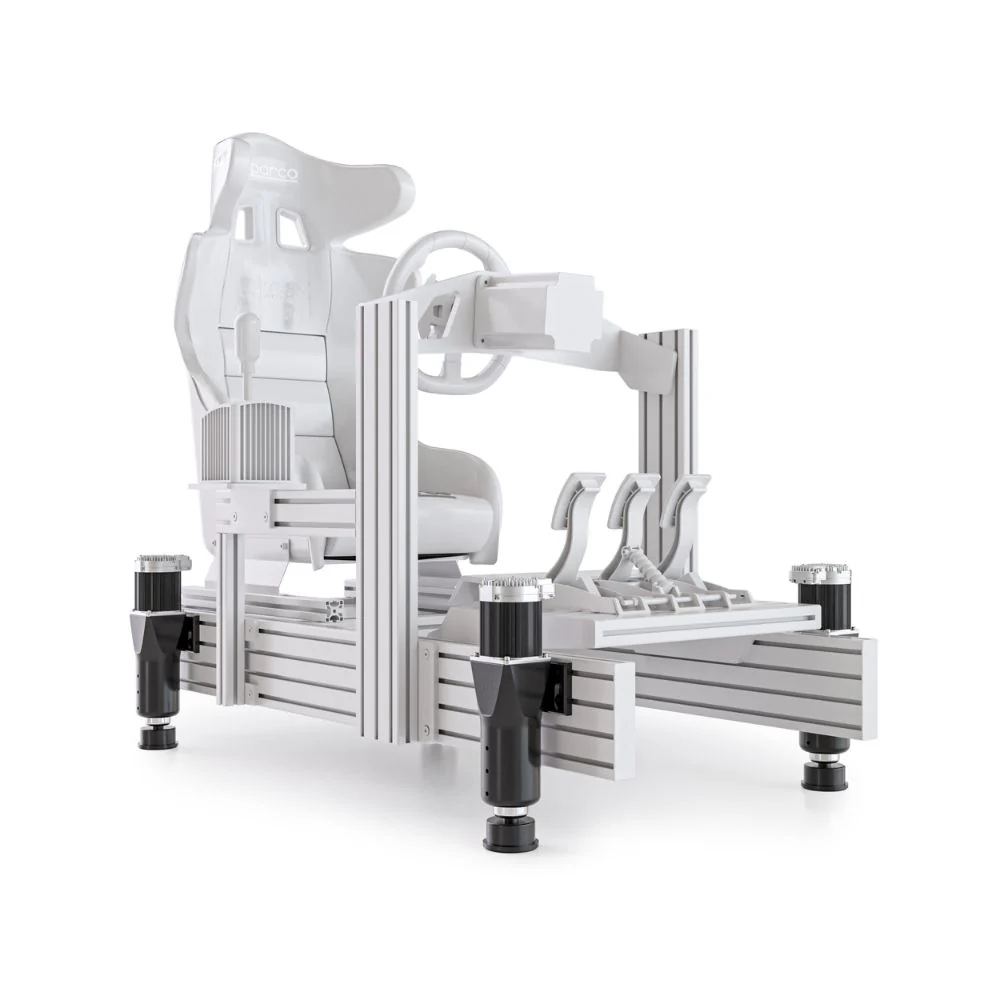
For a beginner race car simulator, a compact frame may be enough. For higher torque wheelbases, load cell pedals, or future motion upgrades, a stronger cockpit is usually the smarter starting point. Aluminium profile rigs are popular because they offer more mounting flexibility, while tubular cockpits can give a clean, compact layout for home users.
What we found in testing: stronger hardware exposes cockpit flex quickly. A wheelbase upgrade can feel underwhelming if the frame can’t handle the force. Before chasing more torque, start with a cockpit that gives the rest of the setup a solid foundation.
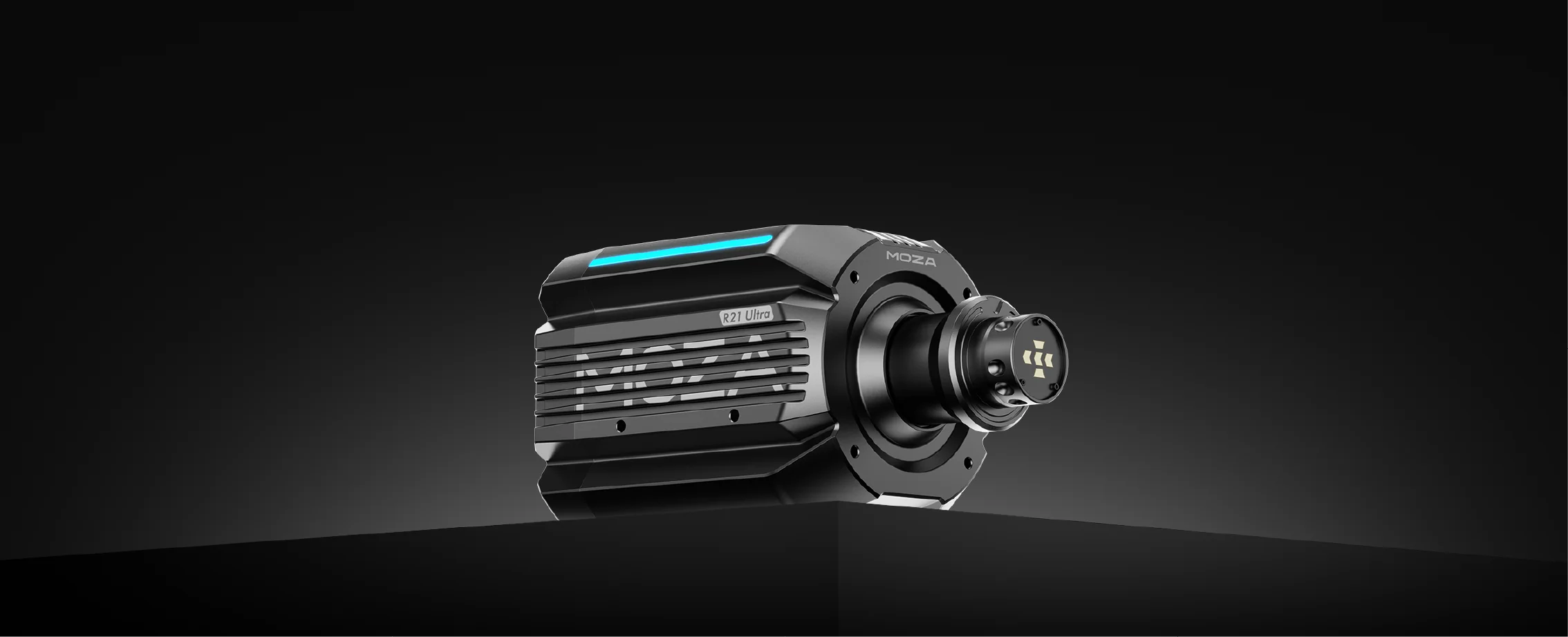
A direct drive wheelbase is one of the biggest changes you can make to a race car simulator. Instead of relying on gears or belts, the steering wheel connects directly to the motor shaft. The result is faster response, stronger force feedback, and more detail through your hands.
During testing, we look at how clearly the wheelbase communicates grip loss, kerb strikes, steering weight, and car balance. Peak torque is only part of the story. Smoothness, response speed, software control, and mounting strength all influence the final feel.
For many drivers, an entry-level direct drive system gives a big improvement without needing an extreme torque figure. More powerful wheelbases can feel fantastic, but only when the cockpit, seating position, and wheel mounting are ready for them.
A race car simulator with a direct drive base can make trail braking, corner entry, and oversteer correction easier to read. It doesn't drive the car for you, but it gives more information at the exact moment you need it.
What we found in testing: the best wheelbase choice depends on the full setup. A moderate direct drive base on a rigid cockpit often feels better than a high-torque base on a flexible frame.
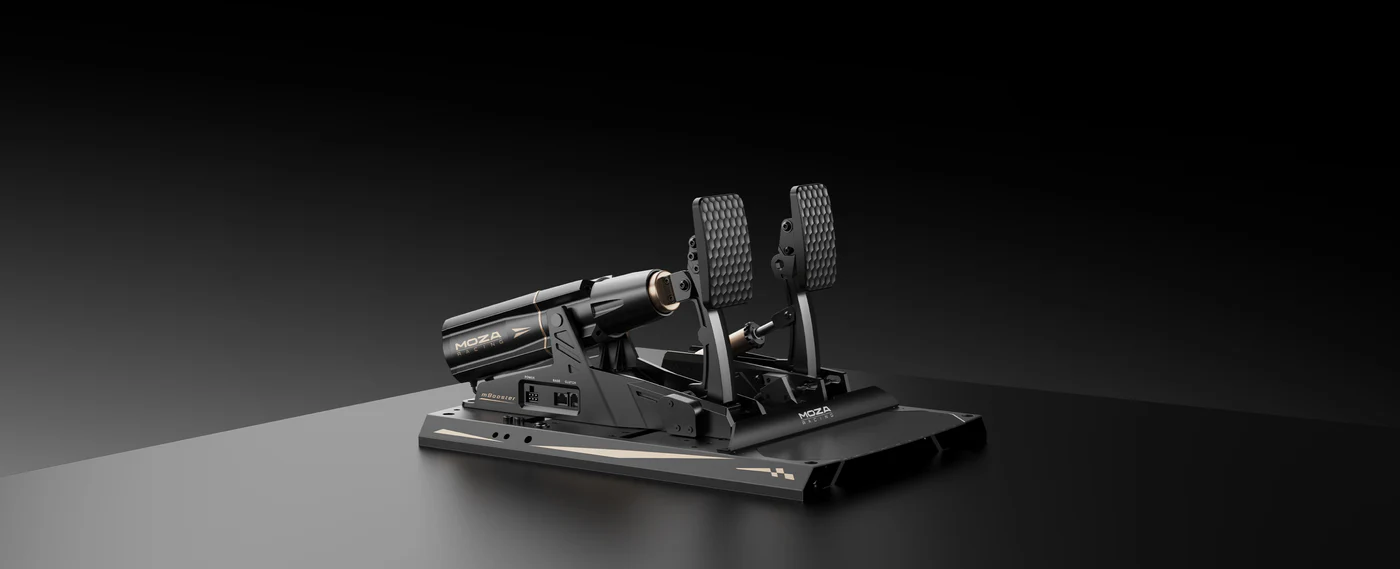
Pedals are often overlooked, but they can change how a race car simulator feels more than many drivers expect. In our testing, brake control is one of the clearest differences between basic pedals and load cell pedals.
A basic brake pedal usually measures movement. A load cell brake measures pressure. That gives the driver a more natural way to build muscle memory because braking becomes less about how far the pedal travels and more about how much force you apply.
For racing, consistency is everything. If you can brake at the same pressure lap after lap, your corner entry becomes more repeatable. You can also spot mistakes faster because the pedal gives a clearer reference point.
A race car simulator with better pedals can feel more controlled even before you upgrade the wheelbase. For drivers chasing lap time, load cell braking is one of the first areas we'd assess.
What we found in testing: customers often notice pedal improvement quickly because braking is used in every lap, every corner, and every car class. Better braking control can make the full setup feel calmer and more predictable.
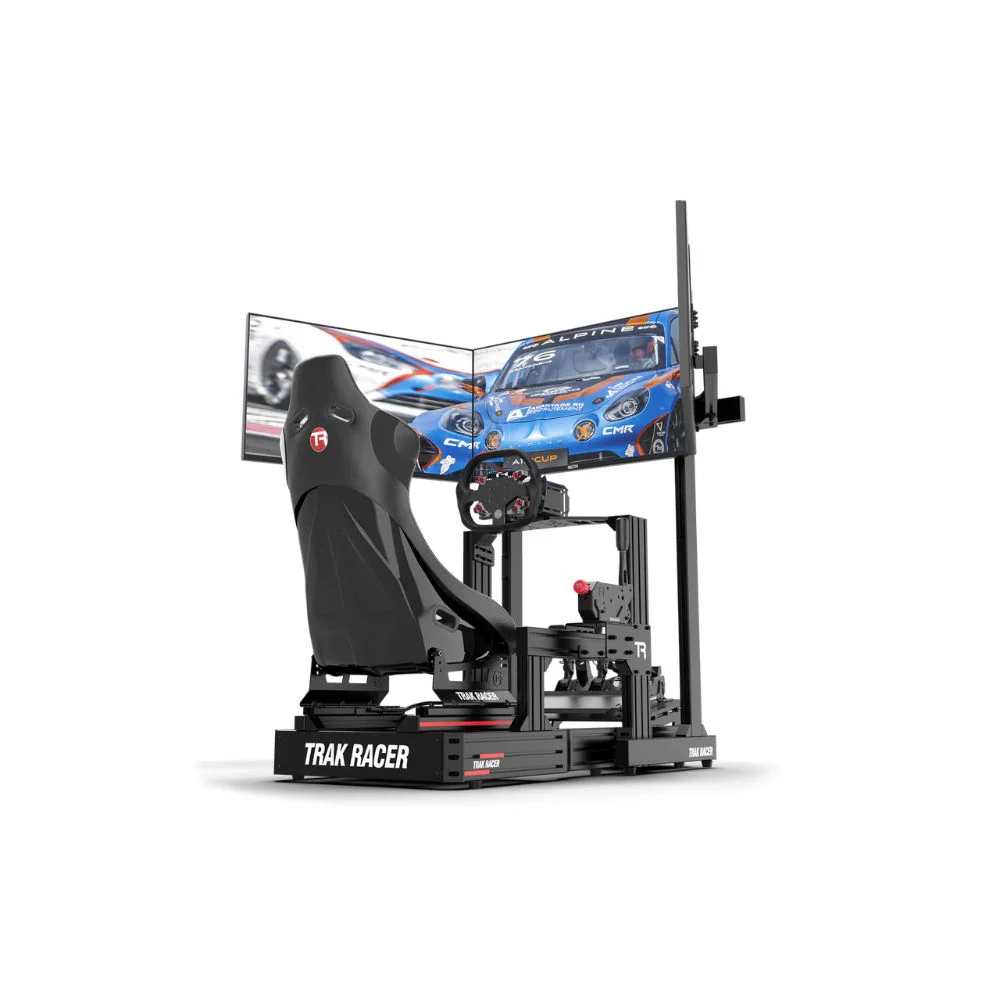
A race car simulator needs clear visibility. If your screen is too far away, too small, too high, or poorly aligned, it becomes harder to judge braking markers, apexes, and traffic around you.
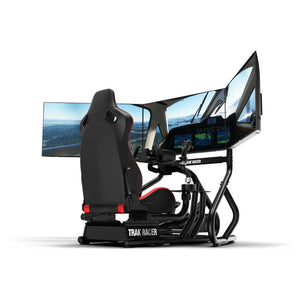
We usually look at four display paths: single monitor, ultrawide monitor, triple monitors, and VR. Each has strengths. A single monitor is simple and space friendly. An ultrawide gives a wider view without the footprint of three screens. Triple monitors improve side vision for racecraft. VR gives the strongest cockpit sensation for many drivers, especially in open-wheel cars.
From our showroom testing, triple monitors are often easier for longer sessions because the driver can still see the wheel, button box, shifter, and room around the rig. VR can feel more immersive, but some drivers find it tiring over longer sessions.
A race car simulator should place the display where the driver naturally looks. The best screen setup is the one that gives clear reference points, stable frame rate, and enough comfort for the sessions you actually run.
What we found in testing: display choice should follow your racing style, room size, PC performance, and comfort. Bigger isn't always better if it creates awkward seating or poor screen alignment.
The software behind a race car simulator controls tyre behaviour, suspension movement, track surface detail, weather, and car setup changes. Good software makes the car feel connected to the road. Poor feedback can make even expensive hardware feel vague.
We assess software by looking at how clearly it communicates grip changes, kerbs, braking zones, throttle input, and surface variation. A detailed physics engine gives the hardware more information to translate through the wheel and pedals.
Track detail also plays a major role. Leading simulator platforms use laser-scanned tracks to recreate bumps, kerbs, cambers, and elevation changes with high accuracy. iRacing says its laser-scanning technology is used to create highly accurate virtual race tracks, and its track catalogue includes officially licensed, laser-scanned circuits.
A race car simulator doesn't need every software title installed, but the platform should suit the type of racing you enjoy. GT racing, Formula-style racing, drifting, rally, oval racing, and casual racing can all place different demands on the setup.
What we found in testing: hardware feels more valuable when the software gives it quality feedback. A rigid cockpit and direct drive wheelbase can reveal surface detail that weaker setups often mute.
A race car simulator should be easy to expand. Many drivers start with a wheel and pedals, then add a shifter, handbrake, button box, stronger wheelbase, better pedals, monitor stand, or motion system later.
Compatibility isn't just about bolt holes lining up. We look at mounting strength, adjustment range, pedal plate angle, wheel deck position, shifter placement, and how cleanly accessories can be added. The setup also needs to suit the driver’s body position, not force the driver to adapt to awkward hardware placement.
This is especially important if more than one person uses the simulator. A good race car simulator should allow seat, pedal, and wheel adjustments without making the whole rig feel loose.
What we found in testing: the best upgrade path starts with the cockpit. If the frame supports stronger hardware, better screens, and accessory mounts, the owner can improve the setup over time without replacing everything.
Explore sim racing accessories if you want to expand your race car simulator with shifters, handbrakes, button boxes, mounts, and cable management options.
Motion can add another layer of realism to a race car simulator, but it needs the right foundation. A motion setup moves the cockpit or seat to simulate acceleration, braking, kerbs, road texture, and chassis movement. Haptic feedback can also add vibration through the seat, pedals, or frame.
In our testing, motion works best when it adds information without distracting the driver. Too much movement can feel dramatic at first, then tiring after longer sessions. Well-set motion gives clear feedback during braking, cornering, and kerb contact without making the car feel exaggerated.
Motion also needs planning. You need enough space around the rig, clean cable routing, and a cockpit that can handle the extra movement. Monitor placement also needs care, especially if you're using a freestanding display setup near an actuator-based rig.
A race car simulator with motion can feel much closer to a real car, but it shouldn't be the first upgrade for everyone. Most drivers should build a stable base first, then add motion once the cockpit, wheelbase, pedals, and screen setup are already performing well.
What we found in testing: motion gives the best result when it's tuned for control, not theatre. The aim is better feedback, not just more movement.
Explore motion simulators if you're planning a race car simulator with chassis movement, haptic detail, or advanced training feedback.
Different drivers need different priorities. A beginner may get better value from a stable cockpit and reliable wheel-and-pedal bundle than from a complex motion platform. A GT driver may care more about load cell braking, triple monitors, and an upright seating position. A Formula-style driver may want a lower seating angle, formula wheel, and close screen placement.
For console users, compatibility should come first. Check that the wheelbase, pedals, shifter, and accessories work with your platform before choosing the cockpit. For PC users, there’s usually more flexibility, especially when mixing hardware brands.
For longer sessions, comfort becomes more important than many drivers expect. Seat angle, pedal distance, wheel height, and screen position all affect consistency. If the driver feels cramped or stretched, lap times usually become less repeatable.
A race car simulator should match the user, not just the spec sheet. The right setup for casual weekend racing may be very different from a setup built for online leagues, endurance racing, drifting, or motion use.
Explore racing simulator bundles if you want a more complete race car simulator package without choosing every part separately.
Spending too much on the wheelbase and not enough on the cockpit. A strong wheelbase needs a stable mount. If the frame flexes, the driver won't feel the full detail they paid for.
Ignoring the pedals. A race car simulator can have impressive steering feedback and still feel hard to control if the brake pedal is vague or inconsistent.
Choosing a screen setup without checking room space. Triple monitors can give excellent visibility, but they need width, alignment, and a suitable stand. VR saves space, but comfort varies by driver.
Skipping compatibility checks. Wheelbase mounts, pedal plates, shifter mounts, console support, PC software, and future accessories should all be reviewed before buying.
Building only for today. A race car simulator often grows over time. Planning for future upgrades can save money and frustration later.
Before choosing a race car simulator, check the cockpit rigidity, wheelbase mounting, pedal feel, display position, seating comfort, platform compatibility, accessory mounting, cable routing, and upgrade path.
You don't need the most expensive setup to get a convincing driving experience. You need parts that work together. A rigid cockpit, consistent pedals, clear steering feedback, and a comfortable display setup can deliver a better result than chasing one headline spec.
At Gamer Gear Direct, our team has tested race car simulator setups through real showroom use, customer feedback, compatibility checks, and hands-on configuration. The best recommendation starts with how you race, where the simulator will go, and how far you want to upgrade later.
A race car simulator is no longer just a wheel and pedals in front of a screen. The best setups combine cockpit strength, direct drive feedback, load cell braking, clear visibility, accurate software, upgrade flexibility, and motion options into one connected driving system.
If you’re building your first race car simulator, start with the base: cockpit, pedals, wheelbase, and display. If you're upgrading, look for the weakest link in your current setup before replacing parts at random. The right race car simulator should feel controlled, comfortable, and easy to grow as your racing goals change.