






Simucube 2 Pro: Is It The Ultimate Direct Drive Wheel?
|
|
The Simucube 2 Pro is one of the most serious direct drive wheel bases we've tested for high-end sim racing builds. Our team at Gamer Gear Direct has tested the Simucube 2 Pro at our Dandenong showroom, focusing on the areas that matter most once it's mounted, configured, and pushed hard: force feedback detail, torque control, cockpit stability, TrueDrive setup, and long-session comfort.
This review breaks down what we found, where the Simucube 2 Pro shines, where it may be too much wheel base for some drivers, and who should consider it for a serious PC sim racing setup.
It's not cheap, and it's not the best starting point for every racer. But after testing it in a proper showroom setup, it's easy to see why so many experienced sim racers treat it as a premium benchmark.
We didn't review the Simucube 2 Pro from a spec sheet alone. We tested it the way a serious sim racer would actually use it: mounted to a rigid cockpit, connected to a PC, adjusted through TrueDrive, and driven through different racing scenarios.
During testing, we focused on five practical questions:
Does the force feedback feel detailed, controlled, and usable?
Does the extra torque headroom improve the driving experience?
How much does cockpit rigidity affect the result?
How difficult is the Simucube 2 Pro to set up through TrueDrive?
Who should spend this much on a direct drive wheelbase?
That last question matters most. A powerful wheel base only makes sense if the rest of your setup can support it. The Simucube 2 Pro can expose weak points fast, especially in the cockpit, wheel deck, and mounting hardware.
The first thing we noticed was clarity. The Simucube 2 Pro feels controlled and clean when it's mounted to a strong cockpit. Kerb strikes, tyre load, understeer, rear rotation, and small road details come through with more separation than you get from lower-end systems.
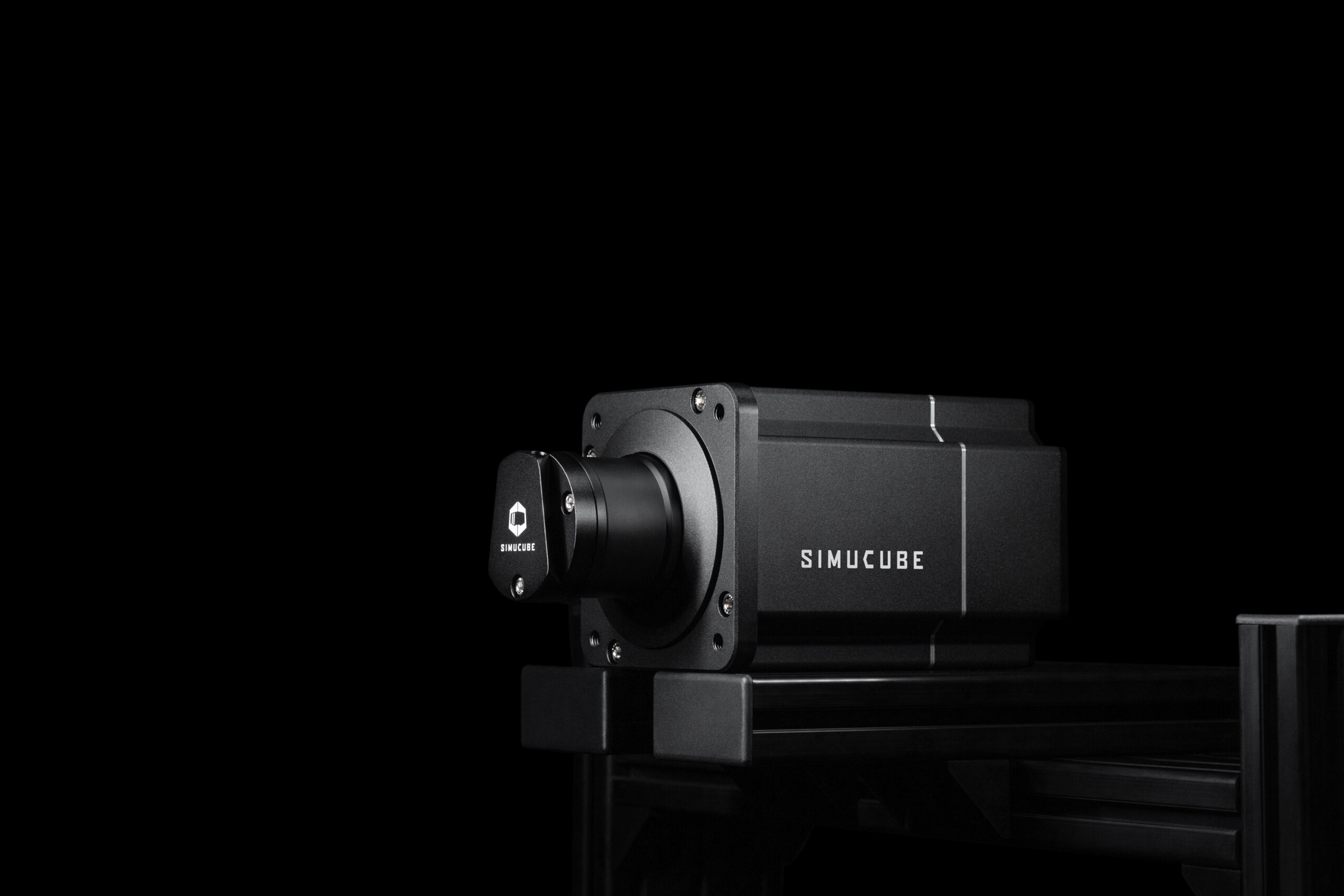
Officially, the Simucube 2 Pro is listed with 25 Nm of max torque, an 8.0 Nm/ms max torque slew rate, a 22-bit absolute angle sensor, wireless wheel support, torque reconstruction processing, static force reduction, and natural damping, inertia, and friction filters.
The current official listing also shows a 130 x 130 x 270mm wheel base size including SQR, 11.1 kg wheel base weight, four M8 threaded mounting holes, and an R2 1 x 450 W peak power supply.
Those numbers matter, but they don't tell the whole story. The real value of the Simucube 2 Pro is how much detail it can deliver without feeling messy, vague, or overly aggressive once it's set up properly.
Specification |
Simucube 2 Pro |
|---|---|
Drive system |
Direct drive |
Max torque |
25 Nm |
Max torque slew rate |
8.0 Nm/ms |
Angle sensor |
22-bit absolute |
Wireless wheel support |
Yes |
Torque reconstruction processing |
Yes |
Static force reduction |
Yes |
Natural damping, inertia, and friction filters |
Yes |
Wheel base dimensions including SQR |
130 x 130 x 270 mm |
Wheel base weight |
11.1 kg |
Mounting holes |
4 x M8 threaded holes |
Power supply |
450W peak |
The Simucube 2 Pro is strongest when you stop thinking about torque as the main feature. Yes, 25 Nm is powerful. Most drivers won't run it anywhere near maximum force for normal racing. The bigger benefit is headroom.
With extra headroom, the wheelbase can communicate smaller forces and heavier loads without everything feeling compressed. During testing, that made the Simucube 2 Pro feel especially strong through fast corners, kerbs, braking zones, and moments where the rear of the car started to rotate.
The detail also feels cleaner than many lower-powered systems. You can feel a clearer difference between front-end load, kerb vibration, and slip. That makes the wheel base useful for drivers who want to catch slides earlier, manage grip more carefully, and drive with more confidence over longer sessions.
The biggest warning from our testing is simple: don't put the Simucube 2 Pro on a weak rig. If the wheel deck flexes, you lose some of the precision you're paying for. The wheel base can still feel strong, but the detail gets absorbed by the frame.
TrueDrive is a major part of the Simucube 2 Pro experience. It's where you adjust how the wheel base responds, how smooth or sharp the feedback feels, and how much assistance or filtering you want in the signal.
Reconstruction filtering can smooth the simulator signal, torque bandwidth can reduce high-frequency detail, and static force reduction can reduce sustained static load after a short period.
Our recommendation is to start conservative. Use a known profile, keep torque at a sensible level, test one change at a time, and avoid chasing maximum force. The best Simucube 2 Pro setup is usually the one that gives you clear information without exhausting your arms or masking small grip changes.
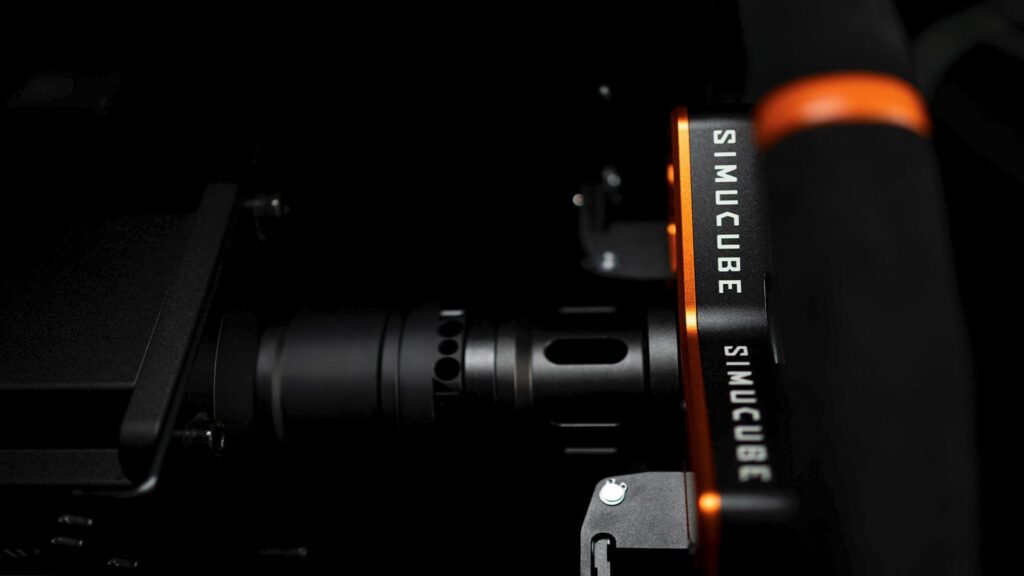
The Simucube 2 wheelbase must always be mounted rigidly to a simulator rig for safety, and Sport and Pro models use 30mm M8 bolts with 1.25mm thread pitch and M8 flat washers for front mounting.
That matches what we found in the showroom. The Simucube 2 Pro should be installed on a rigid aluminium profile cockpit or a strong sim racing cockpit with a reinforced wheel deck. A lightweight frame or desk-style setup won't let the wheel base perform at its best.
This is why we'd usually recommend planning the cockpit first. If you're upgrading your cockpit, make sure the wheel deck can handle high-torque direct drive forces before you spend heavily on the wheelbase. If the frame moves, shakes, or twists under load, the Simucube 2 Pro can't deliver the precision it's known for.
Here's a question you might be asking: will this work with your existing setup?
The Simucube 2 Pro is remarkably versatile when it comes to compatibility.
Platform Type |
Compatibility |
Notes |
|---|---|---|
PC (Windows) |
Full support |
Primary platform |
iRacing |
Native |
Optimised profiles available |
Assetto Corsa Competizione |
Native |
Full FFB support |
rFactor 2 |
Native |
Advanced telemetry |
Automobilista 2 |
Native |
Complete integration |
F1 Series |
Native |
Works with all titles |
You won't have compatibility issues with any major sim racing title. The wheel base communicates via USB, appearing as a standard game controller to Windows while the TrueDrive software handles all the sophisticated processing in the background.
The 70mm bolt pattern quick release opens up a world of wheel choices. You can mount virtually any aftermarket steering wheel, from budget-friendly options to high-end carbon fibre rims with integrated displays. This flexibility means you're not locked into a single ecosystem.
If you're considering upgrading your sim racing gear, the wheel base should be your priority. Everything else – pedals, shifters, cockpit – enhances the experience, but the force feedback is where you directly interface with the simulation.
Technical specifications matter, but how does it feel during an actual race? That's what transforms numbers into emotion.
Users consistently report a specific moment – usually within the first few laps – where everything clicks. The car stops feeling like something you're controlling and starts feeling like something you're driving. That psychological shift comes from the clarity and consistency of the force feedback.
Common user experiences:
Increased confidence in car control
Better ability to predict and catch slides
Improved laptimes through better feel
Reduced fatigue compared to belt-driven systems
Enhanced immersion during racing
The wireless quick release deserves special mention. Being able to swap wheels without dealing with cables seems like a small thing until you actually start doing it regularly. If you race multiple disciplines – GT cars, formula cars, rally – having different wheels becomes part of your routine.
What about keeping your Simucube 2 Pro running perfectly over the years? The good news is that maintenance requirements are minimal.
Recommended maintenance schedule:
Monthly: Check mounting bolts for tightness
Quarterly: Clean the quick release mechanism
Annually: Check all electrical connections
As needed: Update firmware through TrueDrive software
There are no belts to replace, no gears to wear out, and no regular servicing required. The sealed servo motor is designed for tens of thousands of hours of operation. Firmware updates occasionally add new features or refinements, but the core functionality remains rock-solid.
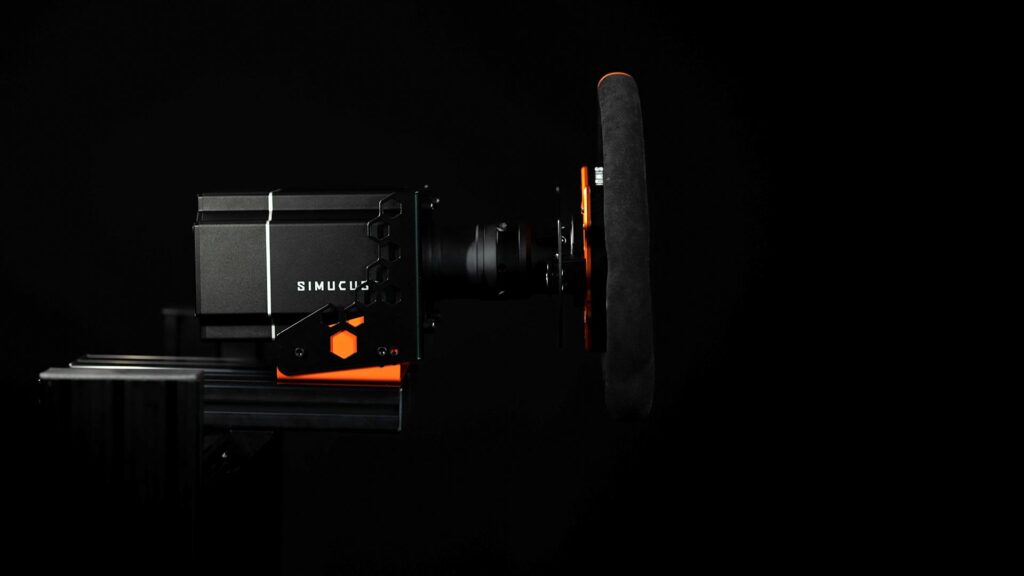
After testing the Simucube 2 Pro, we'd recommend it to experienced sim racers who already know they want a premium direct drive setup. It makes the most sense for drivers who care about force feedback clarity, software control, long-term durability, and building a serious PC-based racing simulator.
The Simucube 2 Pro is a strong fit for:
Experienced sim racers upgrading from belt-driven or lower-torque direct drive systems
Competitive league racers chasing cleaner force feedback detail
Drivers building a dedicated sim racing room or permanent cockpit
GT, formula, prototype, rally, and multi-discipline sim racers
Buyers who want premium hardware they won't feel the need to replace quickly
It's also a smart option for racers who want a wheel base that can grow with the rest of the setup. You may upgrade the cockpit, pedals, wheel rim, shifter, handbrake, display, or motion system later, but the Simucube 2 Pro is unlikely to be the limiting factor.
The most surprising part of Gamer Gear Direct's testing of the Simucube 2 Pro wasn't the force. We expected it to be strong. What stood out more was how composed it felt once set up correctly.
Some high-torque setups can feel like they're trying to impress you with strength. The Simucube 2 Pro feels more focused on information. When the car starts to lose grip, when the front tyres load up, or when you hit a kerb at speed, the wheelbase gives you detail that feels usable rather than theatrical.
That's the difference between power and control. The Simucube 2 Pro has plenty of power, but its real strength is how clearly it communicates what the car is doing.


