💰MOZA Prices Slashed! Click Here To Save💰
Skip to content
Flight simulator controls for PC buying guide Australia 2026 - HOTAS yoke rudder pedals

Flight Simulator Controls for PC: The Complete Buying Guide for Australia

Written by: Karl Matias

|

Flight simulation is one of the most hardware-dependent hobbies you can have. The right controls transform Microsoft Flight Simulator, DCS World, X-Plane or any other sim from a game into something that genuinely feels like flying. The wrong controls, or the right controls set up incorrectly, and you'll spend more time frustrated than airborne. This guide covers everything you need to know about choosing flight simulator controls for PC in Australia - what to buy, how to choose, and what to watch out for.

The Three Control Types You Need to Know

HOTAS (Hands On Throttle And Stick)

A joystick and separate throttle unit that you operate simultaneously. The joystick handles pitch and roll; the throttle handles engine power and often carries a cluster of buttons and switches for aircraft systems. HOTAS setups are standard for combat flight sims (DCS, IL-2) and are also popular for civil aviation flying in MSFS. They take up less desk space than a yoke setup and suit a wider range of aircraft types.

Yoke

A yoke is the control column you see in commercial airliners and many general aviation aircraft - the U-shaped wheel you push forward and pull back for pitch, and turn left and right for roll. Yokes are designed specifically for civil aviation and airliner flying. They give a more realistic feel for that category of aircraft and typically pair with a separate throttle quadrant.

Rudder Pedals

Rudder pedals control yaw - the left/right rotation of the aircraft around its vertical axis. In real aviation, you cannot fly properly without them. In flight sim, they're technically optional but practically essential for anything beyond casual flying. Differential braking, coordinated turns, crosswind landings - rudder pedals make all of these significantly more realistic and accurate.

Sim pilot at flight simulator setup with HOTAS and multiple monitors - indoor home setup

HOTAS or Yoke: How to Choose

The most common question we get at GGD for flight sim setups is simple: HOTAS or yoke? The answer depends on what you want to fly.

Go HOTAS if:

  • You're flying fighter jets, warbirds or military aircraft (DCS, IL-2)
  • Desk space is limited and you want a compact setup
  • You fly a mix of aircraft types rather than focusing on civil aviation
  • You're new to flight sim and want a single flexible controller to start with

Go yoke if:

  • You fly commercial airliners or general aviation aircraft primarily (MSFS, X-Plane)
  • Realism in civil aviation controls matters more to you than versatility
  • You have desk space for a larger setup and want the most authentic airliner feel

For most people starting out in flight sim, we recommend beginning with a HOTAS. It works across more aircraft types, takes up less space, and gives you a complete control setup without needing multiple separate units.

The Setup Issue Nobody Warns You About: Binding Your Controls

The biggest mistake new flight sim hardware buyers make isn't in the product they choose - it's what happens after the box arrives. Most flight sim software doesn't automatically map your new HOTAS or yoke perfectly out of the box. You need to manually bind controls - assigning each axis, button and switch on your hardware to the correct function in the sim.

This can catch new players completely off guard. You've spent good money on a HOTAS, you plug it in, you load up MSFS or DCS, and the aircraft barely responds correctly. The throttle moves the wrong axis. The trigger does nothing. The controls feel completely wrong.

The solution is taking the time to properly set up your control bindings in the sim's settings before you fly. Most sims have a dedicated input mapping screen. It takes 20-30 minutes to do properly the first time and makes an enormous difference. Online communities have guides for specific hardware and sim combinations that are well worth following.

Flight Simulator Controls at Gamer Gear Direct

We stock two primary brands for flight simulation at GGD: MOZA Racing and Honeycomb Aeronautical. Both bring serious hardware engineering to the sim pilot market - MOZA with their force feedback expertise from sim racing, Honeycomb with their aviation-focused design philosophy.
MOZA Flight Controls

MOZA AB6 Flight Simulator Bundle - Best Entry-Level HOTAS

MOZA AB6 Flight Simulator Bundle - entry level HOTAS joystick bundle Australia

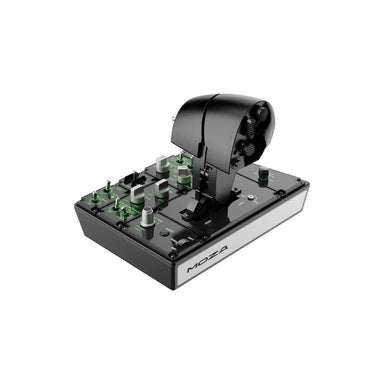
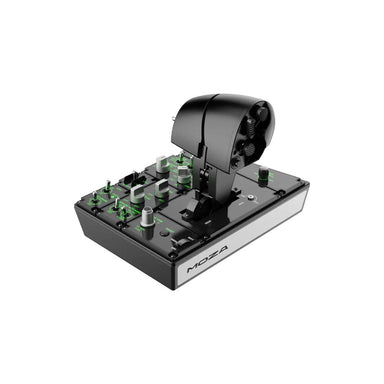
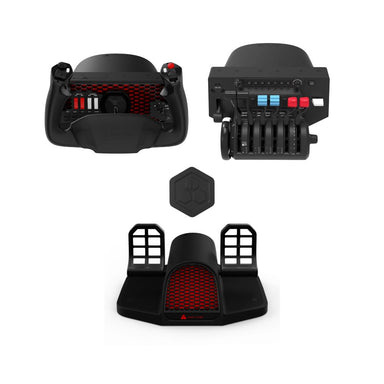
The MOZA AB6 Flight Simulator Bundle is the starting point for MOZA flight sim. An all-in-one HOTAS bundle that gets you into quality flight sim controls without the complexity of building a system from individual components. The natural entry point for new flight sim players choosing MOZA.

MOZA AB9 FFB Base + MH16 Flightstick Bundle

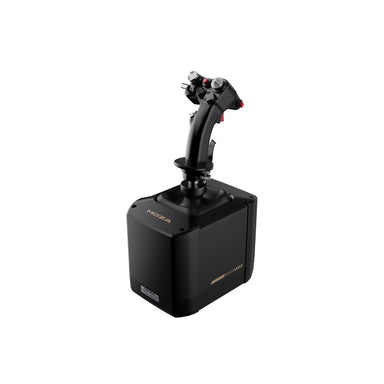
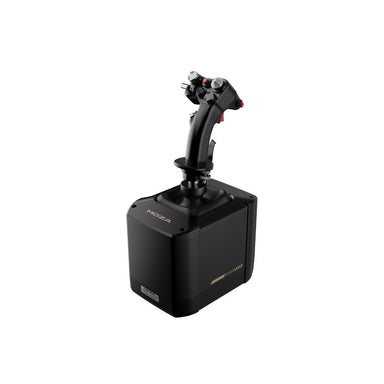
MOZA AB9 FFB Base with MH16 Flightstick Bundle - force feedback flight sim joystick Australia

The MOZA AB9 FFB Base + MH16 Flightstick Bundle steps up to a force feedback base - the same engineering philosophy behind MOZA's sim racing direct drive hardware applied to flight. Force feedback joystick systems add a level of aircraft feel that passive sticks simply can't replicate. A meaningful upgrade for serious sim pilots.

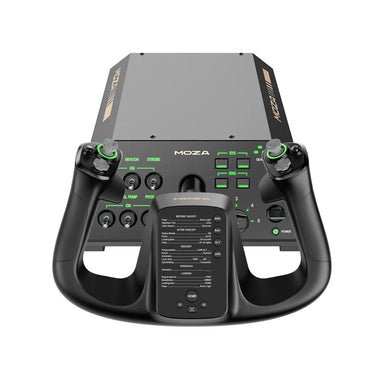
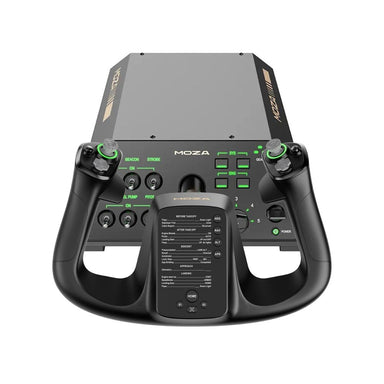
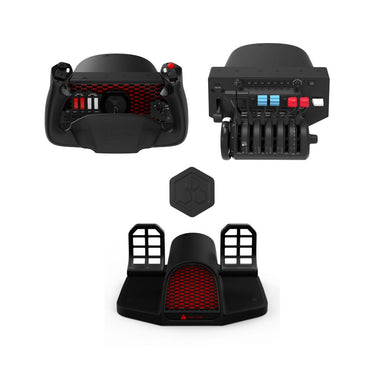
MOZA AY210 Force Feedback Yoke Bundle

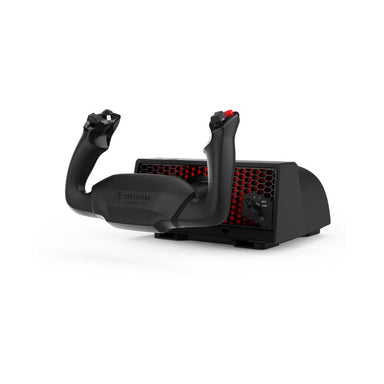
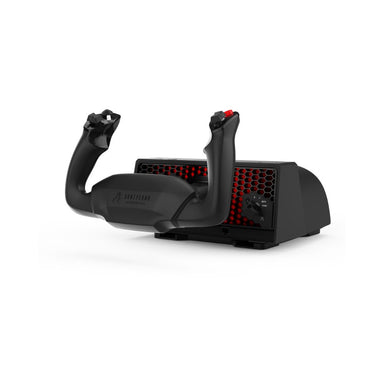
MOZA AY210 Force Feedback Yoke Bundle - force feedback yoke for MSFS X-Plane Australia

The MOZA AY210 Force Feedback Yoke Bundle brings force feedback to civil aviation flying. For GA and airliner sim pilots who want to feel the aircraft's control forces through the yoke, the AY210 is a standout option. MOZA's direct drive expertise translates directly into yoke feel.

MOZA MTP Throttle Panel

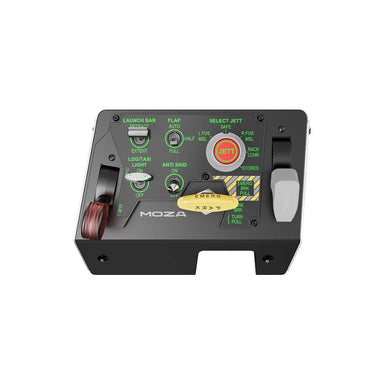
MOZA MTP Throttle Panel - flight simulator throttle quadrant Australia

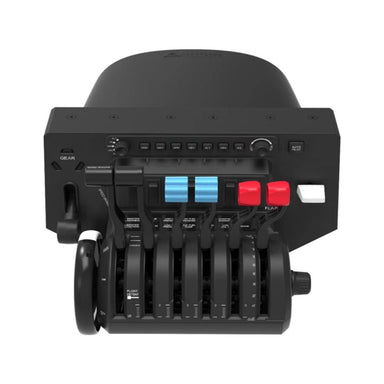
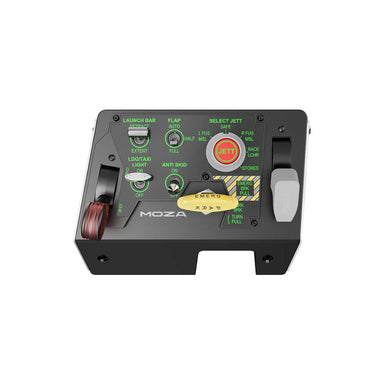
The MOZA MTP Throttle Panel is MOZA's dedicated flight throttle. Pairs with the AB9 base or AY210 yoke to give you a complete MOZA flight control system. Multiple throttle axes, switches and controls designed for both civil aviation and combat sim use.

Honeycomb Aeronautical Flight Controls

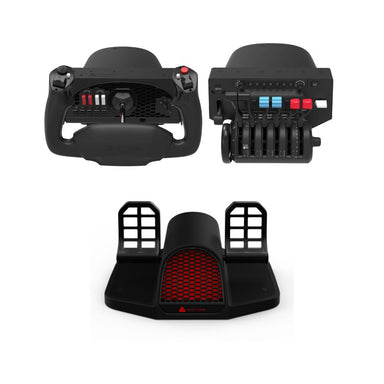
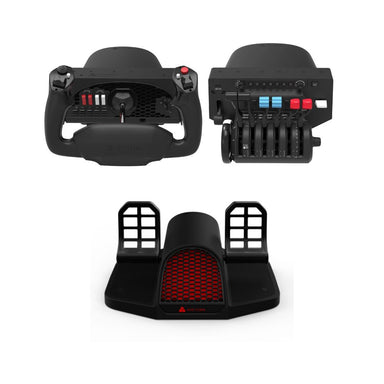
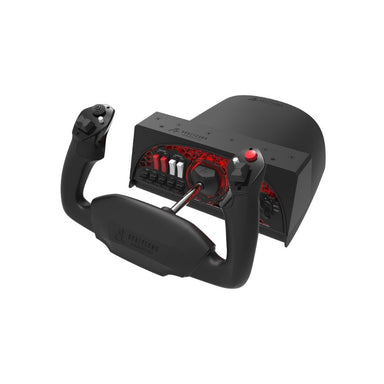
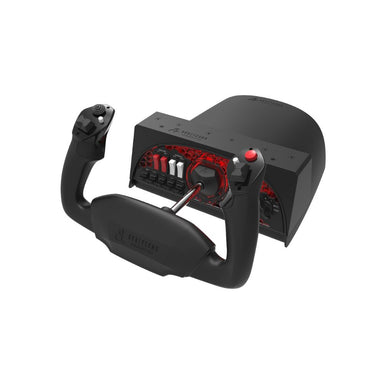
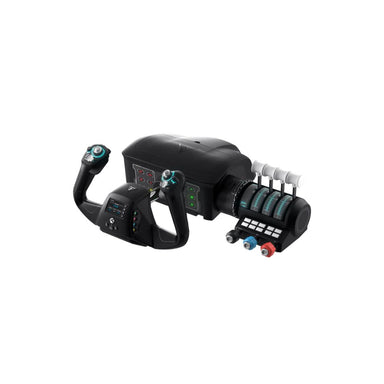
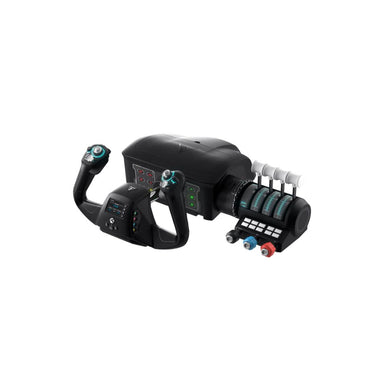
Honeycomb Alpha Flight Simulator Yoke - Best Yoke Entry Point

Honeycomb Alpha Flight Simulator Yoke - civil aviation yoke for MSFS X-Plane Australia

The Honeycomb Alpha Yoke is one of the most popular civil aviation sim controllers on the market. Comprehensive switch panel, solid build quality, and excellent MSFS and X-Plane compatibility. The go-to starting point for GA and airliner focused sim pilots.

Honeycomb Bravo Throttle Quadrant

Honeycomb Bravo Throttle Quadrant - flight simulator throttle for MSFS X-Plane Australia

The Honeycomb Bravo Throttle Quadrant is the natural companion to the Alpha yoke. Multiple throttle levers, flap and gear controls, autopilot buttons - everything an airliner or multi-engine GA pilot needs.

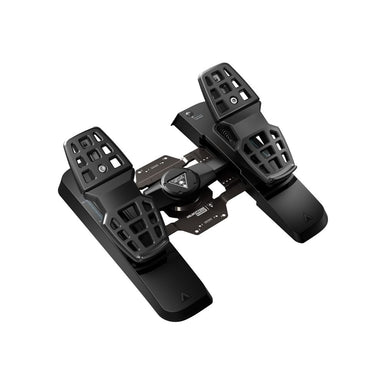
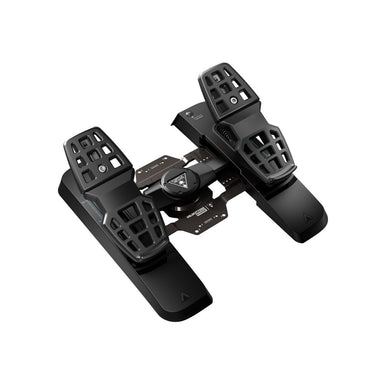
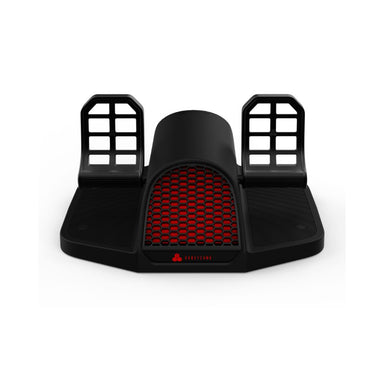
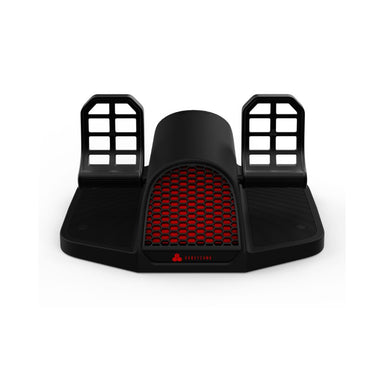
Honeycomb Charlie Rudder Pedals

Honeycomb Charlie Rudder Pedals - flight simulator rudder pedals Australia

The Honeycomb Charlie Rudder Pedals complete the Honeycomb three-piece setup. Full rudder axis, differential toe braking, solid construction. If you're serious about flight sim, add rudder pedals - crosswind landings, coordinated flight and helicopter flying all require them.

Building Your Flight Sim Setup: By Level

Starting out

The MOZA AB6 Flight Simulator Bundle is the cleanest entry point - a complete HOTAS system in one purchase. Alternatively, the Honeycomb Alpha yoke is the entry point for civil aviation focus.

Civil aviation focus

Honeycomb Alpha yoke and Bravo throttle quadrant, or the MOZA AY210 Force Feedback Yoke Bundle if you want force feedback in your yoke. Add rudder pedals as your second purchase.

Combat simulation

The MOZA AB9 FFB Base + MH16 Flightstick Bundle is the pick for serious combat sim pilots who want force feedback. DCS in particular rewards quality sticks - more axes, more buttons, and force feedback that communicates G-forces and aerodynamic loads through your hand.

Serious simulator setup

Full HOTAS or yoke and throttle, rudder pedals, and a head tracker like the NaturalPoint TrackIR 5 for natural cockpit head movement. This combination gives you full physical control coverage plus the ability to look around the cockpit by moving your head.

Do I Need Rudder Pedals?

You can fly in most simulators without rudder pedals by using a twist axis on a joystick for yaw control. But if you care about realism or you're learning real aviation procedures, rudder pedals are worth the investment. Crosswind landings, coordinated turns, tailwheel aircraft, helicopters - all of these require proper rudder input to fly correctly. For helicopter sim in particular, rudder pedals are essentially non-negotiable.

Frequently Asked Questions

What flight simulator controls do I need for PC?

At minimum, a HOTAS (joystick and throttle) for most sim types, or a yoke and throttle quadrant for civil aviation flying. Adding rudder pedals significantly improves realism and is recommended for serious sim pilots.

What is a HOTAS and do I need one?

HOTAS stands for Hands On Throttle And Stick - a joystick and separate throttle unit operated simultaneously. It's the most versatile flight sim control setup, working well across fighter jets, warbirds and general aviation aircraft. For most PC flight sim beginners, a HOTAS is the recommended starting point.

HOTAS or yoke - which should I buy?

If you primarily fly fighter jets, warbirds or want a compact setup that works across aircraft types, go HOTAS. If you primarily fly commercial airliners or general aviation aircraft and want the most realistic civil aviation feel, go yoke. Most beginners are better served starting with a HOTAS for its versatility.

Why aren't my flight sim controls working properly?

The most common issue is control bindings - the mapping between your physical hardware and in-sim functions. Most flight simulators don't auto-map controllers perfectly. Go into your sim's input settings and manually assign each axis and button to the correct function. Online guides for your specific hardware and sim combination are a good starting point.

Do I need rudder pedals for flight simulation?

You can fly without them using a joystick twist axis for yaw, but rudder pedals significantly improve realism for crosswind landings, coordinated flight, tailwheel aircraft and helicopters. If you're serious about flight simulation, rudder pedals are worth adding to your setup.

Where can I try flight simulator controls before buying in Australia?

Gamer Gear Direct's Dandenong South showroom stocks flight simulation hardware including MOZA and Honeycomb Aeronautical products. Visit us to get hands-on before you buy.

Ready to set up your flight sim? Browse the full flight simulation controls range at Gamer Gear Direct - Australian warranty, fast delivery, and available to try at our Dandenong South showroom.

Written by Karl Matias, Customer Service Specialist at Gamer Gear Direct. With six years of experience across racing and flight simulation, Karl has a well-rounded passion for all things sim and a knack for helping GGD customers find their perfect setup. Whether you're just starting out or looking to upgrade, Karl's been there - and probably already has an opinion on your next piece of gear.