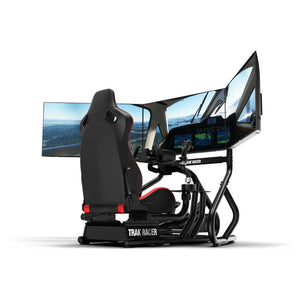


9 Essential F1 Sim Rig Upgrades You Need
|
|
Building an F1 sim rig is easy to overcomplicate. A high-torque wheelbase won’t feel right on a weak cockpit. Expensive pedals won’t deliver consistent braking if the seat position is wrong. Motion can feel impressive, but it won’t fix a poorly built base setup.
At Gamer Gear Direct, we’ve tested and installed a wide range of racing simulator hardware across showroom rigs, customer builds, and product support scenarios. Based on that experience, we’ve put together the F1 sim rig upgrades we’d prioritise first if you’re chasing better control, comfort, immersion, and long-session consistency.
This guide isn’t just a list of parts. It’s a tested upgrade path for drivers who want an F1 sim rig that feels stable, responsive, and easier to improve over time.
Our team reviewed these F1 sim rig upgrades using hands-on product testing, showroom simulator setups, customer installation feedback, and support experience across direct drive wheelbases, load cell pedals, cockpits, racing seats, display setups, haptic systems, and motion platforms.
When testing each upgrade, we looked at how it changed the driving experience in common F1-style racing situations: heavy braking zones, kerb strikes, fast direction changes, mid-corner corrections, throttle exits, and longer race sessions. We also looked at installation difficulty, cockpit flex, adjustability, software setup, room requirements, and compatibility with common racing simulator hardware.
Where we’ve tested a product or category directly, we’ve included our hands-on notes. Where a recommendation is based on fitment checks, manufacturer specifications, or customer build feedback, we’ve kept the advice focused on what buyers should check before upgrading.
The best F1 sim rig doesn’t start with the most expensive part. It starts with a stable foundation. A rigid cockpit, comfortable seating position, and consistent braking setup will usually make a bigger difference than adding advanced extras too early.
From our experience, most drivers should prioritise the cockpit frame, pedals, and wheelbase before moving into motion, haptics, or expanded displays. A direct drive wheelbase feels sharper when the frame doesn’t flex. Load cell pedals become easier to control when the seat and pedal angle are locked in. A wide display setup works better when your PC can hold stable frame rates without stutter.
For most home racers, the smartest F1 sim rig upgrade path is simple: build the base correctly, then add immersion.
If we were planning an F1 sim rig from scratch, we’d start with the parts that improve consistency and stability before adding the parts that mainly increase immersion.
A rigid cockpit should come early because every major part connects to it. Load cell pedals should be high on the list because braking consistency has a direct impact on lap time. A direct drive wheelbase comes next for steering detail and car control. After that, you can look at display upgrades, formula wheels, haptics, and motion.
Motion systems and haptic feedback are excellent additions, but they’re best added once the core F1 sim rig feels solid.
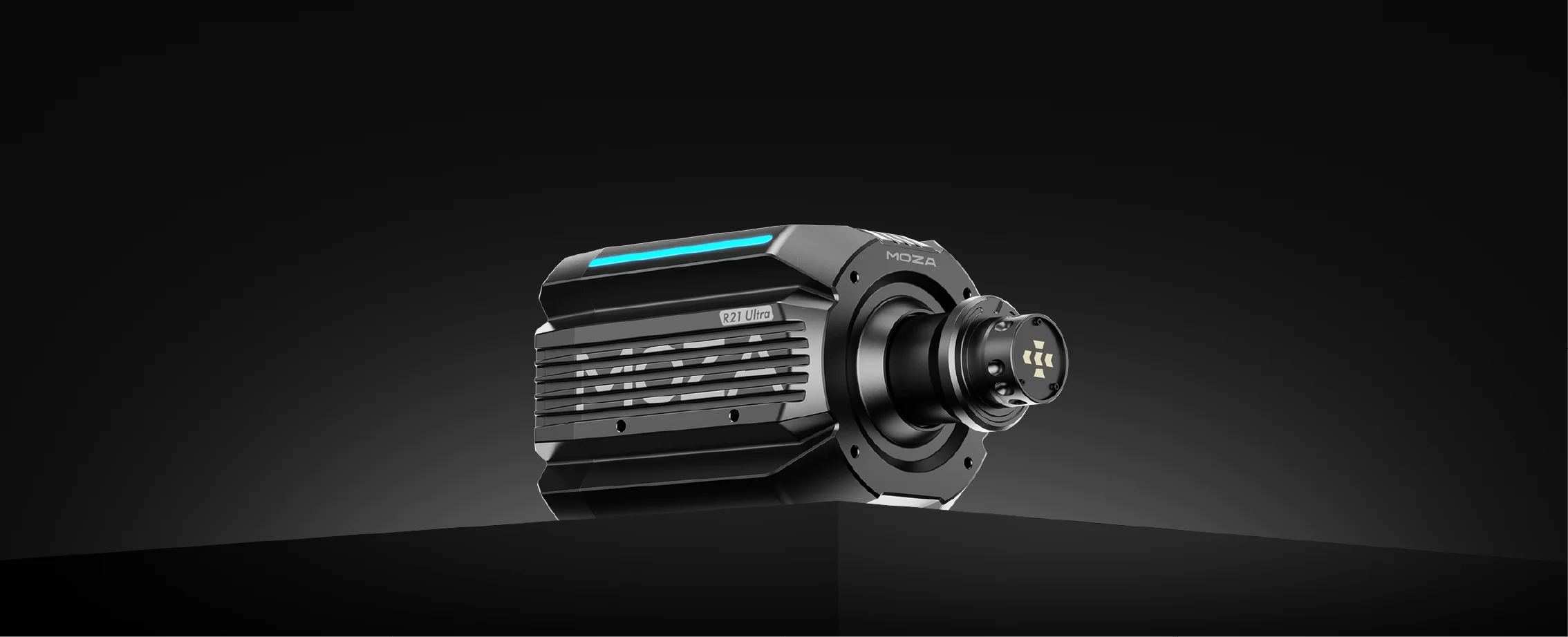
A direct drive wheelbase is one of the biggest upgrades you can make to an F1 sim rig. Instead of using belts or gears, a direct drive unit sends force feedback straight from the motor to the steering shaft. The result is faster response, more detailed steering feel, and a stronger connection to what the virtual car is doing.
In an F1 sim rig, this becomes especially noticeable through kerbs, traction loss, steering load, and fast corrections. You can feel more detail through the wheel, which makes it easier to catch slides and understand how the car is reacting.
Popular examples include the MOZA R21 Ultra direct drive wheelbase and the Simucube 2 Pro R2 direct drive wheelbase.
When testing direct drive wheelbases, the biggest difference we noticed wasn’t only torque. It was how much detail came through once the wheelbase was mounted to a rigid cockpit. On weaker frames, high torque can expose flex very quickly. On a stable F1 sim rig, the same wheelbase feels cleaner, sharper, and more controlled.
We’d recommend a direct drive wheelbase if your cockpit can handle the force. If your current frame shakes or moves under load, upgrade the cockpit first.
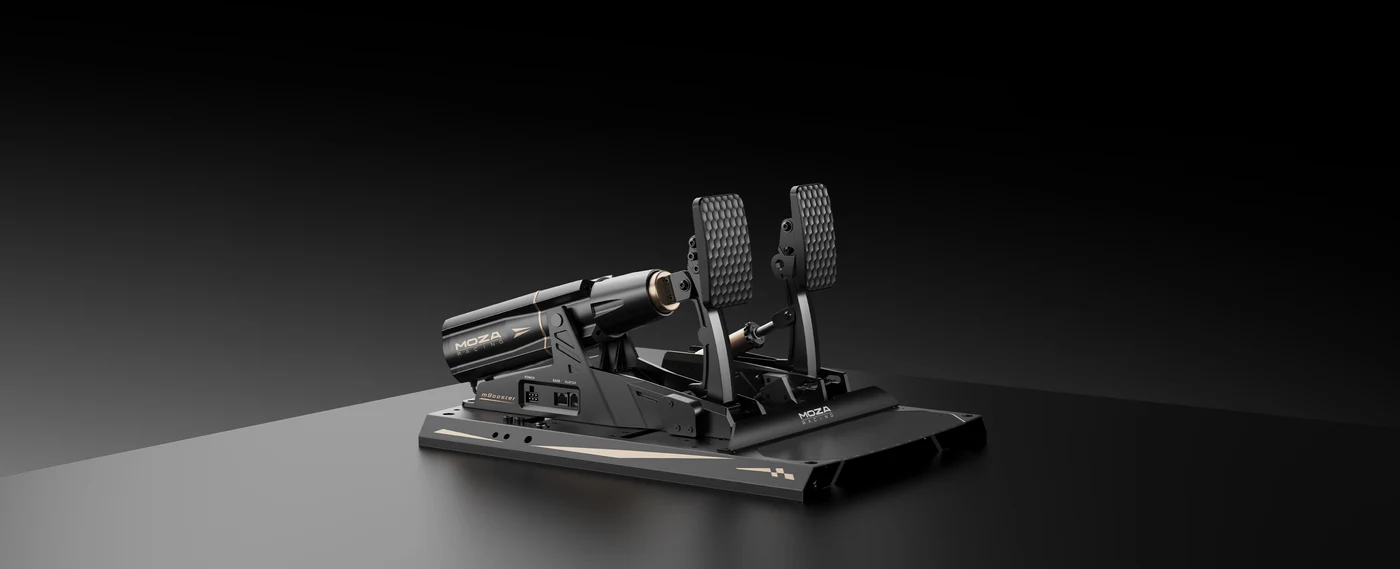
Load cell pedals are one of the best performance upgrades for an F1 sim rig because they change the way braking feels. Instead of measuring only pedal travel, a load cell brake measures pressure. That makes braking feel closer to a real car and gives you a more repeatable input lap after lap.
In F1-style racing, braking consistency is everything. Heavy braking zones demand confidence. If the brake pedal feels vague, it’s harder to trail brake, stop locking up, and hit the same marker every lap.
Examples include the MOZA CRP2 load cell pedals and MOZA mBooster pedal set.
In our experience, load cell pedals are one of the first upgrades drivers notice in lap consistency. The biggest benefit comes after the pedal angle, seat distance, and brake resistance are adjusted correctly. If the pedal plate flexes, you lose some of the benefit, so the cockpit still plays a major role.
For most drivers building an F1 sim rig, we’d prioritise load cell pedals before motion or haptics.
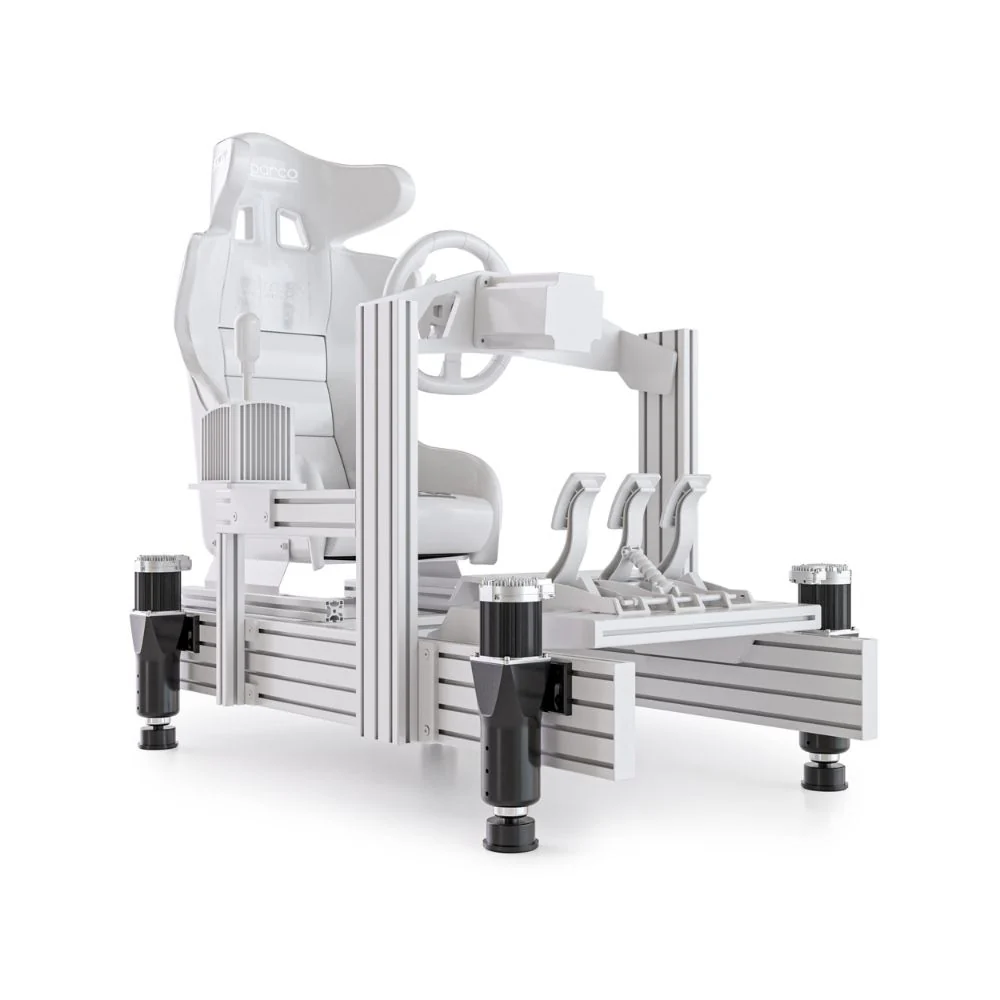
A motion platform adds physical movement to your F1 sim rig. Depending on the system, it can simulate pitch, roll, traction loss, bumps, braking force, acceleration, and kerb impact. Instead of only seeing and hearing the car, you start to feel more of what’s happening beneath you.
Motion can add a huge amount of immersion, especially in open-wheel racing where small changes in grip and weight transfer are important. Systems such as the Sigma Integrale DK2 motion system and Sigma Integrale DK6+ motion system are common examples in this category.
Motion works best when the rest of the F1 sim rig is already stable. If the cockpit has movement or flex before motion is added, the final setup can feel messy. We also recommend checking room clearance, noise, cable routing, and software compatibility before buying.
Motion is one of the most exciting upgrades, but it shouldn’t be the first upgrade unless the cockpit, wheelbase, and pedals are already sorted.
Visibility changes how an F1 sim rig feels. A single monitor can work well, but a wider field of view gives you better awareness through corners, side-by-side racing, and tight wheel-to-wheel moments.
Triple monitors offer excellent peripheral vision when configured correctly. An ultra-wide monitor can also be a cleaner option for drivers who want a wider view without the space and setup demands of triples. The right choice depends on your room, PC, monitor stand, and preferred racing titles.
Examples include large 4K displays, 49-inch ultra-wide monitors, and triple-screen setups using matched panels.
The biggest mistake we see with display upgrades is choosing screen size before checking PC performance and mounting space. Triple monitors can be brilliant, but they need a capable graphics card and careful alignment. Ultra-wide monitors are simpler to install, but they don’t fully match the wraparound view of triples.
For an F1 sim rig, display choice should come after you’ve confirmed your PC can run the resolution and refresh rate you want.
Haptic feedback adds vibration and tactile detail to your F1 sim rig. With the right setup, you can feel engine vibration, gear changes, kerbs, road texture, wheel slip, and ABS-style feedback through the seat, pedals, or cockpit frame.
A haptic system can make a static rig feel more alive without adding the full movement of a motion platform. Products such as the D-BOX G5 4250i Haptic Motion System sit at the premium end of this category.
Haptics can be excellent, but they need careful setup. Too much vibration can become distracting. The best results usually come from using haptics for specific feedback, such as kerbs, shifts, and traction cues, rather than turning every effect up at once.
For an F1 sim rig, haptics are best treated as an immersion upgrade after the core hardware is already performing well.
A racing seat affects comfort, posture, pedal control, and how connected you feel to the cockpit. In an F1 sim rig, seat position is especially important because formula-style driving can place your legs higher and your body lower than a GT-style setup.
A good seat should support long sessions without forcing your shoulders, lower back, or knees into an uncomfortable position. It also needs to mount securely to your cockpit and allow enough adjustment for your body size.
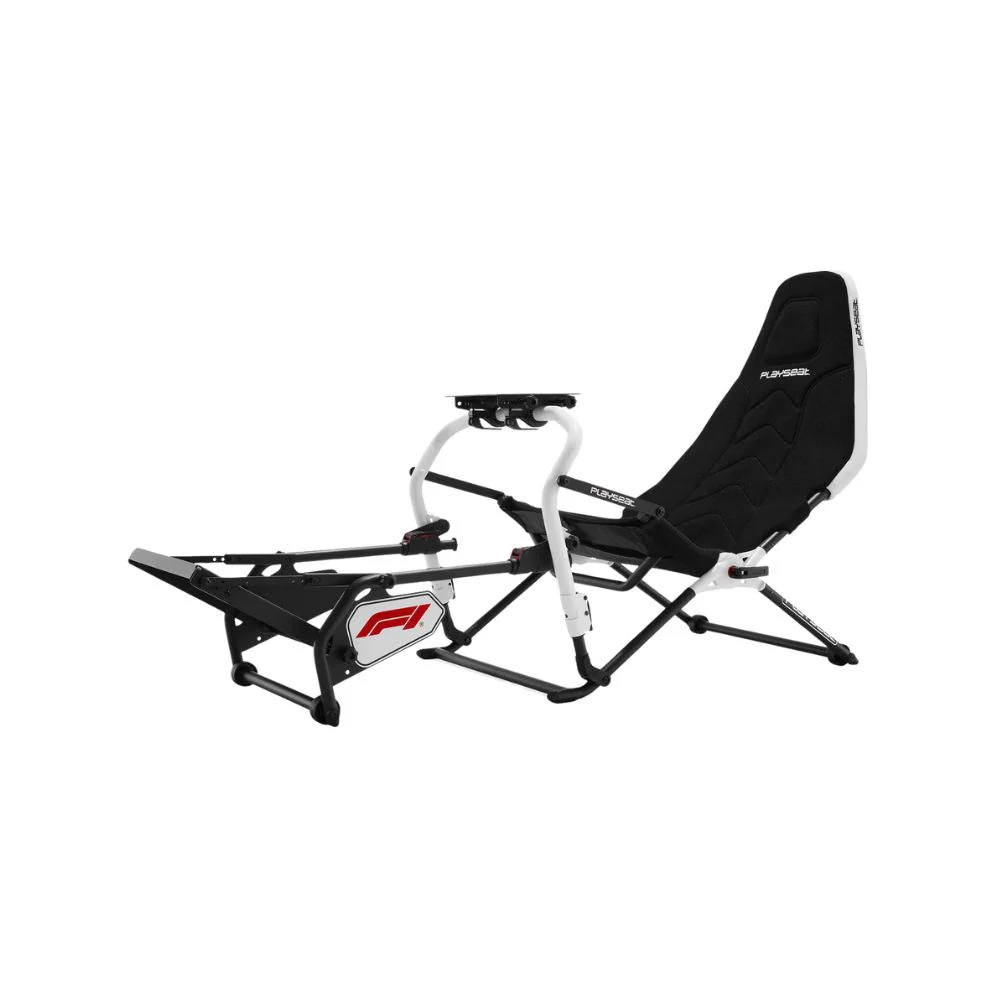
Examples include the Sparco QRT Grid-Q racing seat and Playseat Challenge DD F1 edition racing chair.
The right seat depends on the driver and the rig. Formula-style seats can feel more authentic for F1 racing, but they’re not always ideal for shared setups or drivers who prefer easier entry and exit. In our showroom-style testing, adjustability is just as important as the shape of the seat.
For a home F1 sim rig, we’d choose the seat based on comfort, mounting compatibility, and driving position before choosing purely on looks.
F1 racing involves more than steering and braking. You’re often managing brake bias, differential settings, fuel maps, DRS, ERS, pit strategy, and menu controls. A formula-style wheel or button box gives you faster access to these controls during a race.
A good control layout can reduce distraction and keep your inputs more consistent. Programmable buttons, rotary encoders, toggles, and clear labels can make your F1 sim rig feel closer to a real race cockpit.
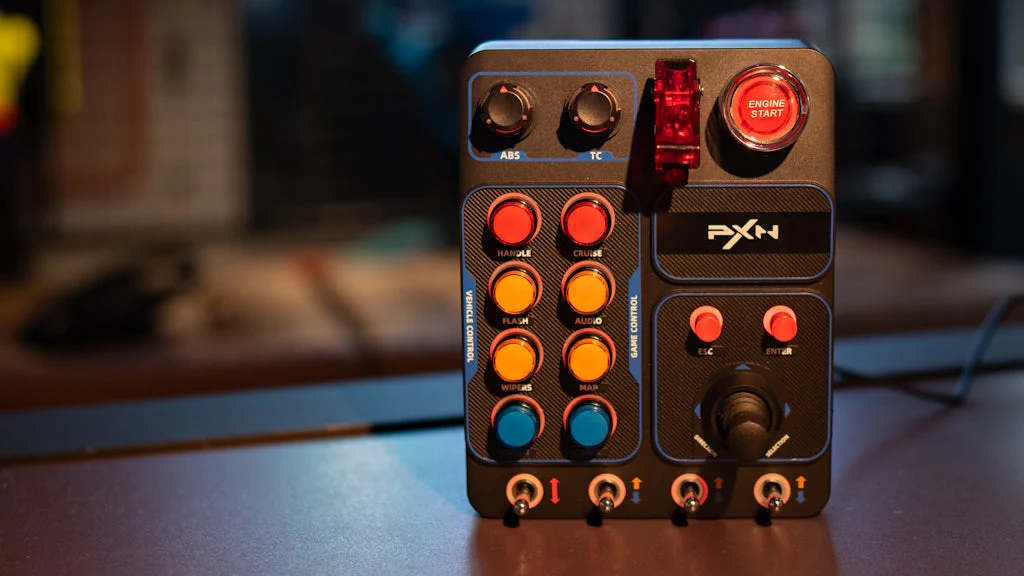
The PXN CB1 button box is one example of an add-on control option.
The biggest benefit of extra controls is not having to reach for a keyboard mid-race. For F1-style driving, we’d prioritise controls that are easy to reach without taking your hands too far from the wheel.
Before buying a button box or formula wheel, check game support, wheelbase compatibility, desk or cockpit mounting, and how many functions you actually use.
Your PC controls the visual side of your F1 sim rig. If the PC can’t keep frame rates stable, even premium hardware can feel worse than it should. Stutters, frame drops, and input lag can make the car harder to control and reduce confidence during fast laps.
The right PC setup depends on your display. A single monitor is easier to run than triple monitors or VR. A 49-inch ultra-wide needs more graphics power than a basic 1080p screen. Triple 1440p or 4K displays need a high-end GPU and careful graphics settings.
Example hardware includes modern Intel or AMD CPUs, fast SSD storage, and high-performance NVIDIA RTX graphics cards.
For an F1 sim rig, we’d plan PC hardware around the display before buying. If you want triple monitors, start with the graphics card requirement. If you’re using VR, prioritise stable frame timing. If you’re racing on a single screen, you may not need to overspend.
A smooth, stable setup is better than chasing maximum graphics settings and losing consistency.
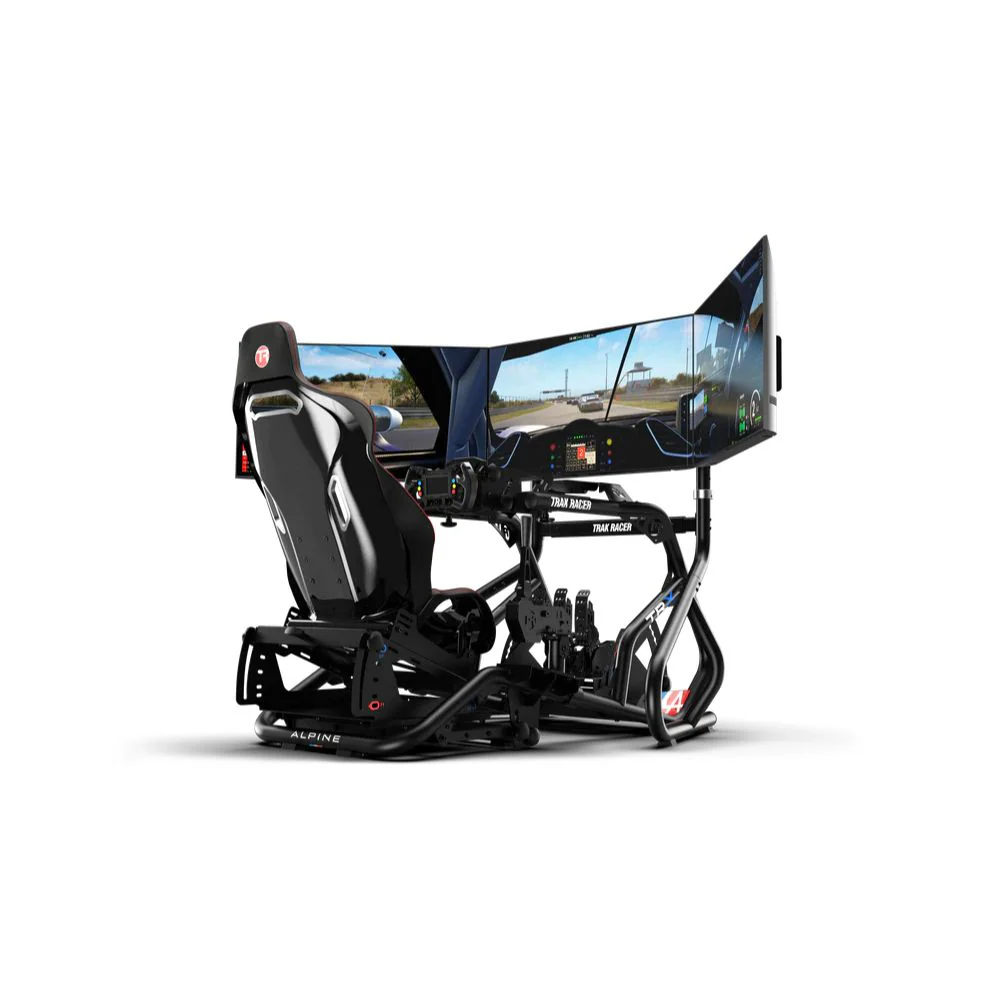
The cockpit is the backbone of an F1 sim rig. It holds the wheelbase, pedals, seat, shifter, handbrake, monitor mounts, and accessories. If the cockpit flexes, every connected part feels worse.
A quality frame gives you stability, adjustability, and room to upgrade. Aluminium profile cockpits are popular because they’re modular and highly adjustable. Steel frames can also work well when designed for direct drive and load cell use.
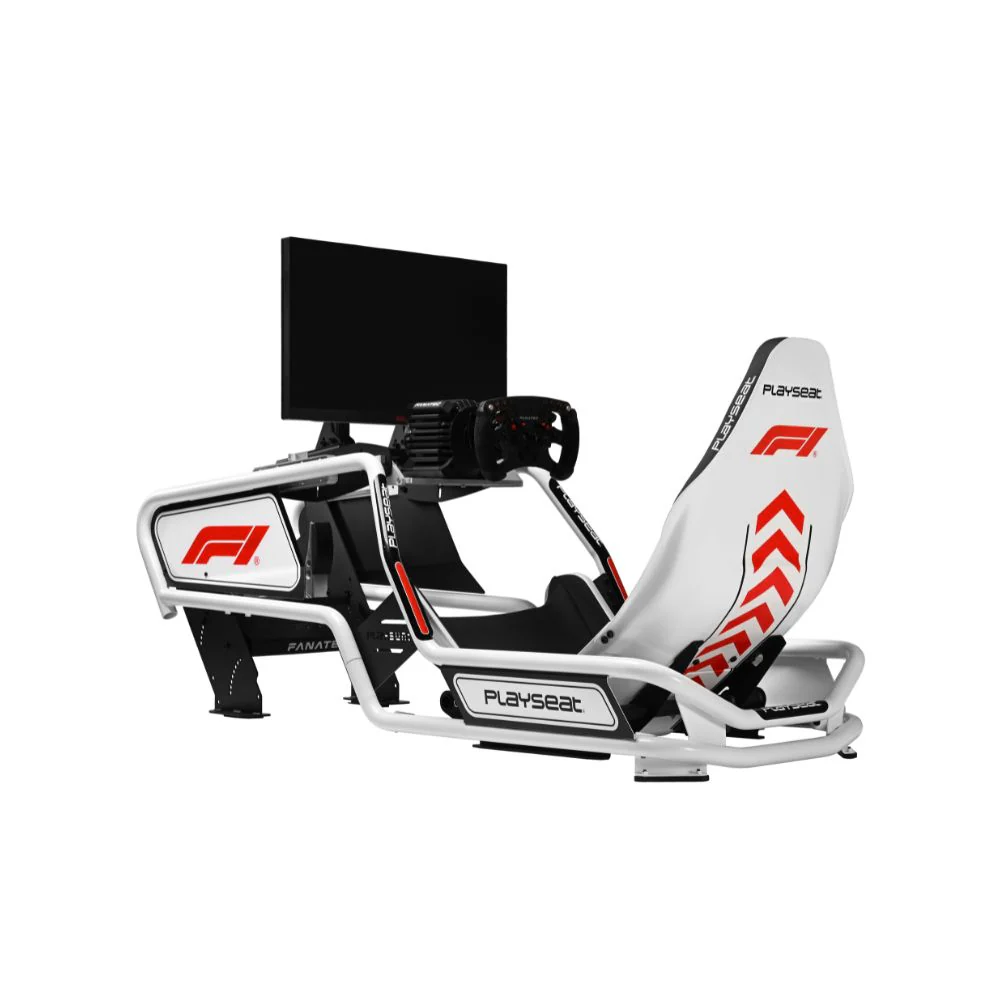
Examples include the Playseat Formula Intelligence F1 Edition and Playseat Formula Instinct F1 Edition.
Cockpit rigidity is one of the easiest things to underestimate. A direct drive wheelbase and load cell pedals can expose weak frames very quickly. We’ve found that a stable cockpit makes every other F1 sim rig upgrade feel better because the inputs are cleaner and the seating position stays locked in.
If you’re planning to upgrade over time, start with a cockpit that can support the hardware you want later.
We wouldn’t start with motion, haptics, or triple monitors if the cockpit, pedals, and wheelbase aren’t ready.
Motion can feel incredible, but it won’t fix flex in a weak frame. Haptics can add detail, but they won’t improve braking consistency if your pedals move under pressure. Triple monitors can look immersive, but they can also create performance issues if your PC isn’t ready.
For most F1 sim rig builds, the better order is cockpit first, then pedals, then wheelbase, then display, controls, haptics, and motion.
Before buying any F1 sim rig upgrade, check the mounting pattern, frame strength, pedal plate design, seat rail compatibility, software support, power access, and total room footprint.
A wheelbase may technically mount to a cockpit, but it can still feel poor if the wheel deck flexes. Load cell pedals may fit the pedal tray, but braking won’t feel consistent if the tray moves under pressure. Motion systems need even more planning because they add movement, power requirements, and clearance demands.
It’s also worth checking software before installation. Wheelbases, pedals, and motion systems often need firmware updates, calibration, and game-specific setup. A clean install and proper calibration can make a major difference to how your F1 sim rig feels.
The most common mistakes usually come from upgrading parts in the wrong order:
buying a powerful direct drive wheelbase before upgrading the cockpit
installing load cell pedals on a pedal plate with flex
setting the seat too far from the brake pedal
choosing a formula-style seat for a shared setup that needs more adjustment
running triple monitors without enough GPU power
adding motion before checking frame compatibility
leaving cable routing and power access until the end
A better F1 sim rig starts with planning. Confirm your space, hardware compatibility, and upgrade path before buying the most advanced parts.
Once your hardware is installed, take time to set it up properly. Small adjustments can change the entire feel of the rig.
Start by tightening the cockpit frame and checking for movement. Set the seat distance before changing pedal resistance. Calibrate the brake after your seating position is final. Adjust wheel rotation and force feedback per game instead of relying on one global setting. Set monitor height and field of view before making graphics changes. Run a longer test session before deciding what needs adjustment.
Most importantly, change one setting at a time. If you adjust wheel feedback, brake pressure, seat position, and display settings all at once, it’s harder to know what improved the drive.
A great F1 sim rig isn’t built by adding every expensive upgrade at once. It’s built by choosing the right upgrade order and making sure each part works with the rest of the setup.
If you’re starting from a basic racing simulator, focus first on a rigid cockpit, load cell pedals, and a direct drive wheelbase. Once the core setup feels stable, move into wider displays, formula controls, haptic feedback, and motion.
That upgrade path gives you an F1 sim rig that feels sharper, more comfortable, and easier to grow over time.