

F1 Race Car Simulator For Racers Who Want A True Formula Experience
|
|
An F1 race car simulator feels different from a standard GT-style racing rig. The seat angle is lower, the pedals are more aggressive, the steering wheel position is closer to the driver and the cockpit has to stay stable under heavy braking. If one part of the setup moves, the whole driving feel changes.
Our team works with racing simulator cockpits, wheelbases, steering wheels, pedals, monitor mounts and complete sim racing packages through our Dandenong South showroom and customer builds. When we assess an F1 race car simulator, we look at the parts that affect lap consistency first: cockpit rigidity, pedal feel, wheelbase mounting strength, driving position, display placement and long-session comfort.
The right F1 race car simulator isn’t just the most expensive setup you can buy. It’s the setup that fits your body, your space, your platform and the type of racing you actually enjoy.
A good F1 race car simulator has to feel stable before it feels fast. The first thing we look for is cockpit flex. A direct drive wheelbase can expose movement in a weak wheel deck, while load cell pedals can expose movement in a weak pedal plate. Once that movement appears, braking and steering inputs become less consistent.
We also look at driving position. A true F1-style position puts the driver lower and more reclined than a GT cockpit. That can feel more immersive for open-wheel racing, but it also needs enough adjustment through the seat, pedal tray and wheel mount. If the pedals are too far away, the brake feels awkward. If the wheel is too high, the shoulders take more strain during longer sessions.
For showroom checks and customer builds, these are the areas we focus on most:
Setup area |
What we check |
|---|---|
Cockpit rigidity |
Wheel deck movement, pedal plate flex and frame stability |
Driving position |
Seat angle, wheel reach, pedal reach and entry space |
Pedal feel |
Brake pressure, load cell support and pedal angle |
Wheelbase mounting |
Bolt pattern, deck strength and vibration |
Display placement |
Eye line, field of view and monitor distance |
Comfort |
Back support, leg position and heat during longer sessions |
That’s the foundation of a better F1 race car simulator. Fancy accessories can add immersion later, but the core hardware needs to feel right first.
An F1 race car simulator is built around open-wheel driving. You’re not sitting upright like you would in a touring car, rally car or road car. Your legs are extended, your back is reclined and your arms sit in a tighter steering position. That changes how the whole setup needs to be planned.
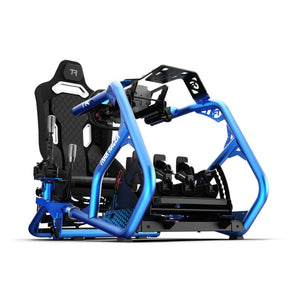
The cockpit is the first major difference. A standard sim racing cockpit can work well for GT, rally and drifting, but an F1-style cockpit aims for a lower, more reclined driving shape. Some hybrid cockpits can switch between GT and Formula positions, which is useful if you race more than one discipline.
The steering wheel is another key difference. Many drivers prefer a Formula-style wheel with a compact rim, paddle shifters and enough buttons for brake bias, ERS, DRS, pit limiter and menu controls. A round wheel still works, but it won’t feel as close to an open-wheel cockpit.
Pedals also feel different in an F1 race car simulator. Heavy braking is a major part of open-wheel driving, so a stable pedal plate and load cell brake can make a big difference. If the pedal tray moves, your braking point will move with it.
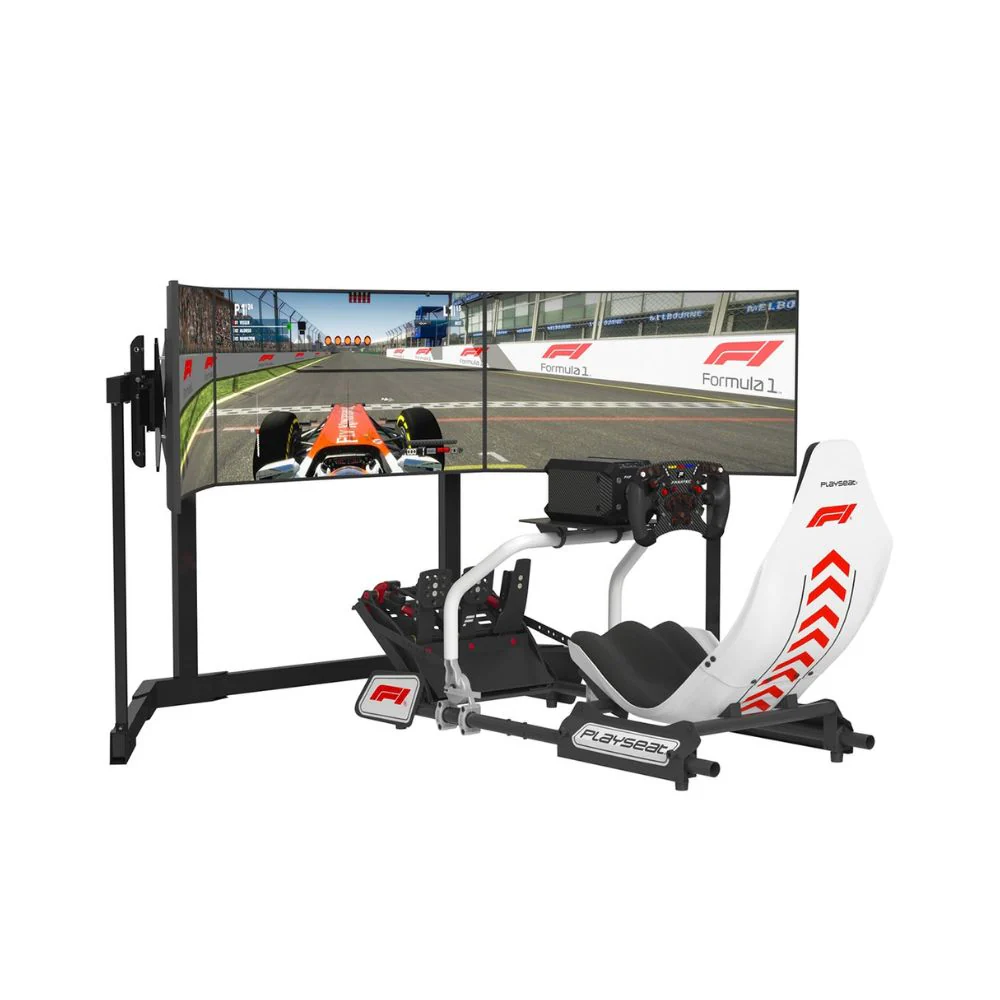
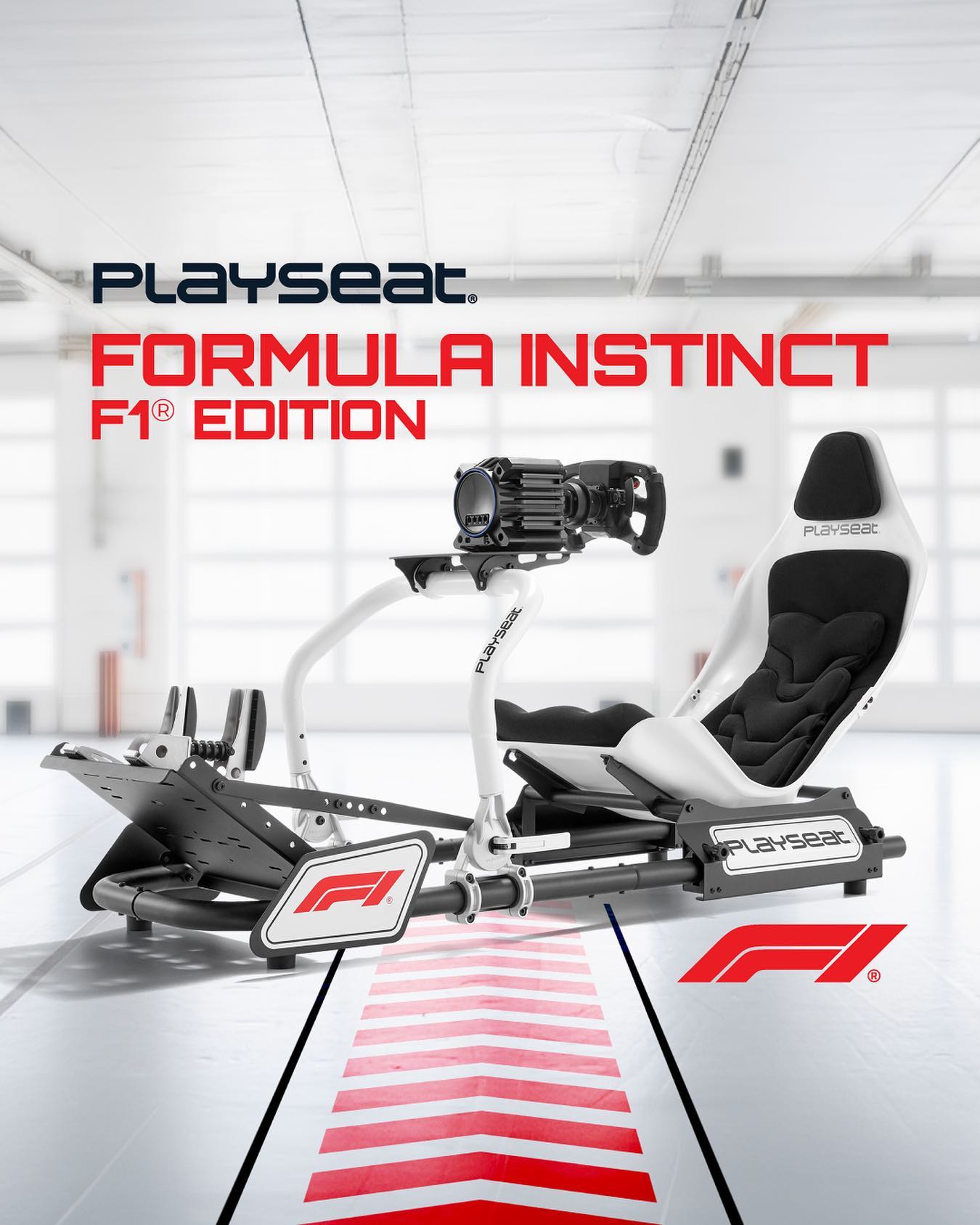
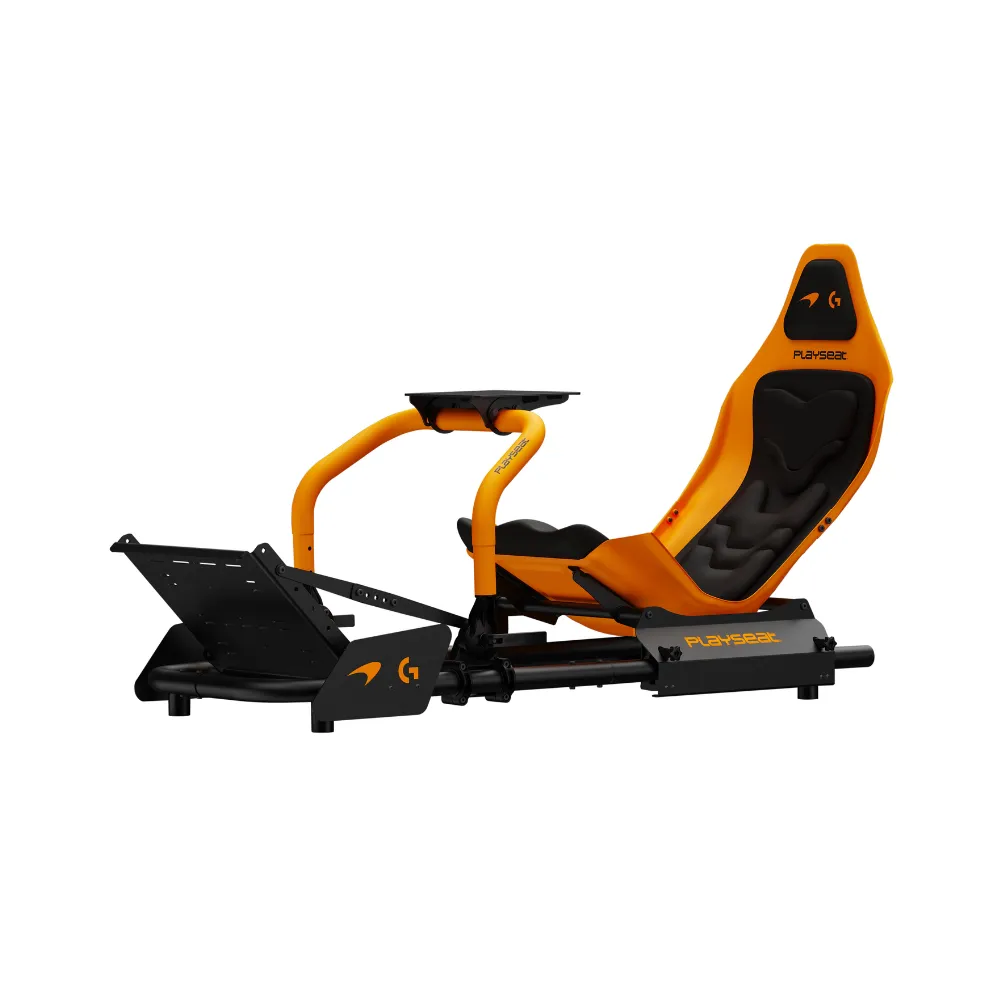
The cockpit is the part we’d choose first for an F1 race car simulator. It decides your driving position, upgrade path, monitor placement and wheelbase compatibility. It also decides how much movement you’ll feel when you brake hard or turn the wheel quickly.
Aluminium profile cockpits are popular because they’re rigid, adjustable and easy to modify. Steel tube cockpits can also work well if the wheel deck and pedal plate are supported properly. Foldable cockpits are easier to store, but they’re usually not the best match for high-torque direct drive wheelbases or heavy load cell braking.
If you’re choosing a cockpit, check the product details carefully. You want to know the supported wheelbases, pedal mounting options, seat adjustment range and total footprint. A compact F1 race car simulator can still take up more space than expected once you add a monitor stand, shifter, handbrake or PC.
The biggest mistake we see is buyers choosing the wheelbase first, then trying to fit it to a cockpit that isn’t rigid enough. Start with the frame. A stronger cockpit gives every other part of the setup a better base.
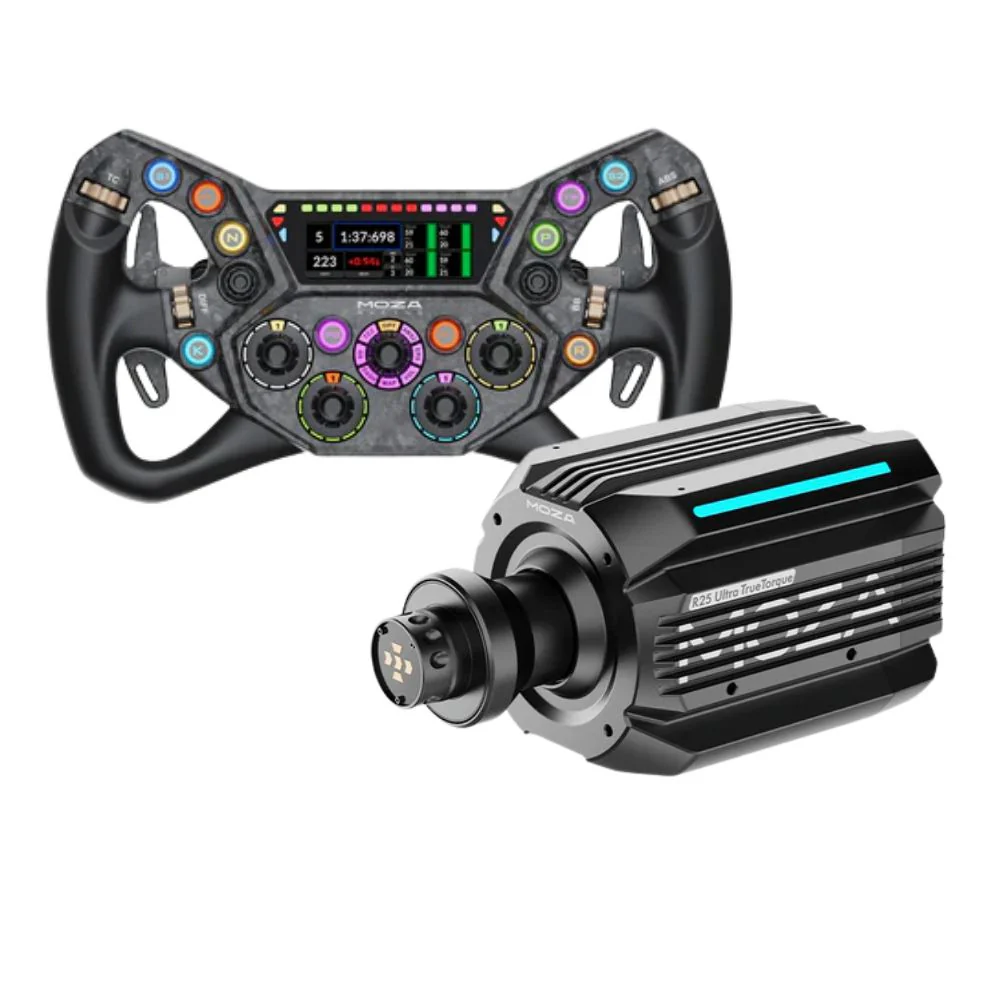
The wheelbase gives your F1 race car simulator its steering feel. Entry-level gear-driven and belt-driven wheelbases can be a good starting point, especially for casual racing. Direct drive wheelbases give more detail, faster response and stronger feedback, but they also need a cockpit that can handle the extra force.
For an F1 race car simulator, we’d look for smooth steering response, reliable mounting, good software support and enough torque for detail without overpowering the driver. More torque isn’t always better. If force feedback is set too high, the car can feel heavy, tiring and harder to control.
The steering wheel should match the type of racing you do most. A Formula-style wheel is a natural fit because it gives you easy access to paddle shifters and key race controls. Look for comfortable grips, clear button layout and compatibility with your wheelbase ecosystem.
Pedals can make or break an F1 race car simulator. A good wheelbase adds immersion, but the pedals decide how repeatable your braking feels. In open-wheel racing, consistent braking is one of the fastest ways to improve lap times.
Basic pedals use position-based sensors. They can work for beginners, but the brake often feels light and less consistent. Load cell pedals measure force, which gives a firmer and more realistic brake feel. That makes it easier to build muscle memory, especially when trail braking into corners.
Before buying pedals, check the cockpit pedal plate. A load cell brake can need much more pressure than a basic pedal set. If the plate flexes, lifts or twists, the brake won’t feel consistent. For that reason, we treat the cockpit and pedals as one decision, not two separate choices.
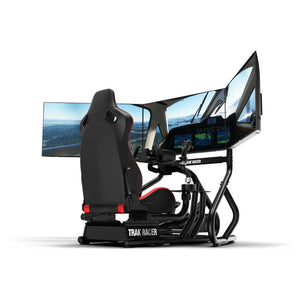
The display setup has a huge impact on an F1 race car simulator. A single monitor is simple, affordable and easier to fit into a smaller room. An ultrawide screen gives a broader view with fewer setup issues than triples. Triple monitors create a wider field of view, but they need more space and more careful alignment.
VR can be incredibly immersive for open-wheel racing because you can look through corners and judge cockpit depth more naturally. It’s not for everyone, though. Some drivers don’t like wearing a headset for longer races, and comfort can vary from person to person.
For most home racers, a well-positioned monitor beats an expensive screen placed badly. The centre of the screen should line up with your driving position, and the distance should feel natural once you’re seated. If the screen is too high, low or far away, the cockpit won’t feel connected to the car.
A better F1 race car simulator doesn’t need the biggest screen available. It needs a display setup that lets you place the car accurately and react with confidence.
Sound and vibration add depth to an F1 race car simulator. Good headphones or speakers make engine note, tyre scrub and kerb contact easier to read. Bass shakers and tactile transducers can add vibration through the seat or frame, giving you more feedback from the track surface.
Haptics are best treated as an add-on after the cockpit, pedals and wheelbase are sorted. If the base setup moves too much, extra vibration can make it feel less controlled. Once the rig is stable, haptics can make kerbs, gear shifts and wheel slip easier to feel.
Software changes the feel of an F1 race car simulator as much as hardware does. Some drivers want official teams, tracks and race weekends. Others want deeper physics, online leagues, mod support or open-wheel cars across different eras.
The best choice depends on how you race. If you want a familiar Formula-style experience with easy access to Grand Prix racing, official Formula games are usually the simplest place to start. If you want broader sim racing options, platforms like Assetto Corsa, iRacing, Automobilista and rFactor-style sims can offer more flexibility depending on your preferences and hardware.
Before choosing software, check compatibility with your wheelbase, pedals and platform. PC usually gives the widest hardware support, while console setups need closer compatibility checks. A great F1 race car simulator can feel frustrating if the software doesn’t read your wheel, pedals or button mapping properly.
The most common mistake is buying too much wheelbase for the cockpit. A high-torque direct drive base can feel poor if the wheel deck moves. The second mistake is overlooking the pedal plate. Heavy braking needs a stable base, especially with load cell pedals.
Another common issue is choosing a cockpit without checking body fit. F1-style seating isn’t as easy to enter and exit as a more upright GT position. Taller drivers, broader drivers and anyone sharing the rig with family members should pay close attention to adjustment range.
Monitor placement is another area that gets missed. A large screen won’t fix a poor viewing angle. The display needs to match the seating position, not the other way around.
A good F1 race car simulator should feel natural once you’re seated. If you have to stretch for the pedals, shrug your shoulders to reach the wheel or look up at the screen, the setup needs adjustment.
If you’re building an F1 race car simulator from scratch, we’d focus on the parts in this order:
Cockpit and seat position
Pedals and pedal plate strength
Wheelbase and steering wheel compatibility
Display or VR setup
Audio and haptic feedback
Motion platform or advanced accessories
This order keeps the build grounded. A rigid cockpit and consistent pedals will do more for your driving than adding accessories to a weak base. Once the main setup feels stable, it’s easier to decide which upgrades are worth adding.
An entry-level F1 race car simulator should focus on value and compatibility. A stable cockpit, reliable wheel and basic pedals can still give you plenty of enjoyment, especially if you’re racing casually or learning the basics.
A mid-range setup is where load cell pedals and direct drive steering start to make sense. This is the point where cockpit rigidity becomes more important. You’ll feel more detail through the wheel, and you’ll put more pressure through the brake.
A premium F1 race car simulator should be planned as a complete system. The cockpit, wheelbase, steering wheel, pedals, monitor setup and haptics should work together. At this level, small setup decisions can change the entire feel of the rig.
The best path depends on your space, budget, platform and racing goals. Don’t buy parts in isolation. Plan the full build before you commit.
A great F1 race car simulator starts with the parts you feel every lap: the cockpit, pedals, wheelbase, steering wheel and display. Get those right and the setup will feel more natural, more consistent and easier to enjoy over long sessions.
The most important choice isn’t the most expensive component. It’s the component that gives your setup a stronger base. Start with fit and rigidity, then add feedback, visuals and immersion once the core driving position feels right.
At Gamer Gear Direct, we recommend thinking about your F1 race car simulator as a complete cockpit rather than a collection of separate parts. When the frame, pedals, wheel and screen all work together, the experience feels cleaner, sharper and much closer to the type of racing you set out to build.