

F1 Driving Simulator Build Mistakes To Avoid
|
|
A good F1 driving simulator isn't just about buying the most powerful wheelbase or the biggest screen. The full setup needs to feel stable, comfortable and responsive every time you brake, steer and accelerate. If the cockpit flexes, the pedals move, or the wheel position feels wrong, even premium hardware can feel harder to control than it should.
Our team works with sim racing hardware every day and has set up F1-style rigs across cockpits, wheels, pedals, displays and accessories. We've tested how these parts work together in real driving positions, including how the seat angle, pedal tray, wheel deck and screen placement affect comfort and consistency. This article explains how to choose an F1 driving simulator setup that feels more controlled, more immersive and easier to use at home.
If you're comparing cockpits, pedals or display options, start with the parts that affect the driving feel most. A stable F1 simulator cockpit, a rigid sim racing cockpit, responsive load cell pedals, a suitable direct drive wheelbase and a well-positioned sim racing monitor can change the way the car feels more than cosmetic accessories ever will.
This F1 driving simulator article was reviewed by the Gamer Gear Direct sim racing team. Our advice comes from hands-on setup experience with racing cockpits, formula-style wheels, direct drive systems, pedal sets, monitor stands, VR setups and simulator accessories.
When we assess a rig, we don't only look at the product box or the spec sheet. We check how the parts feel once they're mounted, adjusted and used in a real driving position. We look at cockpit flex, pedal stability, wheel height, reach, seat angle, cable clearance, display position and how easy the setup is to adjust for different drivers.
That experience is important because an F1 driving simulator is a complete system. The wheel, pedals, cockpit, screen and seating position all affect the result.
When our team checks an F1 driving simulator setup, we start with the structure. A wheelbase can deliver clean force feedback, but the cockpit has to hold it firmly. If the wheel deck moves during cornering or the pedal tray flexes during braking, the driver loses consistency.
We also check driver position. F1-style driving puts the legs higher and the body in a more reclined position than a regular desk setup. The angle can feel immersive, but it needs to suit the driver. If the pedals are too far away, the driver reaches under braking. If the wheel is too close, the arms feel cramped. If the screen is too high or too low, braking points can feel less natural.
A proper test looks at the full setup, not one part on its own. For an F1 driving simulator, we check stability, adjustment range, braking feel, steering response, display visibility, mounting support and comfort across longer driving sessions.
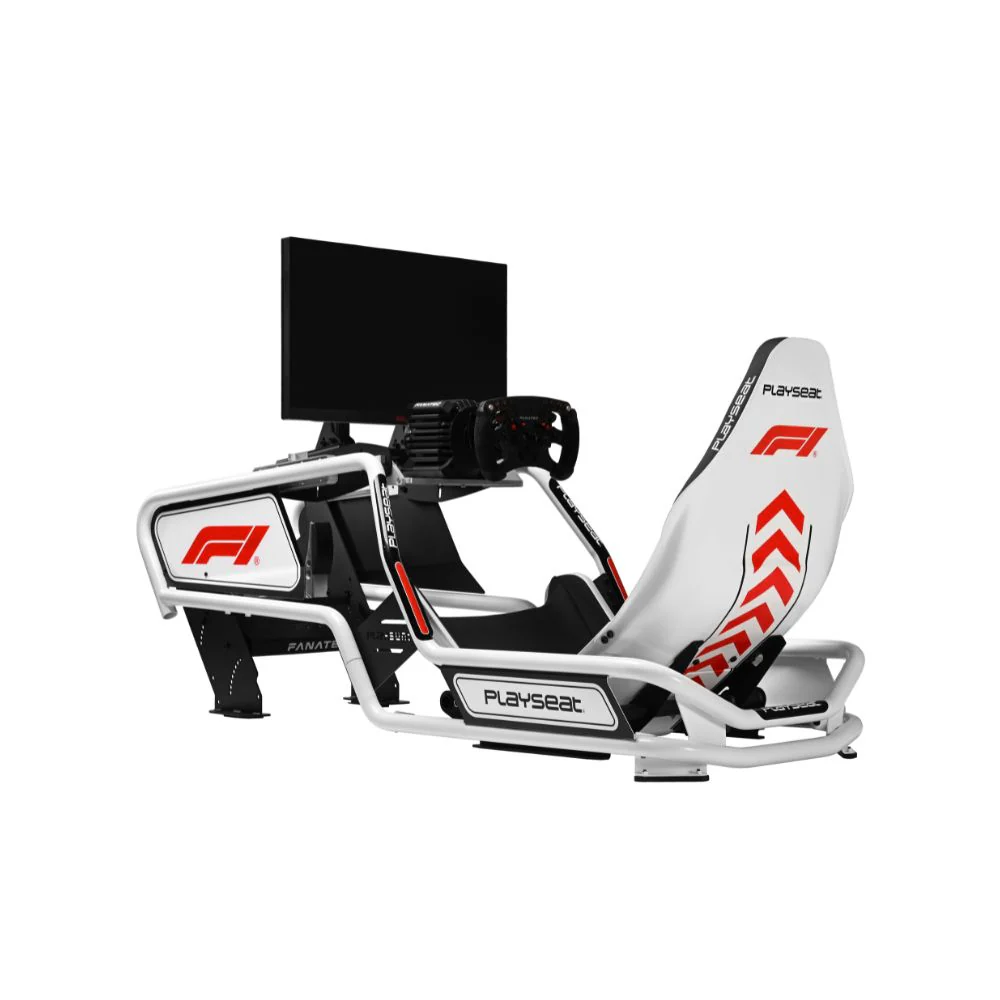
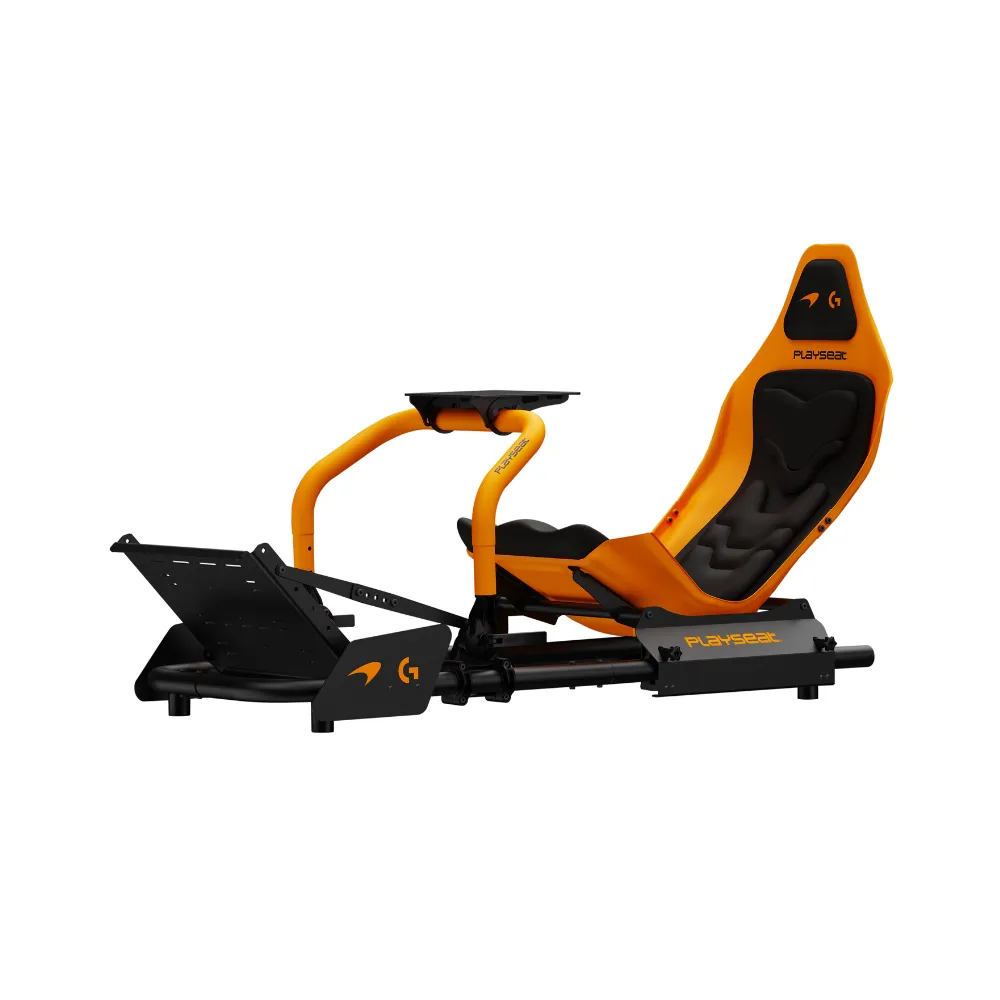
An F1 driving simulator is built around a low, precise and fast driving style. Compared with a GT-style racing setup, an F1-style setup usually has a more reclined seating position, a formula-style steering wheel and a cockpit layout that keeps the driver locked into one repeatable position.
That position changes the way you drive. You rely more on smooth steering inputs, sharp braking control and consistent throttle application. The wheel should be easy to reach without stretching. The brake pedal should feel firm enough to repeat pressure lap after lap. The screen or VR view should place the circuit where your eyes expect it to be.
For most home drivers, the best F1 driving simulator isn't the most extreme build. It's the one that gives you a stable driving position, clear force feedback and braking you can repeat without fighting the hardware.
The most important parts of an F1 driving simulator are the cockpit, pedals, wheelbase, steering wheel and display. Accessories can add immersion later, but these core parts shape the way the car feels.
A cockpit gives the system its foundation. A weak frame can move under heavy steering and braking, which makes the whole setup feel less accurate. A quality racing simulator cockpit gives the wheelbase and pedals a solid base, so your inputs feel more repeatable.
Pedals are just as important. Basic pedals can work for casual racing, but load cell pedals give a firmer brake feel that rewards pressure control. For an F1 driving simulator, braking consistency is one of the fastest ways to gain confidence.
The wheelbase controls force feedback. A direct drive wheelbase can give more detail through corners, kerbs and traction loss, but it needs to be mounted to a sturdy cockpit. A formula-style steering wheel adds the right shape, button access and driving feel for open-wheel racing.
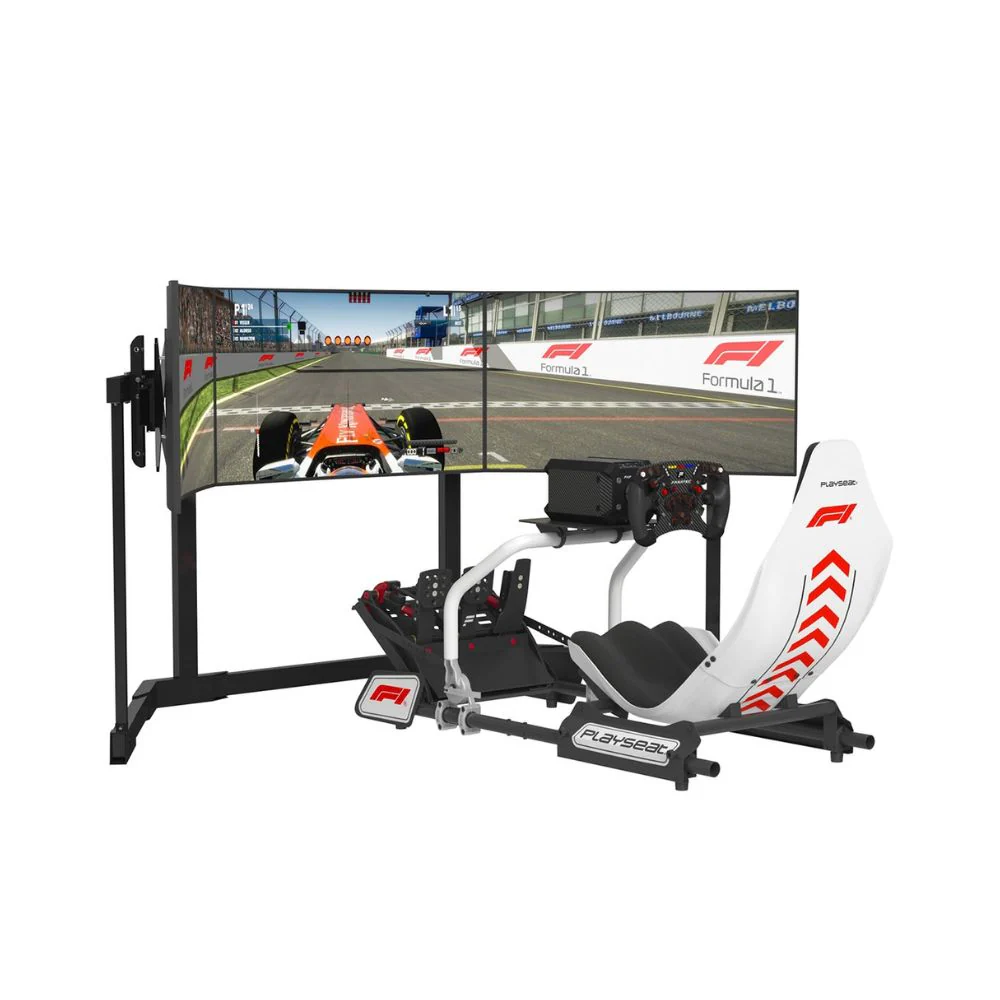
Your display setup affects depth, braking points and awareness. A single sim racing monitor can work well when placed correctly, while triple screens or VR can create a wider field of view.
Setup part |
What it affects most |
What we check |
|---|---|---|
Cockpit |
Stability and driving position |
Flex, adjustment and mounting strength |
Pedals |
Braking consistency |
Pedal tray strength and brake feel |
Wheelbase |
Steering detail |
Mounting support and force feedback clarity |
Formula wheel |
Control access |
Grip, button layout and reach |
Display |
Vision and braking points |
Height, distance and field of view |
A first F1 driving simulator doesn't need to be complicated. If you're starting out, focus on a wheel and pedal set that works with your platform, then make sure the pedals won't slide and the wheel can be mounted securely. A desk setup can work, but it has limits once the brake pedal gets firmer or the wheelbase gets stronger.
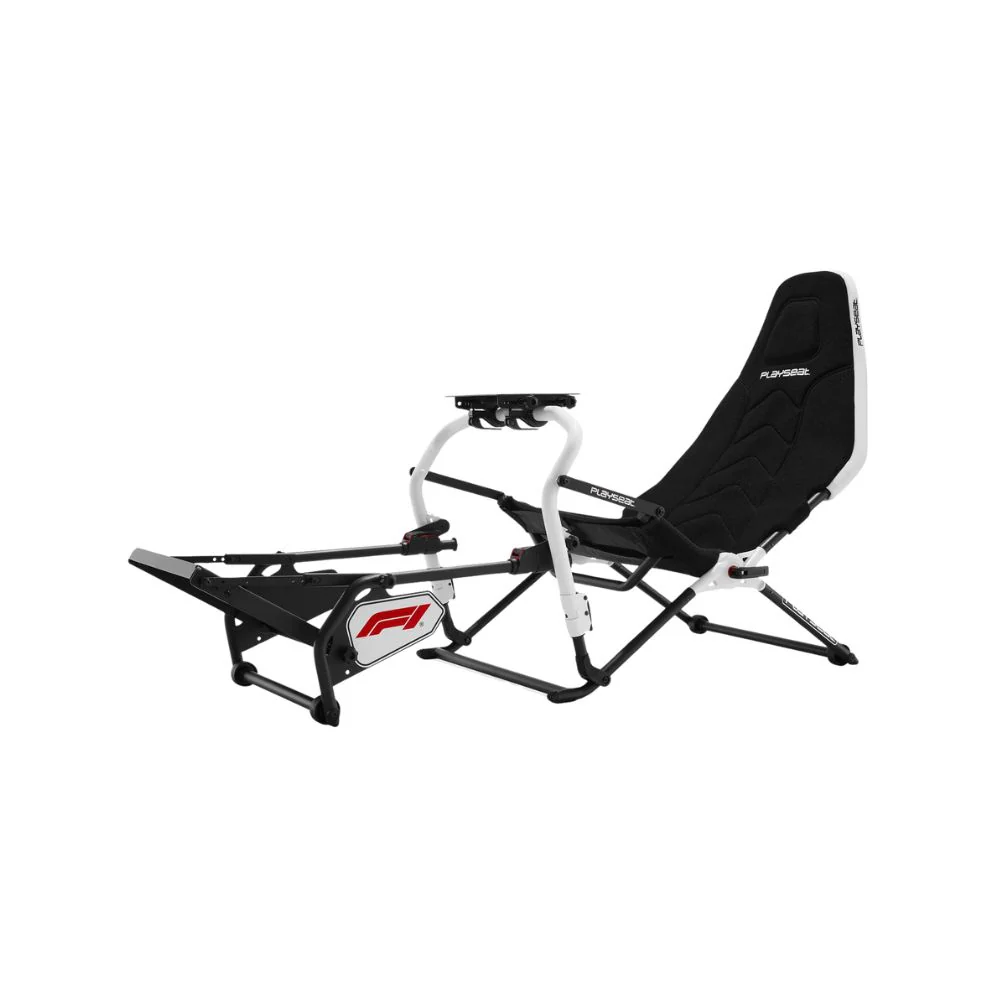
For regular sim racers, a fixed cockpit is usually the better base. It holds the wheel and pedals in the same place each session, which makes practice more useful. A fixed sim racing cockpit also gives you more freedom to add stronger wheelbases, better pedals, monitor stands and racing simulator accessories later.
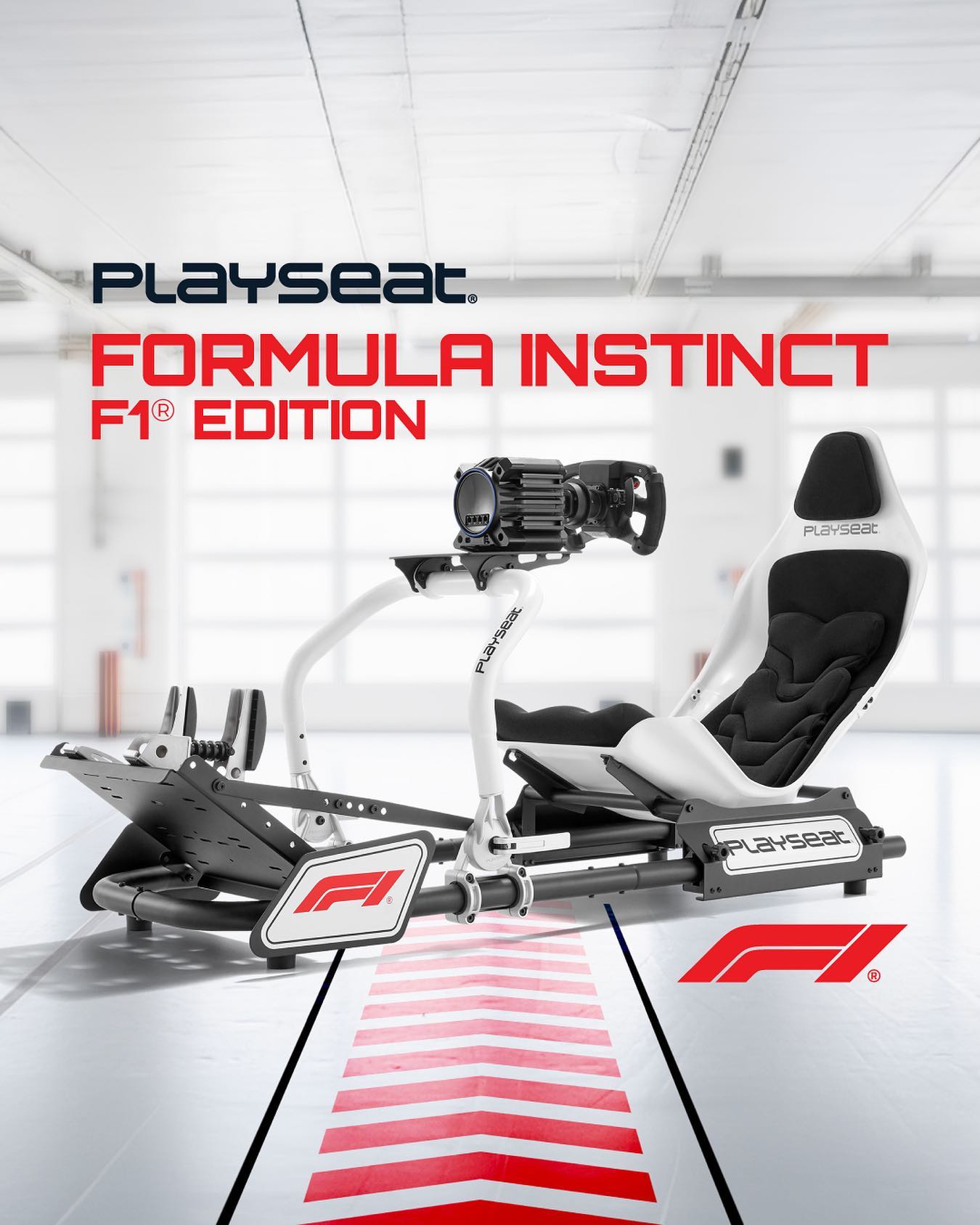
For drivers who want a true formula feel, a formula-style cockpit is worth considering. The lower seating angle can make an F1 driving simulator feel more authentic, especially with a formula wheel and a low screen position. Comfort still comes first. If the seat angle feels too aggressive, a hybrid cockpit can be easier to live with.
For immersion-focused drivers, triple screens, VR, haptic feedback and motion systems can add more sensation. These upgrades work best once the core cockpit, pedals and wheelbase are already solid.
The biggest mistake many drivers make is buying around headline specs instead of the full driving feel. A high-torque wheelbase can feel impressive, but it won't fix a moving cockpit or weak pedal tray. A more balanced F1 driving simulator usually feels better than a setup with one premium part and several weak links.
Cockpit rigidity has a direct effect on confidence. When the wheel deck and pedal tray stay firm, your hands and feet can build repeatable habits. That means you can focus on braking points, turn-in and throttle control instead of adjusting to movement in the frame.
Pedals often make a bigger difference than expected. A firmer brake pedal can feel strange at first, but it allows better pressure control once you're used to it. In an F1 driving simulator, that extra control can make trail braking easier to learn and more repeatable.
Formula wheels are also worth thinking about early. A round wheel can still drive F1 cars in a sim, but a formula-style wheel feels more natural for open-wheel racing. The shorter rotation, wider grips and front-facing buttons can make the cockpit feel more focused.
One common mistake is spending too much on the wheelbase and not enough on the cockpit. The wheelbase can only perform as well as the frame holding it. If the mounting plate moves, force feedback detail gets lost.
Another mistake is ignoring pedal pressure. Strong brake pedals need a stable mounting point. If the pedal tray flexes or the whole seat moves when you brake, lap-to-lap consistency becomes harder.
Screen placement is another area many drivers underestimate. A monitor that's too far away can make corners harder to judge. A screen that's too high can make the driving position feel disconnected. For an F1 driving simulator, the display should support your eye line, not force your head into an awkward position.
Compatibility also needs attention. PC and console setups don't always support the same wheelbases, wheels, pedals and shifters. Before buying, check the platform, wheelbase connection, pedal connection, mounting pattern and available space.
Once the hardware is assembled, calibration decides how natural the F1 driving simulator feels. Start with steering rotation. If the in-game wheel and physical wheel don't match, the car can feel twitchy or slow to respond.
Next, set pedal ranges. The throttle should reach full input smoothly, and the brake should reach full pressure without forcing an uncomfortable leg position. For load cell brakes, set the brake force so you can apply heavy pressure without lifting from the seat or straining your knee.
Force feedback should give useful detail without overwhelming the driver. Heavier isn't always better. If the wheel is clipping or fighting every input, reduce the force and focus on clarity. You should be able to feel kerbs, front-end grip and rear instability without feeling like the wheel is masking your inputs.
Graphics and frame rate also affect control. A smooth image makes braking points easier to judge. If the frame rate drops or input lag is noticeable, lower visual settings before chasing more immersion.
The hardware in an F1 driving simulator changes the way you learn technique. A stable cockpit gives your body a fixed reference point. That makes braking, steering and throttle work easier to repeat.
Load cell braking encourages pressure-based braking rather than travel-based braking. Instead of pressing the pedal a certain distance, you learn to apply a certain amount of force. That style suits F1 driving because heavy braking zones require control, release and timing.
A direct drive wheelbase can make oversteer and front-end grip easier to feel. The goal isn't maximum strength. The goal is clean feedback that tells you what the car is doing. When the feedback is clear, you can react earlier and make smaller corrections.
Display choice also changes technique. A well-positioned single screen can work well for focused lap practice. Triple screens add side vision for wheel-to-wheel racing. VR can improve depth perception, but comfort and frame rate need to be right.
Start by learning the racing line at a controlled pace. In an F1 driving simulator, speed comes from repeatable inputs, not rushed laps. Brake in a straight line, turn in smoothly and apply throttle with control as the car opens its steering angle.
Once you can complete clean laps, focus on braking points. Choose markers on the circuit and keep them consistent. If you miss the apex, don't immediately blame the setup. Check if you braked too late, released the brake too quickly, or turned in before the car was ready.
Trail braking is one of the key skills for F1-style driving. It means easing off the brake as you turn into the corner, keeping weight on the front tyres without locking or sliding. A firm brake pedal and stable cockpit make it easier to learn because your body isn't moving under load.
Throttle control is just as important. Apply power too early and the car can push wide or snap loose. Apply it too slowly and you lose exit speed. A good F1 driving simulator should make these changes easy to feel through the wheel, pedals and screen.
Telemetry can turn an F1 driving simulator into a better learning tool. You don't need to analyse every data channel. Start with brake pressure, throttle input, steering angle, minimum corner speed and sector time.
A simple method is to record a clean lap, then compare later laps against it. Look for corners where you brake earlier, release the brake too suddenly, or apply throttle later than usual. If one sector keeps costing time, focus only on that sector until the pattern is clear.
Brake traces are especially useful. They show if you're stabbing the pedal, holding pressure too long, or releasing the brake too quickly. For many drivers, improving the brake trace creates more consistent lap times than changing car setup.
Telemetry also stops you from guessing. If you feel slow, the data can show where time is being lost. If an upgrade changes your driving, the data can show if the change made you faster or only felt more exciting.
The display setup shapes immersion and control. A single monitor is simple, but placement needs care. Keep it close enough to see braking markers clearly, and set the height so your view feels natural from the seat.
Triple screens can give an F1 driving simulator a wider view, especially for side-by-side racing. The angles need to match the seating position. If the side screens are too flat or too angled, distance and corner entry can feel strange.
VR can be excellent for depth and immersion. It can also be demanding on the PC and less comfortable for long sessions. If you're choosing VR, focus on smooth performance, headset comfort and easy access to wheel controls.
Audio adds more than atmosphere. Engine sound, tyre noise and kerb impact can give useful cues. A good headset or speaker setup can make the car feel more connected without taking up much room.
Upgrade the part that's limiting the setup. If the wheel shakes the desk, move to a cockpit before chasing more torque. If braking feels inconsistent, look at pedal mounting and brake quality before changing the wheel. If you can't judge corners well, adjust the display before buying extra accessories.
For many drivers, the best upgrade path starts with stability, then braking, then steering detail, then vision. That order creates a stronger base for the whole F1 driving simulator.
A formula wheel is a good upgrade when the rest of the setup already feels stable. It gives the cockpit a more authentic F1 feel and can make in-race controls easier to reach. Motion and haptics should come later, once the core hardware is already working well.
The goal isn't to buy every upgrade at once. The goal is to remove the weakest link so the full setup feels more controlled.
Before choosing an F1 driving simulator, check the full system. Make sure the cockpit can handle the wheelbase. Check that the pedals can mount firmly. Confirm the seating position suits your body. Make sure your monitor or VR setup gives a clear view. Confirm PC or console compatibility before ordering.
A good F1 driving simulator should feel stable, repeatable and comfortable. The best setups let you focus on driving, not fighting the hardware. Start with the cockpit and pedals, choose a wheelbase that suits the frame, set the display correctly and calibrate the software with care.
With the right structure, position and calibration, an F1 driving simulator can give you a more convincing F1-style experience at home while helping you build better braking, cleaner steering and more consistent laps.