- Description
- Specifications
- What’s In The Box?
- Reviews
- Warranty
- Shipping
- 100 Day FREE Returns
- Why Buy From Us?
NaturalPoint TrackIR 5 Ultra Pack
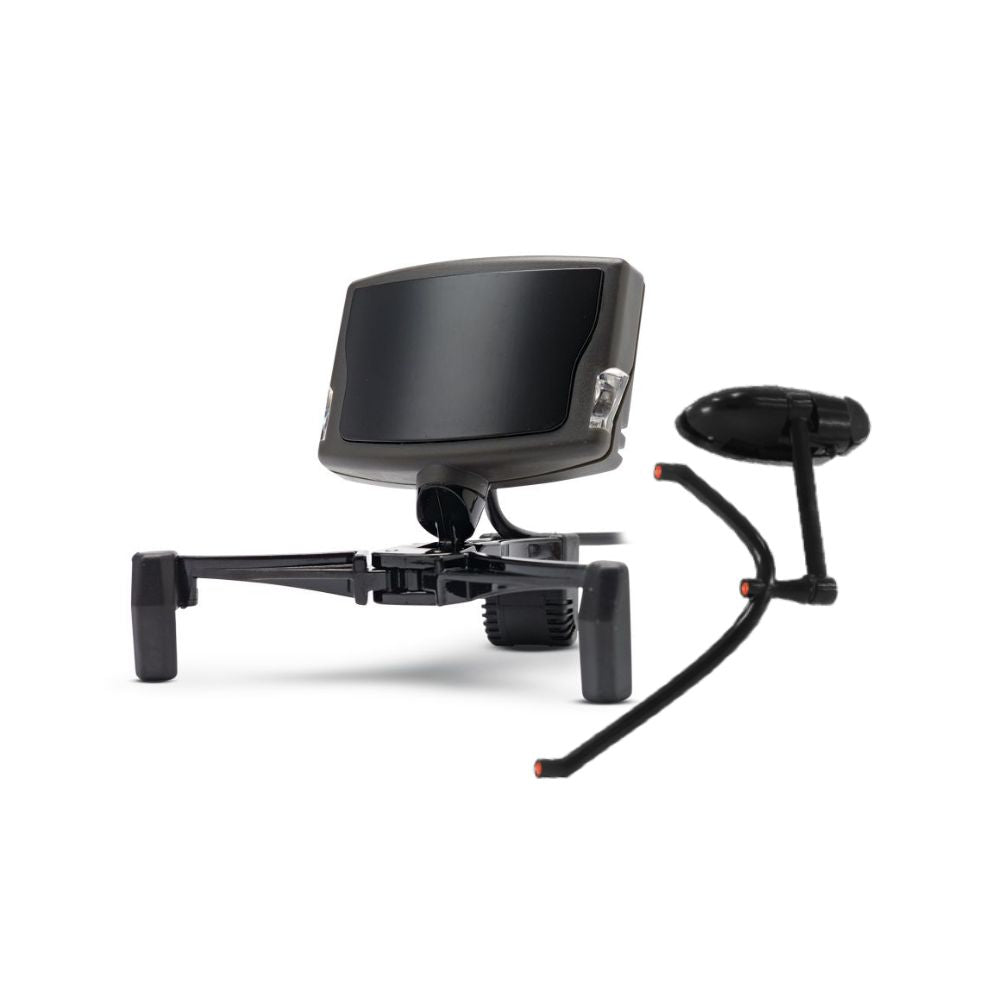
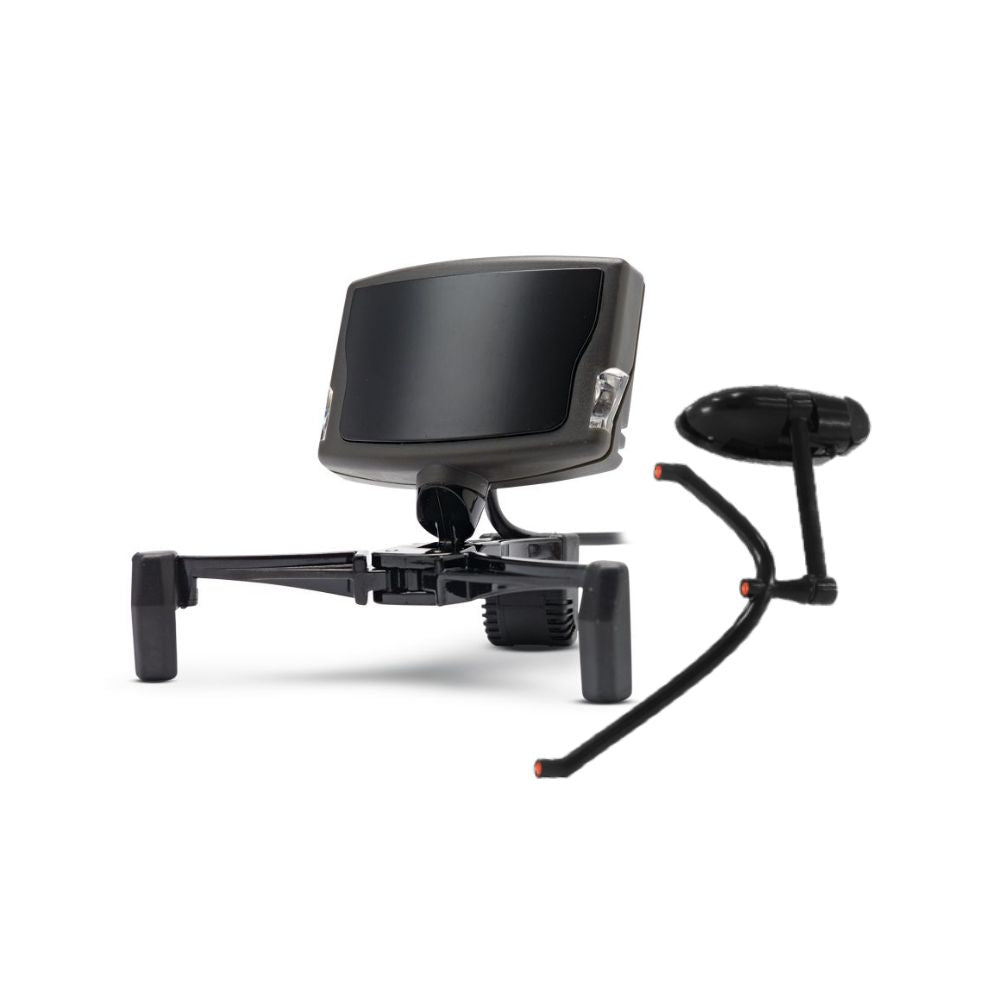
The TrackIR 5 is an infrared camera that sits on your monitor and follows a clip you wear, turning head movement into in-game view movement. The Ultra Pack is the version that comes with both clips: the powered TrackClip Pro and the reflective TrackClip.
It reads all six degrees of freedom, yaw, pitch and roll plus movement on the X, Y and Z axes, so leaning in to read a gauge and glancing across the cockpit are separate inputs rather than one blurred one.
The TrackClip Pro is the reason to take this pack over the Pro Pack. It carries its own infrared LEDs and takes power over USB, so the camera is reading a light source instead of a reflection. In a bright room, or with a window behind you, that is the difference between tracking that holds and tracking that drops out.
It is a Windows PC device, and support comes from each title rather than from the camera. NaturalPoint lists more than 100 TrackIR Enhanced games and simulators.
TrackIR 5 Ultra Pack key features
- Both clips in the box: the powered TrackClip Pro and the reflective TrackClip
- TrackClip Pro runs active LEDs with a USB power tap and pass through
- Tracks six degrees of freedom: yaw, pitch and roll plus X, Y and Z
- TrackClip Pro works at 61 cm to 152 cm from the camera
- 51.7 degree field of view, 640 x 480 raw sensor resolution
- Reporting resolution of 96,000 x 72,000, resolving to 1/150th of a pixel
- 120 fps sample rate with a 9 ms response time
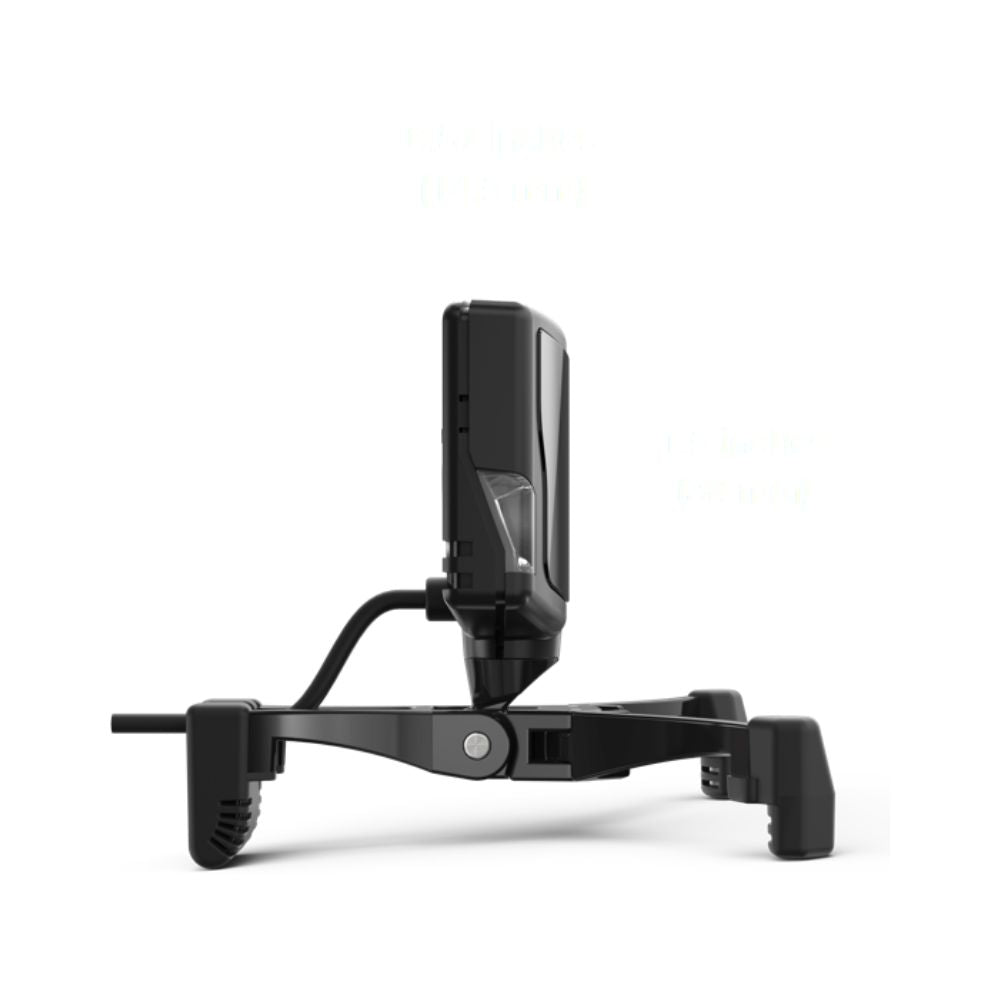
- 51 x 38 x 14.5 mm without the base, on a magnetic mount with adjustable legs
Head tracking without a VR headset
A headset gives you head movement and stereo depth, and it also puts a screen on your face. TrackIR gives you the head movement and leaves you looking at your own monitors, your own instruments and your own keyboard.
That is the trade, and it is a real choice rather than a cheaper substitute. Pilots who fly with charts, a second screen or a physical cockpit in front of them tend to run TrackIR instead of VR, not alongside it.
It also asks nothing of your graphics card, because it is a camera rather than two more displays to render.
Why the powered clip matters
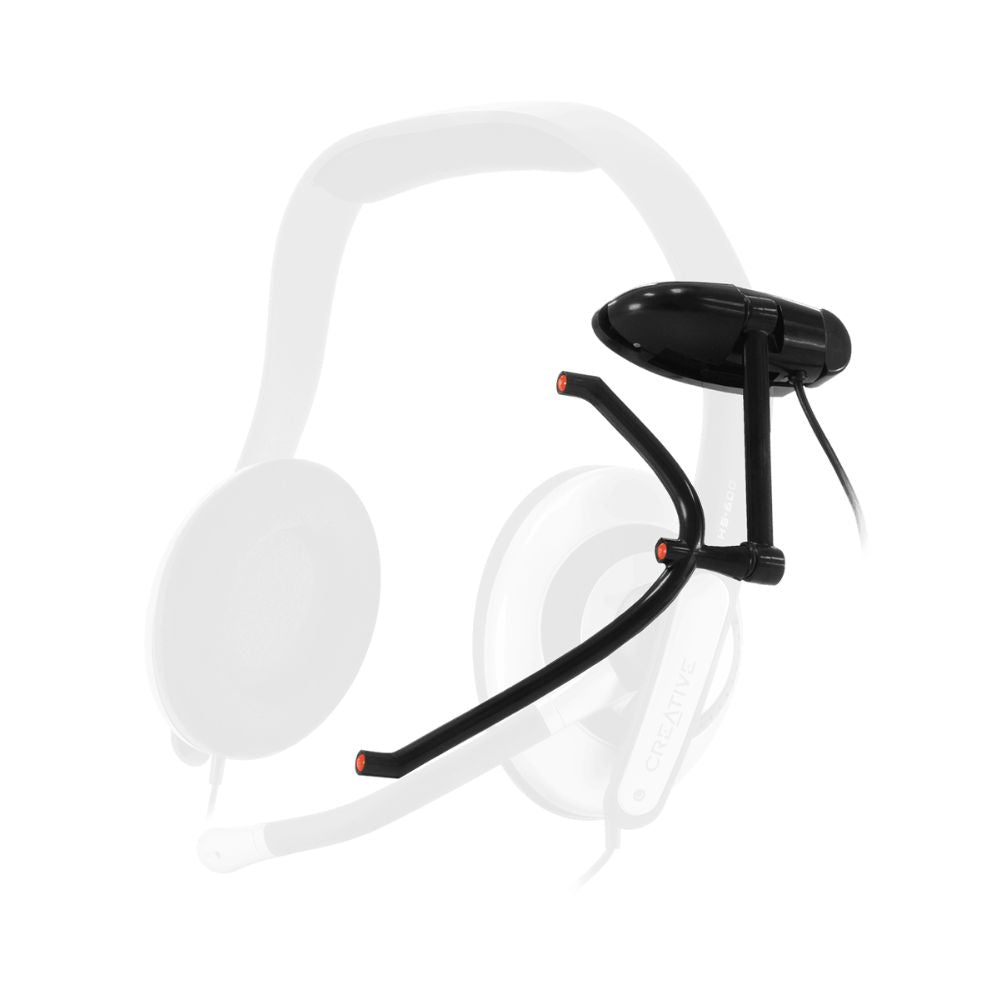
The reflective TrackClip bounces the camera's own infrared back at it. The TrackClip Pro emits its own instead, through active LEDs, drawing power over USB with a pass through so you do not lose the port.
Emitting rather than reflecting is what makes it steadier when the light is against you: a bright room, a window behind your head, or a lamp in the camera's view. NaturalPoint rates the Pro clip from 61 cm to 152 cm, which covers a desk and most of a rig.
It clips to a headset band above the left ear, in two positions, and fits bands up to about 32 mm wide and 13 mm thick. The reflective clip is still in the box, so you can go back to it if you would rather not run a cable to your head.
What the camera actually resolves
The sensor is 640 x 480, but NaturalPoint reports position to 1/150th of a pixel, giving a reporting resolution of 96,000 x 72,000 across a 51.7 degree field of view.
That subpixel figure is why the view holds still when your head does, and why a small movement reads as a small movement instead of nothing. Coarse tracking fails at both ends: it jitters when you are still and ignores you when you move slightly.
Sample rate is 120 fps with a 9 ms response time, so the view arrives with the head turn rather than behind it.
Six axes, tracked separately
Six degrees of freedom means three rotations, yaw, pitch and roll, and three positions, X, Y and Z, each reported on its own axis rather than blended together.
In practice that is the difference between turning your head towards a mirror and leaning forward to put your eye closer to an instrument. A tracker that only reads rotation cannot tell those apart.
NaturalPoint's software sets a curve per axis, so the view can swing a long way for a small turn while the lean stays closer to one to one. The default profile suits nobody in particular, so expect to spend time in there on the first day.
Mounting the camera
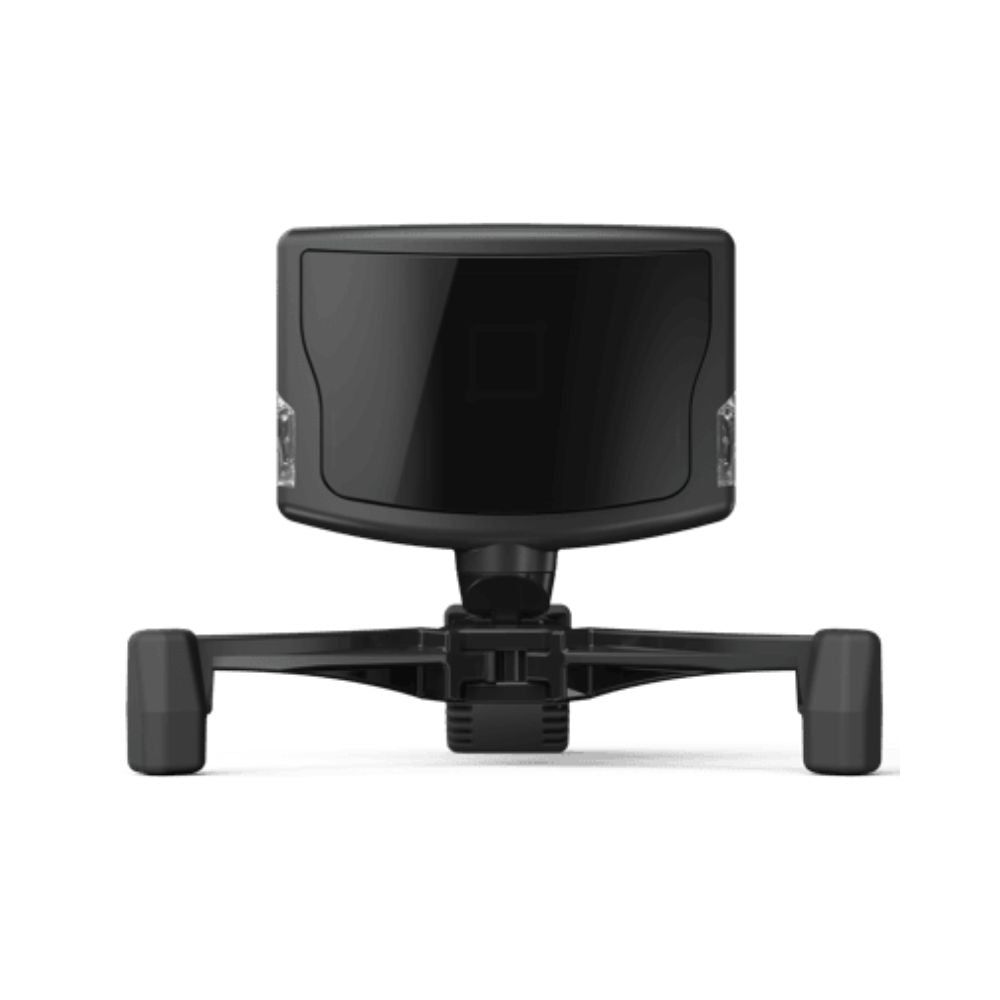
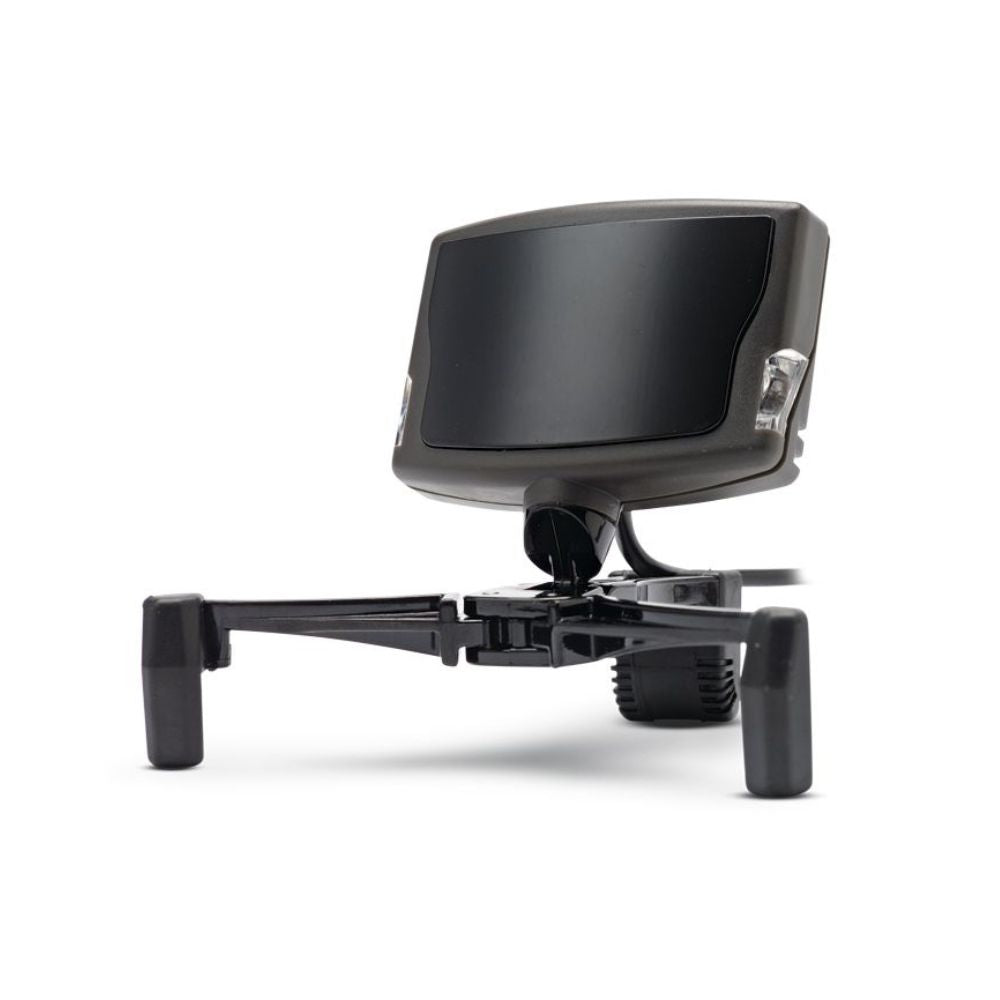
The camera sits on a magnetically attached base with adjustable legs that grip the bezel of a monitor or TV. No screws, nothing permanent, and moving it to another screen takes seconds.
The magnet does more than save time. The camera lifts off the base without moving the base, so it can come off and go back on without resetting where the view points.
Mount it centred above the screen you actually look at. On a triple-screen rig that is the middle panel rather than the physical centre of the array.
Our take
“If you are choosing between the packs, the question is what your room is like rather than how serious you are. In a dim room with the light in front of you, the reflective clip in the cheaper pack is fine and you will not feel short-changed. If you have a window behind your head or a bright lamp anywhere near the camera, buy this one, because reflected tracking is exactly what that defeats. The honest downside of the Pro clip is the cable to your head, and some people never get used to it.”
Blake Sterling, CEO & Founder, Gamer Gear Direct
Frequently asked questions
How much setting up does it need?
Mount the base on the monitor, put the camera on it, plug the USB in and clip one of the two clips on. The part that actually matters is the software, where you set the response curve for each axis. Budget twenty minutes for that rather than two.
Will it work with my simulator?
Support is built into each title rather than into the camera, so it depends what you run. NaturalPoint lists more than 100 TrackIR Enhanced games and simulators, and most major flight and combat sims have supported it for years. Check theirs before you order, or tell us what you fly and we will confirm it.
What headsets does the TrackClip Pro fit?
It clips to a headset band above the left ear and fits bands up to about 32 mm wide and 13 mm thick, in two positions. Most over-ear gaming headsets are inside that. If yours is not, the reflective clip and a cap or visor is the fallback, and it is in the box.
What is the difference between the two clips?
The reflective TrackClip bounces the camera’s infrared back and needs no power. The TrackClip Pro emits its own through active LEDs and draws power over USB with a pass through. Emitting is the more reliable of the two when there is light behind your head. Both are in this pack.
How far from the camera can I sit?
NaturalPoint rates the TrackClip Pro from 61 cm to 152 cm, which covers a desk and most of a rig. The camera also has a 51.7 degree field of view, so the clip has to stay in frame as well as in range.
What does it change about how I fly or drive?
You stop spending a thumb on a hat switch. Checking a mirror, clearing the nose on approach or looking into a corner becomes the head movement you were going to make anyway, and both hands stay where they were.
How much room does the camera take up?
The camera is 51 x 38 x 14.5 mm without the base, so it sits above the bezel rather than across the picture. The base has adjustable legs that grip the top edge of a monitor or TV.
Does it need much from my PC?
It is a USB camera running a small piece of software, not another display to render, so it asks far less of a graphics card than a headset does. A Windows PC that already runs your simulator will run this.
SKU: NP-TCLP-ULT
Minimum System Requirements:
Microsoft Windows PC.
USB port.
Internet connection for driver software download & updates
Head Position Tracked: 6 Axes (6 DOF)
TrackIR 5 Camera
Horizontal Field of View: 51.7°
Sample Rate (FPS): 120
Raw Sensor Resolution: 640 x 480
Sub-pixel Resolution: 1/150th pixel
Reporting Resolution: 96,000 x 72,000
Resolution per Horizontal Degree: 1850 subpixels/degree
Unit Size (without base): 51mm x 38mm x 14.5mm
Connection: USB
USB Cable Length: 6 feet (1.8m)
Full list of compatible games: NaturalPoint TrackIR Enhanced titles
TrackClip Pro
Active LEDs for precise tracking
USB power tap, with USB pass through
Ultra light weight
Working range: 61 cm to 152 cm
2 position headset clip
Attaches to headset bands above left ear
Fits headset bands up to 32mm wide and 13mm thick
1x TrackIR 5 infrared camera
1x TrackClip Pro active LED headset sensor
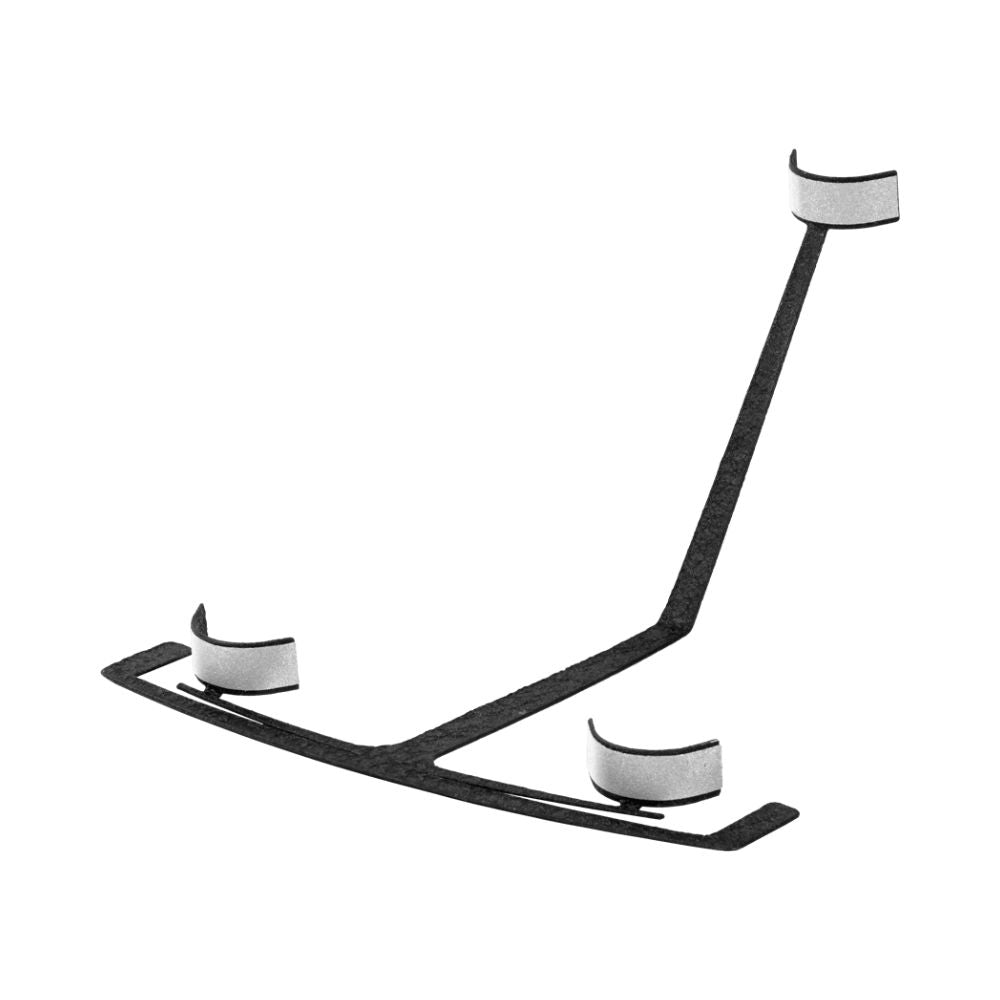
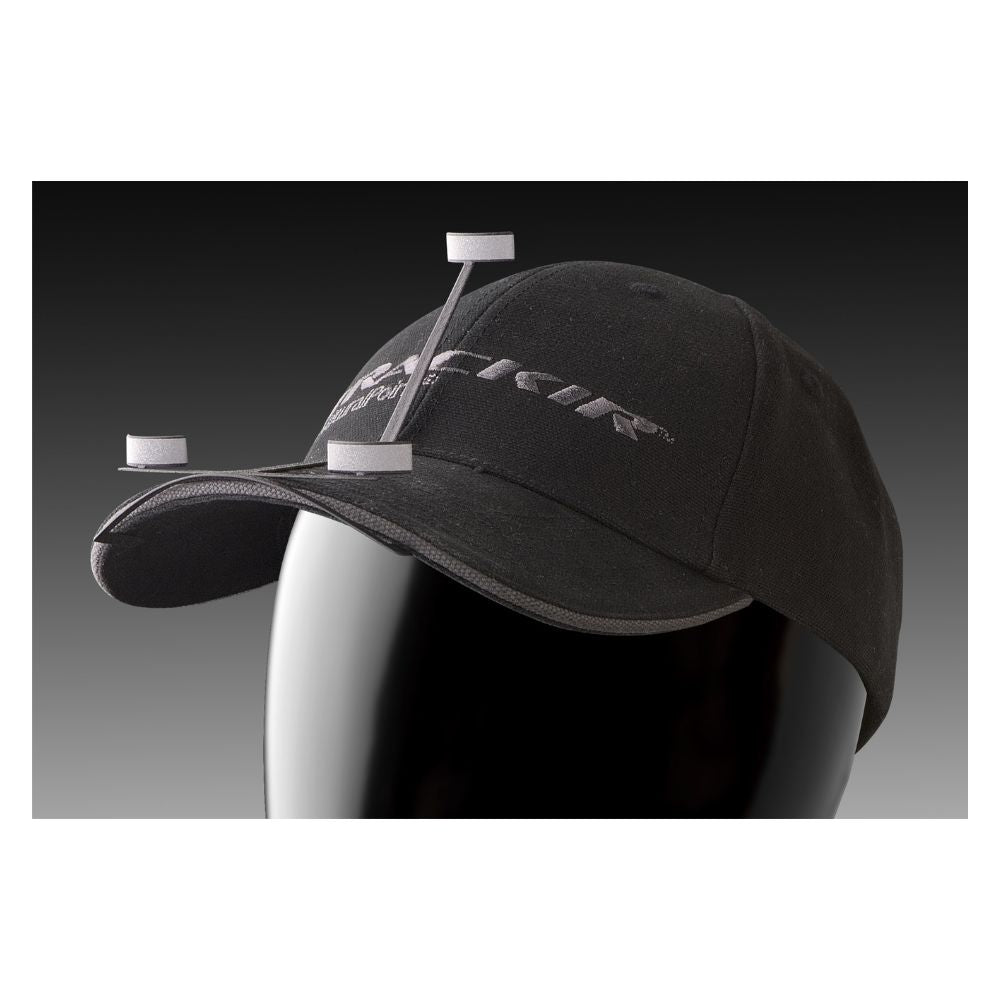
1x TrackClip reflector track clip (suitable for a hat or headset)
1x Quick start guide
Electronic user manual
The NaturalPoint TrackIR 5 is backed by a one year warranty against manufacturer defects, supported by Gamer Gear Direct’s Australian team.
If for some reason your item doesn't work as expected, simply contact us and we'll either repair your item under warranty...or we may be able to offer a refund/exchange.
Again, if for some reason your item doesn't work as expected, contact us right away and we'll sort out any issues ASAP.
Orders are typically processed within 1–2 business days and shipped via trusted Australian courier partners.
Estimated delivery times after dispatch:
- VIC: 2–4 business days
- NSW: 2–4 business days
- ACT: 3–5 business days
- QLD: 2–4 business days
- SA: 2–4 business days
- WA: 4–10 business days
- NT: 4–10 business days
- TAS: 4–10 business days
Click here to view our full shipping & handling policy
Changed your mind? No problem! You can return unused, unopened items within 100 days of your order date, provided they’re in original packaging and resaleable condition. Better still, we'll cover the return shipping!
All Gamer Gear Direct products are backed by Australian Consumer Law and include a minimum 12-month Australian warranty. If there’s an issue with your product, our team is here to help and will work to make it right.
Click here to view our full returns policy.
Authorised Australian dealer
Gamer Gear Direct is an authorised Australian dealer for the brands we represent, including Trak Racer, Playseat, MOZA Racing, Logitech, Honeycomb Aeronautical, Thrustmaster, HORI, Turtle Beach, Sparco, OMP, PXN, Sigma Integrale and Pokornyi Engineering. We are trusted by over 20,000 customers nationwide.
Every product we sell is 100% genuine, sourced through approved channels, and supported locally.
Fast local shipping
We ship directly from our Australian warehouses, with most orders leaving within 1 to 2 business days. This means faster delivery times and reliable tracking from dispatch to your door.
Hassle-free 100-day returns
Changed your mind? Eligible items can be returned within 100 days provided they are unused, unopened, and in original packaging. We keep the process clear and straightforward.
Genuine Australian warranty
Every product we sell is covered by a comprehensive Australian warranty, backed by both the manufacturer and Australian Consumer Law. You will not be left dealing with overseas support channels.
Expert support you can trust
Whether you need product advice, compatibility guidance, or after-sales support, you are dealing with people who know the sim and gaming gear we sell inside and out. Our sim and gaming specialists are here to make things easy.
With Gamer Gear Direct you will get:
- Expert guidance on choosing the right gear for your goals and budget
- Personalised setup advice tailored to your space and the way you play
- Smart gear pairing suggestions for PCs, consoles, monitors, wheels, controllers and accessories
- A dedicated account representative for ongoing support
We also have a Melbourne showroom in Dandenong South, so you can try the gear before you commit. Call us on (03) 9961 0240, talk to our team on live chat, or email support@gamergeardirect.com.au and one of our specialists will help you.
Trusted by professionals
The brands we stock are used at the highest level of motorsport and aviation simulation. The same technologies are used for training, preparation and skill development at professional level, giving you access to pro-grade equipment built for accuracy, realism and reliability.
The device works on Linux. It was pretty jittery, but I was able to pretty much solve that too. However, what I wasn't expecting is that once I actually started flying with it I started feeling motion sickness after about 30 minutes. I think it's mostly due to the constant motion of the image on the screen, as it's not really practical to keep your head perfectly still. I suppose I could say it increased the realism of the simulation, as I get sick on small planes too. But, I was not looking for that type of realism! :)
Omg! All I needed was a few minutes to know this was the product for me. I spend a lot of time with simulator games, having well over several hundreds hours spent with them just since this summer. I have really latched on to the simulator genre and TrackIr 5 was the next step in this admiration! It raises the immensity level of whatever you’re doing to 10+! I don’t know what kept me from purchasing this product for so long. For the price and complexity it is a miracle in immersive simulation gameplay!
Update 13 Feb 2020: Now that I've used this a while, I can say that TrackIR 5 is easier to get confused, compared to TrackIR 3. For example, even if I lift my hand to scratch my nose, the tracking will go crazy cuz of the light relfected off my watch glass. I don't know if it'll go crazy for people wearing prescription glasses though, I don't wear them while gaming.For TrackIR 3, I can do that without breaking the track. I can even puff on a cigarette with a long drag (lighting up the end) and it still wouldn't break the track. For TrackIR 5, the track would go crazy.Original review:============Actually my old TrackIR 3 (circa 2002) still works. I purchased this TrackIR 5 because some games I have do not register my TrackIR 3 as a head-tracker. Apparently the devs assumed everyone has a TrackIR 4 or newer.My first disappointment - old TrackIR software (v3.xx. v4.xx) doesn't work on it. I was kind of hoping it would (cuz I wanted to track with only 1 dot on my gaming goggles), but it doesn't. The newer TrackIR v5.xxx software doesn't detect my old TrackIR 3 (previously tested a few years ago), and it needs 3 dots to track. So, TrackIR 5 needed v5.xx software to run.Setup was a little different, but easily and quickly done. I quickly set up a profile for Eurotruck and tested - works fine. I am so used to TrackIR 3 (Pitch and Yaw ONLY) that on the new TrackIR 5, I disabled roll, X and Y axis. I kept Z on, cuz it's cool to be able to "lean into the screen" to see something up cl.
As someone who is not a fan of immersive VR goggles this is perfect. I have a large monitor so can feel immersed into the game but not totally isolated from my surroundings. Plus I am less likely to get dizzy from motion sickness with this device. I can simply glance away from the monitor. This device although older technology really took gaming to the next level. Perfect for Elite Dangerous or DCS World, etc. A great addition to my Warthog Hotas, also new.Btw if you don't like wearing a cap or using a headset, buy a thin plastic hair band and clip the device to that. Works great.
As another reviewer wrote below, TrackIR is a game-changer if you do any kind of flight-simming. I use it exclusively for DCS World and some X-Plane and it's the best you're gonna get without investing in some clunky VR headgear. It works as anticipated and adds quite a bit of environmental awareness in the cockpit. The software portion of the product lets you fine-tune the headset, which is a must, but once you're set, you're all ready to go.I went with the slightly cheaper head-clip version, which simply slides onto the brim of a baseball cap (the clip is quite delicate as people have said, thin plastic and what not). Three reflective tape surfaces from your brim deliver the movements to the actual IR receiver, which loosely clasps to the top of your monitor. That's it! I have the TrackIR software running before I start DCS - neither software has had an issue with the other.I was up and running (including fine-tuning) within the hour and was immediately amazed at how quickly it changed my flying. I'm not relying on external views in DCS for landing much anymore - it's all in-cockpit - which says a lot of how much the headgear really adds.So ya, highly recommended if you do any serious flying at your computer and have the money to spare.