

Sim Racing F1 Buyer’s Guide for Beginners
|
|
F1 is one of the most demanding ways to race at home. The cars react quickly, braking inputs need to be repeatable, and small changes to your wheel, pedals, seating position, and screen setup can affect how confident you feel on track.
At Gamer Gear Direct, we’ve tested F1-style simulator setups across direct drive wheelbases, load cell pedals, aluminium profile cockpits, single ultrawide displays, triple monitor layouts, and motion-ready rigs at our Dandenong showroom. The biggest lesson from that testing is simple: a fast sim racing F1 setup isn’t just about buying the most powerful wheelbase. It’s about getting the cockpit, pedals, display, and calibration working together.
Our sim racing F1 testing focused on the parts of the setup that drivers notice first: steering feel, brake consistency, cockpit stability, seating position, visibility, and software calibration. We tested rigs from the position of a buyer setting up at home, not a pro driver with unlimited time and space.
We looked at how much flex appeared under braking, how stable the wheel mount felt with direct drive force feedback, how easy it was to adjust pedal distance, and how comfortable the cockpit felt after repeated laps. We also tested display placement, because a screen that’s too far away can make braking markers and corner entry points harder to judge.
For F1-style driving, our team found that the best gains usually came from four areas: a rigid cockpit, a consistent brake pedal, a wheelbase with clean force feedback, and a seating position that lets the driver brake hard without shifting in the seat. Those points became the foundation for this sim racing F1 guide.
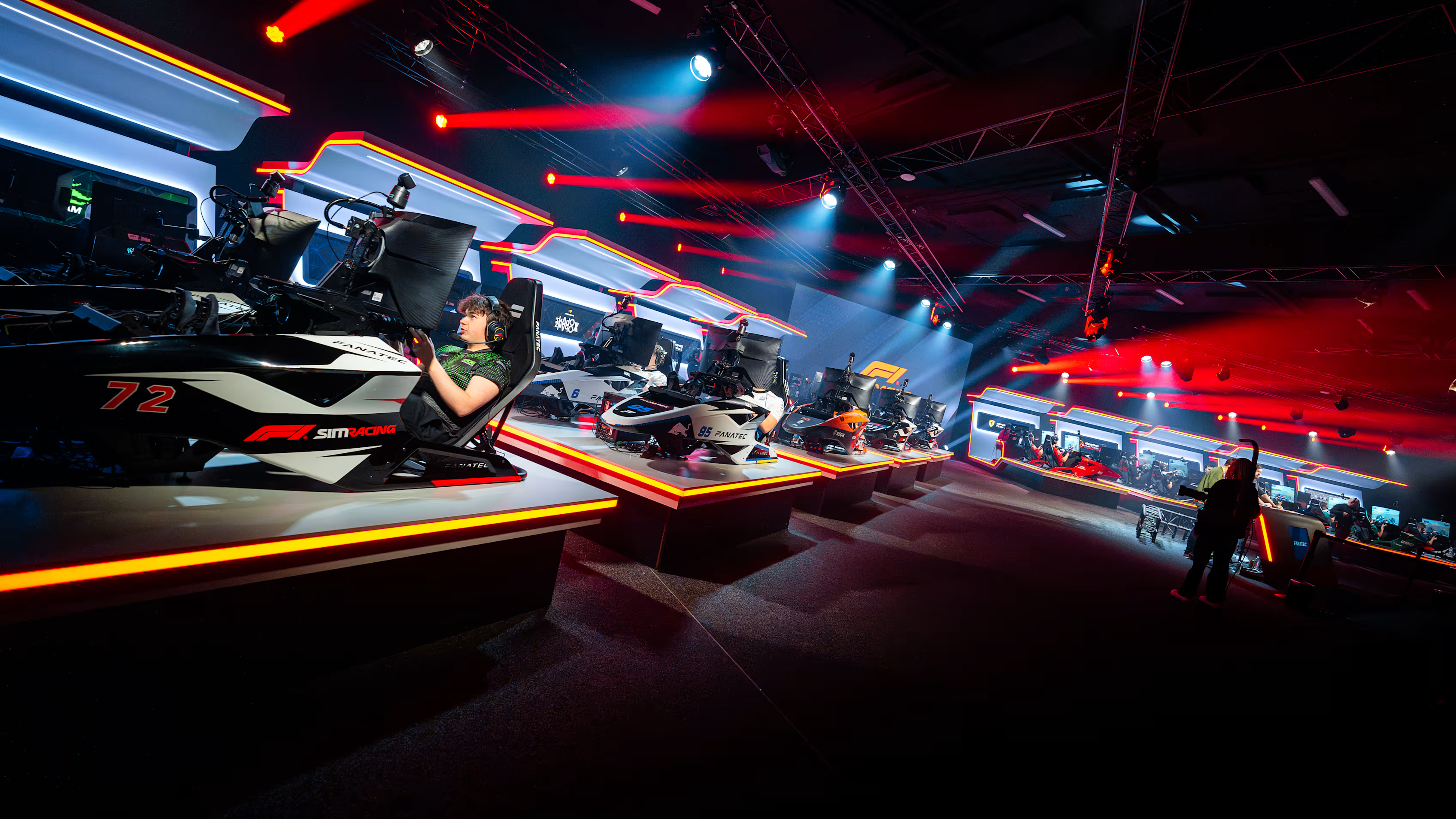
Sim racing F1 has moved well beyond casual racing at home. The official 2026 F1 Sim Racing World Championship brought together nine teams, with 12 rounds, 50% race distances, and a $750,000 prize pool. The season launched at DreamHack Birmingham, with later events held at Formula 1’s Media and Technology Centre in Biggin Hill.
The 2026 season also showed how competitive virtual Formula racing has become. Alpine’s Otis Lawrence won the Drivers’ Championship, while Oracle Red Bull Sim Racing won the Teams’ Championship.
For home racers, the professional scene is useful because it shows the same core priorities we see in showroom testing: repeatable braking, accurate steering, stable seating, and a setup that lets the driver focus on lap time rather than fighting the hardware.
Sim racing F1 feels different from GT, rally, drift, and truck simulator driving because the cars respond so quickly. Steering inputs are smaller, braking zones are sharper, and the car can punish rough throttle or brake use almost instantly.
In our testing, drivers moving from GT-style racing to sim racing F1 often noticed three things straight away. First, the wheel doesn’t need huge steering movement. Second, the brake pedal needs to feel predictable under heavy pressure. Third, the seating position changes how well you can hold the brake and throttle through longer sessions.
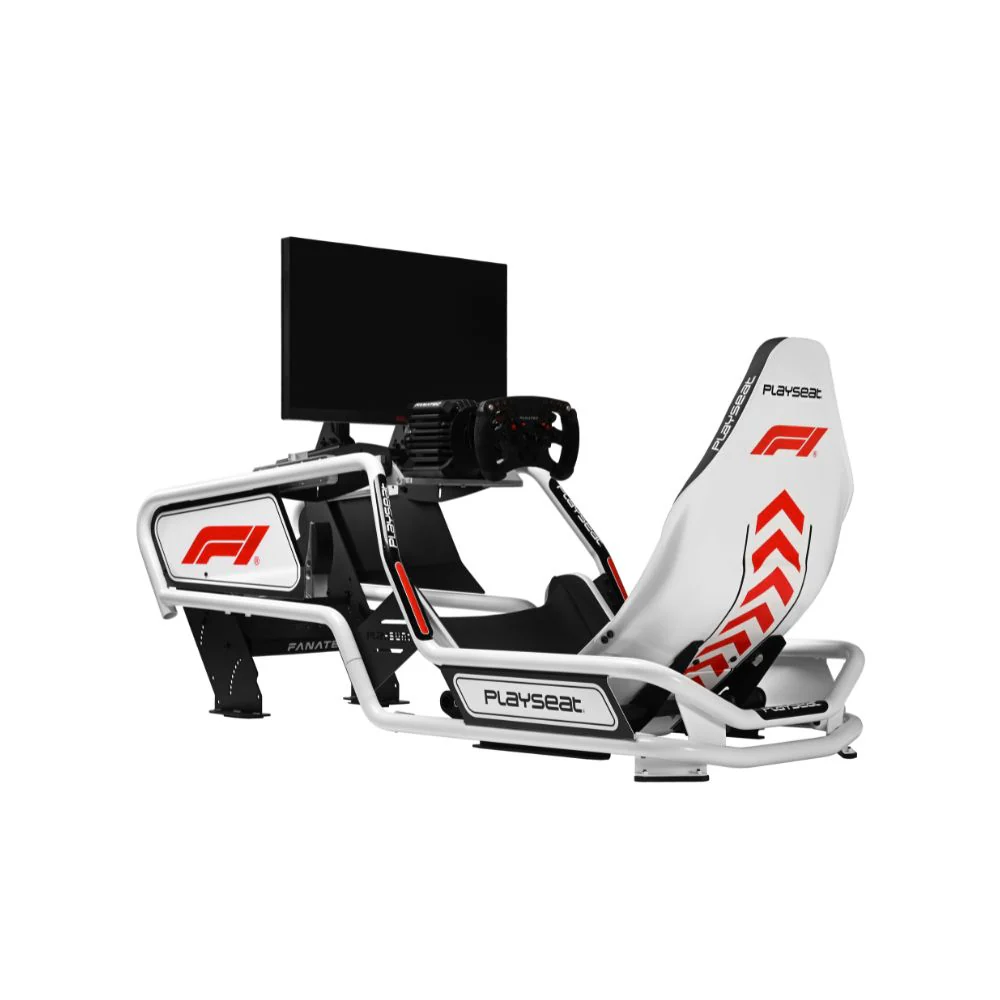
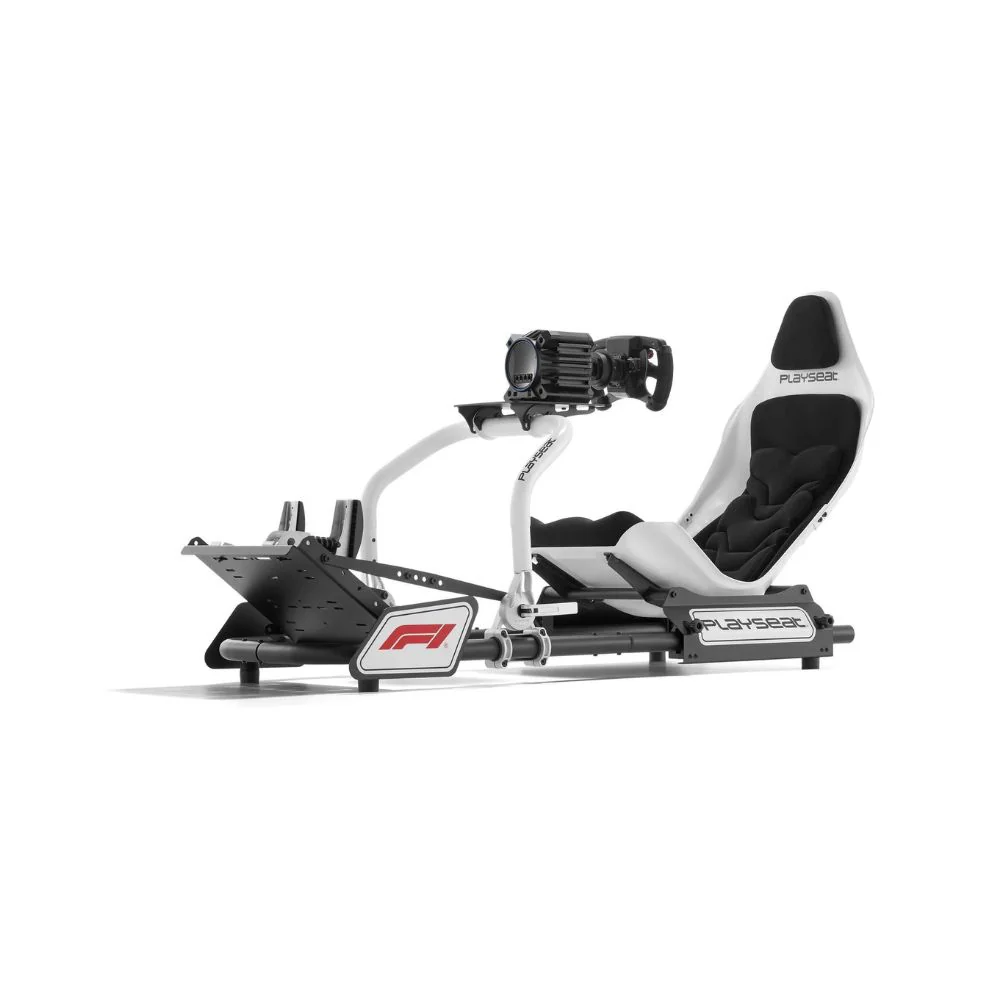
A GT-style simulator cockpit can still work well for sim racing F1, especially for mixed racing games. But if you want a more authentic Formula-style feel, a lower and more reclined driving position with raised pedals gives you a closer match to the real F1 posture. The right position also reduces unnecessary arm movement, which can make the car feel easier to place on corner entry.
The best sim racing F1 setup starts with the parts that affect control. Flashy accessories can wait. From our showroom testing, the order of importance is usually cockpit stability, pedals, wheelbase, display, then accessories.
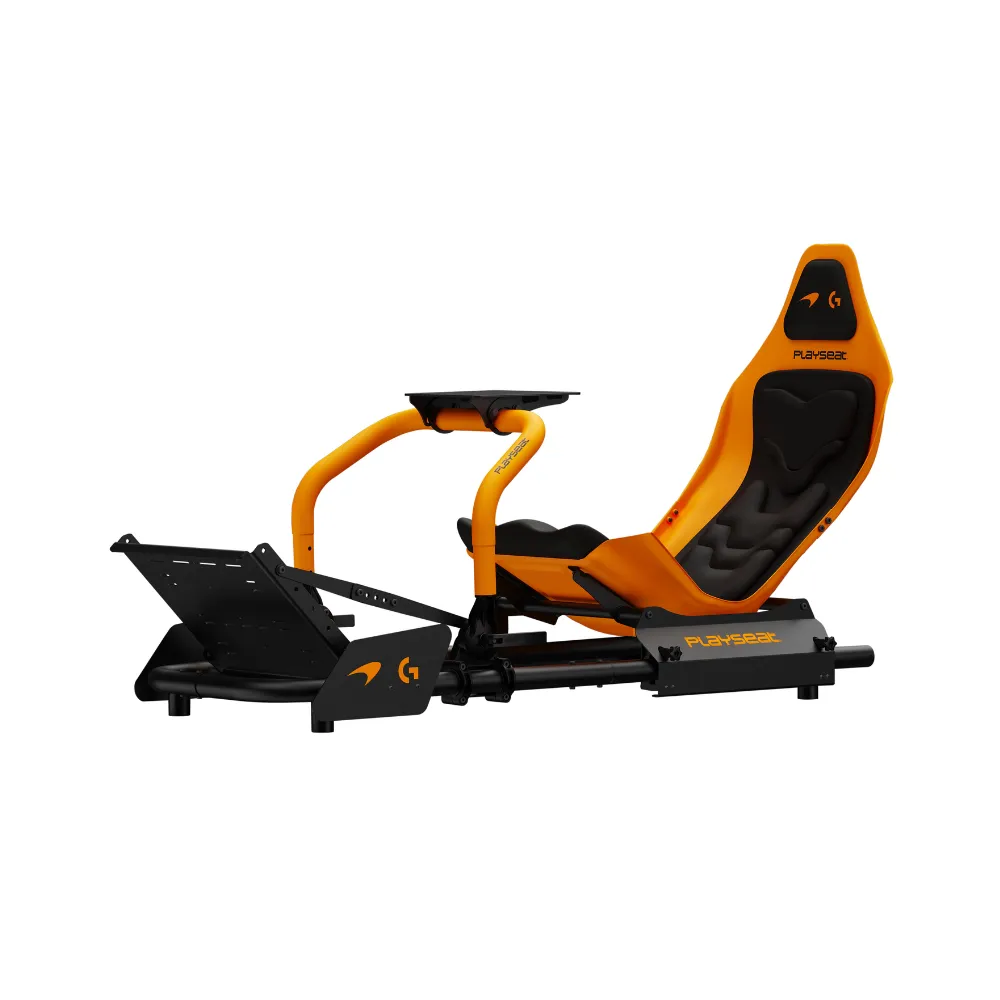
A stable cockpit comes first because every other part mounts to it. If the wheel deck moves under force feedback or the pedal plate flexes under braking, it becomes harder to drive consistently. This is why we often recommend a rigid sim racing cockpit before adding premium extras.
Pedals are just as important. For sim racing F1, we’ve found that a repeatable brake pedal can improve confidence more than a stronger wheelbase. Load cell-style braking gives you pressure-based control, which is useful for trail braking and avoiding lockups. Drivers can often feel the difference after a few laps, especially at tracks with heavy braking zones.
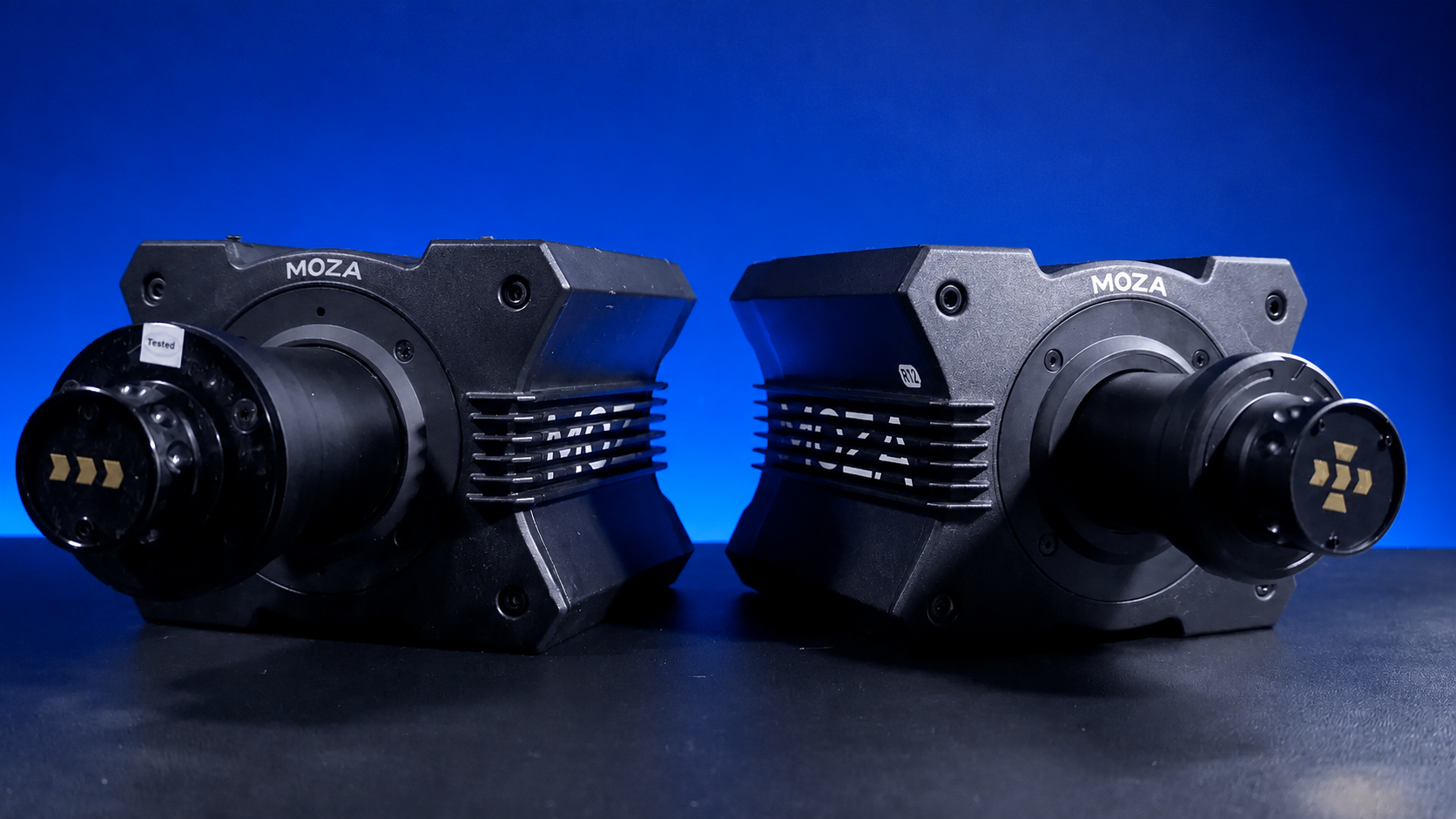
A direct drive wheelbase adds detail through the steering wheel. Across the direct drive wheelbases we’ve tested, the biggest benefit isn’t just peak torque. It’s the cleaner feedback from kerbs, front-end grip loss, and rear rotation. For beginners, we usually avoid setting force feedback too high at the start because too much strength can make the car tiring to drive.
Display choice also changes the sim racing F1 experience. A single ultrawide screen can work well in smaller spaces, while triple monitors can give better side vision for corner entry and wheel-to-wheel racing. VR adds immersion, but it also adds setup complexity and comfort considerations.
Accessories such as gloves, button boxes, and upgraded wheel rims can add convenience, but they shouldn’t come before the core setup. If you’re choosing racing simulator accessories, start with anything that improves comfort, control, or repeatability.
When we test a sim racing F1 setup, we’re not just checking if the gear turns on. We’re looking for the small details that affect real use over repeated laps.
With wheelbases, we check how cleanly the base communicates front grip, kerb strikes, and rear-end rotation. A wheelbase can feel impressive at high force, but if the feedback is rough or tiring, most drivers won’t use that strength for long races. The best setup is controlled enough to catch slides without wearing out your arms.
With pedals, we focus on braking consistency. In sim racing F1, the brake pedal needs to support hard pressure without moving around. A soft or unstable brake can make trail braking harder because the driver can’t repeat the same pressure from lap to lap. A firmer brake can feel odd at first, but it usually gives better control once the driver adjusts.
With cockpits, we check the wheel mount, pedal plate, seat position, and frame rigidity. Any movement under braking or steering load becomes more noticeable with stronger gear. This is why aluminium profile rigs are popular for drivers planning to add higher torque wheelbases or load cell pedals later.
For displays, we check eye line and distance. If the screen is too high, too low, or too far back, the driver can misjudge braking markers. For sim racing F1, a natural eye line and correct field of view make the car easier to position through fast corners.
Good gear can feel average if it’s not calibrated properly. When we set up a sim racing F1 rig, we start with the physical position first, then move into software settings.
The seat, wheel, and pedals need to be adjusted before wheelbase settings are changed. If the driver moves the seat after calibration, brake travel and steering reach can feel different. Once the driving position is set, we check firmware, wheel rotation, pedal calibration, throttle and brake dead zones, force feedback strength, and field of view.
We also prefer changing one setting at a time. If you change brake sensitivity, wheel strength, steering rotation, and camera view all at once, it’s hard to know which change improved the lap and which one created a new problem.
For most drivers starting with sim racing F1, a controlled force feedback setting is better than maximum strength. The wheel should tell you what the car is doing without making every kerb strike feel like a workout.
Start with space. A sim racing F1 setup doesn’t need a huge room, but it does need enough clearance for the cockpit, screen, pedals, and safe cable routing. Make sure the seat can slide or adjust enough for different drivers if more than one person will use the rig.
Next, assemble the cockpit and tighten all main bolts before mounting electronics. Once the wheelbase and pedals are attached, sit in the rig and check your posture before connecting everything to the game. Your arms should have a slight bend, your shoulders should stay relaxed, and your legs should reach the brake without locking out.
After that, connect your wheelbase, pedals, and display. Update firmware before your first proper session, then open the game and calibrate every input. Don’t skip the brake pedal check. In sim racing F1, small brake input errors can create missed apexes, lockups, and inconsistent lap times.
Run your first laps on a familiar track and don’t chase lap records straight away. Focus on braking at the same marker, turning in smoothly, and using throttle only when the car is ready. Once you can repeat clean laps, then start adjusting force feedback, field of view, and brake settings.
The most common sim racing F1 mistake we see is placing the wheel too high or too far away. This forces the driver to reach forward, which can make steering less precise. Bringing the wheel closer and lowering the shoulder tension usually improves control quickly.
The second mistake is setting the pedals too close. If your knees are too bent, braking can feel cramped and inconsistent. A little more leg extension often makes heavy braking smoother, especially with load cell pedals.
Third mistake is pushing force feedback too high. A powerful wheelbase can feel exciting, but it doesn’t need to run near maximum strength to be useful. In our testing, many drivers were faster and more consistent when the wheelbase was set to a level they could control across a full session.
And the fourth mistake is placing the monitor too far back. If your screen is sitting behind the wheelbase or too far from your natural eye line, you may struggle to judge corner entry and braking points. Screen position should be treated as part of the setup, not an afterthought.
Technique and equipment are linked in sim racing F1. A stable cockpit can make braking feel more repeatable. A firmer brake pedal can make trail braking easier to learn. A direct drive wheelbase can show grip changes through your hands before the car fully steps out.
For braking, focus on pressure rather than panic. Hit the brake firmly in a straight line, then release pressure smoothly as you turn in. If your pedals or cockpit move during this phase, it becomes harder to repeat the same corner twice.
For steering, use smaller inputs than you might use in touring cars or rally games. F1-style cars react quickly, so aggressive steering can overload the front tyres. Clean hands usually lead to cleaner exits.
For throttle control, wait until the car is settled before going back to full power. In sim racing F1, rushing the throttle can cost more time than a slightly cautious corner exit. Once your setup feels stable, these inputs become easier to repeat.
Driver Type |
Setup Focus |
Best Starting Point |
|---|---|---|
Beginner |
Comfort, stability, simple calibration |
Rigid cockpit, entry direct drive or belt-driven wheel, basic pedals |
F1 fan |
Formula-style position and immersion |
Reclined cockpit, raised pedals, formula-style wheel rim |
Competitive online racer |
Braking consistency and repeatable inputs |
Load cell pedals, direct drive wheelbase, stable frame |
Premium home setup |
High immersion and long-term adjustability |
Aluminium cockpit, triple monitors or VR, motion-ready frame |
Multi-user household |
Easy adjustment and durability |
Sliding seat, adjustable pedal plate, stable cockpit frame |
A beginner doesn’t need the most expensive sim racing F1 setup to enjoy the genre. The goal is to get a rig that feels stable, comfortable, and easy to calibrate. From there, pedals and wheelbase upgrades can make more sense.
For drivers chasing a more realistic F1 racing simulator, the seating position becomes more important. A formula-style setup changes how your legs, arms, and eyes line up with the car on screen. It also changes how natural the brake pedal feels under heavy pressure.
For competitive drivers, the biggest gains usually come from consistency. A rigid cockpit, load cell pedals, and a clean direct drive wheelbase can make it easier to repeat braking points, manage tyre grip, and drive longer stints without losing focus.
A good practice session doesn’t need to be complicated. We often recommend a simple 30-minute structure because it gives you enough time to check both the driver and the setup.
Spend the first five minutes warming up. Don’t judge the setup too early because cold tyres, cold hands, and unfamiliar inputs can all make the car feel worse than it is.
Use the next 10 minutes on braking points. Pick one heavy braking zone and focus on hitting the same marker each lap. If the car keeps locking or missing the apex, check your brake calibration before changing the car setup.
Use the next 10 minutes on corner exits. Focus on smooth throttle use and steering release. If the wheel feels too heavy or too light, adjust force feedback in small steps.
Use the last five minutes to review lap times, mistakes, and comfort. If your wrists, shoulders, knees, or lower back feel strained, adjust the driving position before adding more laps. A sim racing F1 rig should let you improve without fighting the seat, wheel, or pedals.
Once the core setup is working, advanced upgrades can add a deeper sense of speed and movement. For sim racing F1, motion platforms can make kerbs, braking force, and car rotation feel more alive. They work best when the cockpit is rigid and the base setup is already stable.
VR gives a strong cockpit view and depth perception, but comfort varies from driver to driver. Some people love the immersion, while others prefer the clarity and convenience of monitors. Triple screens are easier to share between drivers and can give excellent side visibility, especially in close racing.
If you’re exploring motion sim racing, test the base rig first. Motion can add a lot to the experience, but it shouldn’t be used to hide weak mounting, poor ergonomics, or bad calibration.
This sim racing F1 guide is based on hands-on product setup, showroom testing, and customer feedback from Gamer Gear Direct’s Dandenong showroom. Our team has tested racing cockpits, direct drive wheelbases, pedals, display layouts, and motion-ready simulator setups to understand how they perform in real home racing use.
We’ve focused on the areas customers ask about most: cockpit fit, braking feel, wheelbase strength, screen choice, comfort, calibration, and upgrade order. The recommendations in this guide are designed for Australian buyers who want a better sim racing F1 setup without wasting money on gear that doesn’t improve control.
Do you need a formula-style cockpit for sim racing F1?
No, but it can improve immersion. A GT-style cockpit can still work well, especially if you play different racing games. A formula-style cockpit gives a lower, more reclined position that feels closer to an F1 car.
Is a direct drive wheelbase worth it for sim racing F1?
Yes, if your cockpit can handle it. A direct drive wheelbase can give cleaner steering detail, but it needs a stable frame. If the cockpit flexes, you won’t get the full benefit.
Are load cell pedals better for sim racing F1?
For most drivers, yes. Load cell pedals make braking more repeatable because they respond to pressure. That’s useful in sim racing F1 because braking consistency has a huge effect on lap time.
Should you choose VR, triples, or an ultrawide monitor?
An ultrawide monitor is easier to set up and works well in smaller spaces. Triple monitors give better side visibility. VR can feel highly immersive, but comfort and setup time need to be considered.
What should you upgrade first?
Start with the weakest part of the setup. If the cockpit moves, upgrade the cockpit. If braking feels inconsistent, upgrade the pedals. If steering feels vague, look at the wheelbase. The best sim racing F1 setup is built in the right order, not all at once.
Sim racing F1 rewards control, consistency, and a setup that lets you focus on the car. After testing F1-style rigs at our Dandenong showroom, we’ve found that the best results usually come from getting the basics right first: cockpit stability, pedal feel, wheelbase calibration, seating position, and display placement.
You don’t need to copy a professional esports setup to enjoy sim racing F1 at home. Start with a stable rig, set it up carefully, practise repeatable laps, and upgrade the parts that limit your control. That approach gives you a cleaner, more confident way to enjoy virtual Formula racing.