Sim Racing For Beginners: Recommendations From Real-World Testing
|
|
Sim racing can turn a spare corner, lounge room or dedicated games room into a home racing space that feels far more connected than a standard controller setup. The hard part for beginners isn't choosing the most expensive gear. It's choosing gear that fits your room, works with your platform and gives you a stable driving position from the first session.
At Gamer Gear Direct, we've assembled, adjusted and used a wide range of beginner sim racing setups across cockpits, wheelbases, steering wheels, pedals, shifters, handbrakes, monitor stands and accessories. Through showroom setup work, product handling and customer support, we've seen the same beginner questions come up again and again. Which wheelbase should I start with? Do I need a cockpit straight away? Are load cell pedals worth it? Can I use the same gear on console and PC?
This article gives you a clearer path into sim racing, based on the setup decisions that affect comfort, control and long-term enjoyment.
Sim racing is home-based racing that uses a wheel, pedals and software to recreate the feel of driving real cars on real or fictional circuits. Some people use sim racing for casual weekend races, some use it to practise car control, and others join online leagues with structured events and race rules.
The experience can be simple or advanced. A beginner might start with a wheel clamped to a desk and pedals on the floor. A more complete setup may include a sim racing cockpit, direct drive wheelbase, load cell pedals, shifter, handbrake and dedicated display. The right starting point depends on your space, budget, platform and the type of racing you enjoy.
For most beginners, the aim should be control first, immersion second and upgrades third. A comfortable setup that doesn't move under braking will usually feel better than a powerful wheelbase mounted to a weak surface.
When we assess beginner sim racing gear, we look beyond specs on a product page. We check how easy the gear is to mount, how stable it feels during braking and steering, how simple it is to adjust, and how well it fits common beginner rooms.
The main areas we look at are:
Cockpit and wheel deck stability
Pedal plate strength under heavier braking
Seat, wheel and pedal adjustment range
PC, PlayStation and Xbox compatibility
Cable routing and access to controls
Upgrade options for shifters, handbrakes and monitor stands
The best first sim racing setup doesn't need to be complicated. It needs to feel secure, repeatable and comfortable enough for longer sessions.
Before buying your first sim racing setup, start with four decisions.
First, choose your platform. PC gives you the widest hardware and software choice, while console is easier to start with and usually simpler to manage. Console players need to be extra careful with wheelbase, steering wheel and pedal compatibility.
Second, choose your racing style. GT racing, Formula-style racing, rally, drifting and truck simulation can lead to very different gear choices. A round wheel works across more driving styles, while a formula-style wheel suits open-wheel and GT racing.
Third, measure your space. A compact wheel stand may suit a shared room, while a dedicated cockpit gives you more stability and a fixed driving position.
Fourth, choose an upgrade path. If you plan to add load cell pedals, a shifter, a handbrake or triple monitors later, make sure your cockpit can handle those additions.
If you want everything planned together, a sim racing bundle can be easier than choosing each part one at a time.
Your cockpit is the base of your sim racing setup. It's the part that holds your wheelbase, pedals, seat and sometimes your shifter, handbrake and monitor. If the cockpit flexes, slides or places you in an awkward position, even good hardware can feel frustrating.
Beginners usually look at three main options.
A wheel stand is the most compact choice. It's useful when you need to move your gear away after each session or you don't have room for a full cockpit. The trade-off is that pedal position and seat position can be less consistent.
A fixed cockpit gives you a stronger base and a more repeatable driving position. It also makes upgrades easier, especially if you plan to add sim racing pedals with heavier braking pressure.
An aluminium profile cockpit gives you the most adjustment and expansion potential. It's a better choice if you're planning a long-term racing simulator setup with direct drive, load cell pedals, monitor mounts and extra accessories.
From our showroom setup work, beginners are often surprised by how much cockpit stability affects braking. A stronger rig can make the same pedals feel more controlled because your seat, feet and wheel stay in place.
When we set up a beginner cockpit, we check the wheel deck first. A wheel deck that moves under steering can reduce confidence, especially with direct drive wheelbases. We also check the pedal tray because load cell pedals require more pressure than basic pedal sets.
Seat position is another common issue. If the seat is too far from the pedals, the driver may stretch under braking. If the wheel is too high or too close, shoulder fatigue can show up quickly. Small position changes can make sim racing feel more natural and easier to repeat.
For shared households, adjustment range is important. Seat sliders, pedal tray adjustment and wheel height adjustment are worth considering if more than one person will use the setup.
For shoppers comparing racing simulator cockpits, the key details are frame stiffness, pedal support, wheelbase mounting options, seat compatibility and accessory mounts.
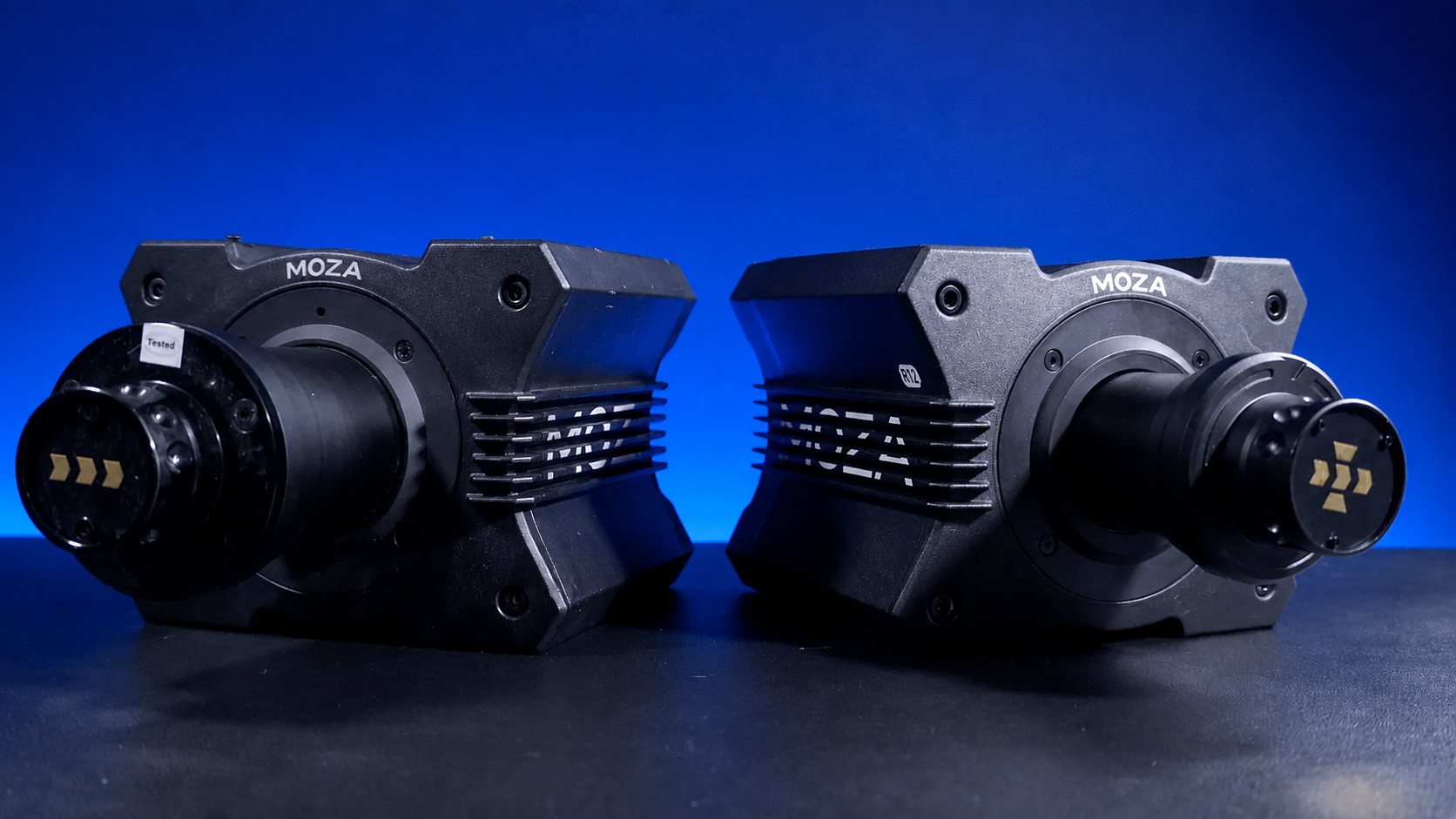
The wheelbase creates the force feedback you feel through the steering wheel. It's one of the most noticeable parts of sim racing because it tells you when the car is loading up, sliding, riding kerbs or losing grip.
Gear-driven wheelbases are usually found in entry-level kits. They can be a good first step because they're affordable and simple, but the feedback can feel rougher than higher-end systems.
Belt-driven wheelbases tend to feel smoother. They can be a comfortable middle ground for new drivers who want better feedback without moving straight into high-torque direct drive.
Direct drive wheelbases connect the motor more directly to the steering shaft. They can feel quicker, cleaner and more detailed. The key for beginners is mounting. A direct drive base should be fixed to a stable stand or cockpit, not a flimsy desk.
We've seen many beginners focus on wheelbase strength before cockpit stability. In real use, a moderate wheelbase on a solid cockpit can feel more controlled than a stronger base on a weak mount.
A wheelbase is only part of the steering setup. The steering wheel shape also changes the feel of sim racing.
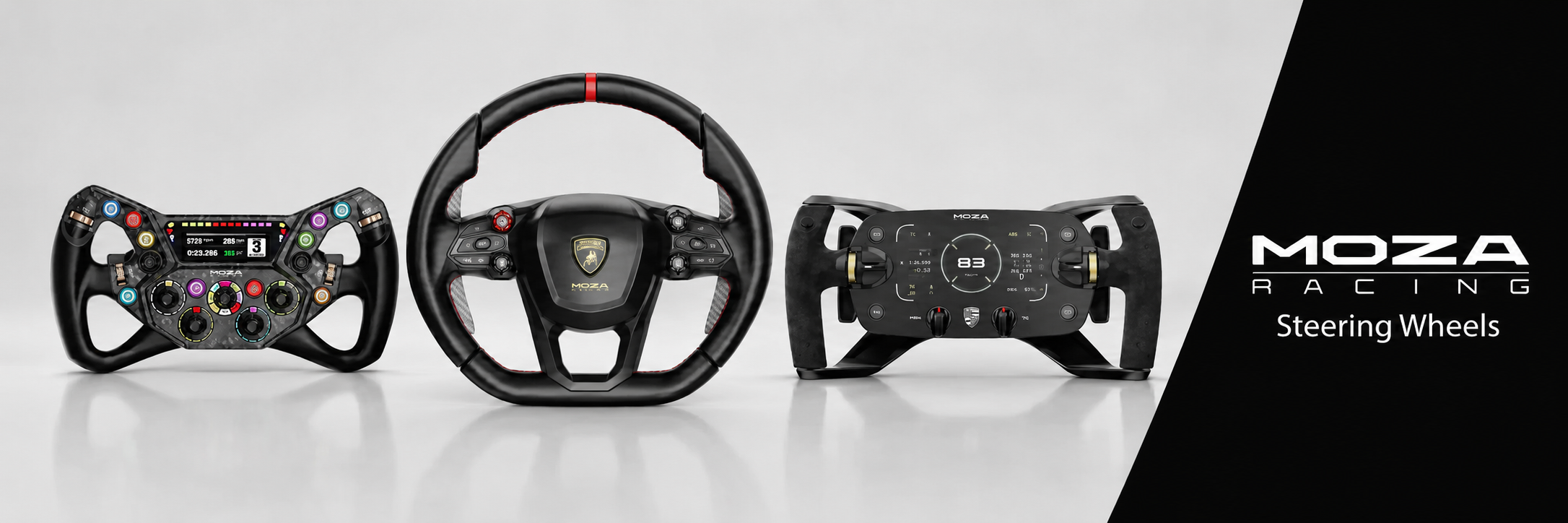
A round wheel is the most flexible option. It's well suited to road cars, rally, drifting, truck titles and general racing. A GT-style wheel usually has a flatter shape, extra buttons and paddle shifters for circuit racing. A formula-style wheel is smaller and more compact, with a layout designed for open-wheel cars and fast inputs.
Beginners should think about grip comfort, button placement and the type of games they play. For example, a sim racing steering wheel with enough buttons can make menu control, brake bias, camera changes and pit functions easier.
Console players also need to check support carefully. A wheel rim, wheelbase and pedals may work perfectly on PC but not on PlayStation or Xbox without the right platform support.
Pedals are one of the best areas to get right early. In sim racing, braking consistency often has a bigger effect on lap times than raw wheelbase power.
Basic pedals usually measure pedal travel. They're easy to use and often included in starter kits. Load cell pedals measure pressure, which feels closer to how braking works in a real car. They can make it easier to brake with repeatable force once you get used to them.
From our customer conversations and setup work, beginners often notice that load cell braking feels strange at first. The pedal may move less than expected, but the control comes from pressure. Once the cockpit and seat position are stable, most drivers find it easier to repeat braking points.
A shifter is useful if you enjoy manual road cars, older race cars, truck titles or drifting. A handbrake is more important for rally and drift driving. For circuit racing, many beginners can start with paddle shifters and add extra controls later.
If you're planning upgrades, check the mounting options on your cockpit before buying extra sim racing accessories.
Your display affects how well you judge corners, braking points and traffic around you. A single monitor is the easiest starting point for sim racing. It's simple to set up and doesn't require as much room.
An ultrawide monitor gives you more side vision without the complexity of triple screens. Triple monitors can create a wider view, but they need more space, more setup work and a PC that can handle the extra load.
VR can feel highly immersive, but it isn't the easiest first step for every beginner. It needs a suitable PC, comfort adjustment and time to get used to longer sessions. For some drivers, VR feels amazing. For others, a good monitor setup is easier to live with.
Audio also changes the experience. Headphones are a simple starting point because they let you hear engine note, tyre noise and nearby cars clearly. Haptic accessories can add vibration through the seat or frame, but they're best treated as upgrades after the core setup feels right.
Compatibility is one of the most common beginner problems in sim racing. PC usually gives you the broadest choice of wheelbases, pedals, shifters, handbrakes and software. Console setups can be simpler, but the gear must support the console you use.
PlayStation racers should check that the wheelbase and wheel are PlayStation-compatible. Xbox racers need Xbox-compatible hardware, and in some ecosystems the wheel rim can be the part that controls Xbox support.
If you're building a PS5 racing simulator, don't assume every PC wheelbase or pedal set will work. If you're building an Xbox racing simulator, check the base, steering wheel and accessory support before buying.
PC players should still check drivers, firmware, USB ports and game support. A device may be technically compatible but still need software updates before it feels right in-game.
Setup type |
Best for |
What to focus on first |
|---|---|---|
Desk setup |
Small rooms and low-cost starts |
Stable clamp, pedal grip and cable control |
Wheel stand |
Shared rooms and removable setups |
Stand weight, pedal mounting and seat position |
Fixed cockpit |
Better comfort and repeatable driving |
Frame stability, adjustability and pedal support |
Aluminium cockpit |
Long-term upgrades |
Direct drive support, accessory mounts and monitor options |
A good beginner setup path starts with stability, then braking control, then immersion. That order keeps sim racing enjoyable while leaving room to upgrade.
Your software choice changes the type of driving you'll do. Some titles are built around accessibility and quick races. Others focus on competitive online racing, car setup and strict race rules.
For beginners, the best first title is usually the one that matches your platform and driving style. Console players may lean toward games with easier setup and controller-friendly menus. PC players can access a wider range of sims, mods and online leagues.
If you want casual racing with friends, choose a title that's easy for everyone to join. If you want structured online events, look for strong matchmaking, safety ratings and active leagues. If you want drifting, rally or Formula-style driving, make sure the software supports the cars and tracks you care about.
Hardware settings are also important. Set force feedback at a level you can control. Start with driver assists if needed, then reduce them as your technique improves. Map key functions to buttons you can reach without looking down.
A good setup process can prevent a lot of frustration. Start by placing the cockpit or stand in its final position, then set your seat distance before tightening everything fully. Your legs should reach the pedals with a small bend, and your arms should reach the wheel without locked elbows.
Mount the pedals securely. If the pedals slide, your braking will feel inconsistent. If the pedal angle feels uncomfortable, adjust it before you start building speed.
Next, mount the wheelbase and steering wheel. Check that the wheel doesn't block your display and that your shoulders feel relaxed. Then connect the pedals, shifter and handbrake if used.
Once everything is connected, update firmware and calibrate the controls. Set wheel rotation, pedal range and force feedback inside the software. Run short practice sessions first. If your hands, shoulders, back or knees feel uncomfortable, adjust the setup before doing longer races.
We've found that beginners often blame the software when the real issue is seating position, pedal movement or force feedback set too high.
Buying parts without checking compatibility. A wheelbase, wheel rim, pedal set and console don't always work together.
Placing too much focus on torque. Stronger force feedback can be great, but only when the cockpit can handle it and the driver can control it.
Ignoring pedal stability. If the pedals move, braking becomes harder to repeat.
Setting force feedback too high. Beginners often drive better when the wheel gives clear feedback without fighting every input.
Upgrading everything at once. Sim racing is easier to learn when you change one part at a time and understand what each part adds.
The first skill to learn is smooth braking. Brake in a straight line, release pressure as you turn and avoid stabbing the pedal. Consistent braking makes corner entry easier and reduces spins.
Next, focus on the racing line. Use the full width of the track, look through the corner and apply throttle gradually on exit. You don't need to chase perfect lap times straight away. Clean laps teach more than messy fast laps.
Force feedback can teach you what the car is doing. If the wheel gets lighter, the front tyres may be losing grip. If the rear starts to slide, you may feel the car rotate through your hands before you see it on screen.
Pedal control also improves with seating position. If you're too far away or your chair moves, braking becomes harder. A stable cockpit and secure pedals give your feet a better reference point.
Use assists at the start if they keep you driving. Reducing traction control, ABS or racing line prompts can come later as your confidence grows.
More gear won't automatically make you faster. Before upgrading, spend time learning one car and one track. Use the same conditions, fuel level and setup so your practice feels consistent.
Review your braking points, corner exits and throttle use. Many beginners lose time by braking too late, turning too sharply or applying throttle before the car is ready.
Short practice sessions can work well. Ten clean laps with focus are often better than an hour of frustrated driving. If your lap times vary a lot, aim for consistency before chasing speed.
Once your driving is repeatable, upgrades become easier to judge. You'll know if you need better pedals, a more stable cockpit, a clearer display or a different steering wheel.
The best upgrade path depends on what feels weakest.
If your wheel or pedals move, upgrade the stand or cockpit first. If your braking feels inconsistent, look at better pedals. If steering feels vague, look at a better wheelbase. If you struggle to see corners or nearby cars, consider your display setup.
Many beginners get the most value from moving to a fixed cockpit and load cell pedals before buying a much stronger wheelbase. A stable frame and repeatable braking can make the whole sim racing setup feel more connected.
After the core setup is right, accessories can add more enjoyment. A shifter, handbrake, button box, gloves, monitor mount or haptic system can all have a place, depending on the games you play.
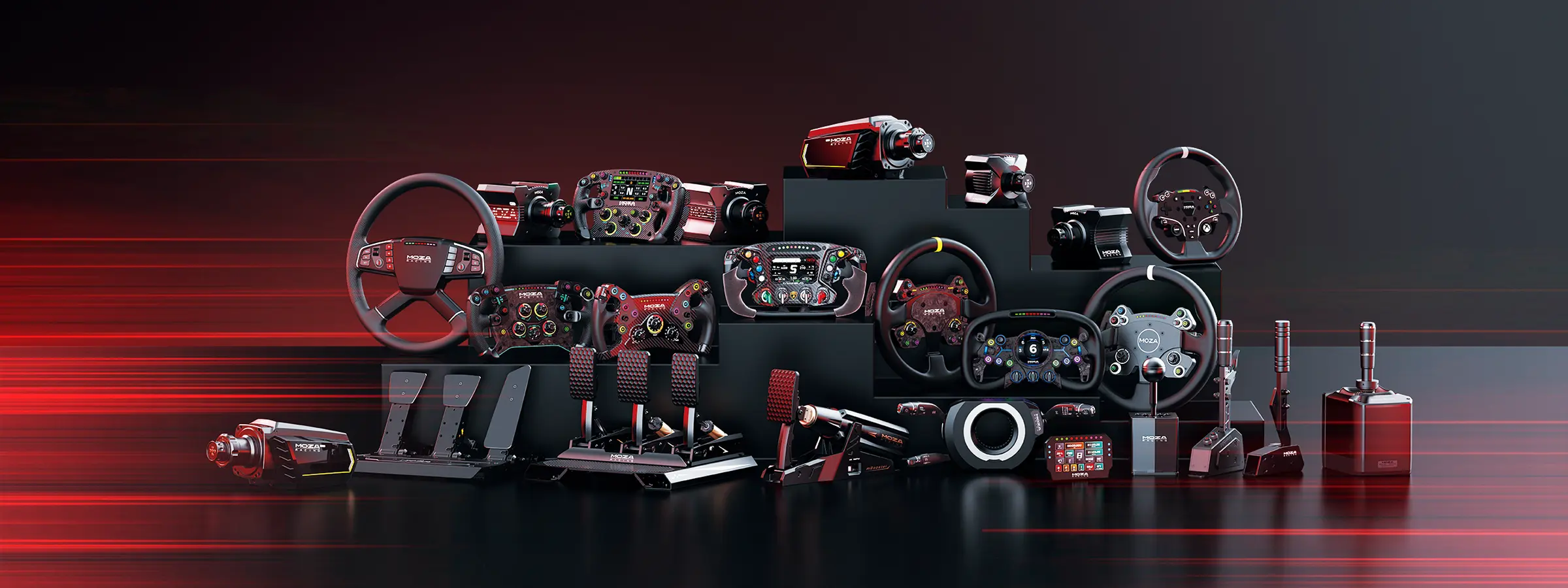
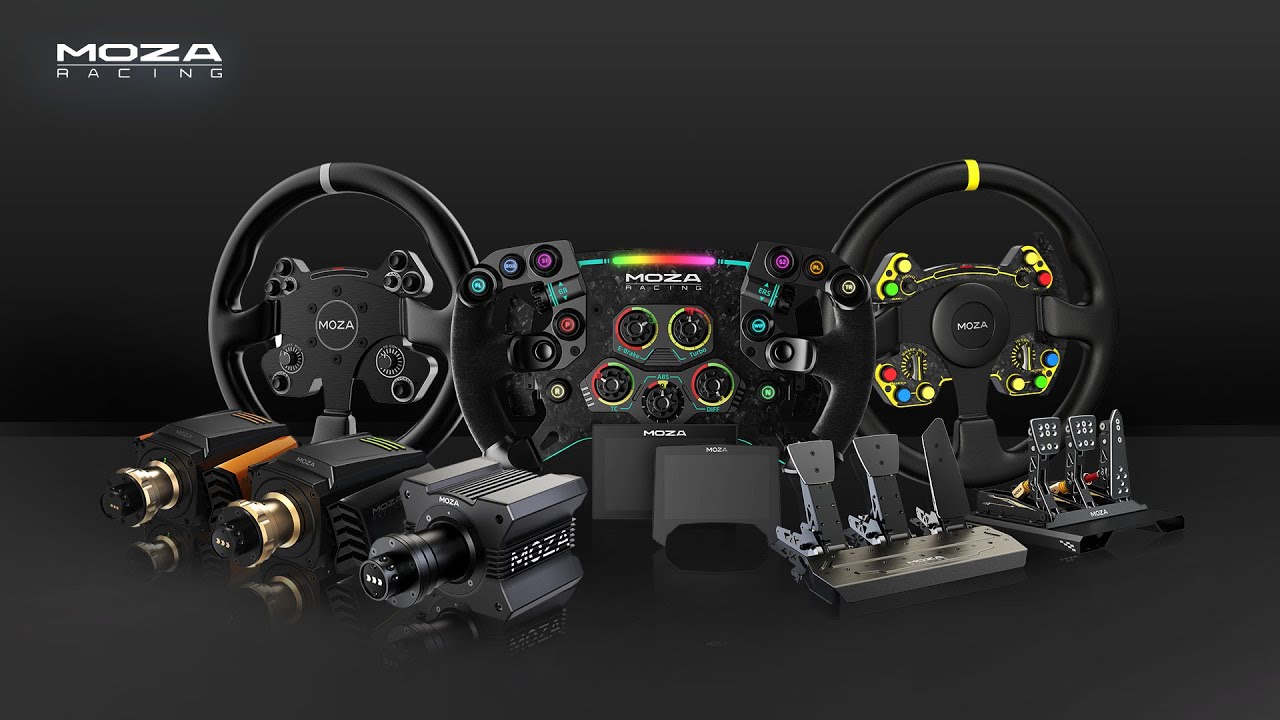
For brand-specific ecosystems, MOZA sim racing products can suit drivers who want a connected range of wheelbases, wheels, pedals and accessories. The main thing is to choose parts that match your platform, cockpit and upgrade plans.
If you have limited space, start with a wheel stand, entry-level wheel and basic pedals. Keep the setup easy to move and focus on learning the software.
If you have a spare corner, a fixed cockpit with a direct drive starter wheelbase and better pedals gives you a more stable sim racing experience without needing a full room.
If you have a dedicated racing space, plan around the cockpit first. Choose a frame that can support stronger wheelbases, load cell pedals, monitor stands and extra controls. A dedicated setup also gives you more freedom to add an F1 simulator cockpit style position or a GT-style driving position.
If you want immersion later, leave room for monitor upgrades, haptics or motion sim racing hardware. Motion systems are best considered after the core setup is already comfortable and stable.
Once your first sim racing setup is working well, start building experience slowly. Try different cars, learn a few tracks and join beginner-friendly online races when you feel ready.
Local groups, online leagues and brand communities can make the hobby more enjoyable. They can also teach you setup tips, racecraft and product lessons that are hard to learn alone.
The main thing is to keep your first setup focused. Start with stable hardware, comfortable ergonomics and software you enjoy. Then upgrade with a clear reason instead of adding parts just because they look exciting.
This article was prepared with input from the Gamer Gear Direct sim racing team, based on hands-on product setup, showroom experience, customer support questions and beginner rig recommendations. Our team works with cockpits, wheelbases, steering wheels, pedals, shifters, handbrakes, monitor stands and racing accessories across PC and console setups.