What To Look For In A Racing Rig Sim Before You Buy
|
|
Choosing the right racing rig sim is much easier when you know how different cockpits behave under real steering force, braking pressure, and driver movement. A frame can look solid in photos, but it’s only once you mount a wheelbase, pedals, seat, shifter, and monitor setup that you start to see how well it holds up.
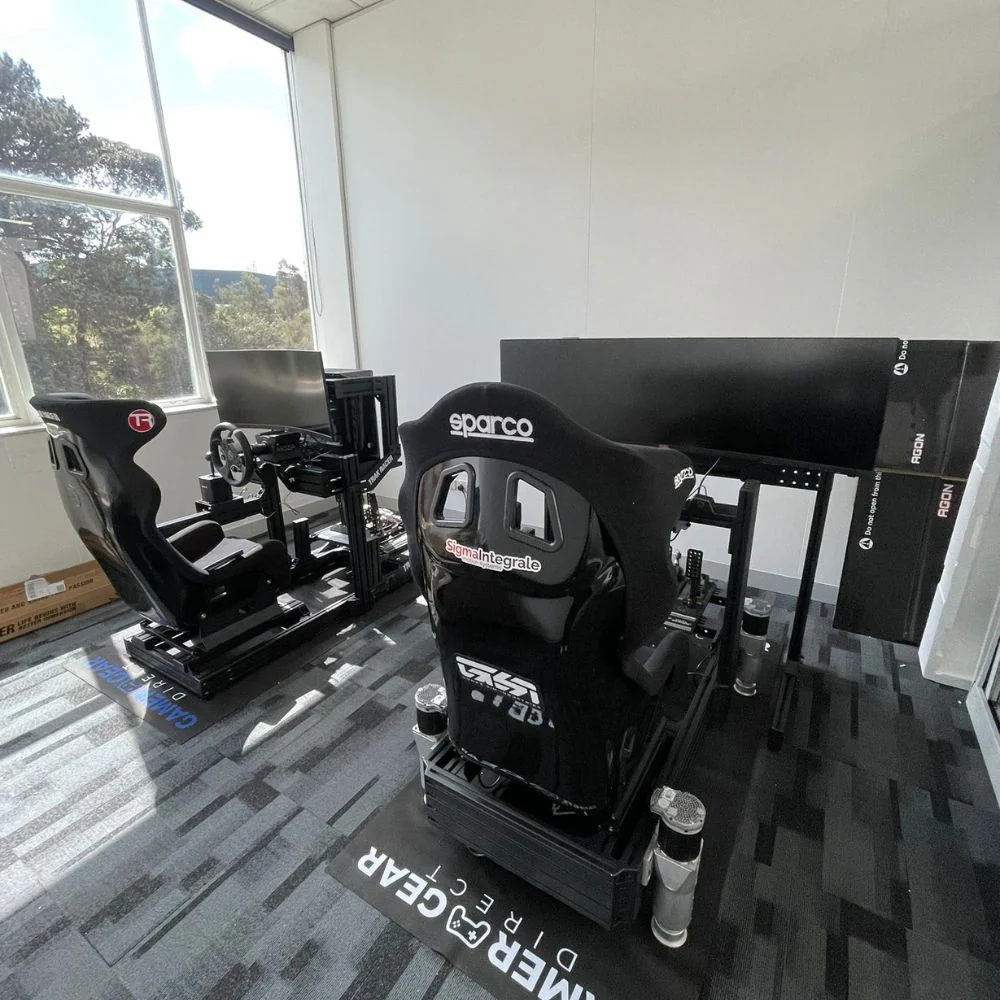
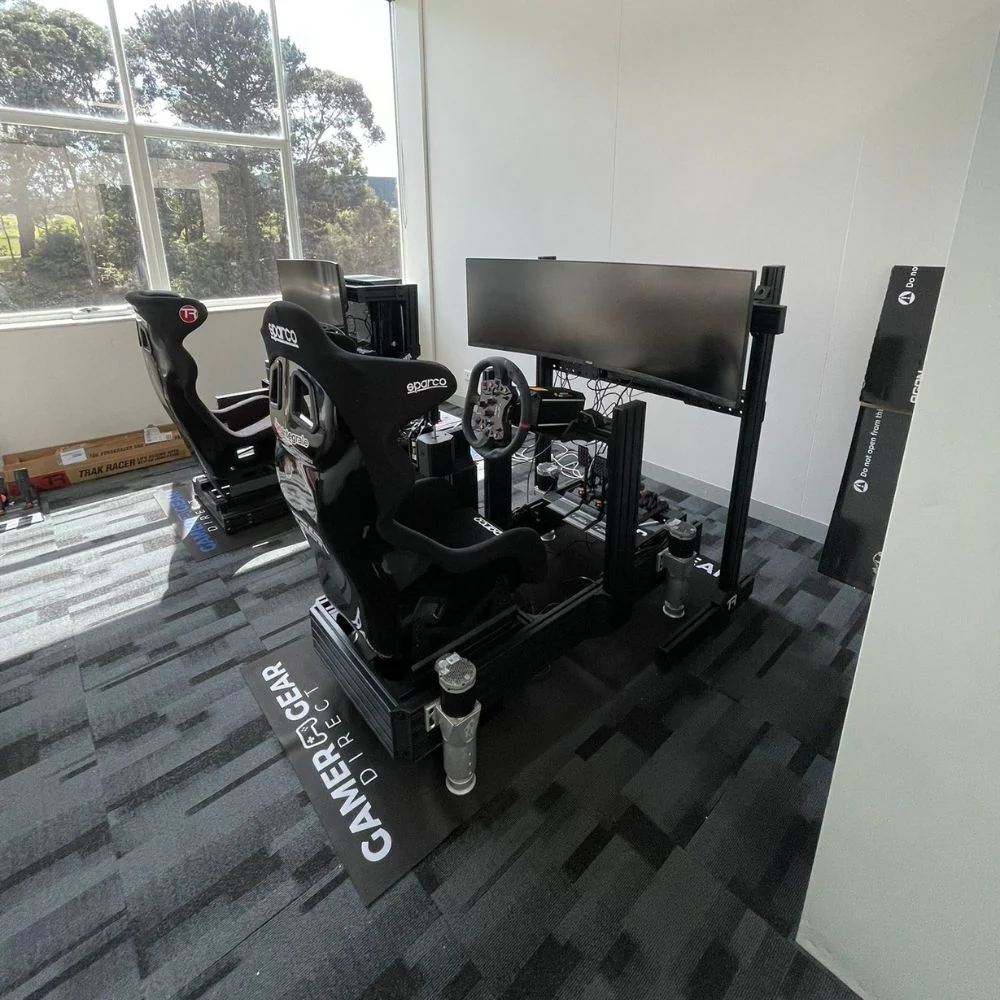
At Gamer Gear Direct, we’ve assembled, tested, adjusted, and compared a wide range of sim racing cockpits through our Dandenong South showroom and internal product checks. Our team looks at frame rigidity, pedal plate movement, wheelbase mounting strength, seating position, accessory placement, platform compatibility, and long-session comfort before recommending a setup.
A good racing rig sim should do more than hold your hardware. It should keep your wheel and pedals stable, place your body in a natural driving position, and leave enough room for future upgrades.
This post breaks down what we look for when testing sim rigs and how to choose a setup that suits your hardware, space, and driving style.
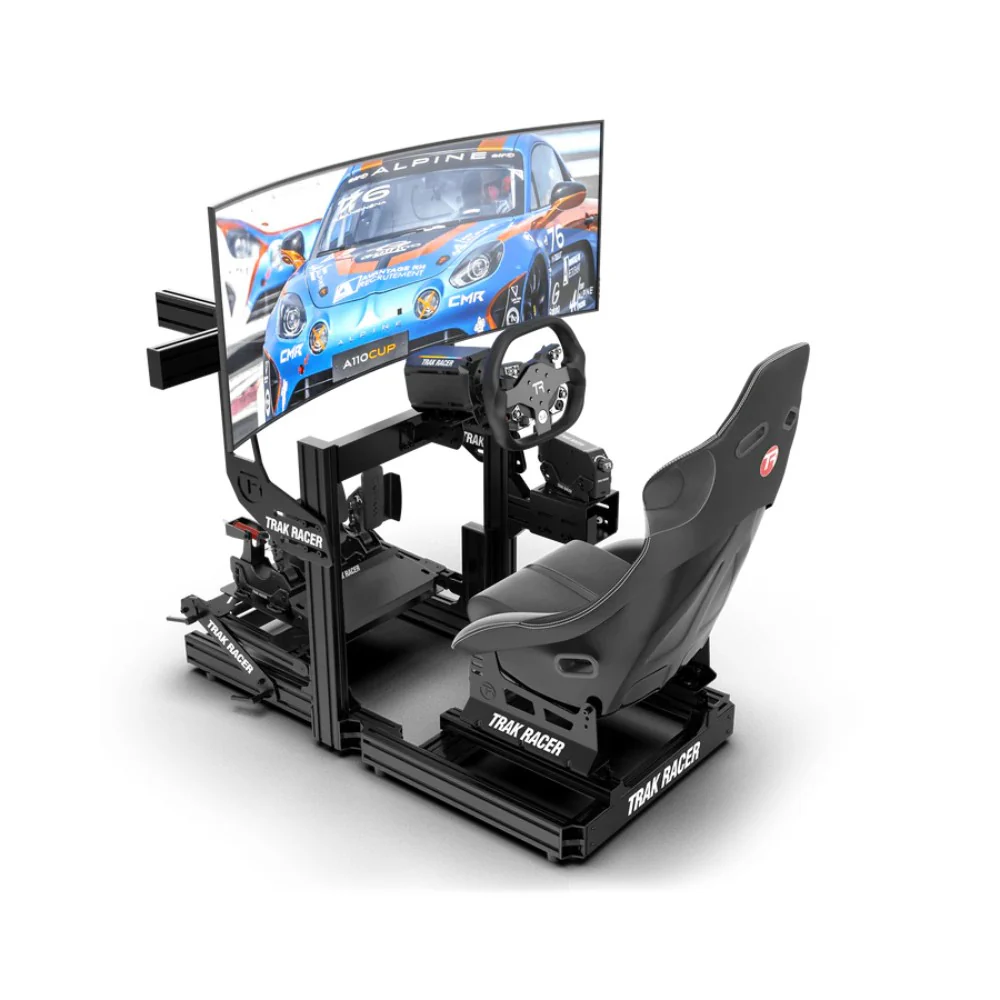
A racing rig sim is a dedicated cockpit setup built to replicate the feel of driving from inside a race car. It usually includes a cockpit frame, racing seat, steering wheel, pedals, and mounting points for accessories such as a shifter, handbrake, monitor stand, button box, or motion platform.
Compared with a desk setup, a racing rig sim gives your hardware a fixed position. The wheelbase doesn’t slide across the desk, the pedals don’t move under braking, and the seat keeps you locked into a repeatable driving posture. That stability is one of the biggest reasons drivers move from a casual setup to a dedicated cockpit.
From our testing, the main improvement isn’t just immersion. It’s consistency. When your wheel, pedals, and seat stay in the same place every lap, it’s easier to repeat steering inputs, braking pressure, and throttle control.
If you’re starting from scratch, racing simulator cockpits are usually the best place to begin because the cockpit determines how well the rest of your hardware can be mounted, adjusted, and upgraded.
When we test a racing rig sim, we don’t just check if the frame can hold a wheel and pedals. We look at how the cockpit behaves once force feedback, braking pressure, driver weight, and repeated movement are added.
The main areas we assess are wheel deck stability, pedal tray stiffness, seat adjustment, shifter and handbrake placement, monitor clearance, cable routing, assembly quality, and upgrade support. We also check how suitable the cockpit is for different driver heights and different hardware combinations.
A lighter frame can work well with entry-level gear, but stronger direct drive wheelbases and load cell pedals can expose flex quickly. If the wheel deck moves during heavy steering or the pedal plate shifts under braking, the racing rig sim won’t feel as controlled as it should.
Our showroom testing also gives us direct customer feedback. Drivers often notice seat position, pedal reach, and wheel height within the first few minutes. Those comfort checks are just as important as hardware compatibility because a cockpit that feels awkward will become tiring during longer sessions.
A racing rig sim needs to suit the hardware it’s supporting. The cockpit that works for a compact wheel and pedal set may not be the best match for a high-torque direct drive wheelbase, load cell pedals, triple monitors, or motion hardware.
The first thing we check is frame rigidity. The cockpit should stay stable during steering, braking, and gear changes. Wheel deck movement is especially noticeable with stronger force feedback, while pedal tray movement becomes obvious when using firm brake pedals.
The second key area is adjustability. A good cockpit should let you change the seat position, pedal distance, wheel height, and wheel angle. Drivers have different body shapes and driving preferences, so fixed positions can limit comfort.
The third area is expandability. Many drivers start with a basic setup, then add a shifter, handbrake, monitor stand, button box, or stronger wheelbase later. A racing rig sim with better mounting options gives you more room to grow without replacing the whole cockpit.
For drivers planning a full setup, sim racing accessories should be considered early so the cockpit has the right mounting points from the start.
Before choosing a racing rig sim, start with the hardware you plan to use. A basic wheel and pedal set doesn’t need the same cockpit strength as a direct drive wheelbase and load cell pedals. If you’re planning to upgrade later, buying a stronger cockpit first can save you from replacing a lighter frame once your hardware outgrows it.
Entry-level cockpits are best for drivers using beginner wheelbases, standard pedals, and compact spaces. They give you a cleaner and more stable setup than a desk, while keeping the build simple.
Mid-range cockpits are better suited to drivers adding stronger wheelbases, better pedals, shifters, handbrakes, or larger screens. These rigs usually offer better adjustment and stronger mounting points.
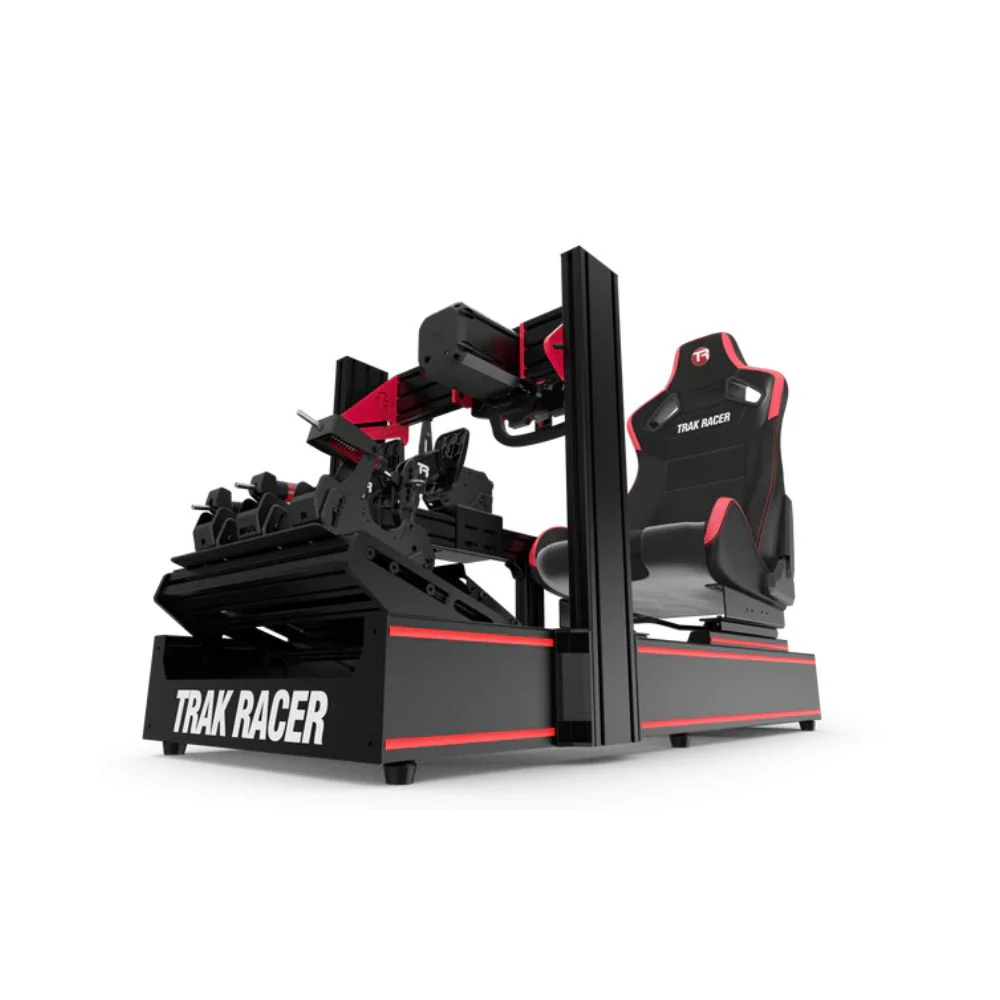
Aluminium profile cockpits are ideal for drivers who want maximum flexibility. They’re easier to modify, easier to expand, and better suited to heavier hardware. If you’re planning to use a stronger wheelbase, triple monitors, or motion upgrades, this type of racing rig sim usually gives you the most room to grow.
Frame strength has a major effect on how a racing rig sim feels. In our testing, wheel deck stability and pedal tray stiffness are two of the clearest differences between lighter cockpits and stronger rigs.
When the wheel deck moves, force feedback feels less direct. When the pedal tray flexes, braking pressure becomes harder to repeat. That movement may be minor at first, but it becomes more noticeable as wheelbase torque and brake pressure increase.
Steel cockpits can offer solid value and a straightforward build. Aluminium profile cockpits usually provide more adjustment and easier expansion. The best choice depends on the hardware you’re using, how much space you have, and how far you plan to take the setup.
If you’re comparing cockpit options, look closely at the wheelbase mounting plate, pedal tray design, seat mounting system, and accessory support. These areas tell you more about real-world use than the frame shape alone.
For stronger hardware combinations, direct drive racing simulator setups need a cockpit that can handle extra force without movement through the frame.
Seat fit is one of the first things customers notice when comparing cockpits in our Dandenong South showroom. A racing rig sim can have excellent hardware compatibility, but if the seat angle, pedal reach, or wheel position feels wrong, the setup becomes uncomfortable.
We usually check three things first: your reach to the wheel, the bend in your knees under full braking, and your shoulder position during steering. If those points feel natural, the cockpit is much easier to use for longer sessions.
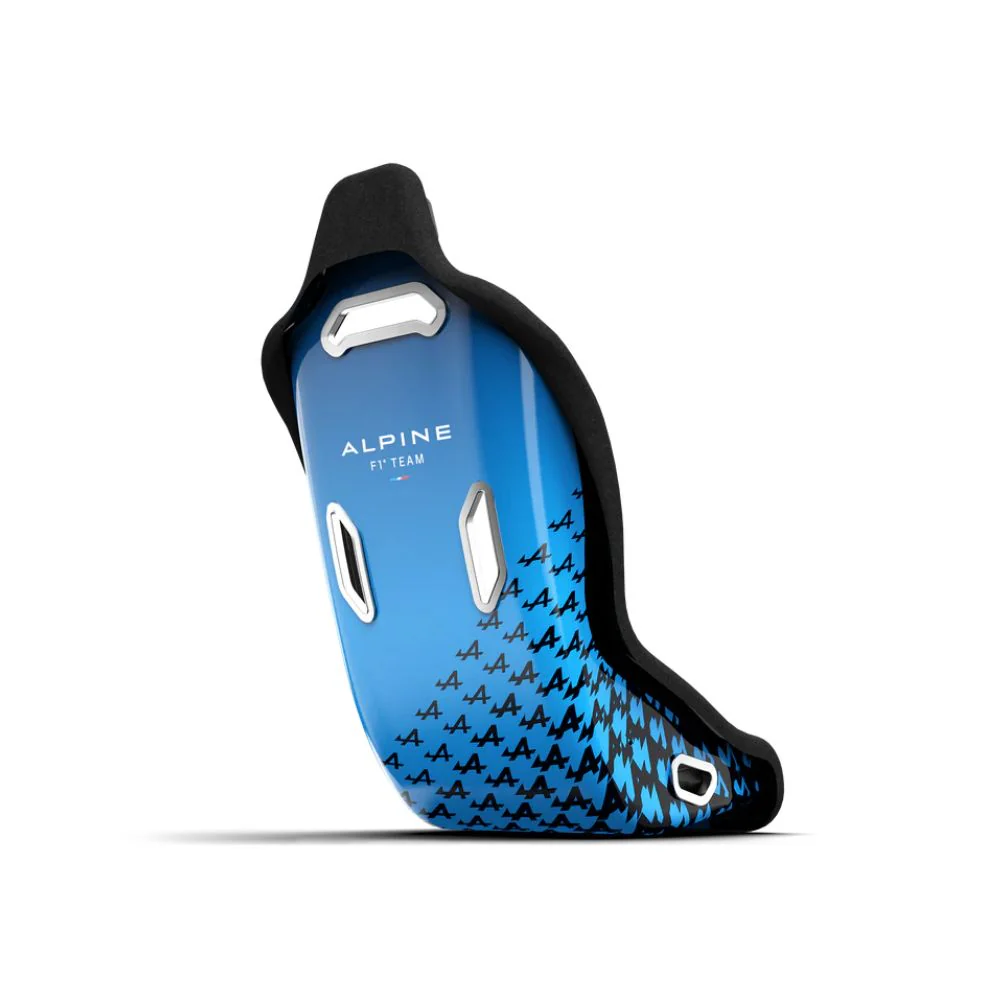
Bucket seats create a more enclosed racing feel, while reclinable seats can make adjustment easier for shared setups. Some drivers prefer a fixed racing seat for extra support, while others need a more flexible seat position for comfort.
Pedal distance is just as important as the seat. If the pedals are too close, your knees may sit too high. If they’re too far away, you may overextend your legs under braking. A good racing rig sim should give you enough adjustment to get the driving position right before you lock everything into place.
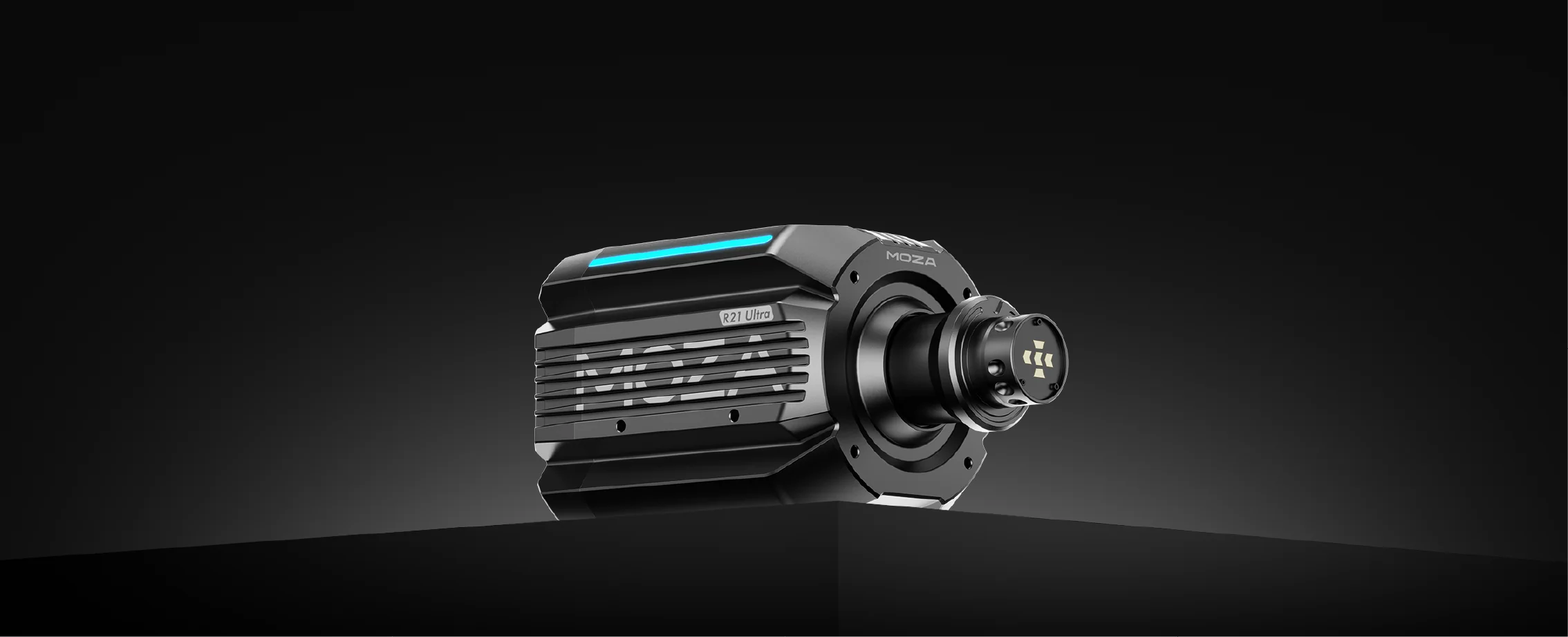
The wheelbase is one of the most important parts of a racing rig sim because it controls steering feel and force feedback. Entry-level wheelbases can work well for casual racing, while direct drive wheelbases deliver stronger, smoother, and more detailed feedback.
In our testing, direct drive systems place more demand on the cockpit. A frame that feels stable with a lighter wheelbase may start to show movement once stronger force feedback is added. That’s why it’s important to match the cockpit to the wheelbase, not just the other way around.
Steering wheel choice also depends on the type of racing you enjoy. GT-style wheels suit a broad range of cars, formula-style wheels suit open-wheel and prototype racing, and round wheels are better for rally, drifting, and road cars.
If you’re planning a new build, sim racing wheelbases should be chosen alongside the cockpit so the mounting pattern, strength, and driving position all work together.
Pedals can have a bigger effect on lap consistency than many new drivers expect. A good brake pedal makes it easier to repeat braking pressure, but only if the cockpit holds the pedal plate firmly.
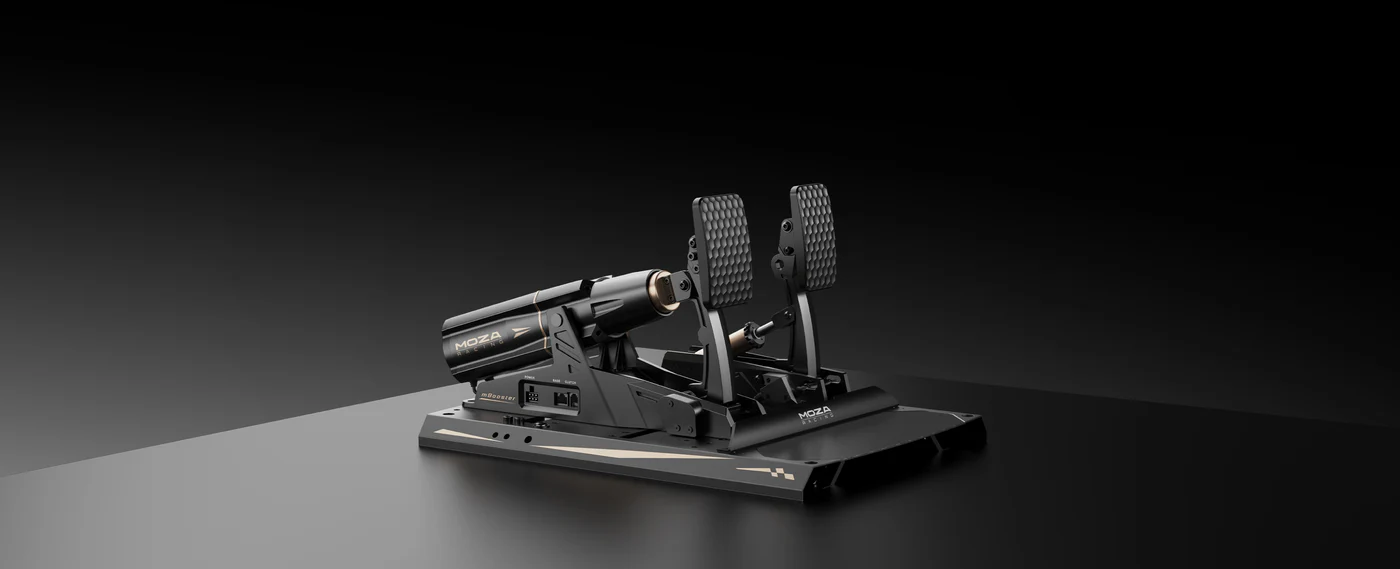
Load cell pedals measure pressure instead of pedal travel, which gives a more controlled braking feel. They’re popular because they let drivers build muscle memory through consistent pressure. The trade-off is that they place more force through the pedal tray.
We’ve found that weaker pedal trays can move under hard braking, especially when drivers use firmer brake settings. That movement can make the racing rig sim feel less stable and reduce confidence when braking into corners.
Before buying pedals, check the cockpit’s pedal plate strength, adjustment range, and mounting support. For drivers upgrading from basic pedals, load cell sim racing pedals are worth considering, but they need a cockpit that can handle the extra pressure.
Shifters and handbrakes can make a racing rig sim feel more complete, especially for rally, drifting, touring cars, and manual road cars. The key is making sure the cockpit has secure mounting points in the right position.
A sequential shifter is often used for rally and race cars. An H-pattern shifter gives a more traditional manual driving feel. A handbrake is useful for drifting and rally stages where quick rear-end rotation is part of the driving style.
In our testing, accessory mounts need to be checked for both strength and placement. A shifter mount that moves during gear changes can be distracting, and a handbrake that’s too far away can feel awkward during fast inputs.
If you plan to add both a shifter and handbrake, check the cockpit layout before buying. A racing rig sim with flexible mounting options will make the setup cleaner and easier to use.
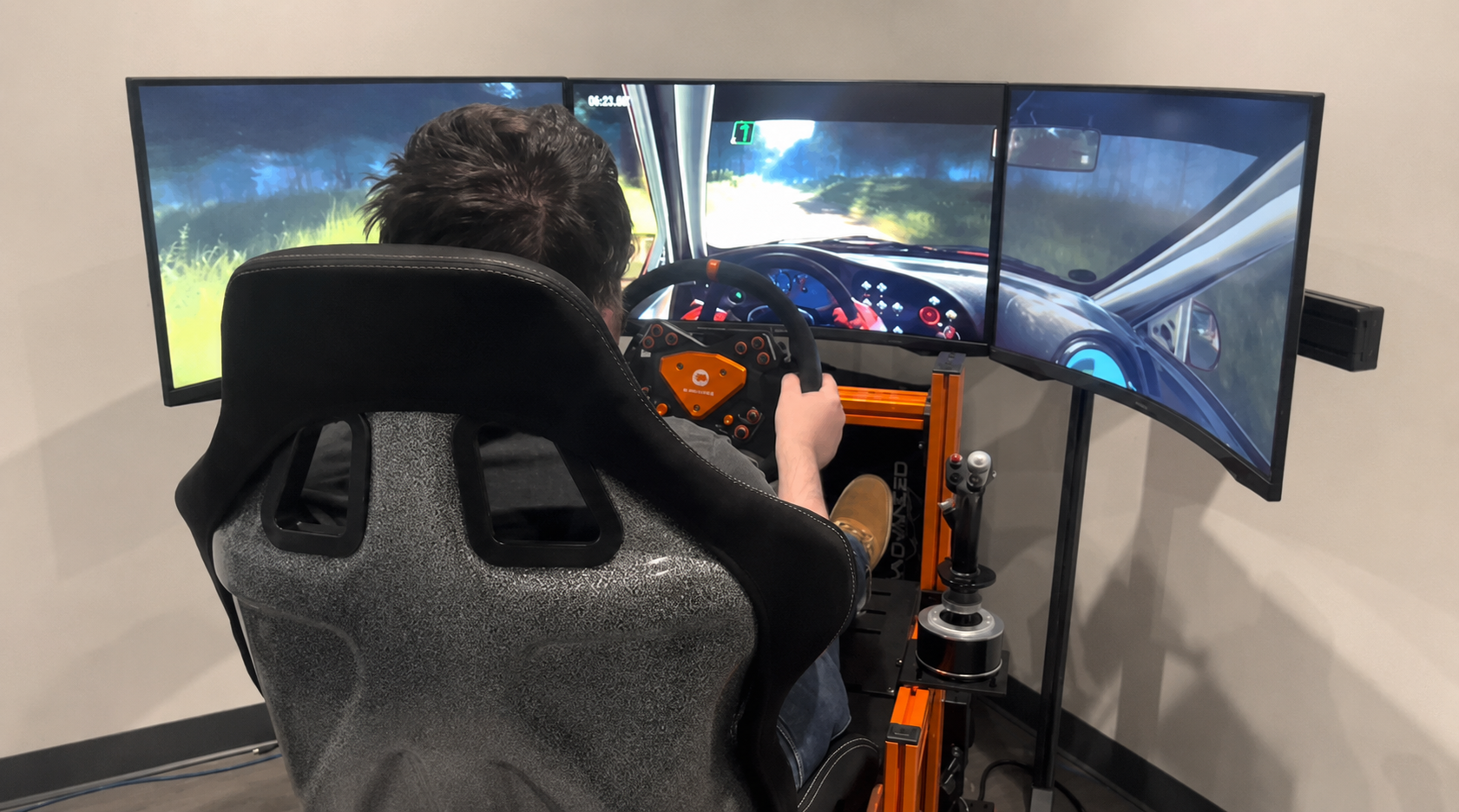
Visual setup plays a big role in how a racing rig sim feels. A single monitor can work well for compact builds, while triple monitors create a wider field of view for drivers who want more side vision.
Monitor placement should be close enough to improve immersion without making the cockpit feel cramped. The screen also needs to be mounted securely so it doesn’t wobble during racing. This is especially important with larger displays or triple monitor setups.
We recommend checking monitor stand compatibility early, especially if you’re using a cockpit-mounted display. Some drivers prefer a freestanding monitor stand because it gives more flexibility with screen height and distance. Others prefer a cockpit-mounted option to keep the footprint smaller.
For wider screen setups, sim racing monitor stands can make the racing rig sim feel more complete by improving screen position and stability.
When setting up a racing rig sim, we start with the cockpit frame and make sure all fasteners are properly tightened. The frame needs to be square, stable, and placed on a flat surface before the seat, wheelbase, pedals, and accessories are added.
Next, we mount the wheelbase using the strongest available fixing points. We then install the pedals and test the tray under firm braking pressure. If there’s movement, we adjust the mounting position or check if extra support is needed.
Once the core hardware is fitted, we set the seat position. The driver should be able to press the brake fully without stretching and turn the wheel without locked elbows or raised shoulders. After that, we route cables, calibrate the wheel and pedals, and run a test session.
After the first session, it’s worth rechecking bolts and mounts. New builds can settle slightly after use, especially once the wheelbase and pedals have been placed under load.
One of the most common mistakes is buying the cockpit before thinking through the full hardware setup. A racing rig sim should be chosen around the wheelbase, pedals, screen setup, and accessories you plan to use.
Another common mistake is underestimating brake pressure. Load cell pedals can place much more force through the pedal tray than basic pedals. If the cockpit isn’t stiff enough, that pressure can cause movement under braking.
We also see drivers forget about shifter and handbrake placement. It’s easy to focus on the wheel and pedals, then realise later that the cockpit doesn’t have the right mounting points for extra controls.
Space planning is another big one. Measure the full footprint of the cockpit, seat travel, monitor stand, and access space around the rig. A racing rig sim needs to fit the room, but it also needs enough space for comfortable entry, adjustment, and maintenance.
Accessories can improve a racing rig sim, but they should come after the core setup is stable. The cockpit, wheelbase, pedals, seat, and screen position should be sorted first.
The most useful upgrades are usually the ones that improve control, visibility, or comfort. A shifter, handbrake, monitor stand, keyboard tray, button box, or upgraded seat can make the cockpit easier to use and more immersive.
Motion and haptic systems can also add another layer to the experience. These systems need a cockpit that can support extra movement, weight, and mounting requirements. If you’re planning to add motion later, check compatibility before choosing the cockpit.
For drivers who want more feedback through the frame, motion sim racing options should be planned with the cockpit choice from the start.
Planning a Racing Rig Sim That Can Grow With Your Hardware
A good racing rig sim should leave room for future hardware changes. You might start with a basic wheel and pedal set, then move into a stronger wheelbase, better pedals, larger screens, or extra accessories later.
This is where modularity becomes important. A cockpit with more adjustment points and accessory support gives you more freedom to change the setup as your driving style develops.
Think about what you may add over time. Stronger wheelbase. Firmer pedals. Triple monitors. Shifter. Handbrake. Button box. Motion hardware. If the cockpit can support those upgrades, you’ll have a better long-term base.
If you’re choosing between a lighter cockpit and a stronger modular setup, look at where you want your racing rig sim to be after a few upgrades. Buying around your future hardware path can make the setup easier to expand.
The best racing rig sim isn’t always the most expensive option. It’s the one that matches your hardware, fits your body, suits your space, and gives you the stability needed for consistent driving.
From our showroom testing, frame rigidity, pedal support, seat position, and upgrade compatibility are the areas that make the biggest difference. If those elements are right, the rest of the setup becomes much easier to build around.
Before choosing a racing rig sim, think about the wheelbase, pedals, screen setup, and accessories you plan to use. A cockpit is the foundation of the whole setup, so it should be strong enough, adjustable enough, and flexible enough to support the way you want to drive.