





Playseat Simulator Guide: Ultimate Setup Tips For 2026 Racing
|
|
Imagine walking into your lounge room and finding yourself in the cockpit of a world-class race car, ready to conquer the latest 2026 racing titles. With the right playseat simulator, you can turn any Aussie home into a next-gen sim racing hub.
In this guide, you’ll discover expert tips to build the ultimate setup, from choosing the ideal Playseat model to mastering advanced tuning.
Whether you’re a casual fan or an aspiring eSports pro, get ready to unlock a more realistic, comfortable, and competitive racing experience at home.
If you’re racing for fun or chasing that eSports edge, you’re about to unlock a more realistic, comfortable, and competitive experience at home.
Imagine sitting down in your living room and feeling like you are on the starting grid at Bathurst. That is the promise of the latest Playseat simulator models in 2026, built for Aussie racing fans who want the ultimate at-home experience.
The world of sim racing is moving fast, and Playseat is leading the pack with fresh tech, new materials and features designed for both beginners and pros.
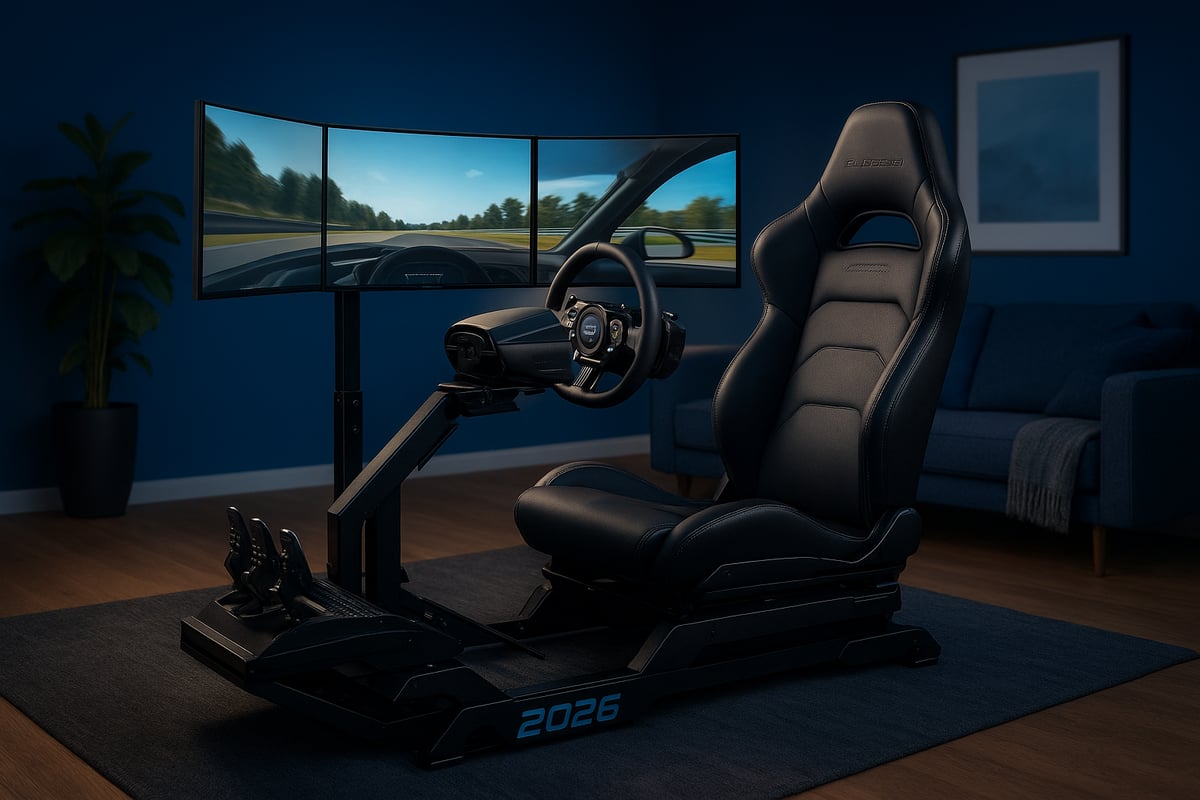
The Playseat simulator has come a long way since its early days. Originally, Playseat was known for making sim rigs that were easy to set up and surprisingly sturdy for the price. Over the years, their reputation has only grown, especially with the introduction of models like the Formula Intelligence and Formula Instinct.
Recent updates have focused on comfort and durability, with new breathable fabrics and reinforced frames. Playseat even collaborates with pro drivers to make sure you get an authentic racing feel at home.
Compared to older versions, recent models offer better lumbar support, smoother adjustability, and more solid construction.
According to some user feedback, satisfaction rates have jumped over the past three years, thanks to these thoughtful upgrades.
What makes a Playseat simulator stand out?
First, these cockpits are ready for the latest PC, PlayStation, and Xbox consoles so you do not have to worry about outgrowing your setup. The seats, pedals, and wheel mounts are now even more adjustable, catering to a wide range of body types and racing styles.
Materials have gotten a serious upgrade, too—think ActiFit breathable fabric for those long sessions and heavy-duty frames to handle high-torque direct drive wheels. Mounting options for shifters and handbrakes are more flexible, letting you customise your rig with ease.
As the Australian market for sim racing accessories keeps booming, these features are more in demand than ever.
A Playseat simulator gives you great value for money compared to other competitors, plus their models are widely stocked in Australia. The community loves them for their comfort, easy setup, and adaptability, whether you are a weekend racer or chasing esports glory.
User testimonials often mention how comfortable Playseat cockpits are for marathon gaming sessions. Plus, the resale value holds up well, and the products last for years.
According to recent data, Playseat holds a top spot in market share for Australian sim racing, proving it is still the go-to choice for home racing rigs.
If you want to explore how Playseat stacks up against other contenders, check out the Best Racing Simulator Cockpits 2024 guide for a detailed comparison.
Picking your perfect playseat simulator is a bit like finding the right pair of racing shoes: it has to fit your style, your space, and your long-term goals. Let’s break down how to find the best match for your home setup.
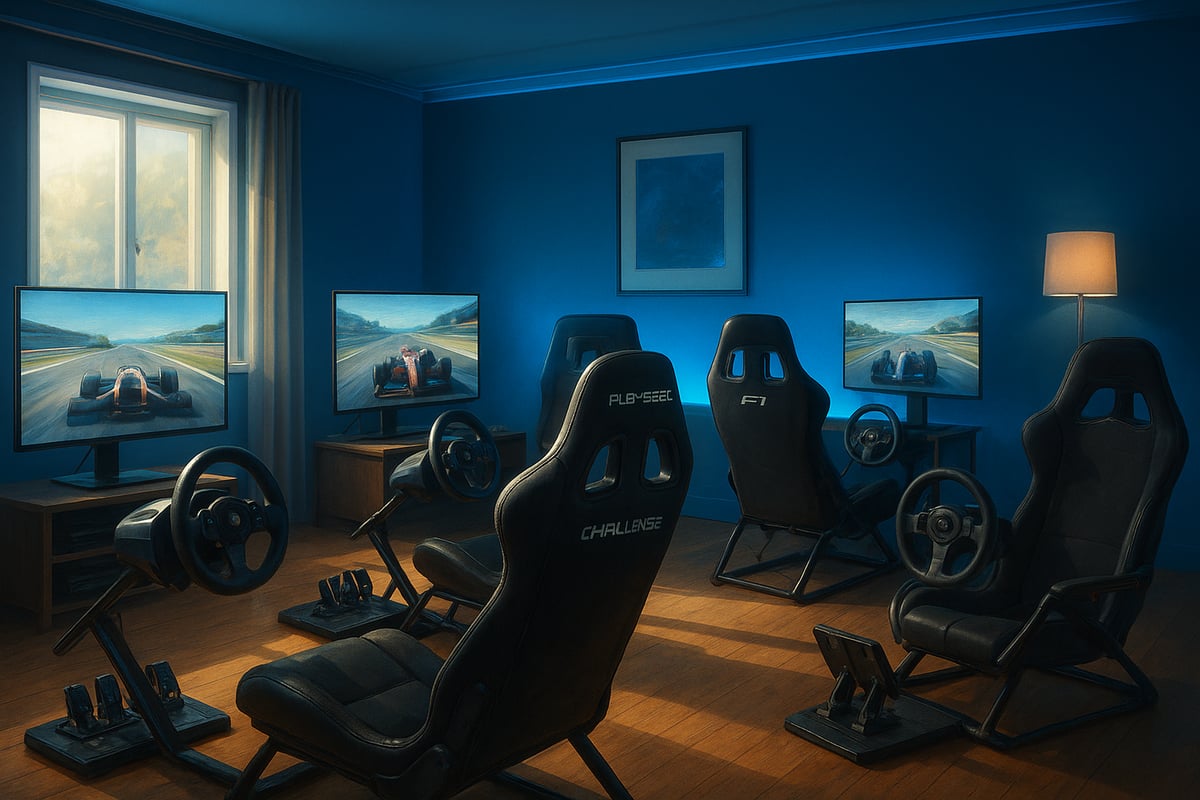
Before shopping for a Playseat simulator, take a good look at your racing habits and home environment.
Are you a casual driver who races on weekends, or are you chasing leaderboard glory night after night? Your answer shapes your needs.
Next, break out the tape measure. Most playseat simulator cockpits need a bit of breathing room, especially if you plan to add pedals, shifters, or a monitor stand.
If you’re living in an apartment, foldable models might be a lifesaver. For those with a dedicated game room, bigger rigs can deliver more realism.
Seat ergonomics matter too. Long races without proper support can turn fun into discomfort. Investing in a future-proof Playseat simulator ensures you’re ready for new tech and longer sessions.
Did you know the average Australian gaming space is just under 3x3 metres? Make every centimetre count.
With your needs in mind, let’s look at the leading playseat simulator options for 2026. Each model brings something unique, from portability to pro-level immersion.
Here’s a quick comparison:
Model |
Comfort Level |
Supported Accessories |
Price Range |
Best For |
|---|---|---|---|---|
Playseat Formula Intelligence |
High |
Wheel, wheelbase, pedals |
$$$$ |
True F1 racing |
Sensation PRO ActiFit |
High |
Wheels, pedals |
$$$ |
Enthusiast |
Trophy |
Very High |
Wheel, wheelbase, pedals |
$ |
Beginners |
Formula Instinct F1 Edition |
Race-inspired |
F1 wheels, pedals |
$ |
Formula-style racing |
Choosing between models can feel overwhelming, but checking out expert tips in the Sim Racing Cockpit Guide 2026 can help you weigh up features, comfort, and compatibility.
Before committing to a playseat simulator, run through a quick checklist:
Is it compatible with your existing wheel and pedal brands?
Will it fit your height and weight comfortably?
How complex is the assembly, and are the instructions clear?
Is there a warranty or local support if things go sideways?
Can you set it up solo, or will you need a mate to help?
First-time buyers often worry about setup, but most playseat simulator packages are beginner-friendly. Community forums are full of recommendations that can steer you clear of common mistakes.
Aussie customers report high satisfaction and low return rates, especially with models offering clear instructions and strong after-sales support.
Setting up your Playseat simulator is a rewarding project that brings your racing dreams to life right in your home.
Let’s break down each step, so you can get behind the wheel faster, with less hassle and more confidence.
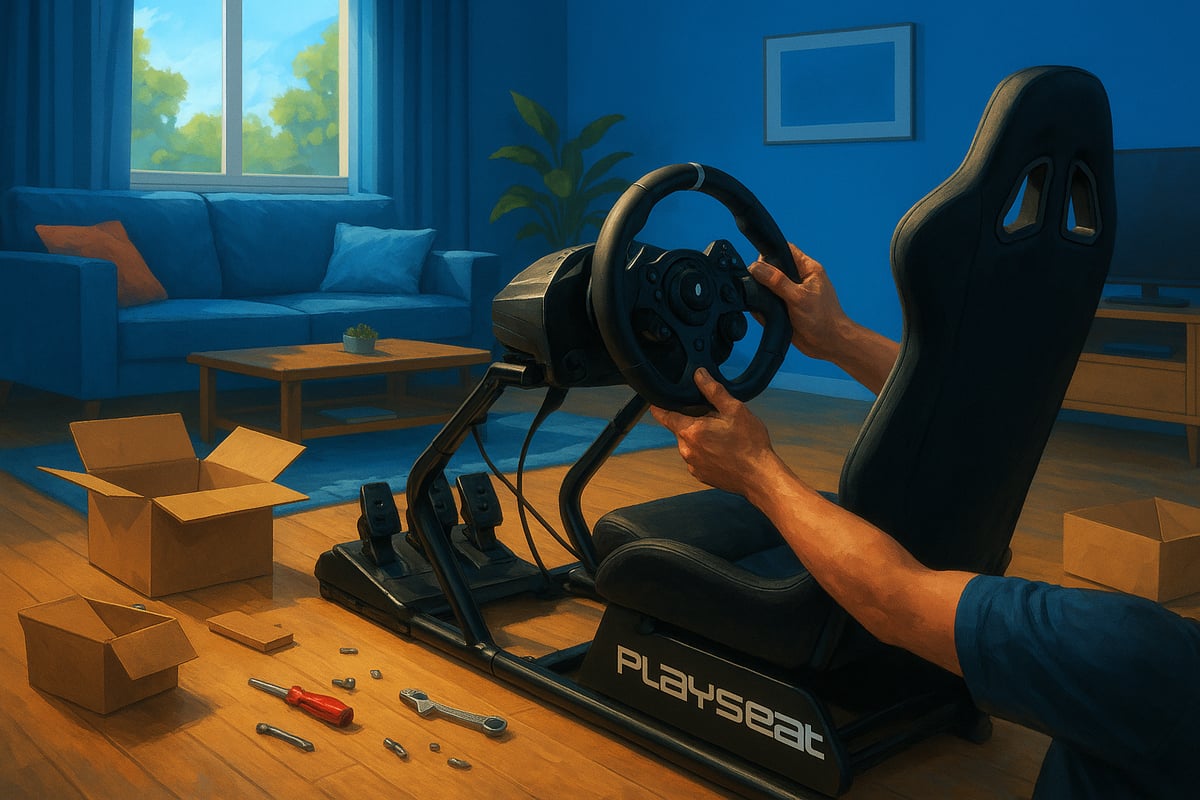
When your Playseat simulator arrives, you’ll find the main frame, seat, mounting hardware, and an instruction manual in the box. Gather basic tools like a spanner and screwdriver before you start. Lay out all parts on a soft surface to avoid scratches.
Assembly is straightforward if you follow the steps closely. Start by building the frame, then attach the seat, checking that all bolts are secure.
If you prefer official instructions, the Playseat Racing Simulator Setup Guide offers clear visuals and tips or you can refer to each Playseat simulator's user manual.
Common pitfalls include over-tightening bolts or missing washers. Double-check each step for safety and stability.
Now it’s time to bring your Playseat simulator to life with your favourite gear. Most Playseat models support popular brands like Logitech and MOZA. Align the wheel and pedal mounts for a snug fit, ensuring there’s no movement during hard racing.
Adjust pedal reach and wheel height for your comfort. Direct drive wheels may require extra care during mounting because of their weight and torque. Secure shifters and handbrakes using the dedicated brackets, making sure they’re within easy reach. To keep things tidy, use cable ties or sleeves for a clean setup.
Your playseat simulator should feel like a custom fit. Adjust the seat recline and slide to support your driving posture. Fine-tune the wheel and pedal angles for ergonomics—tall users may need extra legroom, while shorter drivers should bring the seat closer.
Balance immersion and comfort, especially for long sessions. Try adding a lumbar cushion or seat pad for extra support. A well-adjusted setup helps you race longer without fatigue.
Many users report a big jump in comfort after a few tweaks. Don’t rush this step—spend time dialling it in for your body and driving style.
Safety is key for any Playseat simulator setup. Make sure every bolt and mount is tight before you start racing. Place a non-slip mat or floor protector under your rig to prevent movement and protect your floors.
Regularly inspect your setup for loose parts or wear, especially if you use high-force feedback wheels. Clean the seat/cockpit fabric with a gentle vacuum or damp cloth to keep it fresh. If you notice frame wobble, re-tighten bolts and check your floor surface.
With a little care, your Playseat simulator will deliver years of reliable, immersive racing. Most owners check their rigs monthly, keeping them race-ready and in top shape.
Setting up your Playseat simulator is just the start. To truly feel every corner and bump, you’ll want to deck out your rig with the right accessories. Wondering what makes the biggest impact? Let’s break down the essentials to get you as close as possible to the real thing.
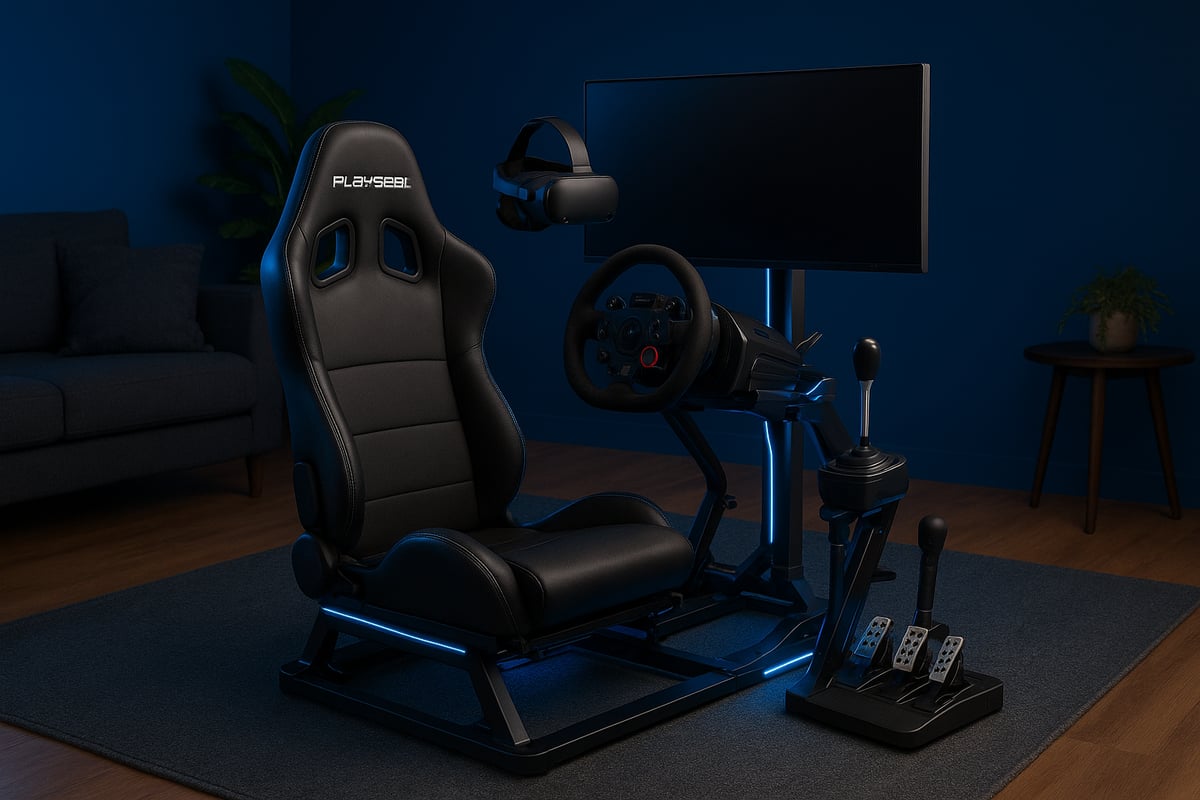
Your Playseat simulator deserves a steering wheel and pedal set that matches your passion. Force feedback is a must for realism, but the type—direct drive or belt-driven—can change your whole experience. Direct drive wheels like the MOZA FSR2 Wheel or MOZA GS V2P GT Wheel offer powerful and precise feedback.
Here’s a quick comparison to help you choose:
Model |
Force Feedback |
Pedal Adjustability |
Price Range |
Community Picks |
|---|---|---|---|---|
MOZA FSR2 Wheel + mBooster Pedal Set |
Yes |
High |
$$$ |
Pro-level |
MOZA GS V2P GT Wheel + CRP2 Pedals |
Yes |
High |
$$ |
Popular |
If you want even more details on compatible add-ons and upgrades, check out this Racing Simulator Accessories Guide for inspiration.
Once your playseat simulator is rolling, adding a shifter or handbrake can make a world of difference, especially if you love rally or drift racing. Mounting options are flexible, with dedicated gearshift holders fitting most setups. Modular accessories let you customise your cockpit as your skills grow.
Shifters for manual gear changes
Handbrakes for rally and drift fans
Button boxes for quick controls
Extra mounts for multiple devices
Did you know a growing number of Aussie racers are adding these upgrades every year? Community feedback often highlights how these add-ons boost immersion and fun.
Racing for hours on your Playseat simulator? Comfort counts. Seat cushions and lumbar support can help you stay focused during long sessions. For deeper immersion, consider a VR headset, monitor stand, or surround sound system. Some racers add tactile transducers (“butt kickers”) for physical feedback with every gear shift.
Don’t forget the little things, like LED strip lighting or themed cockpit decor. Balancing realism with your budget is key, but most sim racers in Australia are investing more each year in comfort and ambience to get the most from their sessions.
Setting up your Playseat simulator in the perfect spot can make all the difference. Whether you want to immerse yourself in a championship race or just unwind after work, your environment shapes your experience. Let’s break down exactly how to find that sweet spot, keep things tidy, and create a space where you can focus on the thrill of racing.
Choosing the right spot for your playseat simulator is step one. Start by measuring your available space, as different models need more or less room. Living rooms, spare bedrooms, or even a corner of your office can work. Think about lighting—too much glare on your screen can ruin immersion, so position your rig away from direct sunlight. Are you close to power and internet connections? That’s a must for longer sessions.
Noise and distractions matter too. If you live with others, try to find a spot where you won’t be interrupted mid-race. For more in-depth advice on planning your setup, the Full Racing Simulator Setup Guide offers detailed room layout tips. A dedicated space is ideal, but a well-chosen corner can work wonders.
A tangle of cables can ruin the look and feel of any playseat simulator setup. Use cable ties and sleeves to keep things neat. Run cables along walls or under rugs to avoid trip hazards, and consider using floor covers for extra safety. Surge-protected power boards are a must, especially with multiple devices plugged in.
Place your power board within easy reach but out of sight for a cleaner look. If you have wireless accessories, take advantage of them to cut down on clutter. Extension leads can help if outlets are far from your rig. For more step-by-step advice, the Full Racing Simulator Setup Guide also covers essential cable management strategies for home racers.
Now, let’s add the finishing touches to your playseat simulator area. Good lighting sets the mood—consider LED strips behind your monitor or under your seat for a racing vibe. Blackout curtains or blinds help you control glare and keep you focused during both day and night races.
Soundproofing is worth considering if you share your space. Rugs, wall panels, or even heavy curtains can dampen noise.
Want to boost immersion? Add some racing posters, a small shelf for your trophies, or even a headset stand. Creating a dedicated racing corner, even in a multipurpose room, can make your experience feel special and distraction-free.
Advanced tuning is where your cockpit truly starts to feel like the real deal. Whether you chase lap times or crave immersion, these tips will help you unlock every bit of performance and realism from your setup.
If you want your Playseat simulator to feel just like the pros, hardware tuning is essential. Start by adjusting force feedback strength and pedal sensitivity to match your driving style and preferred racing discipline. Many modern wheels and pedals offer detailed calibration options—take the time to set up profiles for different games.
For example, you might want stronger feedback for rally and lighter for F1. Saving these presets helps if you share your Playseat simulator with family or mates. Regular firmware updates can also boost responsiveness and compatibility.
Tuning Step |
Impact on Experience |
|---|---|
Force Feedback |
Increases immersion |
Pedal Sensitivity |
Improves precision |
Profile Calibration |
Consistent feel |
Firmware Updates |
Fixes & enhancements |
Want expert advice on fine-tuning? Check out the Comprehensive Sim Racing Setup Guide for step-by-step tips.
Dialling in your software settings is just as important as hardware. Adjust your in-game field of view (FOV), steering lock, and vibration to match your playseat simulator’s setup. Each racing title is different, so experiment with presets for Gran Turismo, Forza, or Assetto Corsa.
Try these setup steps:
Set FOV for a natural perspective
Match steering lock to your wheel’s range
Enable telemetry overlays for data
Getting multiplayer sessions right is easier when you’ve got your controls mapped and saved. Companion apps can help track performance and adjust settings on the fly. Remember, most Australian sim racers play multiple titles, so having flexible profiles is a real time-saver.
Your Playseat simulator journey doesn’t stop after setup. Tap into the thriving sim racing community for tips, troubleshooting, and inspiration. Online forums and YouTube channels offer guides for mods, tweaks, and even pro-level builds like Max Verstappen's Home Sim Rig Build Guide.
Popular resources include:
Sim racing forums (AussieSim, RaceDepartment)
Video tutorials for cockpit tweaks
Social groups for sharing lap times
Staying active in these groups keeps you updated on trends and helps you get the most out of your Playseat simulator. The Australian sim racing scene is growing fast, so there’s always something new to learn or try.


