Farming Simulator Tips For A More Immersive Experience
|
|
Farming simulator games have gone from quiet niche titles to one of the most dedicated corners of simulation gaming. On the surface, it looks simple. You drive tractors, plant crops, harvest fields, move equipment, and build a farm.
A good farming simulator experience is relaxing, strategic, surprisingly technical, and easy to sink hours into. You're not chasing lap times or fighting for overtakes. You're planning ahead, upgrading machinery, managing money, and trying to make every job around the farm run more smoothly.
At Gamer Gear Direct, we've tested a wide range of simulator setups at our Dandenong South showroom, including seating positions, cockpit layouts, monitor placement, control reach, and long-session comfort.
That's what this guide is about: how to make farming simulator feel better, play smoother, and keep you comfortable.
Our team reviewed farming simulators from a hardware and comfort perspective. We tested the game using standard controller layouts, keyboard and mouse setups, programmable controls, larger displays, gaming chairs, and simulator-style mounting positions.
The biggest thing we found is simple: farming simulators don’t need the same hardware priorities as a racing simulator. Force feedback, pedal feel, and racing seat positioning aren’t the focus here. Instead, the best farming simulator upgrades usually come down to control access, screen clarity, comfort, and the ability to manage lots of in-game actions without constantly searching through menus.
That’s why a smart farming simulator setup doesn’t always mean buying the most expensive gear. It means choosing hardware that suits how you play, how long you play for, and how much control you want over machinery, menus, camera views, and farm management.
You might think driving a tractor sounds about as exciting as watching grass grow, but that's exactly what makes farming simulator games so surprisingly addictive. The genre offers something fundamentally different from the adrenaline-fueled racing or flight simulation experiences.
Here's what keeps players coming back season after season:
Complex machinery operation that requires genuine skill development
Economic management balancing income, expenses, and expansion
Seasonal planning coordinating activities across virtual years
Equipment customisation with hundreds of authentic vehicles and tools
Modding community support extending gameplay possibilities infinitely
The latest iteration of the series continues to refine these elements while introducing new crops, regions, and gameplay mechanics that keep the experience fresh even for veteran players.
A standard controller or keyboard and mouse setup can absolutely work for farming simulators. For casual players, that may be enough. But once you start managing several machines, workers, attachments, and camera views, control access becomes a much bigger part of the experience.
In our testing, the biggest improvement came from reducing friction. If you’re constantly reaching across the keyboard to find commands, checking bindings, or pausing to change menus, the game feels less natural.
For a more permanent setup, look at your desk space first. You don’t need a huge cockpit to enjoy farming simulators, but you do need controls positioned within easy reach.
The control scheme for farming simulation requires different considerations than other sim genres. You're not dealing with steering wheels or flight yokes here, but there are specialised options that make a massive difference:
Input Type |
Advantages |
Best For |
|---|---|---|
Side Panels |
Multiple programmable buttons and switches |
Complex machinery operation |
Gaming Keypads |
Customisable layouts, macro support |
Efficient workflow management |
Standard Controllers |
Immediate accessibility, comfortable for long sessions |
Casual players, console users |
Many serious farming sim enthusiasts combine multiple input methods. A quality side panel with programmable buttons can control everything from your headlights to your harvester settings without diving through menus.
A farming simulator setup should match your play style. From what we’ve tested, most players fall into one of three setup types.
Entry-level farming simulator setup
Use a controller or keyboard and mouse with a comfortable chair and a clear display. This is perfect for casual players, console users, or anyone just learning the game.
For a more immersive desk setup
Add a larger monitor, a better chair, and programmable controls. This gives you easier command access without taking over the whole room. For many players, this is the sweet spot because it improves comfort and control without requiring a dedicated rig.
Dedicated simulation setup
Use stable mounts, a larger display, a supportive seat, and a layout that keeps controls, keyboard, mouse, and screen aligned. This works well if you also play racing, trucking, or flight simulation and want one flexible area for multiple sim games.
Farming simulators benefit more from screen size and clarity than ultra-high refresh rates.
Racing games need fast response and smooth motion. Farming simulators need clear menus, readable instruments, good field visibility, and easy camera awareness.
In our testing, you need to consider these display features:
Resolution: 1440p minimum for clear instrument readouts
Size: 27-32 inches offers the sweet spot for desk setups
Refresh rate: 60Hz suffices, unlike competitive racing
Panel type: IPS for better colour accuracy across viewing angles
The sim racing community has proven that proper display setup enhances any simulation experience, and farming games are no exception.
From our showroom testing, the best seating position kept the monitor close enough to read comfortably, the keyboard and mouse within easy reach, and extra controls positioned without shoulder strain. If you need to lean forward every time you change an implement, adjust a camera, or activate a worker, the setup starts to feel awkward.
A good farming simulator setup should feel relaxed. Your elbows should sit naturally, your back should be supported, the monitor should sit near eye level, and your core controls should be easy to reach without twisting.
You've got several approaches for organising your controls and displays:
Desk-mounted approach: Clamp or bolt your side panels and keyboard to your existing desk. This works brilliantly for those sharing their space with other activities.
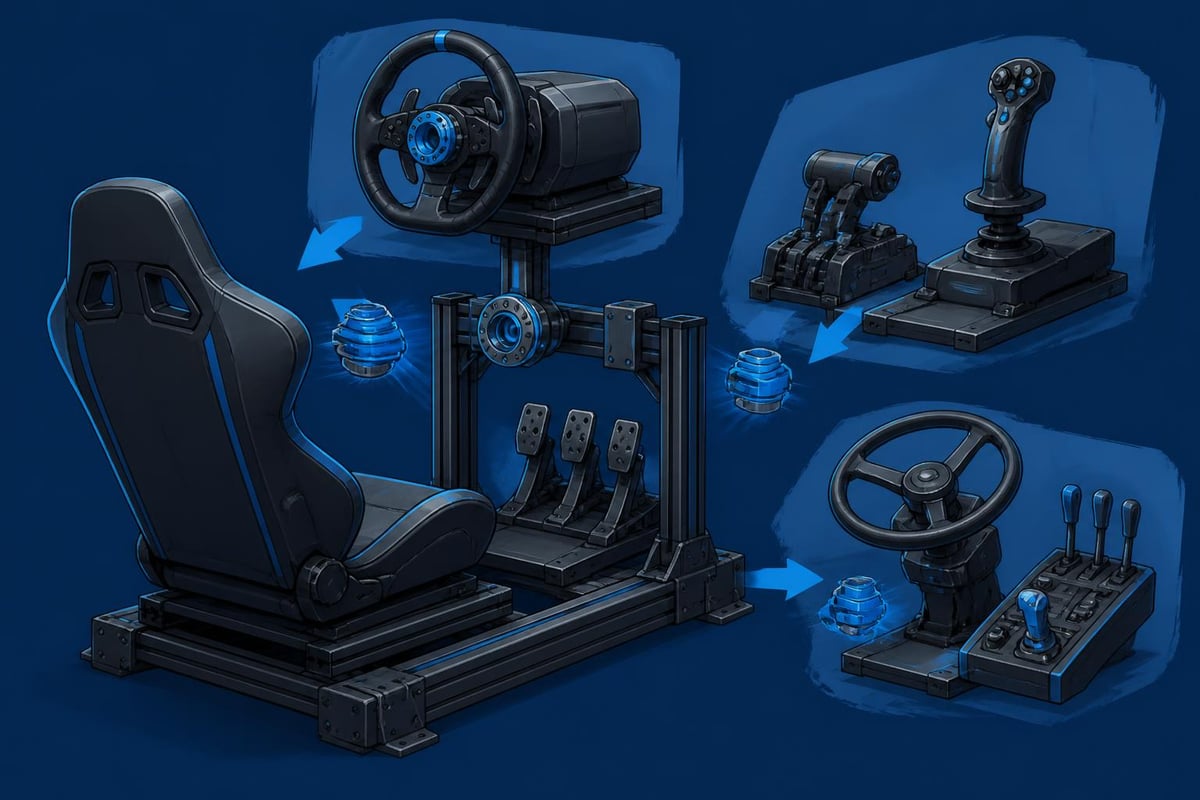
Dedicated rig: Similar to racing simulator setups, you can build a frame specifically for farming simulation. This might seem excessive, but it provides the ultimate in stability and customisation.
Hybrid solution: Many sim enthusiasts use modular mounting systems that adapt between racing, flight, and farming setups depending on their current gaming focus.
Understanding what you'll actually be doing in a farming simulator helps you appreciate why the hardware matters so much. The gameplay revolves around interconnected systems that reward careful planning and efficient execution.
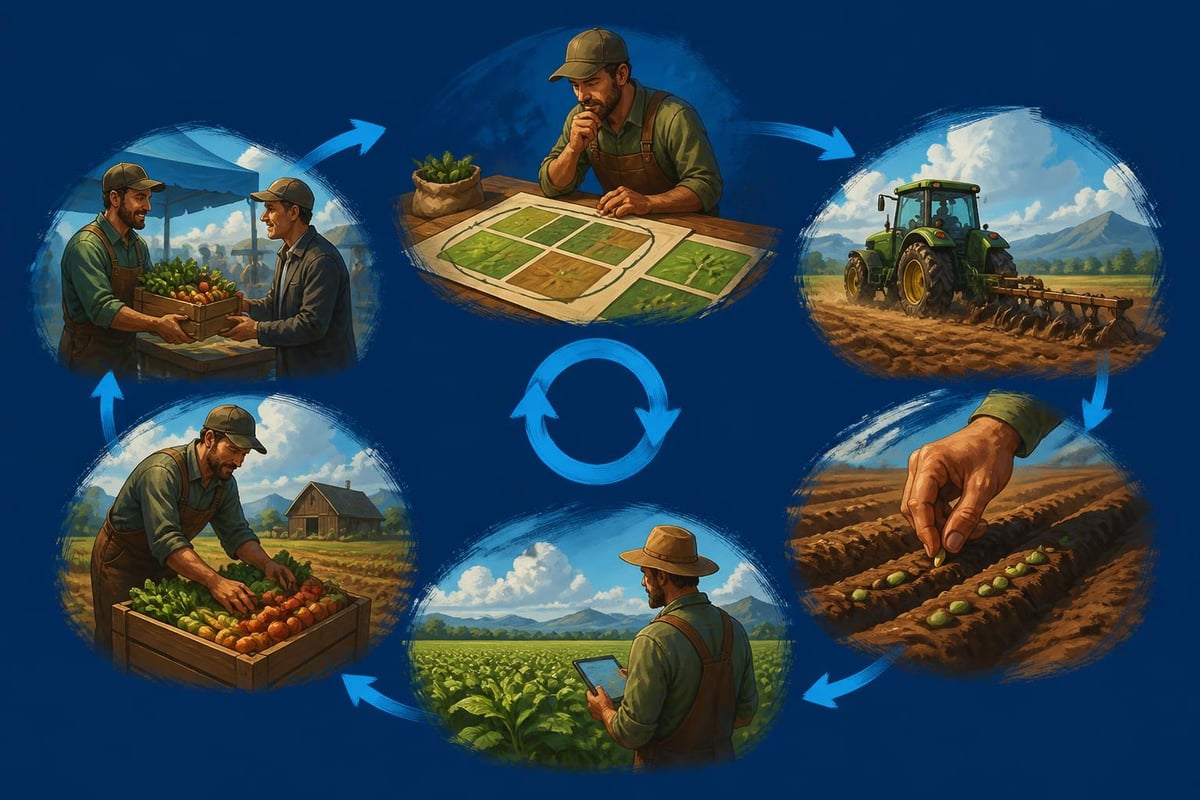
Your typical farming year starts with field preparation. You'll need to plow, cultivate, and potentially apply lime to optimise soil conditions. Each step requires different equipment, and switching between implements teaches you real-world agricultural processes.
Here's where the strategy deepens. Different crops have varying requirements, growth times, and market values. You're constantly balancing:
Initial seed costs versus potential returns
Equipment requirements for each crop type
Seasonal timing for planting and harvesting
Market price fluctuations throughout the year
Crop rotation for soil health maintenance
According to academic research on farming practices, the simulation genre has evolved to include more sustainable agricultural methods through community modifications, adding environmental considerations to your decision-making process.
Starting with basic machinery and gradually upgrading creates a satisfying progression arc. Your first tractor might struggle with larger implements, pushing you to:
Complete contracts for other farmers to earn capital
Harvest your initial crops efficiently despite limitations
Invest in more powerful equipment strategically
Expand your field ownership as profits allow
Specialise in specific crop types or animal husbandry
This progression mirrors actual agricultural business development, making every purchase feel meaningful rather than arbitrary.
Once you've mastered the basics, farming simulation reveals incredible depth. The community has developed sophisticated strategies that transform casual play into genuine agricultural management.
Field efficiency becomes paramount. Experienced players minimise wasted time by planning routes that reduce empty travel, overlap, and turning. It sounds simple, but optimising your harvesting patterns can increase productivity by 30% or more.
The game allows you to hire AI workers to operate equipment, but smart players know when to automate and when to take manual control:
Task |
Automation Suitable? |
Reasoning |
|---|---|---|
Plowing large fields |
Yes |
Straightforward, low risk |
Precise planting |
Sometimes |
Depends on field shape complexity |
Harvesting |
Yes with monitoring |
Check for equipment issues |
Baling and collection |
Limited |
AI struggles with coordination |
Loading and transport |
No |
Manual control more efficient |
This is where farming simulation truly shines. The modding community has created thousands of additional vehicles, implements, maps, and gameplay modifications. You're not limited to what ships with the base game.
Want to farm in a recreation of your local region? There's probably a map for that.
Prefer specific brands of machinery? Modders have meticulously recreated virtually every major agricultural manufacturer's lineup.
Popular modification categories include:
Realistic physics mods improving handling and weight distribution
Quality-of-life improvements streamlining repetitive tasks
Additional crops and production chains expanding economic possibilities
Map extensions adding new regions and terrain types
Visual enhancements upgrading graphics and weather effects
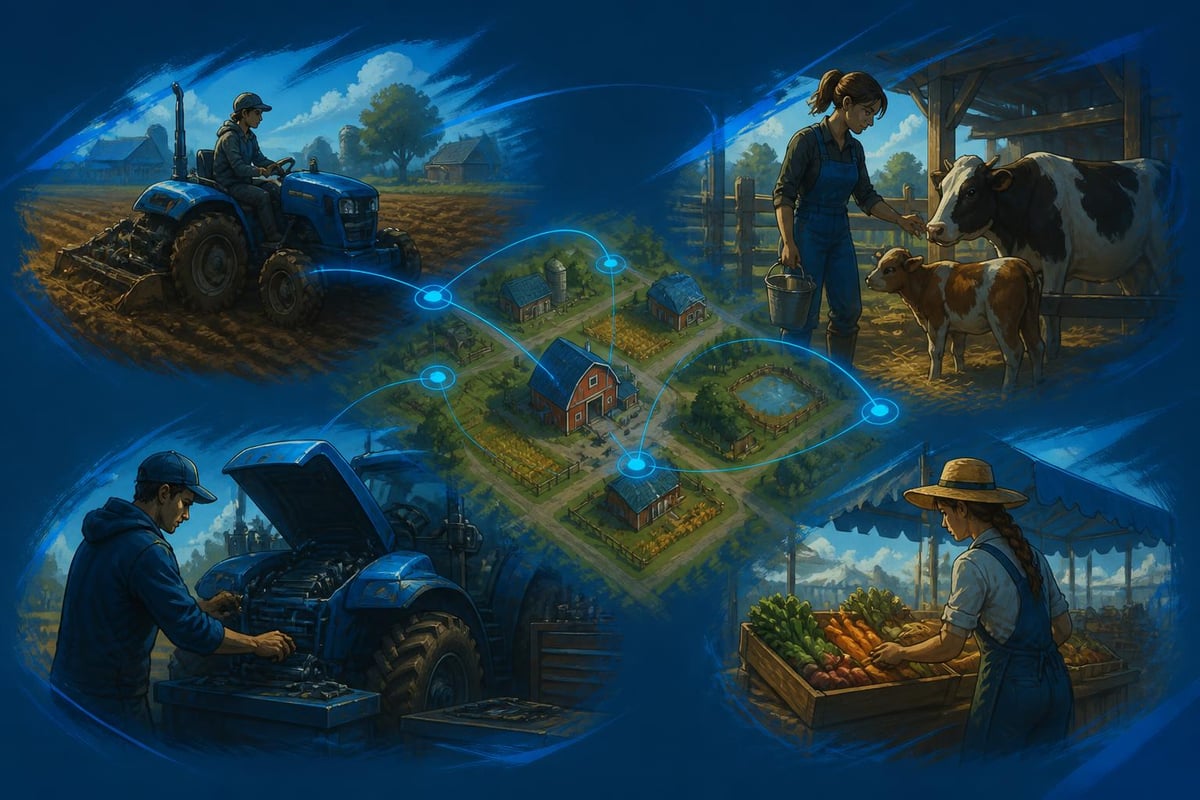
Running a farm solo provides satisfaction, but multiplayer farming simulation opens entirely new gameplay dimensions. Working with friends to manage a massive operation changes the entire dynamic.
You can specialise roles within your group. Maybe you focus on crop production while your mate handles animal husbandry and another friend manages forestry operations. This division of labour mirrors real agricultural cooperatives and creates unique social gaming experiences.
Effective multiplayer farming requires the same coordination skills as any team-based game. You'll need to:
Plan equipment purchases collectively
Schedule field work to avoid conflicts
Coordinate harvesting efforts for efficiency
Manage shared finances responsibly
Communicate about market timing decisions
Voice communication becomes essential, much like coordinating racing lines in multiplayer racing sims.
The farming simulator community spans PC, PlayStation, Xbox, and even mobile platforms. This accessibility has contributed significantly to the genre's growth, allowing players to choose their preferred gaming environment.
PC players enjoy the most robust modding support and typically superior graphics options. Console players trade some customisation for the comfort of couch gaming and a simplified setup. Each platform offers legitimate advantages depending on your priorities.
Regardless of your platform, you want smooth performance. Large maps with multiple AI workers, detailed vehicles, and complex physics calculations can challenge systems. Consider these optimisation strategies:
Graphics settings balance: Reduce shadow quality and view distance before touching texture quality. Farming sims rely on visual detail for immersion more than twitch reflexes.
Background applications: Close unnecessary programs to free resources for the simulation. Unlike competitive games where every frame matters, farming sims run well at 45-60 FPS.
Save file management: Regularly clean old saves and limit active modifications to prevent corruption and performance degradation.
From helping customers think through simulator layouts, there are a few mistakes we see come up regularly.
The first is placing controls too far away. If a side control, keyboard, or mouse requires a long reach, you’ll notice it during longer sessions.
The second is choosing style over comfort. A setup can look impressive but still feel poor if the seat, monitor, and controls don’t line up.
The third is ignoring desk depth. Farming simulators often needs keyboard, mouse, controller, and extra controls available at the same time. A cramped desk makes that harder than it should be.
The fourth is buying too much too soon. It’s smarter to build your farming simulator setup in stages. Start with comfort and visibility, then improve control access, then look at mounting and dedicated space.
If you're already invested in other simulation genres, adding farming capability to your existing rig makes tremendous sense. Many components overlap between different simulation types.
Your racing wheel and pedal setup won't directly transfer, but mounting systems often do. Quality simulator frames designed for racing work equally well for other simulation genres with appropriate peripheral swaps.
Head tracking technology enhances farming simulation just as it does flight and racing. Being able to look around your virtual cab naturally while keeping your hands on the controls improves both immersion and functionality.
Managing multiple simulation setups requires thoughtful organisation. Quick-release mounts allow you to swap between racing wheels, flight controls, and farming peripherals efficiently. Cable management prevents tangles and makes transitions smooth.
Consider dedicated storage for:
Alternative controllers and peripherals
Mounting hardware and tools
Cable organisers and extensions
Documentation and quick-reference guides
Backup equipment and spare parts
If you’re building a farming simulator setup gradually, start with the parts that improve every session.
First, get comfortable. A supportive chair and sensible desk height make long sessions easier.
Next, improve your display. A larger, clearer screen helps with menus, field work, reversing, and machinery control.
After that, improve control access. A programmable keypad, better keyboard layout, or dedicated control surface can make farming simulators feel more natural. Then think about mounting, cable management, and a more permanent sim area.
A farming simulator is at its best when the game feels smooth, comfortable, and easy to control. You don’t need to overcomplicate the setup, but the right upgrades can make a big difference.
From our testing at Gamer Gear Direct, the best improvements usually come from a clearer display, better seating comfort, smarter control access, and a setup that lets you play for longer without strain.
If you’re building a farming simulator setup, our team can help you choose hardware that suits your space and budget. You can also book a showroom appointment at our Dandenong South location to see suitable simulator gear in person and get practical advice before you buy.
Our expert team can help you select the perfect components for your farming simulator setup, ensuring you get maximum enjoyment from every virtual harvest season ahead.