Best F1 Racing Simulator Setup: What to Buy First and What to Upgrade Later
|
|
Choosing an F1 racing simulator isn’t just about buying a wheel and pedals. The driving position, cockpit rigidity, pedal feel, wheelbase strength, screen placement, and upgrade path all change how the setup feels once you're on track. After working with different racing simulator layouts at our Dandenong showroom, the Gamer Gear Direct team has seen what separates a setup that feels connected from one that feels loose, awkward, or hard to grow with.
This guide breaks down what we’ve learned from hands-on setup work, customer demos, and product testing. You’ll see what to look for in an F1 racing simulator, where to spend first, where to wait, and how to avoid the common mistakes that can make a premium setup feel underwhelming.
For this guide, our team assessed F1 racing simulator setups using the same checks we use when helping customers compare gear in our Dandenong showroom. We looked at cockpit flex, wheel deck movement, pedal plate strength, seat position, driver comfort, screen placement, cable routing, and upgrade room.
A good F1 racing simulator should feel stable under braking, accurate through fast steering inputs, and comfortable enough for longer sessions. If the cockpit moves every time you brake, or the wheel deck shakes under force feedback, the most expensive wheelbase in the setup can still feel less controlled than it should.
Our testing focused on the parts that change the driving feel most:
Testing area |
What we checked |
|---|---|
Cockpit rigidity |
Flex under braking and steering load |
Wheelbase mounting |
Movement with direct-drive force feedback |
Pedal position |
Brake pressure, leg angle, and heel support |
Seat position |
F1-style recline, GT-style comfort, and adjustment range |
Display placement |
Distance, field of view, and visibility of braking markers |
Upgrade path |
Room for stronger wheelbases, better pedals, shifters, handbrakes, and motion gear |
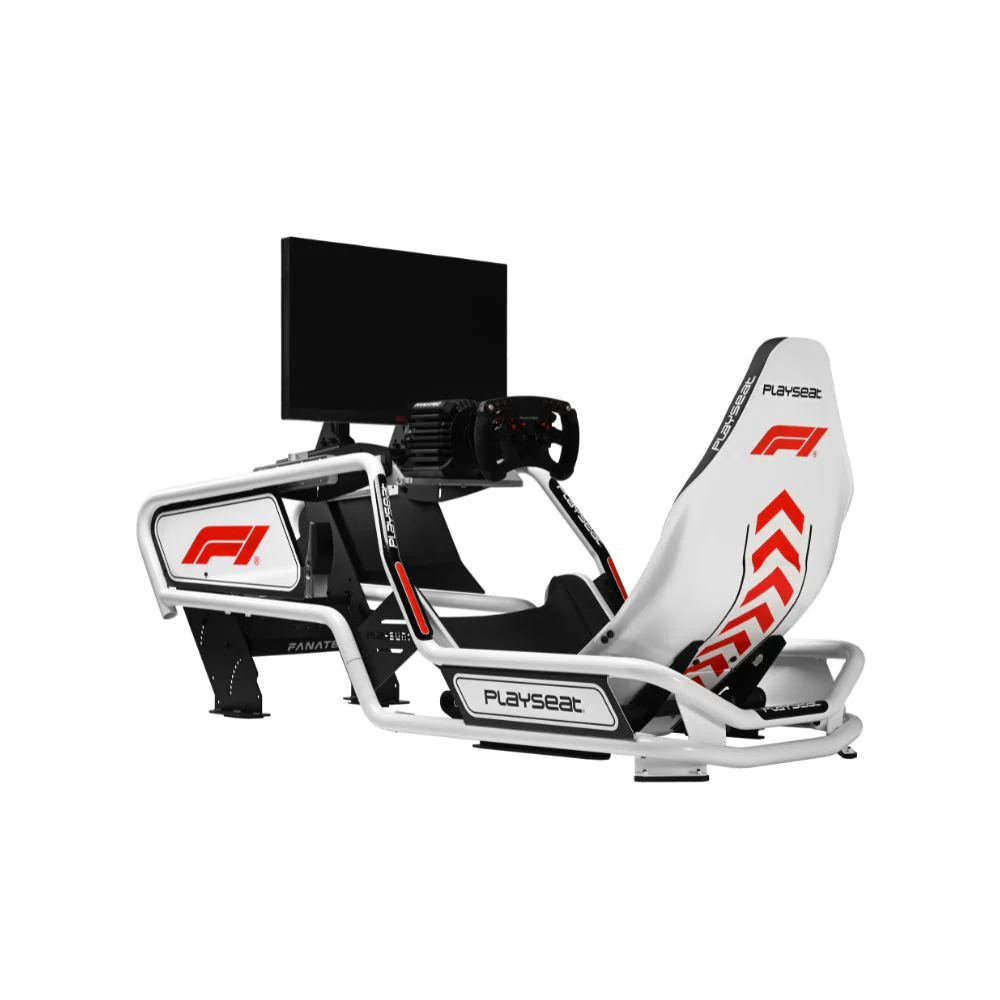
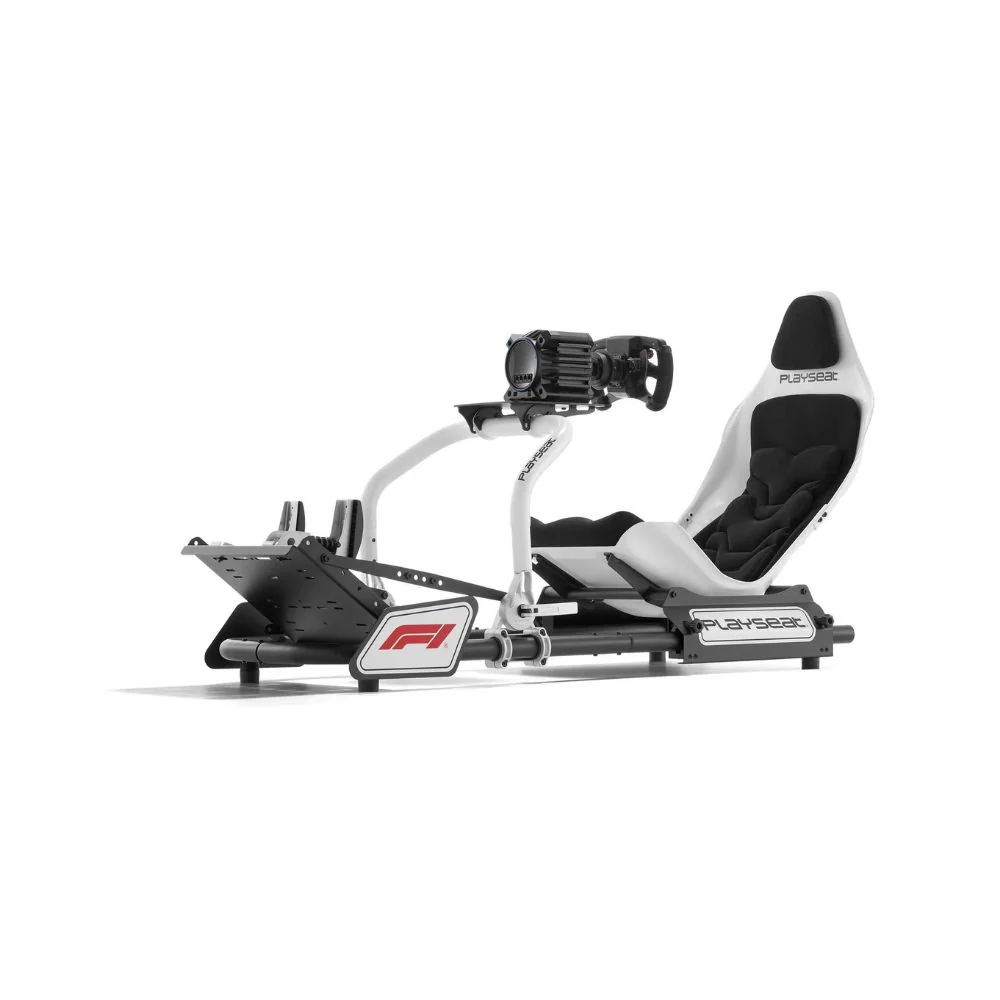
An F1 racing simulator is built around a lower, more reclined seating position than a standard GT-style racing setup. Your legs are usually raised, your back angle is more laid back, and the wheel position sits closer to the chest. Done well, it gives you a sharper open-wheel feel. Done poorly, it can feel cramped and tiring.
In our showroom testing, the biggest mistake buyers make is choosing the most aggressive seating position before thinking about comfort. A full Formula-style position can feel exciting for short sessions, but some drivers prefer a hybrid cockpit because it's easier to get in and out of, easier to share with other users, and more flexible across F1, GT, rally, truck, and endurance racing.
For many drivers, the best F1 racing simulator isn’t the most extreme setup. It's the one that gives the right balance of driving position, stability, adjustability, and long-term upgrade room.
The cockpit is the foundation of an F1 racing simulator. It decides how stable your wheelbase feels, how consistent your braking is, and how comfortable the setup feels after 30 minutes or more behind the wheel.
Entry-level fixed cockpits can be a good starting point for new drivers, especially when space and budget are limited. They're usually quicker to assemble and easier to move. The trade-off is rigidity. Once you add a more powerful direct-drive wheelbase or a firmer brake pedal, the cockpit can start to show movement.
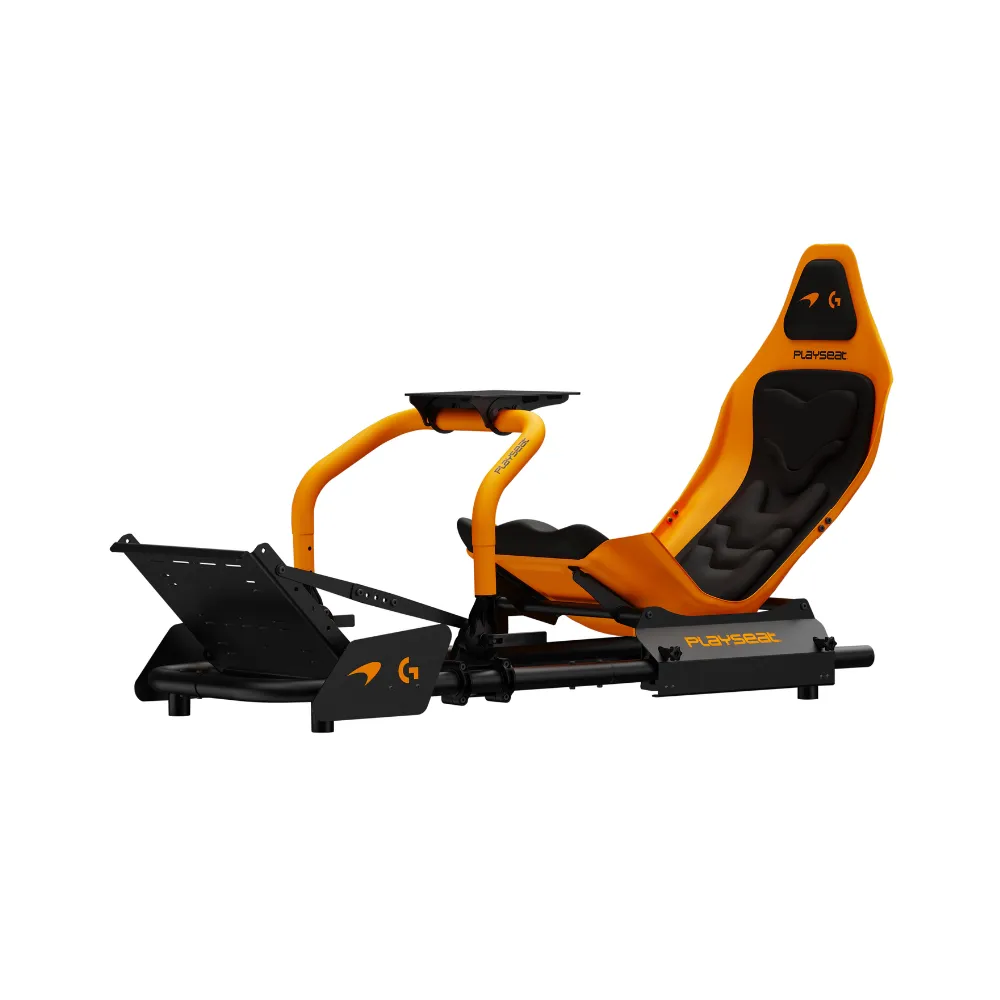
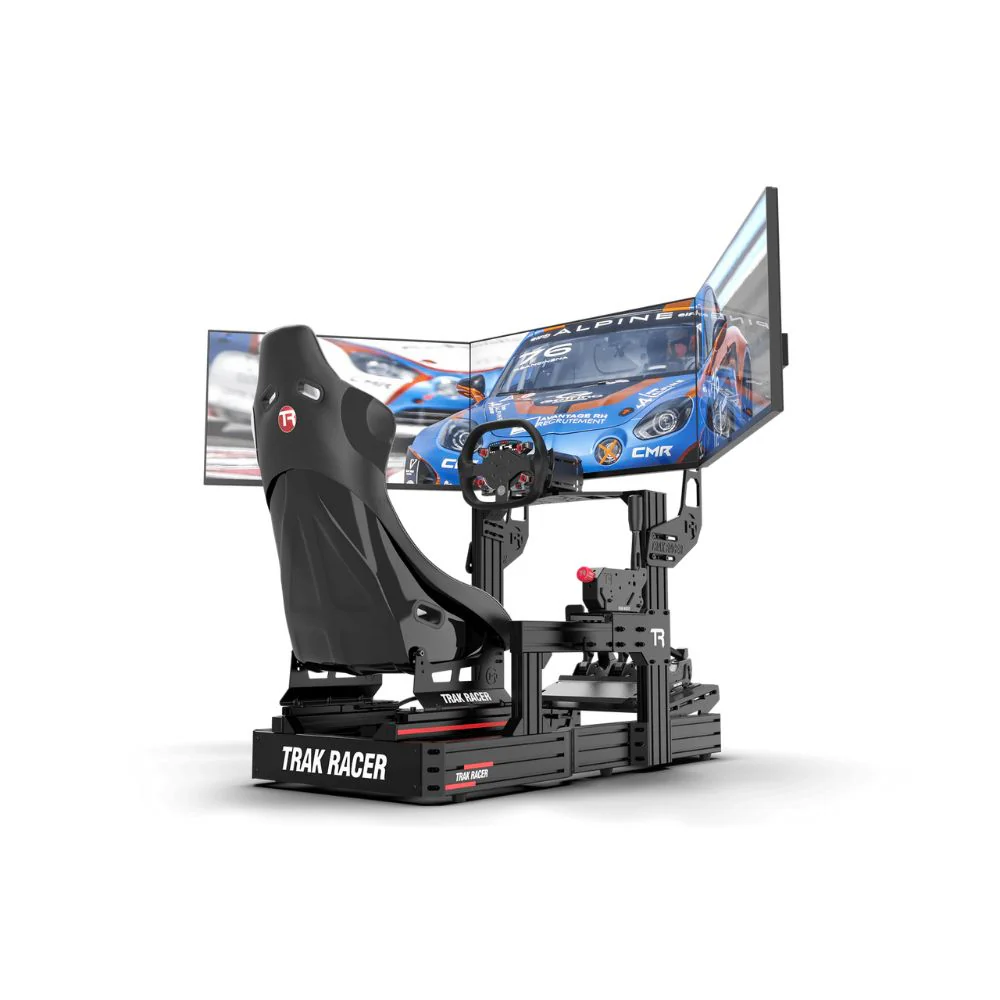
Aluminium profile rigs are stronger and more adjustable. In our testing, they’re usually the best option for drivers who want to grow the setup over time. They give more room for stronger wheelbases, load-cell pedals, monitor mounts, button boxes, shifters, handbrakes, and motion add-ons.
Formula-style cockpits are the choice for drivers who want the closest F1 driving position. The lower seat angle and raised pedals can make an F1 racing simulator feel more authentic, but comfort depends heavily on driver height, leg length, and how often the setup will be shared.
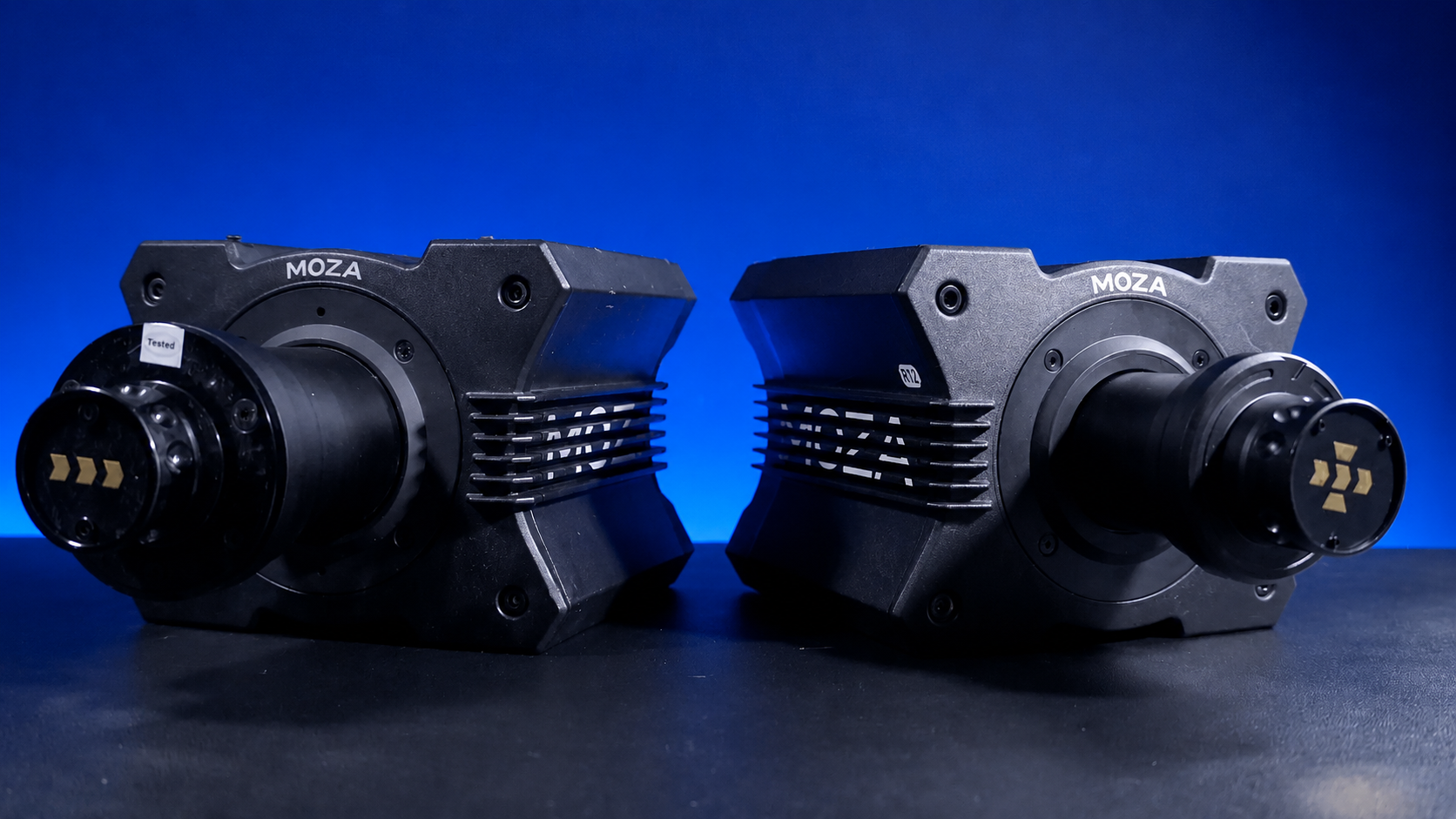
A wheelbase changes the way an F1 racing simulator communicates grip, kerbs, weight transfer, and slides. Entry-level force feedback wheels can still be enjoyable, but direct-drive wheelbases give a cleaner and faster response because the motor drives the steering shaft directly.
In our testing, most drivers notice the jump to direct drive straight away. The wheel feels more detailed through fast corners, steering corrections feel more immediate, and kerb feedback has more texture. The higher the torque, the more important the cockpit becomes. A powerful wheelbase on a flexible frame can feel messy because the rig absorbs feedback that should be going through your hands.
For many home drivers, a mid-range direct-drive base is the sweet spot. It gives enough strength for an immersive F1 racing simulator without demanding the heaviest cockpit on the market. Higher-torque bases make more s
ense for drivers who already have a rigid frame, a stable seat, and pedals that can handle firm braking.
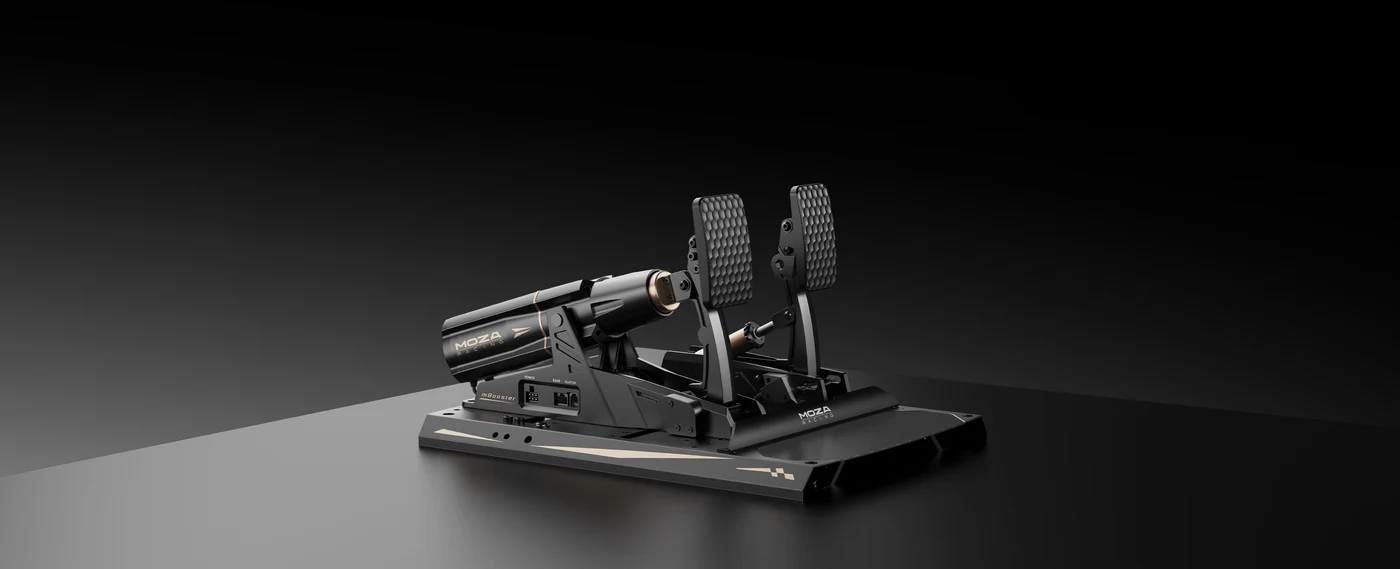
Pedals are often the most underrated part of an F1 racing simulator. A better wheelbase makes driving more immersive, but better pedals can make your laps more consistent. The brake pedal is the key part because most lap time is gained or lost during corner entry.
Basic pedals use travel-based braking, so the game reads how far you press the pedal. Load-cell pedals measure pressure instead. That pressure-based feel is closer to how real braking muscle memory works, which makes it easier to repeat the same braking force lap after lap.
During showroom setup, we usually adjust pedal distance and seat angle before wheel height. If the pedals are too close, the driver’s knees can bunch up. If they're too far away, braking becomes inconsistent. If the pedal plate flexes, the brake can feel vague even when the pedal set itself is good.
A stable pedal mount is essential for an F1 racing simulator because raised pedal positions can place more force through the frame. Before upgrading pedals, make sure the cockpit can handle the brake pressure.
The screen setup can change how natural an F1 racing simulator feels. A single screen is simple, affordable, and easy to run. An ultrawide gives more side vision without the setup complexity of triple monitors. Triple screens create the widest view, but they need more space, more adjustment, and stronger PC performance.
VR can feel incredibly immersive because you can look into corners and judge cockpit space in a more natural way. It isn't the right answer for every driver. Some people prefer screens because they're easier to use for longer sessions, easier to share, and less demanding on comfort. VR also needs a PC that can hold smooth frame rates, or the experience can become uncomfortable.
The most common screen mistake we see is placing the monitor too far away. If the screen is pushed back behind the wheelbase, the car can feel smaller and braking markers become harder to judge. Bringing the display closer and setting the field of view correctly can make an F1 racing simulator feel more connected without changing any hardware.
The right software depends on how you want to drive. The official F1 game is usually the easiest entry point for F1 fans because the teams, circuits, race formats, and presentation are familiar. PC-based sims can give deeper control over physics, telemetry, mods, and hardware settings, but they also need more setup time.
F1 25 moved circuit detail forward with LIDAR-scanned tracks across selected venues, which is good news for drivers who want more accurate braking references and track surfaces. Still, software realism only goes so far if the hardware setup isn’t stable. A rigid cockpit, well-mounted pedals, and a properly positioned display will usually change the experience more than a graphics setting.
Before buying hardware for an F1 racing simulator, check platform support. Console users need to confirm wheelbase, pedal, and game compatibility before ordering. PC users get more flexibility, but they also need to think about USB ports, drivers, firmware, game profiles, and PC performance.
Most F1 racing simulator problems come from setup, not the hardware itself. The most common issue is a seating position that looks right but doesn’t feel right once the driver starts braking hard. If the brake pedal angle, seat distance, and wheel height are off, the whole setup can feel uncomfortable.
Another common issue is buying a high-torque wheelbase before choosing a cockpit that can support it. Direct drive needs a stable mounting point. Without it, the wheel deck can shake, which reduces detail and control.
We also see screen placement problems. A monitor mounted too high can make the driver look upward. A monitor mounted too far back can make the car feel detached. A monitor placed too low can hide useful track information. Good screen placement makes braking points easier to read and improves comfort during longer sessions.
If you're building an F1 racing simulator over time, start with the foundation. A stable cockpit should come before a very powerful wheelbase. Good pedals should come before cosmetic extras. A well-placed screen should come before chasing more immersion through add-ons.
The upgrade path we usually recommend is cockpit first, then pedals, then wheelbase, then display, then accessories. Motion, haptics, button boxes, and advanced dashboards are best added after the driving position and core hardware feel right.
That doesn’t mean you need to buy everything at once. A smart F1 racing simulator build can start simple and grow. The key is choosing a cockpit and platform that won’t limit future upgrades.
Driving faster in an F1 racing simulator isn’t only about software settings. Hardware changes how you drive. A rigid cockpit gives you a more stable braking platform. Load-cell pedals make it easier to repeat brake pressure. Direct drive gives faster feedback when the rear starts to move. A well-positioned screen makes braking markers easier to judge.
Once the setup is stable, focus on braking points, smooth steering inputs, and clean throttle application. F1-style cars punish abrupt inputs, especially through high-speed direction changes. If you’re locking tyres, missing apexes, or spinning on exit, check the hardware setup before blaming the car setup.
Small position changes can make a big difference. Moving the pedals slightly, lowering the wheel angle, or bringing the monitor closer can make an F1 racing simulator feel more natural.
The best F1 racing simulator is the one that matches your driving goals, platform, room size, and upgrade plan. Don’t start with the most expensive wheelbase or the flashiest accessory. Start with the cockpit, seating position, and pedal stability. Those parts decide how connected the whole setup feels.
If you want a pure F1 feel, look at Formula-style cockpit options with raised pedals and a reclined seat. If you want one rig for F1, GT, rally, and casual racing, a hybrid or aluminium profile cockpit may be the better choice. If you're planning motion later, choose a frame that can handle it from the start.
A well-built F1 racing simulator should feel stable, adjustable, and easy to grow with. Get the foundation right, then add power, displays, and immersion as your driving improves.
What do I need for an F1 racing simulator?
You’ll need a cockpit or wheel stand, wheelbase, steering wheel, pedals, screen or VR headset, and compatible software. A dedicated cockpit is better than a desk setup if you want stable braking and stronger force feedback.
Is a Formula-style cockpit better than a GT cockpit?
A Formula-style cockpit gives a more accurate F1 seating position, but a GT or hybrid cockpit can be more comfortable and easier to adjust. The better choice depends on driver height, space, and how often the rig will be used for other racing styles.
Are load-cell pedals worth it for F1 racing?
Yes, especially if you want more consistent braking. Load-cell pedals read brake pressure instead of pedal travel, which makes it easier to repeat braking force into corners.
Do I need direct drive for an F1 racing simulator?
You don’t need it, but direct drive gives faster and cleaner steering feedback. If you choose direct drive, make sure the cockpit is rigid enough to handle the wheelbase.
Is VR better than screens for F1 racing?
VR gives excellent immersion, but screens are easier to use for long sessions and easier to share with other drivers. Triple screens or an ultrawide display can also give a very immersive F1 racing simulator experience.
Can I build an F1 racing simulator in stages?
Yes. Start with a stable cockpit and pedals, then upgrade the wheelbase, display, and accessories over time. A staged build works well as long as the first cockpit has enough adjustment and upgrade room.