F1 Racing Sim Buyer’s Guide: Cockpit, Pedal and Wheelbase
|
|
The best F1 racing sim setup doesn't start with the most expensive wheelbase or the flashiest screen. After testing racing simulator setups at our Dandenong showroom, we've found that the biggest gains usually come from three things: a rigid cockpit, consistent braking feel, and wheel settings that match the driver's skill level.
A good F1 racing sim should let you brake with confidence, feel what the front tyres are doing, and sit in a position that you can hold for a full race distance. If the cockpit flexes, the pedals move, or the wheel is set too high, lap times become harder to repeat.
This guide is based on our hands-on testing, customer setup questions, and product use across F1 simulator cockpits, direct drive racing wheels, sim racing pedals, monitor setups, and motion-ready frames. It's written for drivers who want a home setup that feels controlled, comfortable, and ready for F1-style racing.
Our team tested F1 racing sim setups at the Gamer Gear Direct Dandenong showroom using fixed cockpits, formula-style seating positions, direct drive wheelbases, load cell pedals, and screen-based driving setups. We focused on how each setup felt after repeated laps, not just how it looked in product photos.
The main test points were cockpit rigidity, pedal stability, braking control, steering detail, screen position, driver comfort, and ease of adjustment between users. We also looked at how each setup handled longer stints, because a rig can feel great for five minutes and still become tiring after a full session.
The key finding was clear: for most drivers, a stable cockpit and consistent pedals make a bigger difference than chasing maximum wheelbase power straight away. A powerful wheelbase on a flexible frame can feel worse than a lower-torque direct drive base mounted to a rigid cockpit.
F1-style sim racing has changed because brands put more focus on active aero, energy deployment, and lighter, more responsive cars. That means an F1 racing sim setup now needs to give you clear steering detail and reliable braking feedback, especially when you're adjusting to new car behaviour.
In the F1 25 Season Pack, the cars are built around the new regulation era, with active aero and Overtake Mode changing how you manage speed, battery deployment, and racecraft. For wheel users, that makes car control more demanding because you're not only braking and turning. You're also managing when to push, when to save, and how to stay stable during direction changes.
That's why setup comfort is so important. If your seating angle, wheel height, or pedal distance is off, you'll feel it through every lap.
The cockpit is the base of the whole setup. During testing, we found that cockpit flex affects braking and steering more than many new drivers expect. If the wheel deck moves under load or the pedal plate shifts during hard braking, consistency drops quickly.
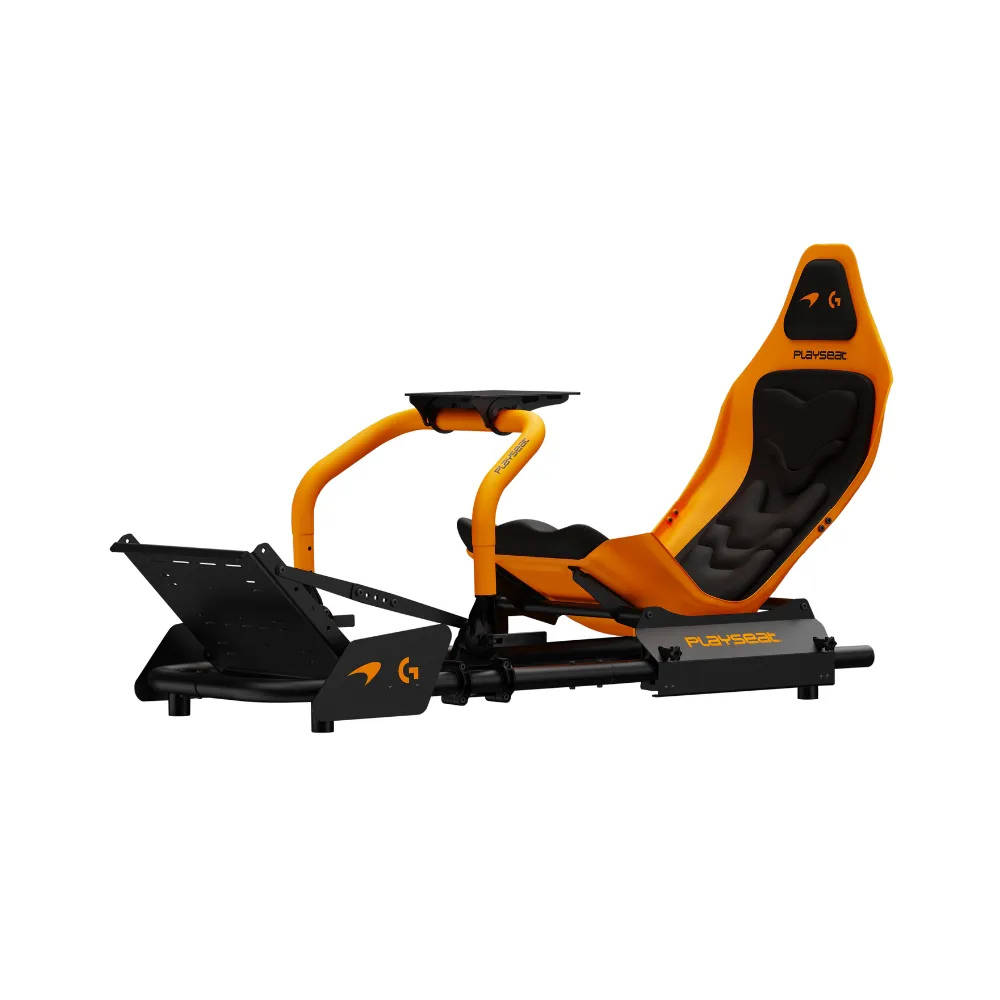
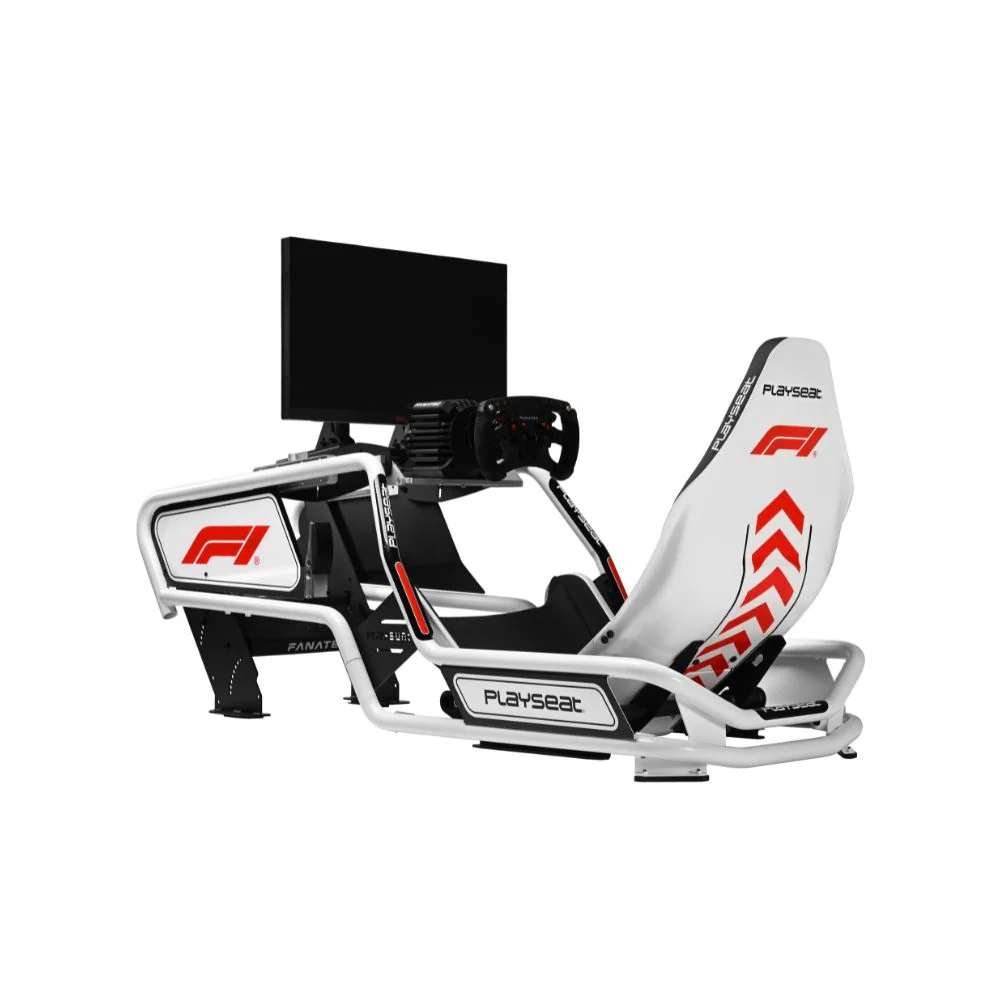
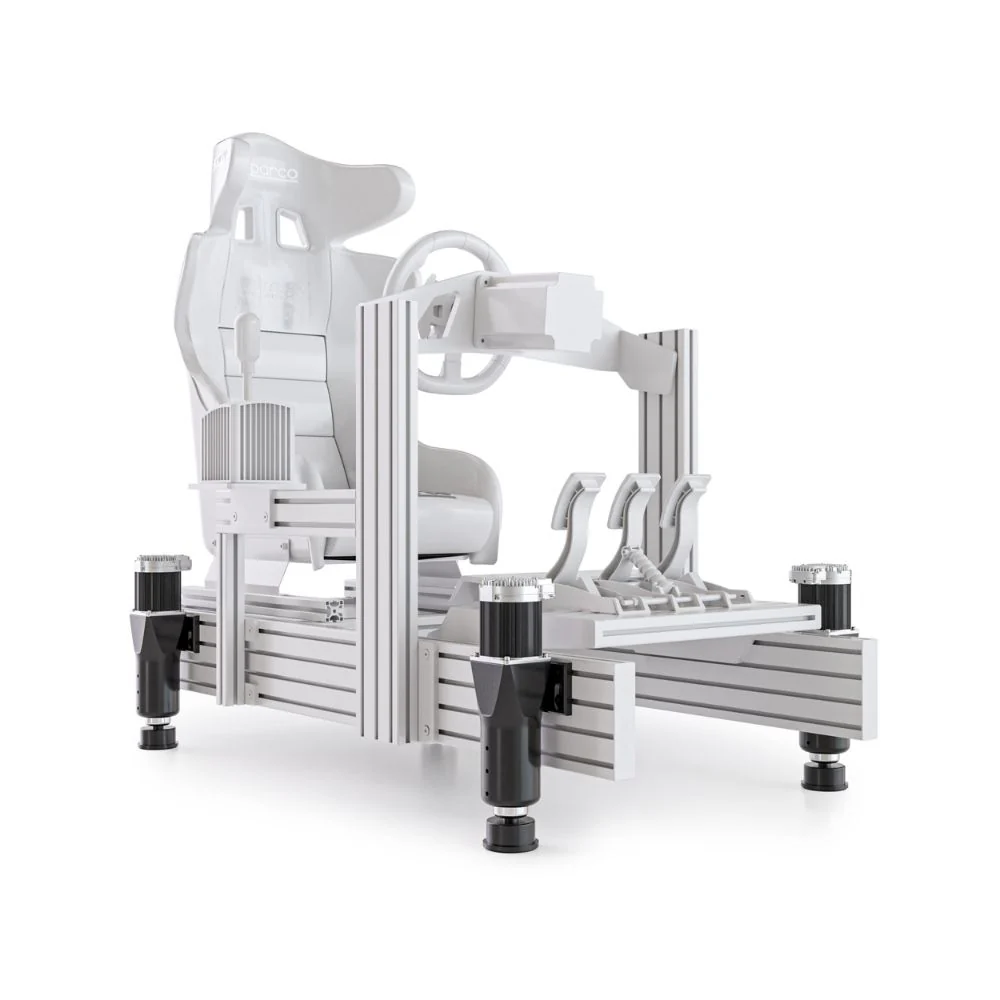
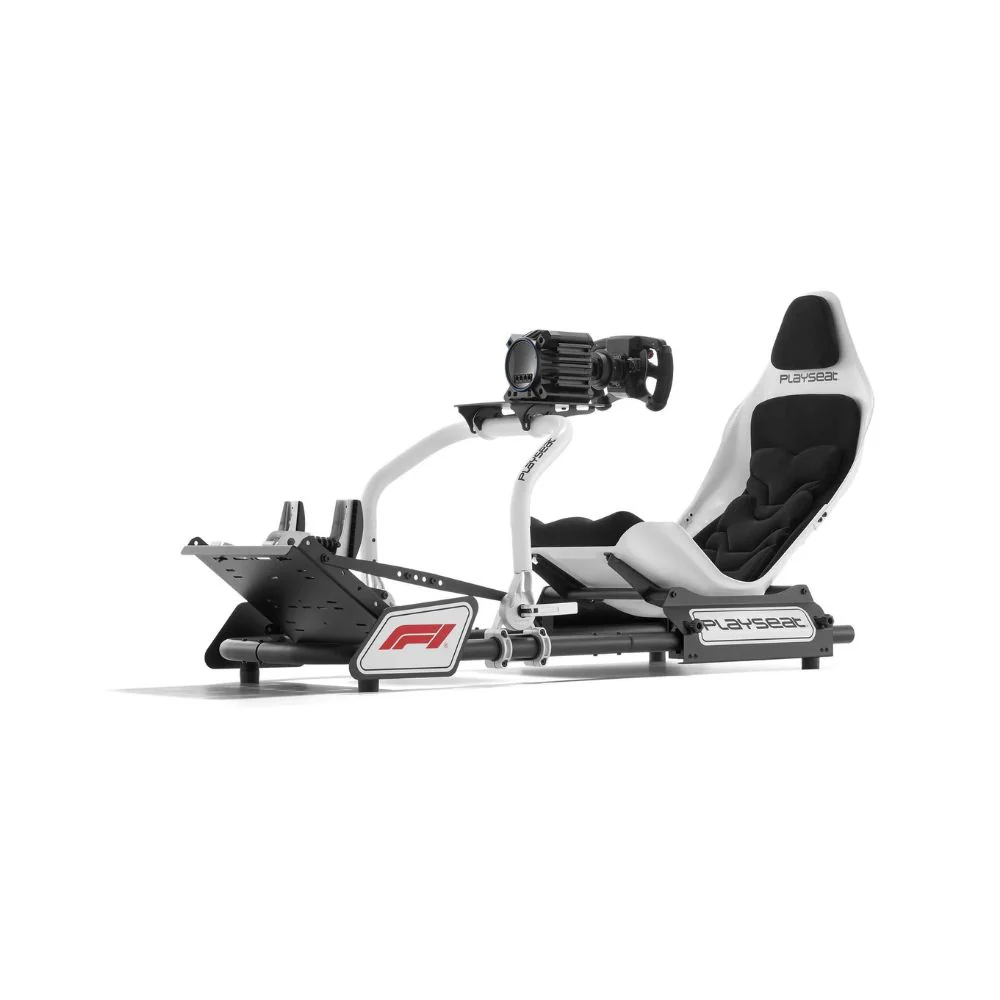
For F1-style driving, there are two main cockpit directions: Formula seating and GT seating. Formula-style seating gives a lower, reclined driving position that feels closer to an open-wheel car. It can feel more immersive, especially with an F1-style wheel. The trade-off is that it can be harder to get in and out of, and it may not suit every body type or every game.
GT-style cockpits are easier to live with for mixed racing. They work well for F1, GT, rally, truck, and casual racing games. If more than one person will use the rig, a GT seating position often gives better comfort and faster adjustment.
For most home drivers, we'd start with a rigid cockpit before upgrading to higher-end wheelbases or motion. A stiff frame gives every other part of the F1 racing sim setup a better foundation.
Formula seating feels great when the wheel, pedals, and screen are all set correctly. Your legs sit higher, your back reclines more, and the wheel position feels closer to an F1-style cockpit. During testing, it gave the most immersive feel for open-wheel racing.
The downside is adjustability. Formula seating can take more time to dial in for different drivers, especially if height, leg length, or flexibility varies between users. It's also not always the best choice for long casual sessions.
GT seating feels less like a real F1 cockpit, but it's easier to use every day. For many customers, it's the better all-round F1 racing sim choice because it supports longer sessions, faster setup changes, and a wider mix of games. If you mainly drive F1 titles and want the most authentic seating posture, go formula. If you want one rig for everything, go GT.
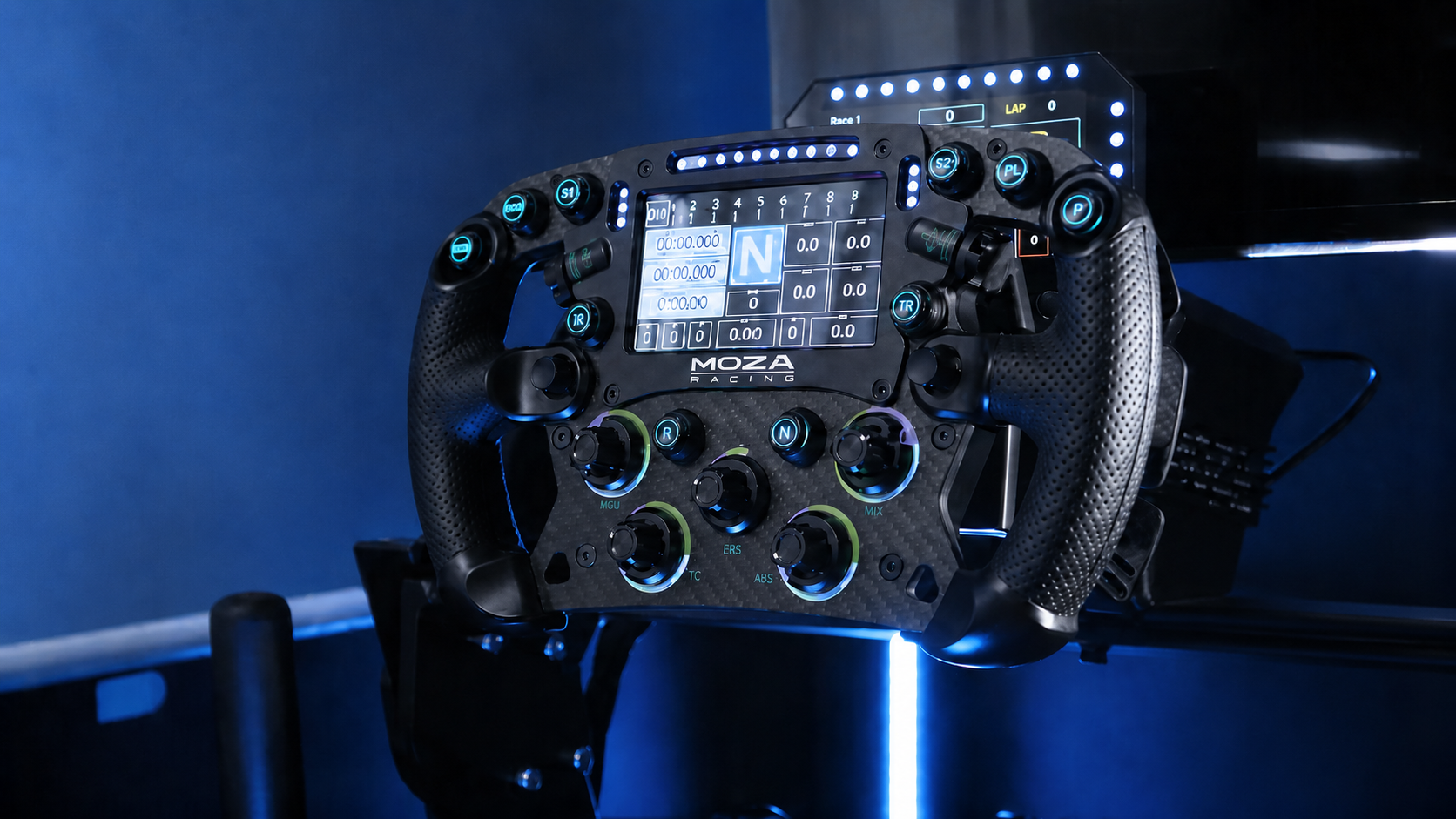
A direct drive wheelbase changes how an F1 racing sim feels because the motor is connected directly to the steering shaft. In testing, the main benefit wasn't just stronger force feedback. It was cleaner detail through kerbs, grip loss, and fast changes of direction.
For F1-style cars, that detail is useful because the front end reacts quickly. When the wheelbase is set well, you can feel understeer earlier, catch slides faster, and place the car with more confidence. When force feedback is set too high, the opposite can happen. The wheel becomes tiring, inputs get rough, and lap times become less consistent.
A good starting point is to use moderate force feedback, then increase it slowly once you can drive consistent laps. Stronger isn't always faster. The best F1 racing sim wheel setting is the one that gives enough information without wearing out your arms.
Drivers upgrading from gear-driven or belt-driven wheels should look at direct drive racing wheels before spending more on visual upgrades. Steering feel is one of the first things you'll notice on every lap.
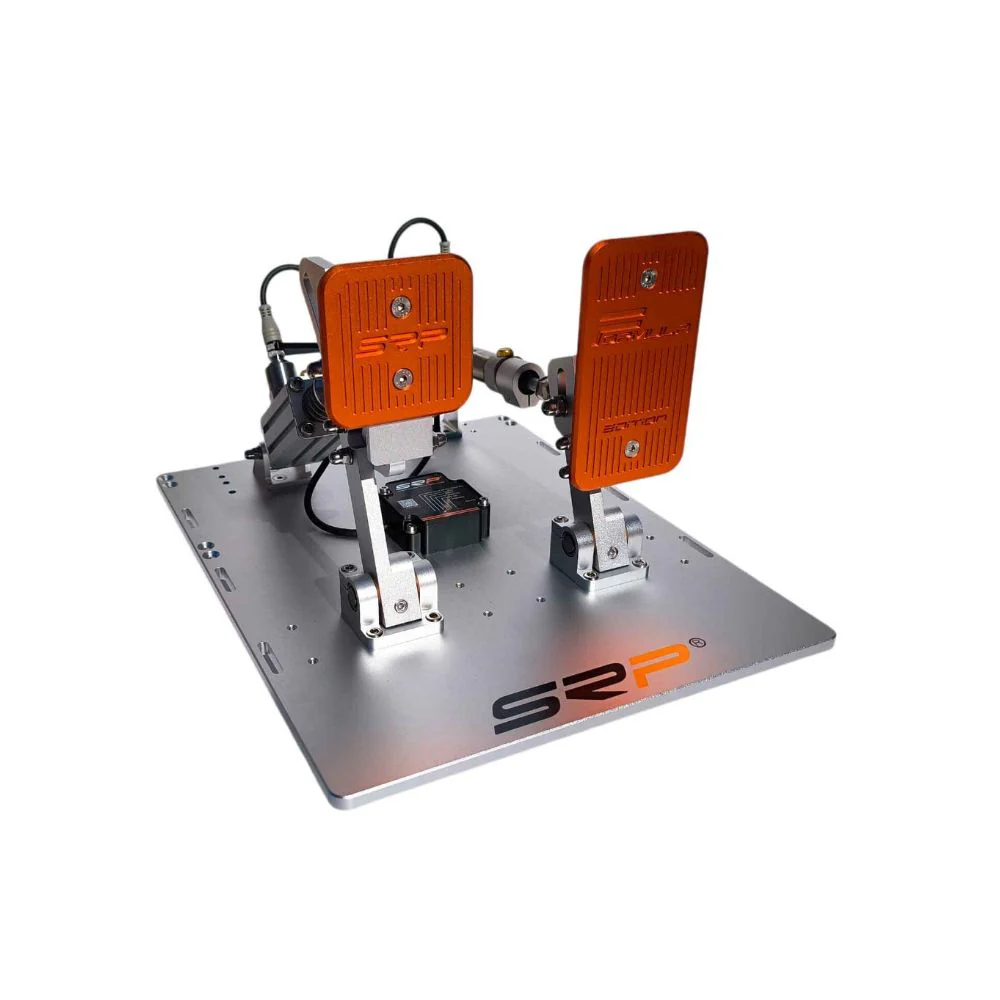
Pedals have a huge effect on F1 racing sim performance. In our testing, load cell pedals gave the biggest braking improvement because they measure pressure rather than simple pedal travel. That makes it easier to repeat the same braking force into heavy stops.
For F1 driving, braking consistency is vital. You need to hit the brake hard, release smoothly, and trail off pressure as the car turns into the corner. If the brake pedal is too soft, too light, or mounted to a flexing plate, it's harder to build muscle memory.
Set the pedals far enough away that your legs aren't cramped. Your brake foot should be able to apply firm pressure without lifting your hips or pushing the seat backwards. If your cockpit has pedal angle adjustment, use it to keep your ankles comfortable during longer sessions.
If you're upgrading one part of an F1 racing sim after the cockpit, we'd usually look at load cell sim racing pedals before cosmetic upgrades. Better braking control shows up quickly in lap time consistency.
Your display setup changes how you read the track. A single monitor can work well if it's positioned correctly, but it needs to be close enough to give clear braking references. Ultrawide screens add more side vision and keep the setup clean. Triple monitors create a wider view again, though they need more room and more setup time.
VR gives the strongest cockpit immersion, but it isn't right for everyone. Heat, comfort, headset weight, and motion sensitivity can all affect longer sessions. In our testing, VR felt most impressive during short runs, while monitors were easier to use for repeated practice and customer demos.
For a home F1 racing sim, we'd choose the screen setup based on comfort first. If you can drive longer with a monitor, you'll often improve faster than you would in a headset you only use for short sessions. Drivers building a dedicated rig should also look at monitor stands for racing simulators so the screen position lines up with the wheel and seat.
Motion can add a lot to an F1 racing sim, especially for kerbs, braking forces, and weight transfer. The key is to treat motion as an addition, not a fix for a weak setup. If the cockpit flexes or the pedals aren't stable, motion won't solve those problems.
During testing, motion felt best when the rig was already rigid and the driver had the basics set. It added feedback without distracting from the wheel and pedals. For new drivers, we'd usually suggest getting the cockpit, pedals, wheelbase, and screen position right first.
If you already have a stable rig and want more physical feedback, motion racing simulators can add immersion to F1-style racing, endurance racing, and mixed sim use.
The best upgrade path isn't always the most expensive one. Based on hands-on testing, we'd prioritise the build in this order: cockpit, pedals, wheelbase, screen position, then motion or VR.
The cockpit comes first because it controls stability. Pedals come next because braking consistency drives lap time. The wheelbase follows because steering detail gives you more control once the rig can handle the load. Screens, VR, and motion can all improve the feel, but they work best when the core setup is already solid.
If you want a simpler build, racing simulator bundles can make the process easier because the cockpit, wheel, pedals, and mounting options are already planned as a complete setup.
The most common mistake is putting too much money into wheelbase power before fixing the cockpit. A stronger wheelbase can expose frame flex and make the rig feel worse, not better.
Another mistake is setting the pedals too close. This makes braking feel cramped and can cause inconsistent pressure. Move the pedals away until your legs can work naturally through heavy braking zones.
Wheel height is another one. If the wheel is too high, your shoulders tense up. If it's too low, your wrists and forearms do extra work. The right position should let your arms stay relaxed with a slight bend.
Many drivers also set force feedback too high on day one. Start lower, build consistency, then increase strength in small steps. An F1 racing sim should give feedback you can read, not fight.
Start with the cockpit. Tighten the frame, mount the seat, and lock down the pedal plate before attaching the wheelbase. Push against the brake pedal hard and check for movement. If the pedal plate shifts, fix that before driving.
Next, mount the wheelbase and set the wheel height. Sit in the seat with your shoulders relaxed, then place your hands at the usual steering position. Your elbows should have a slight bend, and your wrists shouldn't be angled sharply.
Then calibrate the pedals. Set the brake pressure so you can reach maximum braking without straining. If the brake is too light, lockups become common. If it's too heavy, fatigue builds quickly.
After that, set your screen or VR view. Your eyes should land naturally on the road ahead, not too high or too low. Use a short practice run to check braking markers, apexes, and mirrors.
Finally, run a 10-lap baseline test. Don't chase a perfect lap straight away. Look for repeated mistakes: missed braking points, lockups, oversteer on exit, or shoulder fatigue. Those clues tell you what to adjust next.
New drivers should start with enough assists to stay in control, then reduce them over time. Medium traction control can make early sessions less frustrating. Lower brake assist as soon as you can, because it can hide poor braking habits.
For force feedback, start moderate. If the wheel shakes too much on straights or feels heavy through every corner, reduce strength or damping. If it feels vague, increase detail gradually.
For steering, use an F1-style rotation setting that feels quick without becoming twitchy. Keep your inputs smooth. Fast cars punish sudden steering, braking, and throttle movements.
A good F1 racing sim setup should make learning easier, not cover up every mistake. Use assists as training tools, then remove them as your control improves.
The fastest way to improve is to brake better. Pick one track and practise the same corner repeatedly. Brake in a straight line, release pressure as you turn in, then add throttle once the car is stable.
Trail braking is one of the most useful F1 racing sim skills. It lets you carry speed into the corner while keeping the front tyres loaded. Start gently, because releasing the brake too late can unsettle the car.
Throttle control is just as important. Don't stomp on the throttle at corner exit. Feed it in smoothly and listen to the rear tyres. If you're sliding often, you're probably asking too much from the car too early.
Use short practice sessions with clear goals. One session can focus on braking points. The next can focus on corner exits. Another can focus on race starts. Focused practice beats random laps.
Telemetry can show problems you may not feel while driving. Look at braking points, minimum corner speed, throttle traces, and steering input. If your brake pressure changes every lap into the same corner, your pedals or technique may need work.
Video review is useful too. Record a lap and watch the steering wheel, racing line, and throttle timing. Many drivers notice mistakes on replay that they missed while driving.
For a more advanced F1 racing sim setup, telemetry can guide hardware changes as well. If you're consistent with steering but inconsistent on the brake, pedals may be the best upgrade. If braking is stable but the car feels vague, wheelbase settings or force feedback detail may need adjustment.
A dedicated rig makes sense if you race often, want consistent lap times, or don't want to set up and pack down gear every session. It also makes sense if you're moving into direct drive hardware, because a desk setup usually can't give the same stability.
A compact setup still works for casual driving, especially with an entry-level wheel and pedals. But once you're using stronger hardware, a fixed cockpit becomes much more important.
If you share the setup with family or friends, choose adjustable seating and pedal positions. Shared rigs need to be easy to change, or they'll only feel right for one person.
The best F1 racing sim setup is the one that stays stable, feels comfortable, and gives you repeatable control. Start with the parts that affect every lap: cockpit, pedals, wheelbase, and screen position.
Don't chase maximum force feedback before you've built a rigid base. Don't buy motion before your pedals are stable. Don't choose formula seating just because it looks authentic if a GT cockpit would suit your space and driving style better.
If you're building from scratch, start with complete racing simulator packages that match your platform, space, and upgrade plans. If you're upgrading, focus on the weakest part of your current setup first. For most drivers, that means the cockpit or pedals before anything else.
A well-built F1 racing sim doesn't need to feel complicated. It needs to let you drive more laps, make cleaner inputs, and learn from every session.