Virtual Drifting 101: A Drift Sim Setup + Skills Guide
|
|
After testing drift sim hardware at our Dandenong showroom, we’ve found that a good setup isn’t just about buying the most powerful wheelbase. The setup needs smooth self-aligning steering, a stable cockpit, a usable clutch, a responsive throttle, and an analogue handbrake that can handle repeated entries without flex.
This guide breaks down what we’ve tested, what we’d recommend for beginners, what’s worth upgrading first, and which setup mistakes can make virtual drifting harder than it needs to
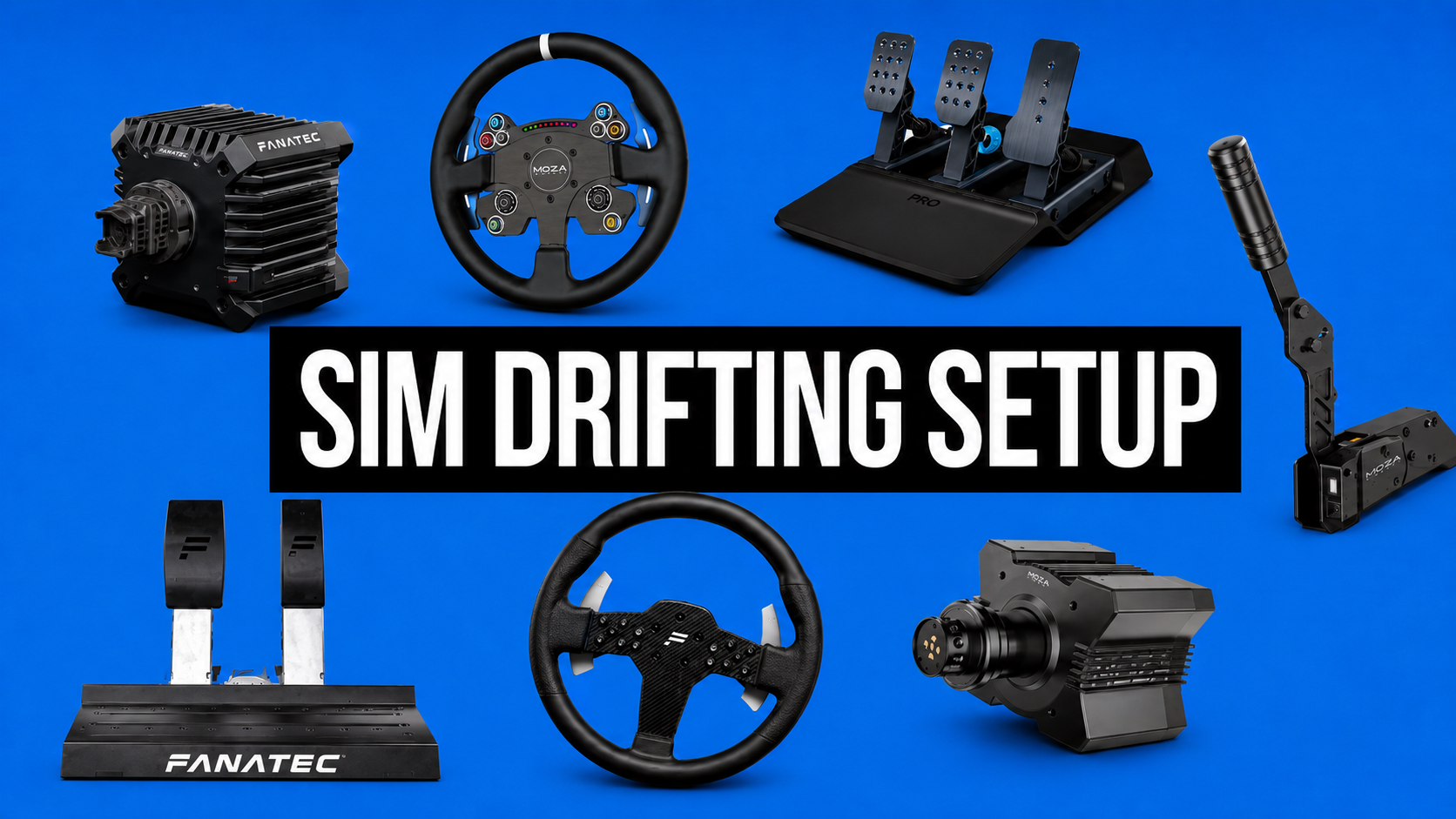
The Gamer Gear Direct team tested drift sim hardware across wheelbases, steering wheels, pedals, shifters, handbrakes, cockpit frames, and display layouts. Our testing focused on the things that change drift control: wheel return speed, force feedback clarity, handbrake modulation, pedal accuracy, cockpit movement, software setup, and comfort during longer practice sessions.
We tested each drift sim setup by running repeated corner entries, figure-8 drills, transition practice, and longer free-drive sessions. The goal was to see how the hardware behaved when the wheel had to rotate quickly, when the driver needed small throttle changes, and when the handbrake was used over and over again.
The biggest takeaway was clear: beginners improved faster when the hardware felt predictable. A powerful wheelbase feels impressive, but it won’t fix a weak cockpit, a loose handbrake mount, or pedals that move under pressure.
Testing Area |
What We Looked For |
|---|---|
Smooth self-alignment, force feedback detail, heat stability, easy calibration |
|
Round rim shape, grip comfort, fast hand movement, safe counter-steering |
|
Throttle control, clutch feel, brake consistency, solid mounting |
|
Analogue input, progressive travel, firm mounting, repeatable release |
|
Reliable gear engagement, comfortable position, no movement during use |
|
Minimal flex during quick steering and handbrake pulls |
|
Software |
Game profiles, firmware setup, steering rotation, force feedback tuning |
A drift sim setup needs to make car control feel natural. You’re constantly catching slides, adjusting throttle, using clutch inputs, and correcting the steering wheel as the car rotates. If one part of the setup feels vague or unstable, the whole experience becomes harder.
For beginners, we’d focus on the core hardware in this order: cockpit stability, wheelbase feel, pedals with clutch support, analogue handbrake, shifter, then display upgrades. A clean starter setup with a stable rig and predictable inputs will teach better habits than a flashy setup that moves around during every entry.
In our testing, the wheelbase made the drift sim feel alive, but the steering wheel shape had just as much impact on control. Drifting relies on fast steering rotation, quick catch-and-release movement, and smooth counter-steering. For most drivers, a round wheel is easier to manage than a formula or GT-style rim because your hands can move around the rim without getting caught on grips or cut-outs.
Direct drive wheelbases are popular because they deliver cleaner feedback than gear or belt-driven options. You can feel when the front tyres load up, when the rear begins to rotate, and when the wheel wants to self-align. That feedback is valuable when you’re learning how much steering input the car needs.
A stronger wheelbase can feel more realistic, but it should still be controlled. Too much force feedback can slow your hands down, create arm fatigue, and make the car harder to catch during fast transitions. During our drift sim testing, most beginners performed better when force feedback was set low enough to let the wheel rotate freely, then increased once they had cleaner control.
Pedals are one of the most underrated parts of a drift sim build. For drifting, the brake pedal doesn’t need to be the hero. The throttle and clutch are used constantly, so they need to feel smooth, predictable, and easy to modulate.
A clutch pedal opens up proper drift initiation techniques, including clutch kicking and controlled gear changes. Without a clutch, you can still slide, but you’ll miss an important part of learning car control. We’d prioritise a pedal set with a usable throttle and clutch before chasing the stiffest brake pedal available.
The handbrake is just as important. A button-style handbrake can work for casual play, but an analogue handbrake gives more control over entry angle and release timing. In the showroom, the difference was obvious. Drivers using an analogue handbrake could start the slide more smoothly and recover with less correction.
A shifter adds immersion and gives you more control over gear selection, especially in cars that rely on second and third gear for longer corners. It also makes the drift sim feel closer to a real driving layout, which is important if the goal is to build technique rather than just play casually.
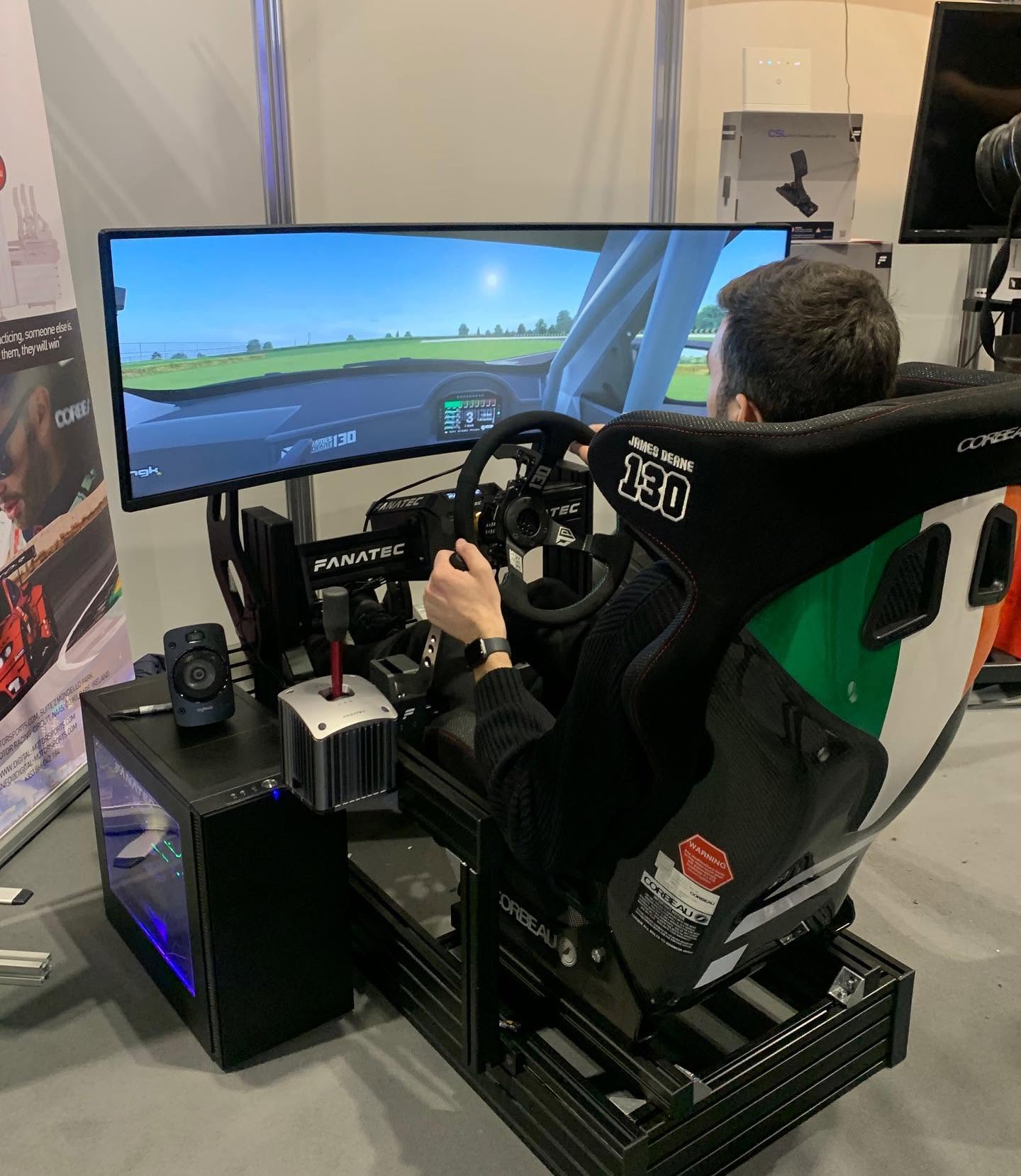
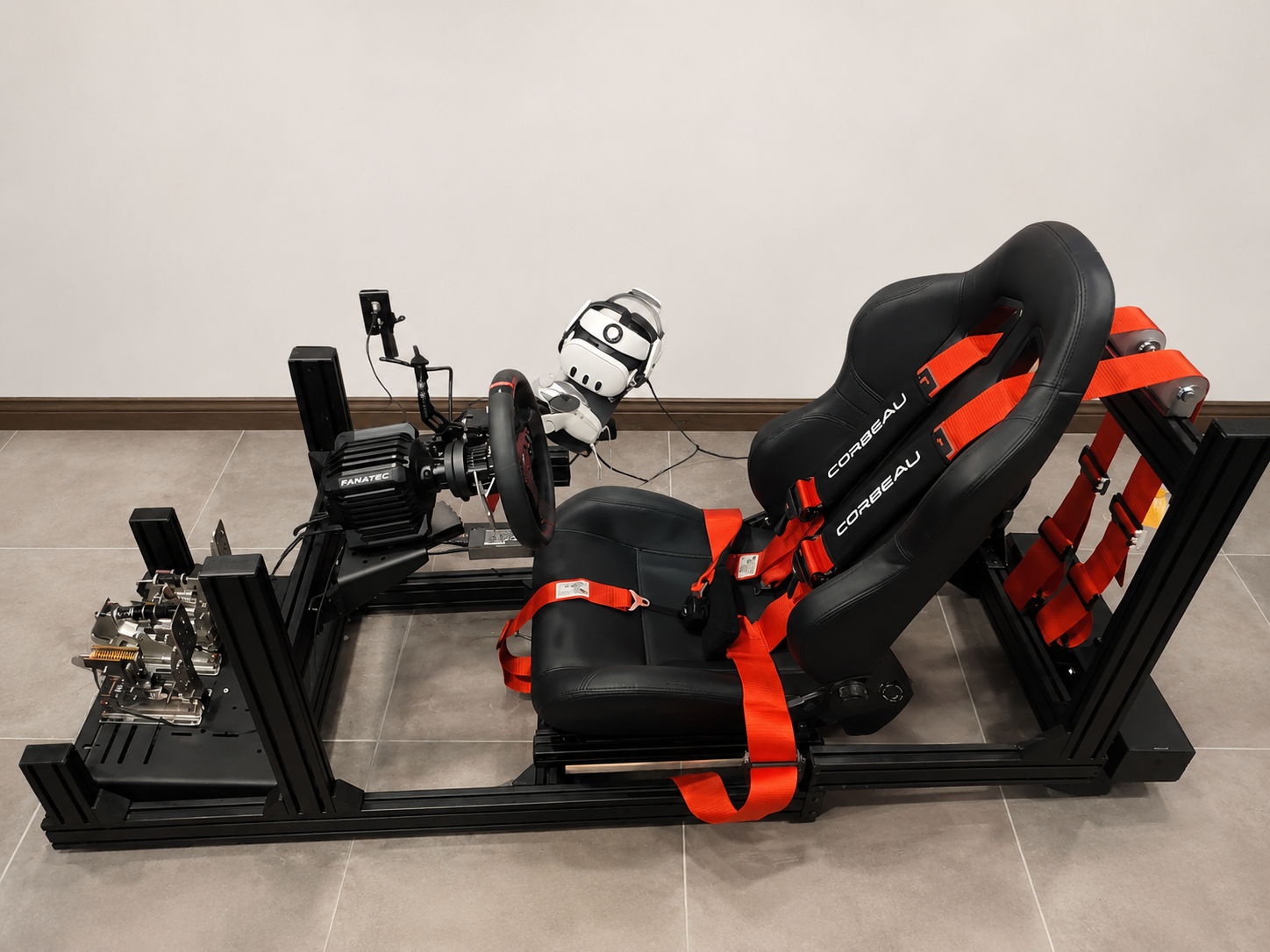
A stable cockpit is one of the biggest differences between a fun drift sim session and a frustrating one. Drifting puts a lot of load through the steering wheel and handbrake mount. If the frame flexes, the wheel plate shifts, or the pedals lift, the driver starts correcting the rig instead of correcting the car.
During our Dandenong showroom testing, cockpit stability made the largest difference for drivers moving away from desk-mounted setups. A rigid cockpit kept the wheelbase, pedals, shifter, and handbrake in fixed positions, which made repeated practice more consistent.
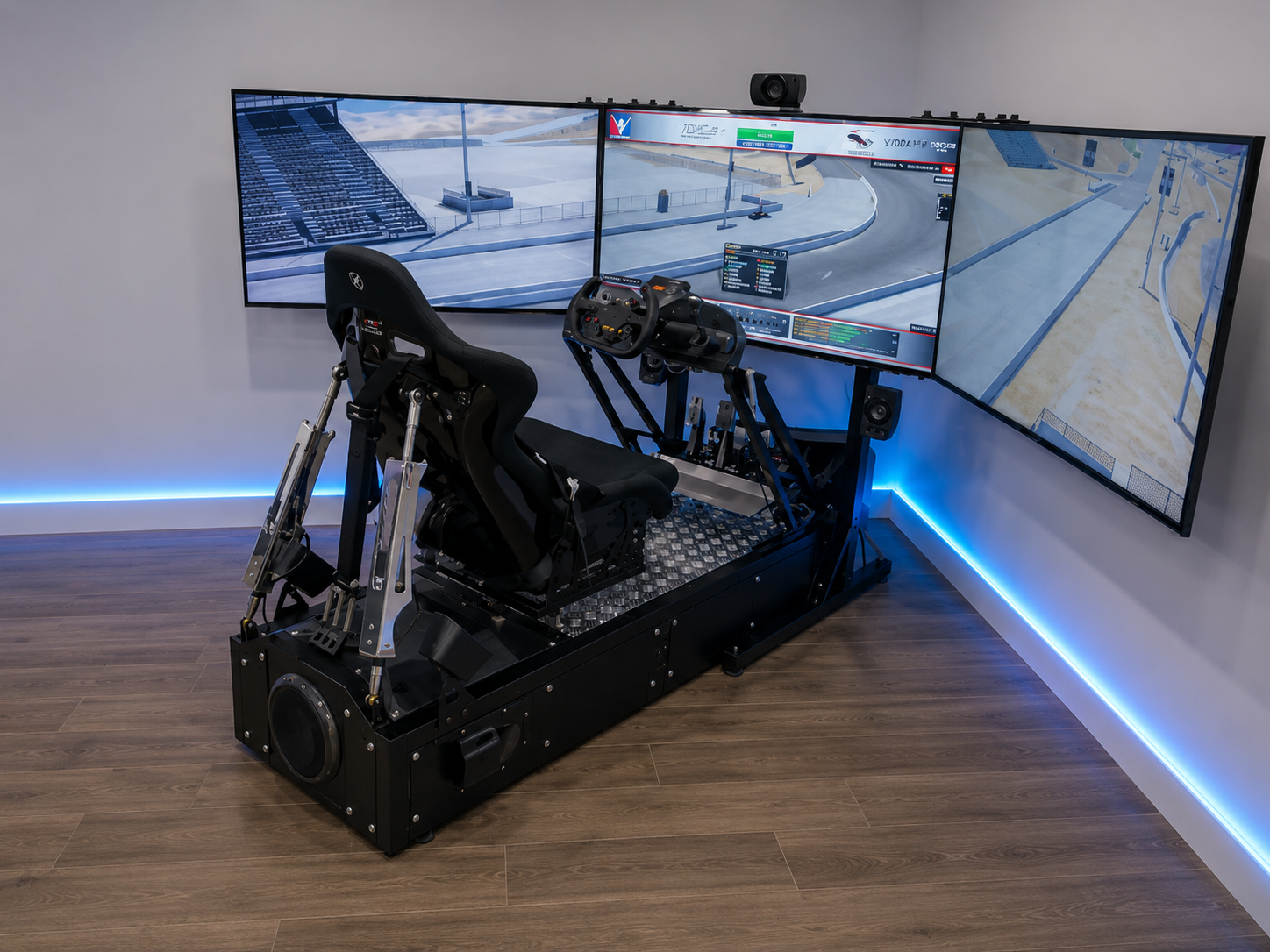
This doesn’t mean every driver needs the biggest aluminium profile rig from day one. It does mean the cockpit needs to suit the wheelbase, handbrake, and pedal force being used. If you’re building a drift sim for long-term progression, choose a frame that can handle future upgrades without shaking during aggressive inputs.
The best drift sim platform depends on how much customisation you want. PC remains the strongest choice for drivers who want access to community cars, custom tracks, modded drift servers, and advanced wheelbase settings. Console can still be enjoyable, but it’s usually more limited for modding, drift-specific cars, and community server access.
Assetto Corsa is still one of the most common choices for virtual drifting because of its physics, PC mod support, and large drift community. It’s a good option if you want custom cars, local-inspired tracks, and online drift sessions. rFactor 2 can also suit drivers who want detailed force feedback and tyre behaviour, but it’s usually less beginner-friendly.
For most new drivers, we’d start with a drift sim title that has easy car access, active community support, and simple setup guides. The perfect game means very little if you spend every session fighting menus, firmware, and settings instead of learning car control.
Before you start practising, set the rig up around your body. Your arms should be slightly bent when holding the wheel, your legs should reach the pedals without stretching, and the handbrake should be close enough that you can pull it without leaning forward.
Wheel rotation is also important. Many drift cars use high steering rotation, so your software settings should match the game, wheelbase, and car. If the steering feels twitchy, check the rotation setting before blaming the wheelbase.
Force feedback should be strong enough to tell you what the front tyres are doing, but not so heavy that it fights your hands. For beginners, we’d start lighter, then raise feedback once entries and transitions feel consistent.
Pedal calibration should be checked before every major setup change. A throttle that reaches 100% too early can make the car snap. A clutch that doesn’t register cleanly can make clutch kicks inconsistent. A handbrake that spikes from 0% to 100% too quickly can make every entry feel harsh.
The best way to improve is to work through simple drills before chasing big entries. Start with donuts to understand throttle balance, then move to figure-8s so you can practise transitions. Once you can link both directions smoothly, start running a short section of track and repeat it until your angle, speed, and exit line become consistent.
Clutch kicking teaches you how to break rear traction without relying only on the handbrake. Handbrake entries teach timing and release control. Feint entries teach weight transfer. Throttle control teaches you how to hold the slide once it starts.
The most common beginner mistake we saw during drift sim testing was overcorrecting the steering. New drivers often fight the wheel instead of letting it self-align. Once they reduced force feedback and let the wheel rotate more freely, transitions became smoother.
Replay tools are worth using early. Watch the steering angle, throttle input, and car position at corner entry. If you spin at the same point every run, the replay usually shows why.
The first thing we’d avoid is a weak mounting setup. A desk clamp can work for basic driving, but drifting uses constant steering movement and handbrake force. If the wheelbase or handbrake moves, consistency drops fast.
We’d also avoid using a button as your main handbrake if you’re trying to build proper technique. It’s fine for casual fun, but it doesn’t give the same control as an analogue lever.
Formula-style wheels can be excellent for GT and formula racing, but they’re not always the best first choice for drifting. A round wheel is easier for hand-over-hand movement and fast recovery.
We’d also avoid chasing peak torque before fixing the basics. A drift sim with a rigid cockpit, smooth pedals, and analogue handbrake will usually teach better habits than a powerful base mounted to a shaky frame.
If the car spins instantly, check throttle input, steering rotation, and differential settings. Most beginners use too much throttle too early, then add more steering as the car rotates. Try using less throttle and letting the wheel return through your hands.
If the wheel feels slow to self-align, reduce force feedback strength, check damping settings, and confirm the in-game steering rotation matches the wheelbase software.
If the handbrake feels harsh, recalibrate it and check the input curve. An analogue handbrake should give progressive control, not an instant 100% signal.
If the pedals move, mount them properly before changing car setup. Pedal movement creates inconsistent throttle and clutch input, which makes every drift sim session harder.
If the cockpit shakes, tighten all mounting points and check the wheel plate, pedal plate, shifter arm, and handbrake bracket. Small movement becomes obvious during repeated transitions.
Once the basics feel comfortable, online drifting can speed up your progress. Driving behind better players teaches line choice, spacing, throttle timing, and transition control. Tandem drifting also forces smoother inputs because sudden corrections can ruin the run.
Start in beginner-friendly lobbies before entering organised events. Learn the rules, respect spacing, and don’t join tandem runs before you can hold a predictable line. A clean, controlled chase run is better than a wild entry with no exit control.
Sharing replays can also be valuable. Ask for feedback on one specific thing, such as entry speed, throttle control, or steering correction. You’ll get better advice than asking people to review the whole run.
A good drift sim setup should make car control easier to learn, not harder. Start with stable hardware, smooth inputs, and settings that let the wheel move naturally. Add better parts once you understand what is holding back your driving.
From our Dandenong showroom testing, the best results came from balanced setups: a direct drive wheelbase with sensible force feedback, a round wheel, mounted pedals with clutch support, an analogue handbrake, and a cockpit that doesn’t flex during aggressive inputs.
If you’re building your first drift sim, focus on control before power. If you’re upgrading, fix the weakest part of the setup first. That approach gives you a cleaner learning curve and a more realistic drifting experience every time you drive.