- Description
- Specifications
- What’s In The Box?
- Reviews
- Warranty
- Shipping
- 100 Day FREE Returns
- Why Buy From Us?
Experience unmatched realism with NaturalPoint TrackIR 5 pro pack
Unlock true-to-life control in your favourite flight and racing sims with the NaturalPoint TrackIR 5 6DOF Pro Pack.
Every slight head movement gives you real-time, in-game view changes that mirror what you're doing in your chair.
With full six degrees of freedom, including X, Y, Z axes plus yaw, pitch, and roll, realism hits a new high.
Easily zoom in on instruments, scan your cockpit or cabin, or check rear mirrors just by shifting your head.
Compact, easy to mount and plug in, TrackIR 5 makes setup fast and effortless—you're ready to race or fly.
NaturalPoint TrackIR 5 6DOF head tracker pro pack features
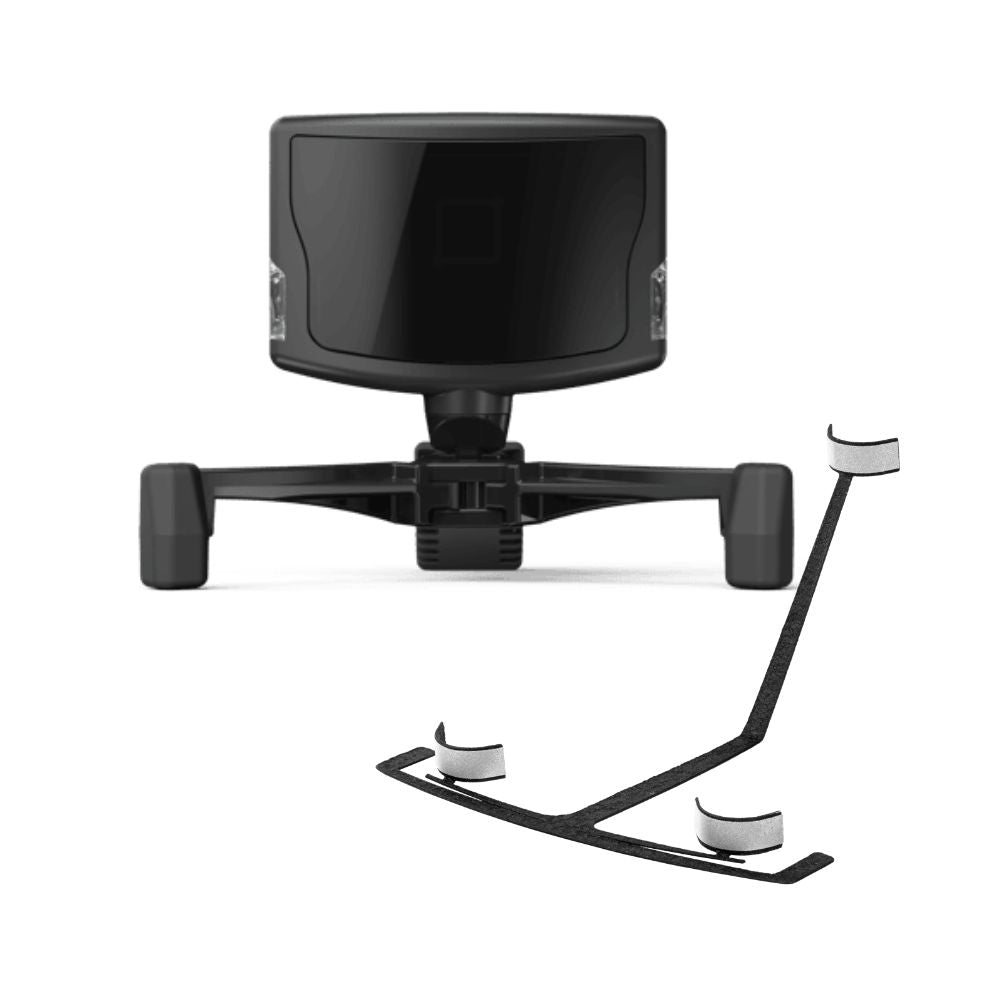
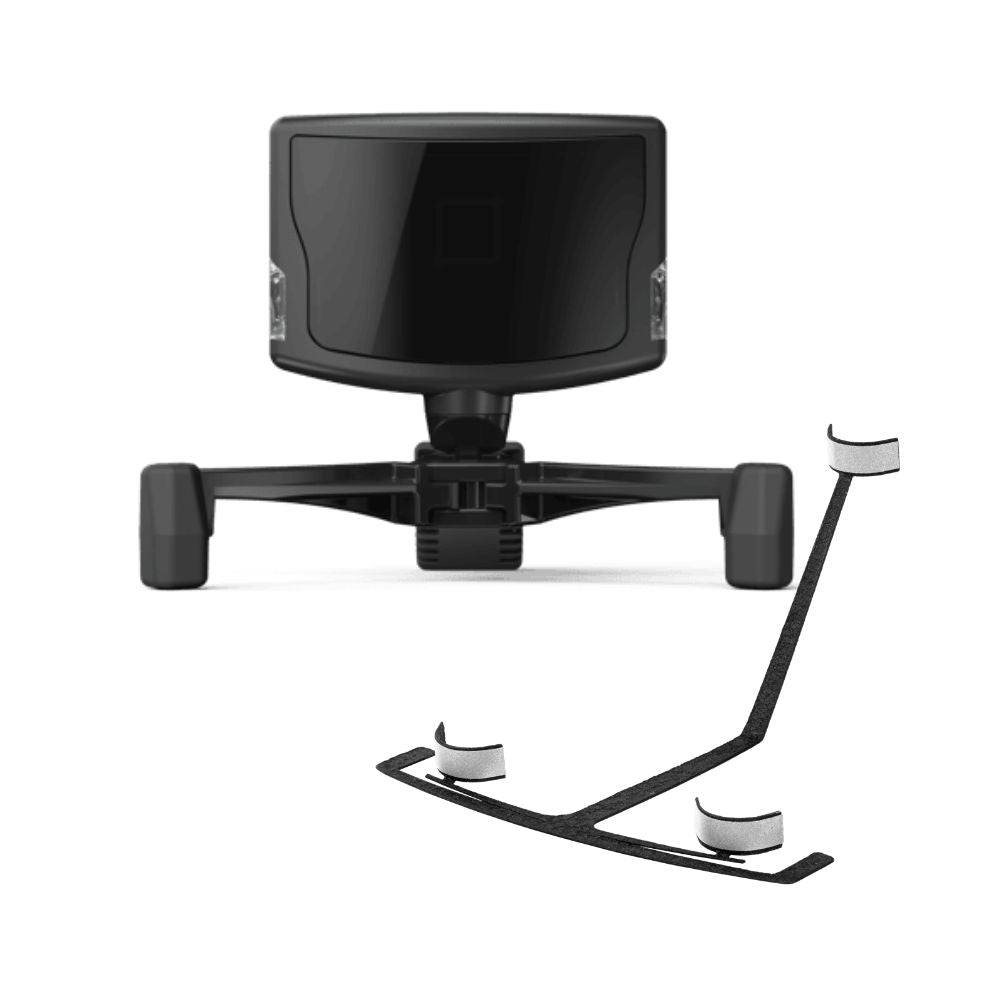
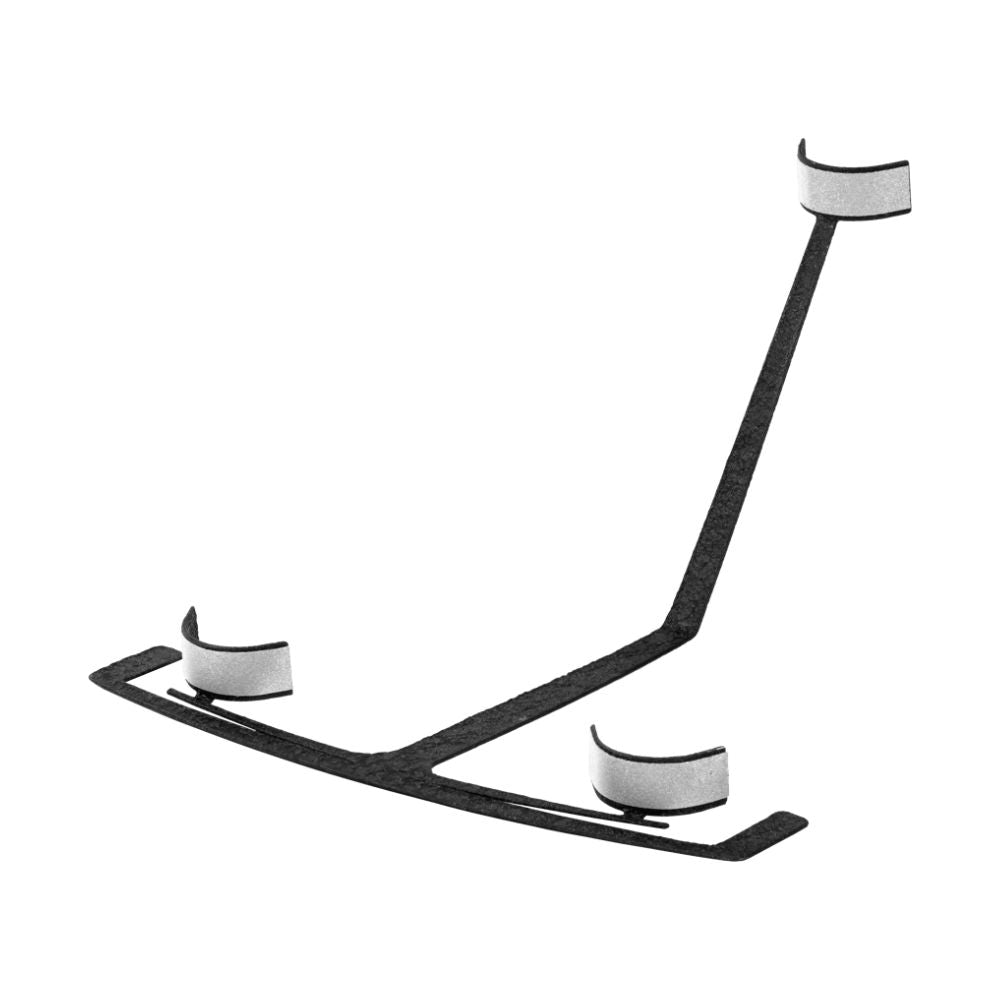
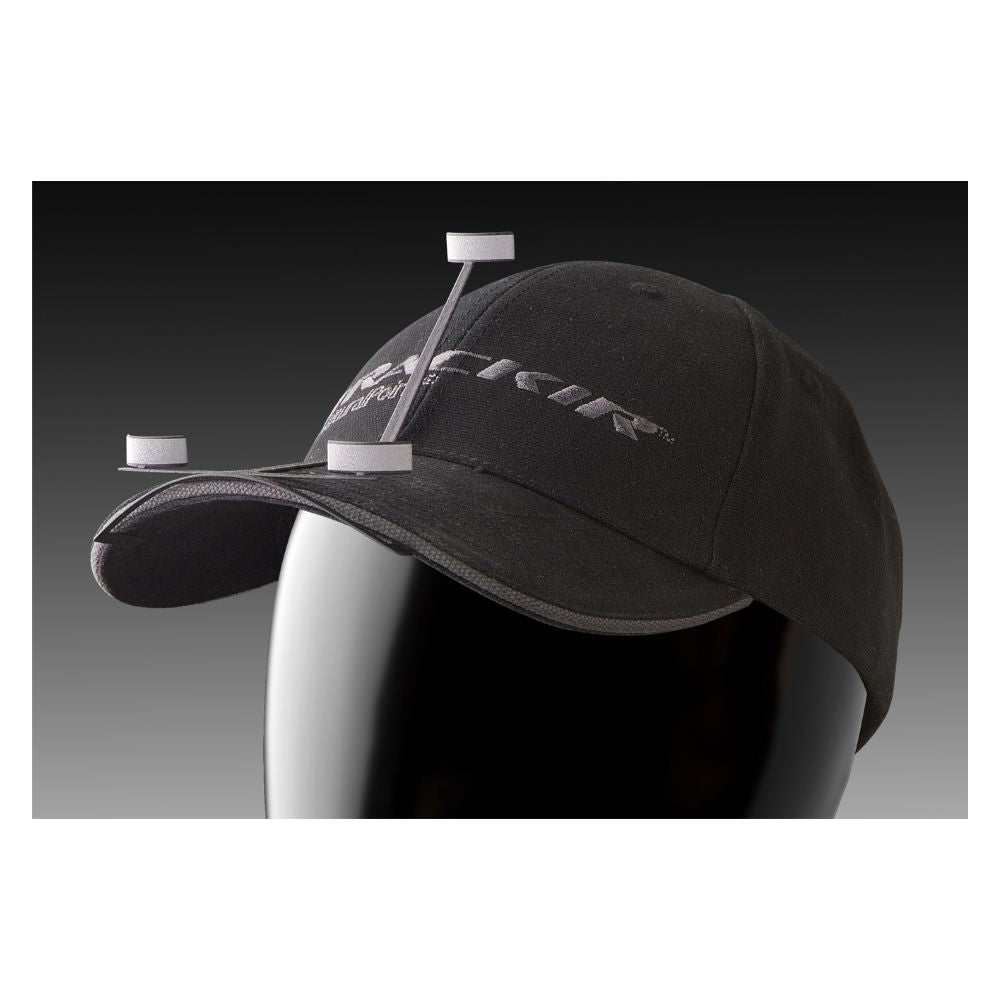
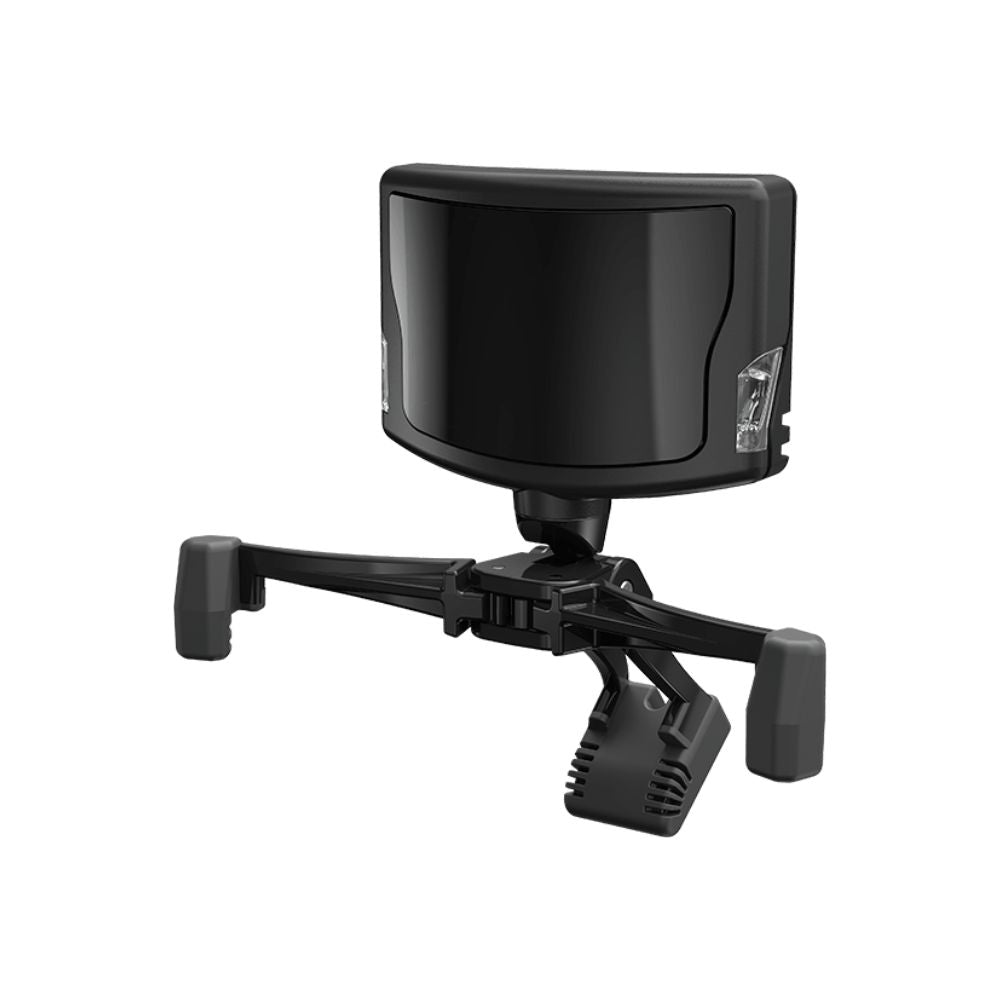
- Pack includes the TrackIR 5 camera, TrackTrackClip sensor & the TrackCap
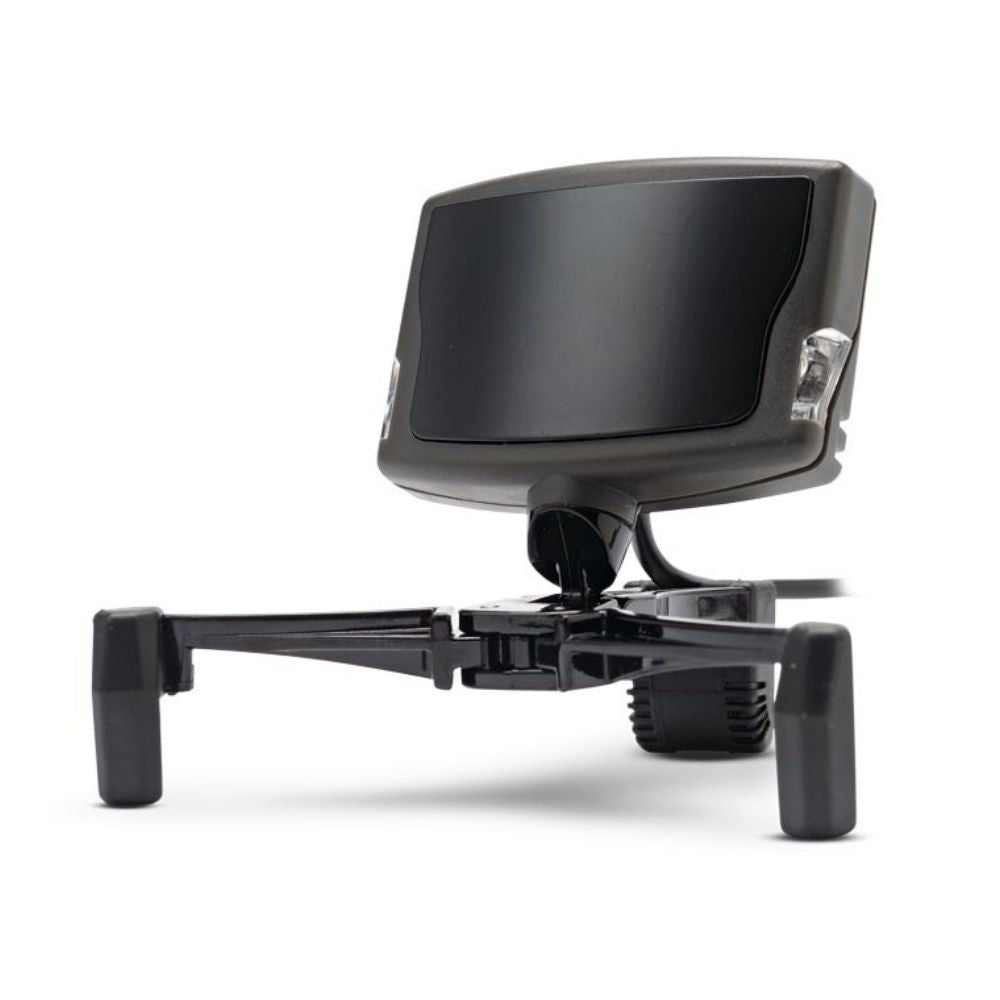
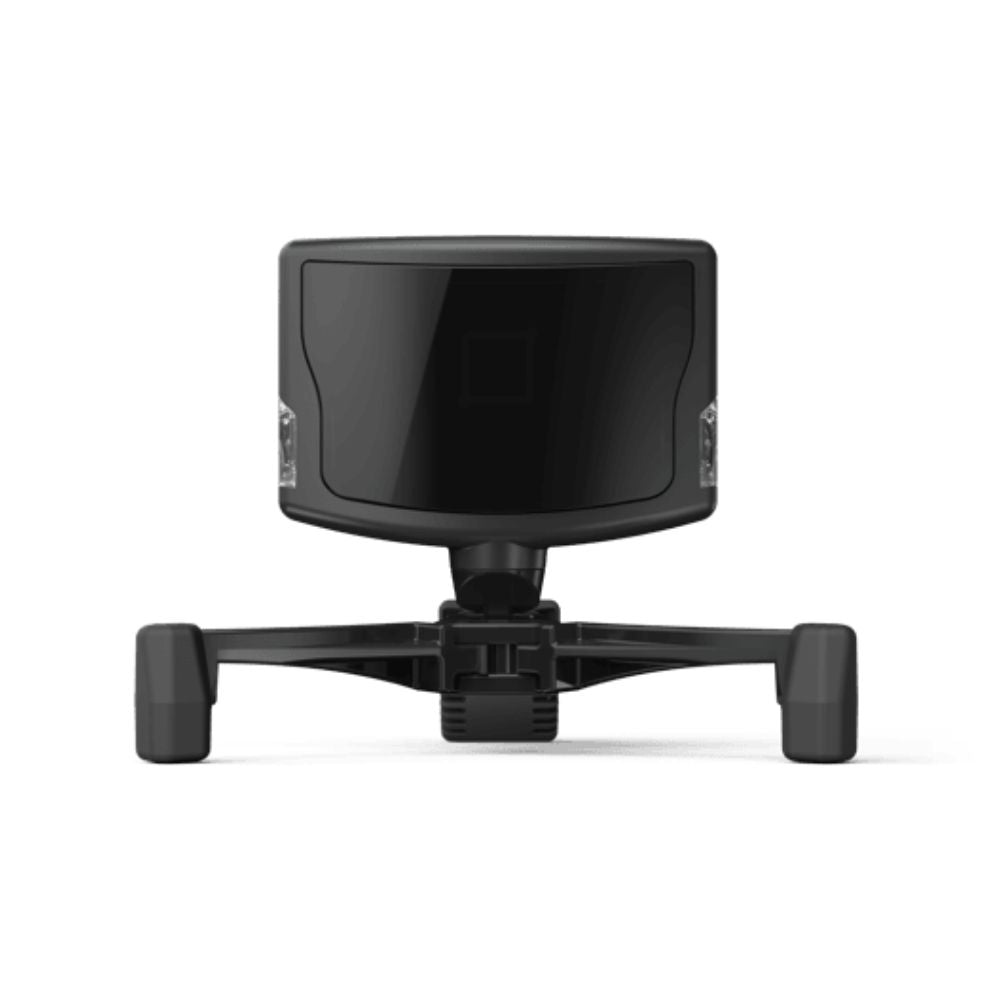
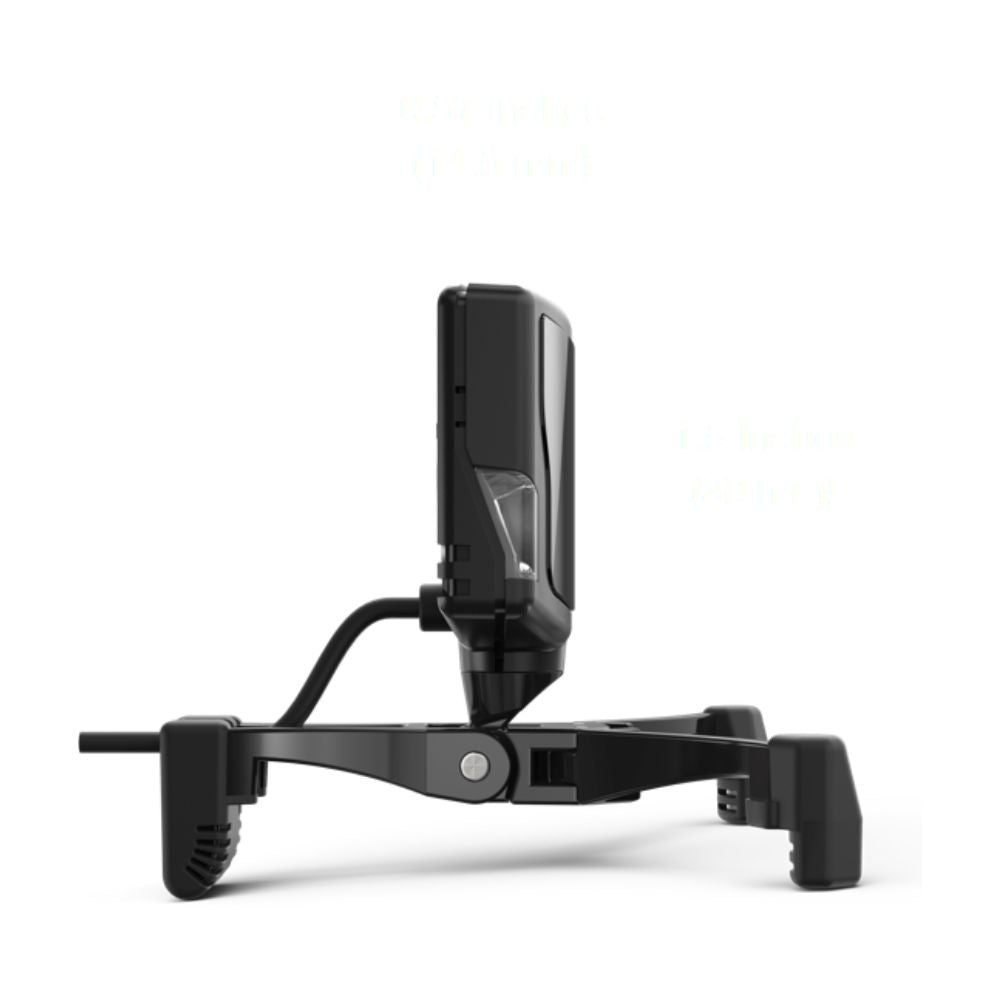
- Detachable magnetic base allows quick & easy mounting
- Lightweight TrackClip Pro ensures comfort during extended gaming sessions
- Hyper fast 120 frames per second sample rate delivers super-smooth in-game play
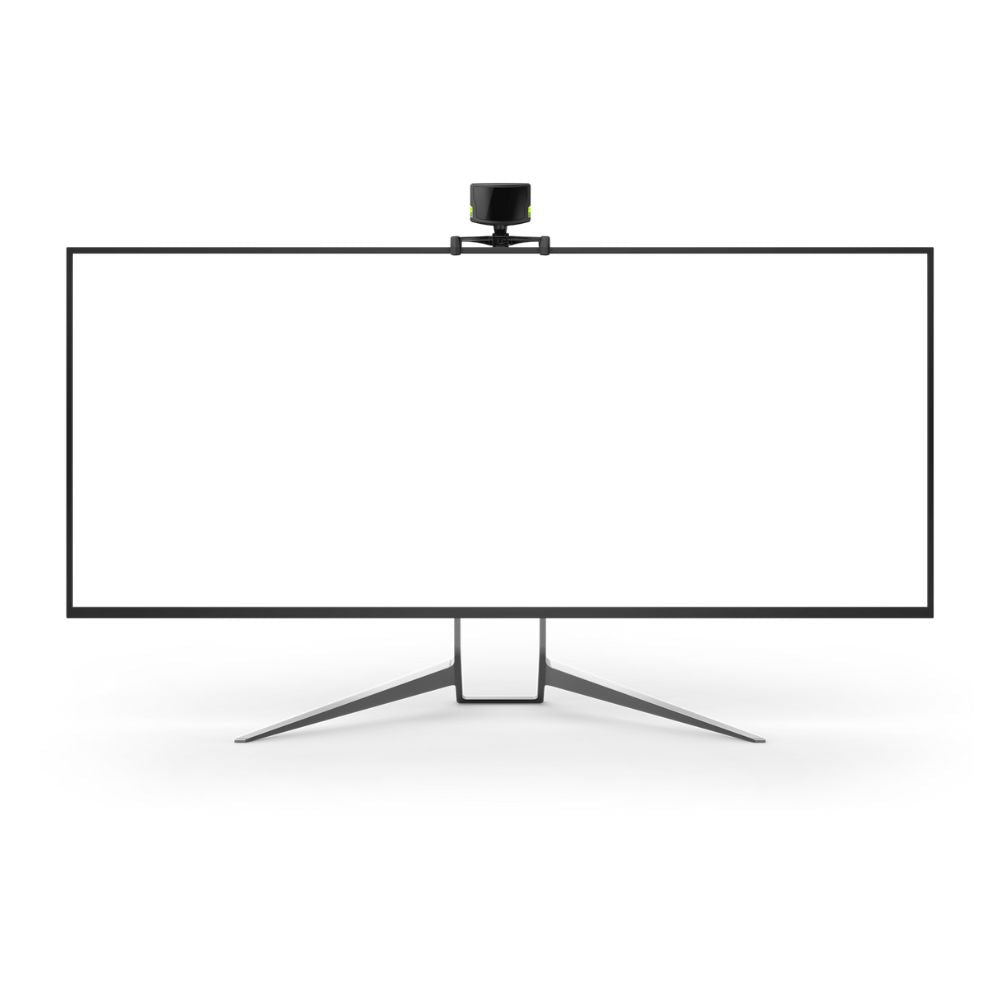
- At 51mmx38mmx14.5mm (without the base), the TrackIR 5 camera fits any monitor or screen
- Full six degrees of freedom (6DOF) vector technology tracks all six directions of your head in 3D space
- 9ms response time minimises lag for real-time head tracking
- 96000 x 72000 reporting resolution provides ultra-precise tracking movement
Get incredible immersion without paying thousands for a VR headset
The TrackIR 5 gives you real-time, in-game 3D view control without dropping thousands on a high-end virtual reality setup.
Using an infrared camera and reflector clip, it tracks your head’s exact position and orientation with impressive precision.
That data is sent to over 100 compatible racing and flight sims, delivering a powerful layer of realism and interactivity.
Turn your head slightly to look around your cockpit, zoom in on instruments, or track competitors behind you with ease.
It’s a must-have device for any serious sim enthusiast chasing next-level immersion without breaking the bank.
Experience true 6DOF head tracking for ultimate sim precision
The TrackIR 5 delivers full six degrees of freedom (6DOF) tracking, capturing every movement your head makes in 3D space.
It separately tracks each axis—yaw, pitch, roll, and X, Y, Z—so your exact head motion controls your in-game point of view.
This means when you lean, tilt, rotate, or shift in any direction, the camera responds with pinpoint accuracy every single time.
You’re not just looking around—you’re moving through the game world with a level of control that feels completely natural.
If you want total realism in sim racing or flying, 6DOF tracking with TrackIR 5 is the only way.
Ultra-precise, fully adjustable head tracking
The TrackIR 5 can detect movement down to 1/150th of a pixel, making it the most precise head tracker available today.
Nothing else at this price point even comes close to the accuracy and responsiveness TrackIR 5 consistently delivers in-game.
With the NaturalPoint software, you can fine-tune each axis or jump straight in using ready-made profiles that just work.
Whether you want fast, snappy motion or smooth, gradual movement, you’re in total control of how it all feels.
It’s precision you can feel, and freedom that lets you get the absolute most out of any sim.
Magnetic base makes mounting fast, easy and secure
The TrackIR 5 comes with a magnetic base that makes setup quick, easy, and completely hassle-free right out of the box.
Its sturdy design locks the camera in place securely, so you’ll never deal with slipping or unwanted movement mid-game.
The base also includes adjustable legs, allowing it to grip tightly onto the bezel of nearly any monitor or TV.
It’s a plug-and-play mounting solution that takes seconds to install—but delivers stable performance that lasts every session.
No screws, no stress—just a solid, reliable mount that keeps your TrackIR 5 perfectly positioned every single time.
Download the NaturalPoint TrackIR 5 6DOF head tracker pro pack manual
Looking for detailed information on installing the NaturalPoint TrackIR 5 6DOF head tracker pro pack? Then click on the link below to download the NaturalPoint TrackIR 5 6DOF head tracker pro pack user manual.
NaturalPoint TrackIR 5 6DOF head tracker pro pack frequently asked questions
Is it really that different from using a mouse or joystick to look around?
Absolutely. With TrackIR 5, your view shifts naturally with your head—no buttons, no clunky controls. It’s like adding a whole new layer of immersion you didn’t even know you were missing until you try it.
Does it work with my favourite sim games?
If you’re into flight or racing sims, odds are it does. TrackIR 5 is compatible with 100+ titles like Microsoft Flight Simulator, DCS World, iRacing, and more. And the list keeps growing.
How hard is it to set up and use?
Honestly, it’s super straightforward. Mount the camera using the magnetic base, clip the reflector onto your cap, plug it in, and you’re good to go. The software’s intuitive and comes with pre-made profiles so you can dive right in.
Do I need a special monitor or headset to use it?
Nope. It mounts easily to pretty much any monitor or TV, thanks to the adjustable magnetic base. No extra gear needed—just your usual gaming setup and a cap or visor.
Is TrackIR 5 only useful for hardcore sim players?
Not at all. Whether you’re a seasoned sim vet or just getting started, TrackIR 5 adds depth and realism that’s instantly noticeable. You don’t need to be a pro to appreciate how much more alive everything feels.
What if I move around a lot when I game?
Good news—that’s exactly what it’s built for. It tracks all six degrees of freedom: yaw, pitch, roll, and X, Y, Z movement. So whether you’re leaning in to check your mirrors or ducking for cover, it responds instantly.
Can I adjust the sensitivity or how it reacts?
Yep. You’ve got full control. The software lets you tweak each axis to your liking—or you can just pick from several ready-to-go profiles. Whether you want fast or smooth tracking, it’s all adjustable.
Is it worth getting this over a VR headset?
If you want immersion without dropping thousands (or dealing with heavy headsets), TrackIR 5 is a no-brainer. It gives you a huge chunk of that VR experience, without the cost or hassle.
SKU: NAT-TIR5PRO
Minimum System Requirements: Microsoft Windows 2000 & later, both 32 & 64bit versions
USB port
Internet connection for driver software download & updates
Head position tracked: 6 axes (6 DOF)
Horizontal Field of View: 51.7°
Sample Rate (FPS): 120
Raw Sensor Resolution: 640 x 480
Sub-pixel Resolution: 1/150th pixel
Reporting Resolution: 96,000 x 72,000
Resolution / Horizontal: 1850
Field of View Degree: subpixels/degree
Unit Size (without base): 51mm x 38mm x 14.5mm
Connection: USB
USB Cable Thickness: 2.5 mm
For full list of compatible games, go here: https://www.naturalpoint.com/trackir/games/
TrackIR 5 infrared camera
Reflector track clip (suitable for a hat or headset)
Electronic user manual
Quick start guide
The NaturalPoint TrackIR 5 is backed by a one year warranty. This warranty covers you against manufacturer defects.
If for some reason your item doesn't work as expected, simply contact us and we'll either repair your item under warranty...or we may be able to offer a refund/exchange.
Again, if for some reason your item doesn't work as expected, contact us right away and we'll sort out any issues ASAP.
Orders are typically processed within 1–2 business days and shipped via trusted Australian courier partners.
Estimated delivery times after dispatch:
- VIC: 2–4 business days
- NSW: 2–4 business days
- ACT: 3–5 business days
- QLD: 2–4 business days
- SA: 2–4 business days
- WA: 4–10 business days
- NT: 4–10 business days
- TAS: 4–10 business days
Click here to view our full shipping & handling policy
Changed your mind? No problem! You can return unused, unopened items within 100 days of your order date, provided they’re in original packaging and resaleable condition. Better still, we'll cover the return shipping!
All Gamer Gear Direct products are backed by Australian Consumer Law and include a minimum 12-month Australian warranty. If there’s an issue with your product, our team is here to help and will work to make it right.
Click here to view our full returns policy.
Authorised Australian dealer
Gamer Gear Direct is an authorised Australian dealer for every brand we sell and is trusted by over 20,000 customers nationwide.
This means every product is 100% genuine, sourced through approved channels, and supported locally.
Fast local shipping
We ship directly from Australian warehouses, with most orders leaving within 1–2 business days.
This ensures faster delivery times and reliable tracking from dispatch to your door.
Hassle-free 30-day returns
Changed your mind? Eligible items can be returned within 30 days provided they’re unused, unopened, and in original packaging. We keep the process clear and straightforward.
Genuine Australian warranty
Every product we sell is covered by a comprehensive Australian warranty, backed by both the manufacturer and Australian Consumer Law.
You won't be left dealing with overseas support channels.
Expert support you can trust
Whether you need product advice, compatibility guidance, or after-sales support, you’re dealing with people who know the sim and gaming gear we sell inside and out.
Our sim & gaming specialists are here to make things easy. With Gamer Gear Direct you’ll get:
- Expert guidance on choosing the right gaming gear for your goals and budget
- Personalised setup advice tailored to your space and gaming needs
- Smart gear pairing suggestions for PCs, consoles, monitors, keyboards, controllers and accessories
- Dedicated account representative for ongoing support
Call us on (03) 9961 0240, talk to our gaming experts on live chat or email us: support@gamergeardirect.com.au and one of our knowledgeable experts will help you.
Trusted by professionals
The brands we stock are trusted at the highest level of performance across motorsport, golf, and aviation. This includes elite professionals such as Oscar Piastri, Lando Norris, Max Verstappen, and Bryson DeChambeau.
The same simulation technologies are used for training, preparation, and skill development at the top level — giving you access to pro-grade equipment built for accuracy, realism, and reliability.
The device works on Linux. It was pretty jittery, but I was able to pretty much solve that too. However, what I wasn't expecting is that once I actually started flying with it I started feeling motion sickness after about 30 minutes. I think it's mostly due to the constant motion of the image on the screen, as it's not really practical to keep your head perfectly still. I suppose I could say it increased the realism of the simulation, as I get sick on small planes too. But, I was not looking for that type of realism! :)
Omg! All I needed was a few minutes to know this was the product for me. I spend a lot of time with simulator games, having well over several hundreds hours spent with them just since this summer. I have really latched on to the simulator genre and TrackIr 5 was the next step in this admiration! It raises the immensity level of whatever you’re doing to 10+! I don’t know what kept me from purchasing this product for so long. For the price and complexity it is a miracle in immersive simulation gameplay!
Update 13 Feb 2020: Now that I've used this a while, I can say that TrackIR 5 is easier to get confused, compared to TrackIR 3. For example, even if I lift my hand to scratch my nose, the tracking will go crazy cuz of the light relfected off my watch glass. I don't know if it'll go crazy for people wearing prescription glasses though, I don't wear them while gaming.For TrackIR 3, I can do that without breaking the track. I can even puff on a cigarette with a long drag (lighting up the end) and it still wouldn't break the track. For TrackIR 5, the track would go crazy.Original review:============Actually my old TrackIR 3 (circa 2002) still works. I purchased this TrackIR 5 because some games I have do not register my TrackIR 3 as a head-tracker. Apparently the devs assumed everyone has a TrackIR 4 or newer.My first disappointment - old TrackIR software (v3.xx. v4.xx) doesn't work on it. I was kind of hoping it would (cuz I wanted to track with only 1 dot on my gaming goggles), but it doesn't. The newer TrackIR v5.xxx software doesn't detect my old TrackIR 3 (previously tested a few years ago), and it needs 3 dots to track. So, TrackIR 5 needed v5.xx software to run.Setup was a little different, but easily and quickly done. I quickly set up a profile for Eurotruck and tested - works fine. I am so used to TrackIR 3 (Pitch and Yaw ONLY) that on the new TrackIR 5, I disabled roll, X and Y axis. I kept Z on, cuz it's cool to be able to "lean into the screen" to see something up cl.
As someone who is not a fan of immersive VR goggles this is perfect. I have a large monitor so can feel immersed into the game but not totally isolated from my surroundings. Plus I am less likely to get dizzy from motion sickness with this device. I can simply glance away from the monitor. This device although older technology really took gaming to the next level. Perfect for Elite Dangerous or DCS World, etc. A great addition to my Warthog Hotas, also new.Btw if you don't like wearing a cap or using a headset, buy a thin plastic hair band and clip the device to that. Works great.
As another reviewer wrote below, TrackIR is a game-changer if you do any kind of flight-simming. I use it exclusively for DCS World and some X-Plane and it's the best you're gonna get without investing in some clunky VR headgear. It works as anticipated and adds quite a bit of environmental awareness in the cockpit. The software portion of the product lets you fine-tune the headset, which is a must, but once you're set, you're all ready to go.I went with the slightly cheaper head-clip version, which simply slides onto the brim of a baseball cap (the clip is quite delicate as people have said, thin plastic and what not). Three reflective tape surfaces from your brim deliver the movements to the actual IR receiver, which loosely clasps to the top of your monitor. That's it! I have the TrackIR software running before I start DCS - neither software has had an issue with the other.I was up and running (including fine-tuning) within the hour and was immediately amazed at how quickly it changed my flying. I'm not relying on external views in DCS for landing much anymore - it's all in-cockpit - which says a lot of how much the headgear really adds.So ya, highly recommended if you do any serious flying at your computer and have the money to spare.