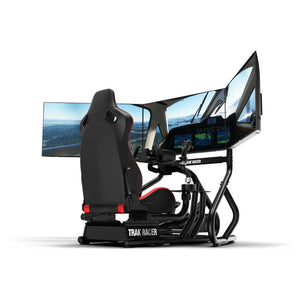


How To Choose A Full Racing Simulator
|
|
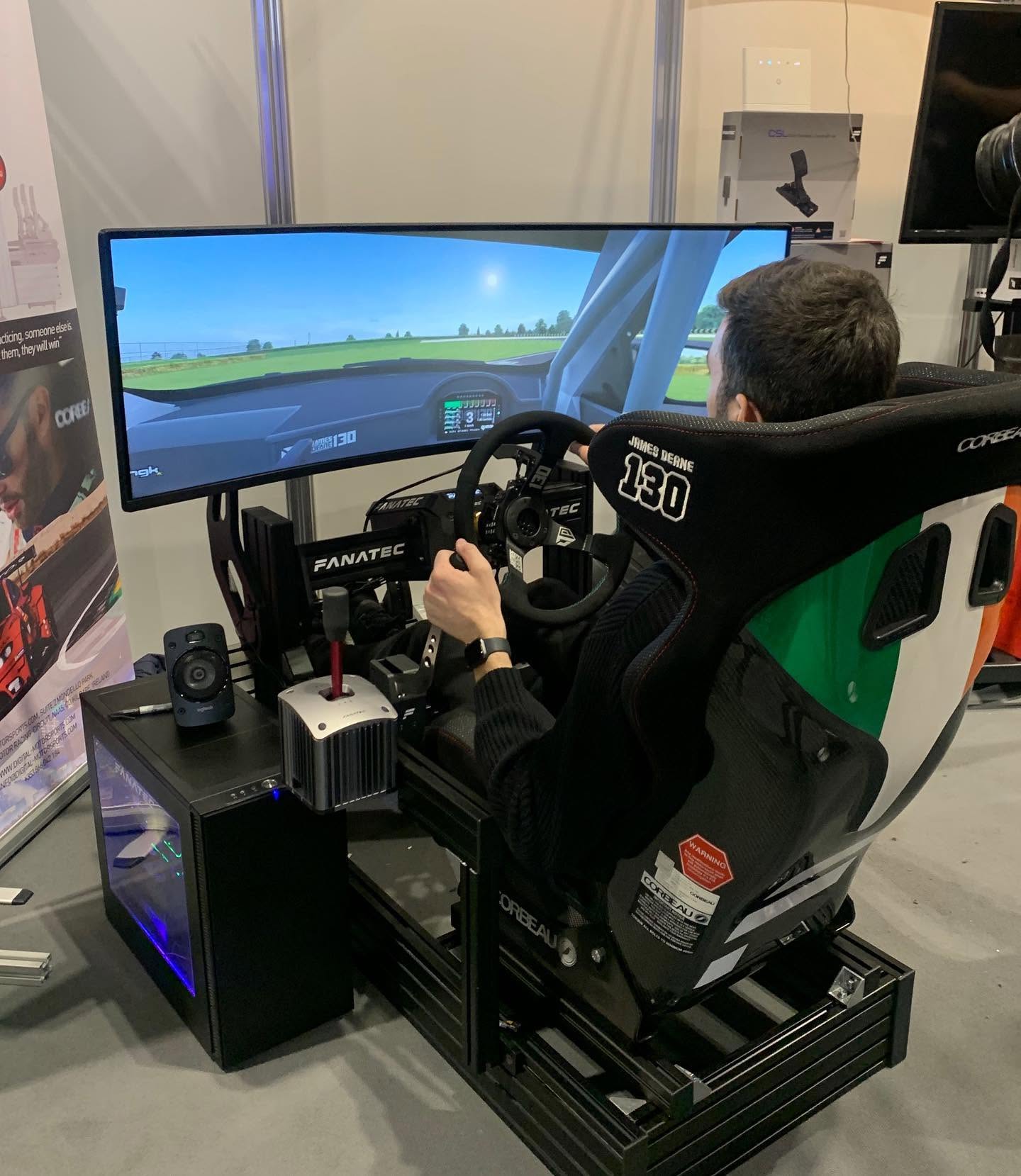
A full racing simulator is more than a cockpit with a wheel attached. The way the frame, seat, wheelbase, steering wheel, pedals, display, software, and accessories work together decides how natural the setup feels once you’re driving. If one part is wrong for the rest of the build, the whole experience can feel less precise than it should.
We work with complete racing simulator setups across customer builds, support questions, and hands-on showroom configurations at our Dandenong South showroom. Our team handles cockpits, direct drive wheelbases, steering wheels, pedals, shifters, handbrakes, monitor stands, and motion systems, so the advice below is based on the issues we see when drivers are choosing, assembling, and upgrading their sim racing gear.
The aim isn’t to make every driver buy the most expensive option. The aim is to build a full racing simulator that suits your room, platform, driving style, comfort needs, and upgrade path. A well-planned full racing simulator should feel stable first, then more immersive as better hardware is added.
When we assess a full racing simulator, we don’t just look at the product list. We check how the setup behaves once everything is mounted, connected, calibrated, and driven.
A cockpit may look strong in photos, but the real test starts once a direct drive wheelbase is mounted to the wheel deck and load cell pedals are bolted to the pedal plate. If the wheel deck moves under force feedback or the pedal plate flexes under braking, the driver gets a less consistent feel. That can make a premium wheelbase or pedal set feel worse than expected.
We also look at seating position, cable routing, monitor placement, accessory mounting, software setup, and ease of adjustment. A full racing simulator should be comfortable enough for long sessions, stable enough for stronger hardware, and simple enough to live with at home.
Area we check |
What we look for |
|---|---|
Cockpit rigidity |
Wheel deck movement, pedal plate flex, seat rail strength |
Driving position |
Seat angle, pedal reach, wheel height, shifter access |
Hardware feel |
Force feedback clarity, brake consistency, throttle control |
Display setup |
Screen distance, height, angle, field of view |
Accessory fitment |
Handbrake, shifter, button box, monitor mount, motion clearance |
Software setup |
Calibration, firmware, button mapping, game profiles |
A full racing simulator feels convincing when the driver gets clear feedback from every contact point. Your hands feel the wheel, your feet judge the pedals, your body rests in the seat, and your eyes track the road through the display. If those parts don’t line up, immersion drops quickly.
Cockpit strength is one of the biggest factors. With a strong frame, force feedback feels cleaner because the wheelbase isn’t fighting against flex. A rigid pedal plate is just as important for load cell pedals, because the brake needs to respond to pressure rather than tray movement.
The seat position also changes the feel of the whole setup. A GT-style seating position suits most road, touring, and endurance racing. A lower formula-style position can feel more authentic for open-wheel racing, but it needs careful adjustment so the pedals, wheel, and seat angle don’t cause strain.
Displays have a huge effect too. Triple monitors can create excellent side vision, but only when they’re aligned correctly. An ultrawide monitor is easier to manage, while VR gives strong cockpit immersion for drivers who are comfortable wearing a headset. None is automatically best. The right choice depends on your room, your platform, and how long you like to drive.
Every full racing simulator starts with the cockpit. This is the base that holds your seat, wheelbase, pedals, and accessories. A lighter cockpit can work well with entry-level gear, but stronger direct drive hardware and load cell pedals need a frame that can handle higher forces.
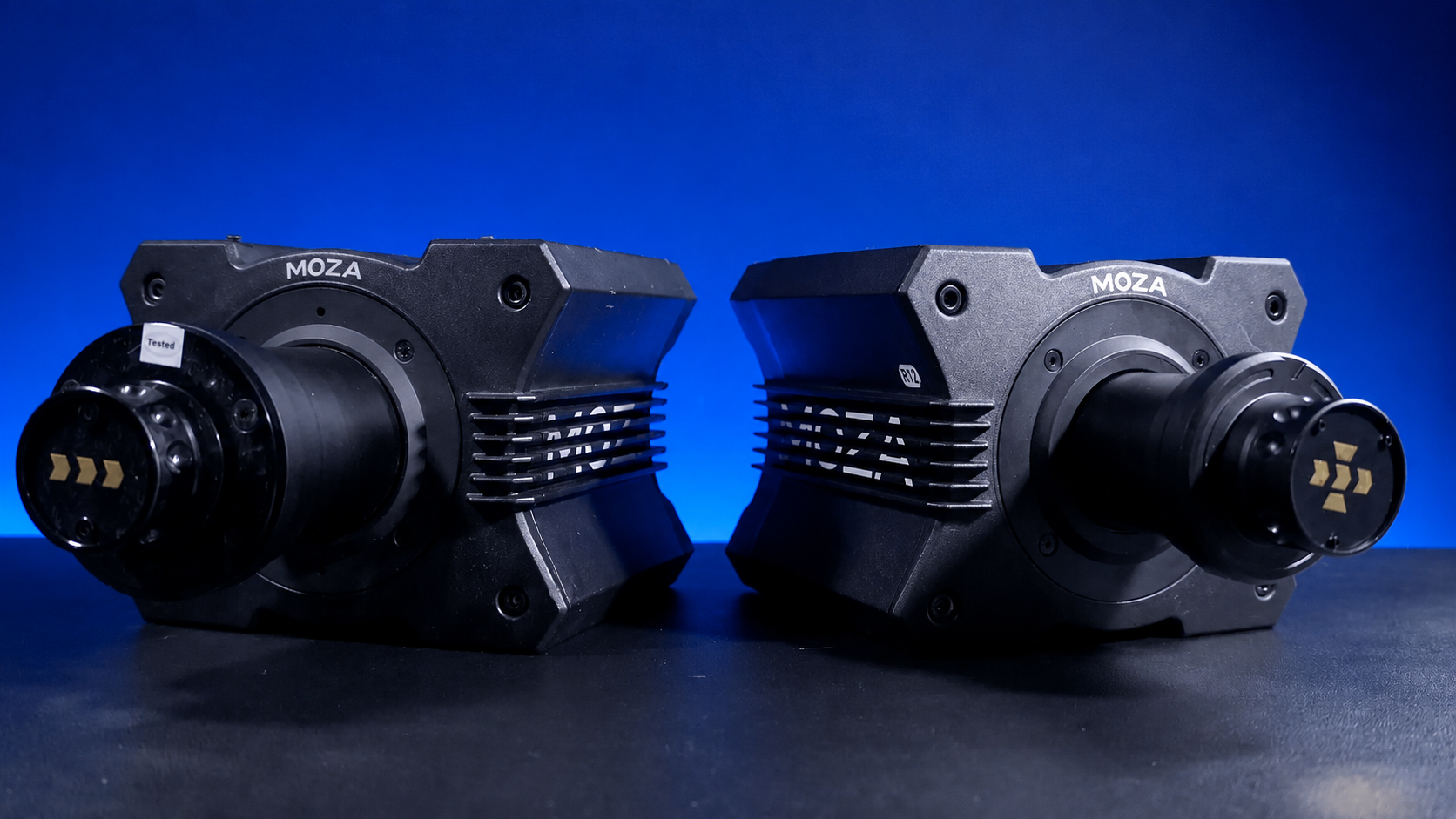
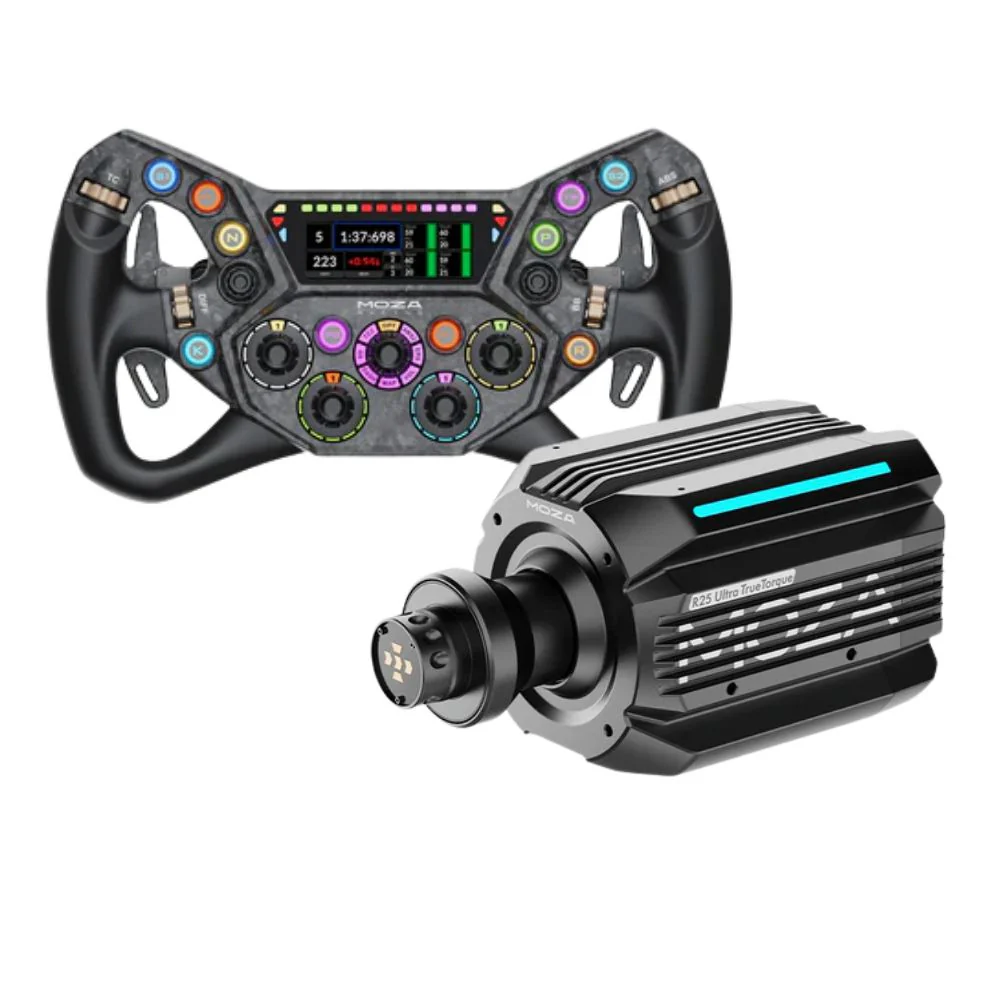
The wheelbase creates force feedback. This is the motor system behind the steering feel. The steering wheel is the rim and button layout you hold. It’s important not to mix these up. A direct drive wheelbase can deliver stronger, more detailed feedback, while the wheel rim decides your grip shape, button access, paddle feel, and driving style.
Pedals control throttle, brake, and sometimes clutch input. Load cell brake pedals are popular because they measure pressure, which can make braking more repeatable. They also need a solid mount. A soft pedal tray can reduce the benefit.
Displays, audio, and accessories complete the setup. A monitor, ultrawide, triple-screen layout, or VR headset changes how you judge distance and corners. Shifters and handbrakes add more control for rally, drift, truck, and manual racing. Tactile transducers and motion platforms add physical feedback for drivers who want more body movement.
If you’d rather start with matched gear, racing simulator bundles can make the buying process easier because the key components are selected to work together.
The biggest lesson we see across full racing simulator builds is that balance beats overbuying one component. A powerful wheelbase on a weak cockpit can feel less controlled than a moderate wheelbase on a stable frame. Premium pedals can also disappoint if the pedal plate bends every time the driver brakes hard.
Comfort is another common issue. Many buyers focus on torque, screen size, and accessories first, then realise the seat position isn’t right for longer sessions. Seat height, back angle, pedal distance, and wheel reach all affect how much you enjoy the setup.
Accessory planning is often missed too. A shifter and handbrake need mounting space before you buy them. Triple monitors need room behind and around the cockpit. Motion systems need clearance, cable planning, and a frame that suits the platform.
A full racing simulator works best when it’s planned as one system, not a group of parts bought one at a time.
A GT racing setup should usually start with a stable cockpit, comfortable seat, GT-style wheel, and pedals with a consistent brake feel. This style suits Assetto Corsa Competizione, endurance racing, touring cars, and road cars.
A formula-style setup needs more attention on seat angle and wheel shape. A formula wheel can make paddle access and button placement easier, but the cockpit position needs to suit your body. Not every driver enjoys a low, reclined position for longer sessions.
A rally or drift setup needs space for a shifter and handbrake. These accessories should be easy to reach without taking your shoulders out of position. If the cockpit doesn’t support side mounting or extra brackets, the setup can feel awkward once you add those controls.
Console drivers need to check compatibility early. PC drivers generally get the widest choice of wheelbases, pedals, accessories, software, and motion gear. PlayStation and Xbox setups need more careful product matching. A full racing simulator for console can still feel excellent, but the hardware choices need to be checked before you buy.
For home drivers who want a clean starting point, racing simulator cockpits are usually the best place to begin. A good cockpit gives you the base for stronger wheelbases, better pedals, display mounts, and future accessories.
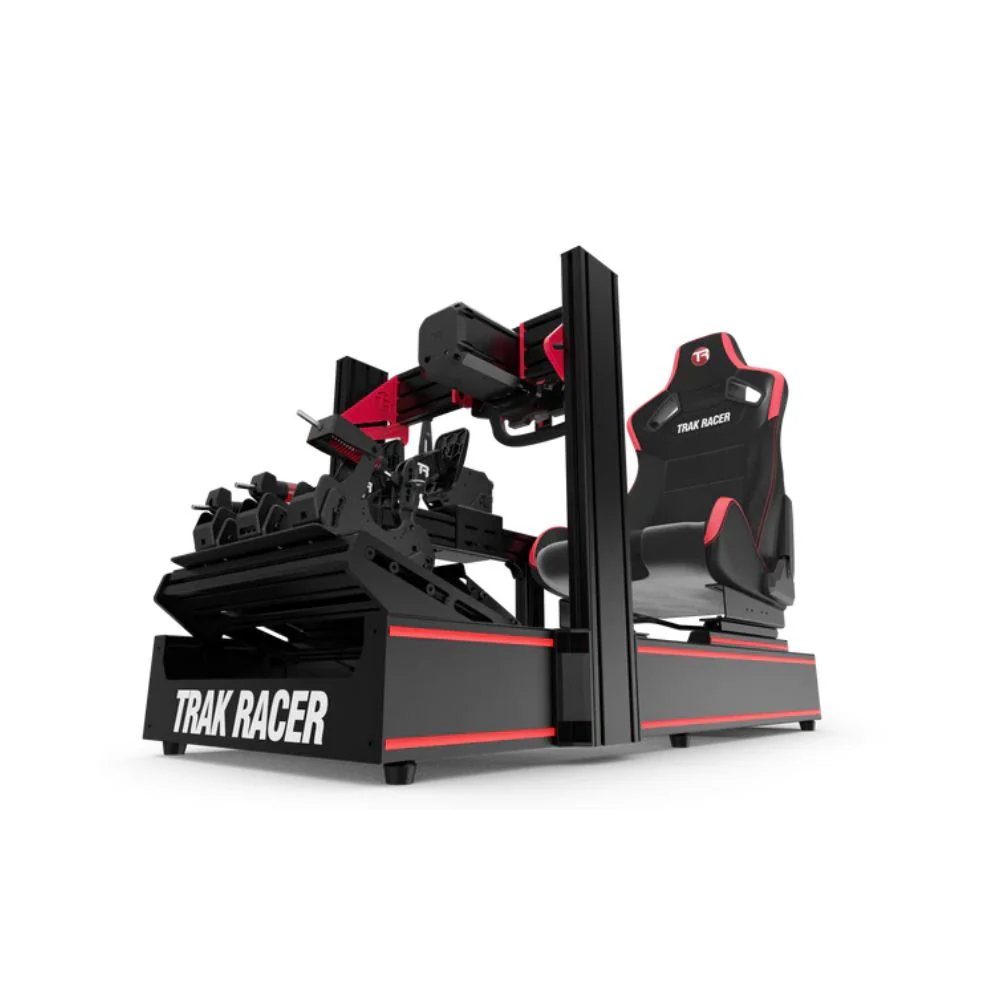
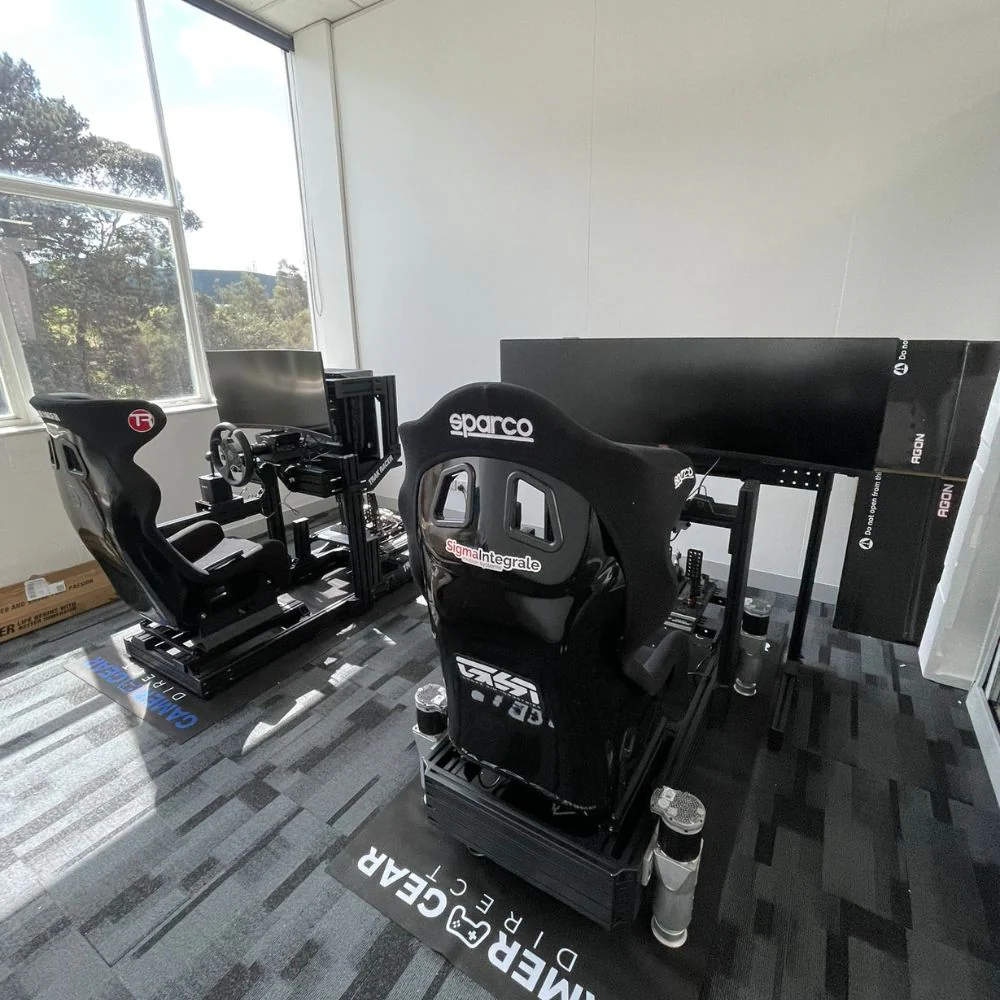
The cockpit decides how far your full racing simulator can grow. A compact frame can be a good fit for smaller rooms or casual driving, but it may limit the hardware you can add later. A stronger aluminium profile cockpit gives more adjustment, more mounting options, and better support for high-force hardware.
Tubular cockpits can be cleaner and quicker to assemble, which suits many home users. Aluminium profile cockpits usually offer more flexibility for custom layouts, accessories, and driver adjustments. The right choice depends on your space, driving style, and how much gear you plan to add.
The seat deserves careful attention. A comfortable seat can keep you focused longer, while a poor seating position can make even great hardware frustrating. Check seat width, back support, slider adjustment, pedal reach, and shoulder clearance before committing to a cockpit.
If you’re comparing frame styles, Trak Racer cockpits are worth reviewing because the range covers compact, tubular, and aluminium profile designs.
A full racing simulator needs the right steering system for the driver. Entry-level force feedback can be enough for casual racing, but direct drive systems give faster response and more detail through the wheel. You can feel kerbs, slides, weight transfer, and grip changes more clearly when the wheelbase and cockpit are matched well.
The wheelbase is only one part of the steering setup. The wheel rim also changes how the simulator feels. A round wheel is useful for rally, drift, road cars, and truck driving. A GT wheel suits touring cars and endurance racing. A formula wheel works well for open-wheel and prototype-style driving.
When we set up direct drive systems, the first thing we check is mounting strength. If the wheel deck moves, the force feedback loses clarity. That’s why a strong cockpit is important before chasing more torque.
For drivers moving beyond entry-level gear, direct drive racing wheels and compatible wheelbases are often the most noticeable steering upgrade.
Pedals can change your lap consistency more than many drivers expect. The brake pedal is especially important. Load cell pedals respond to pressure, so the driver can build muscle memory through repeated braking force. That can make it easier to hit the same braking point lap after lap.
The mount is just as important as the pedal set. A full racing simulator with a weak pedal tray can move under heavy braking, which makes the brake feel less predictable. Before upgrading pedals, check that your cockpit can hold them firmly.
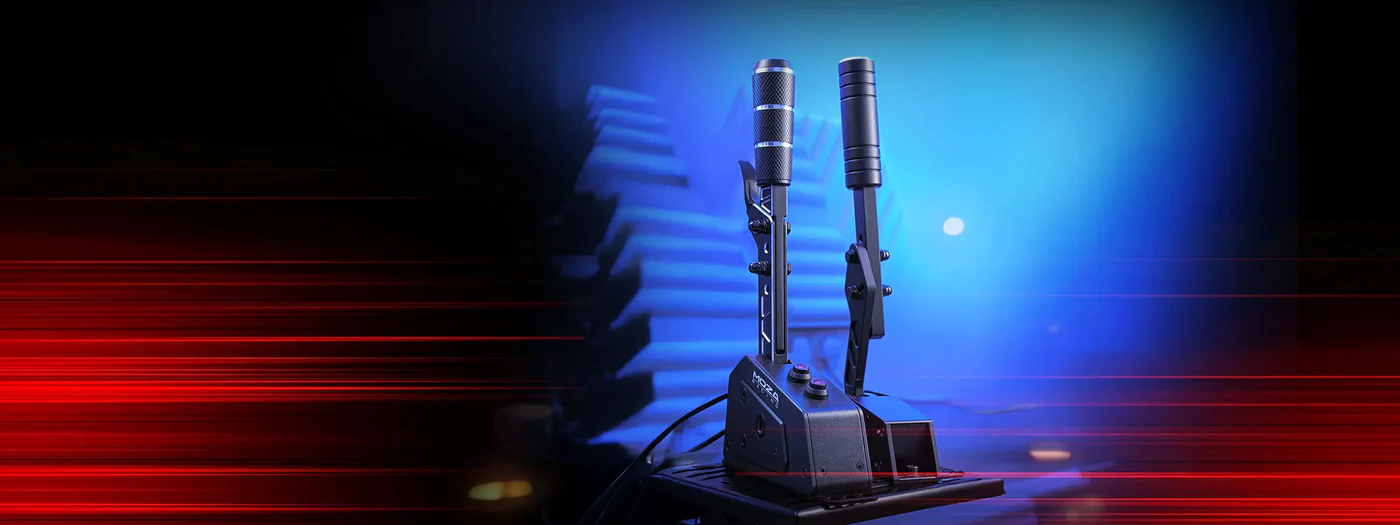
Shifters and handbrakes depend on driving style. A sequential shifter suits many race cars. An H-pattern shifter feels more natural for classic cars, road cars, and manual driving. A handbrake is important for rally and drift. The key is mounting all controls where your hands can reach them without twisting your driving position.
A full racing simulator can use a single monitor, ultrawide screen, triple monitors, projection, or VR. The best display setup is the one that gives you clear vision without making the room difficult to use.
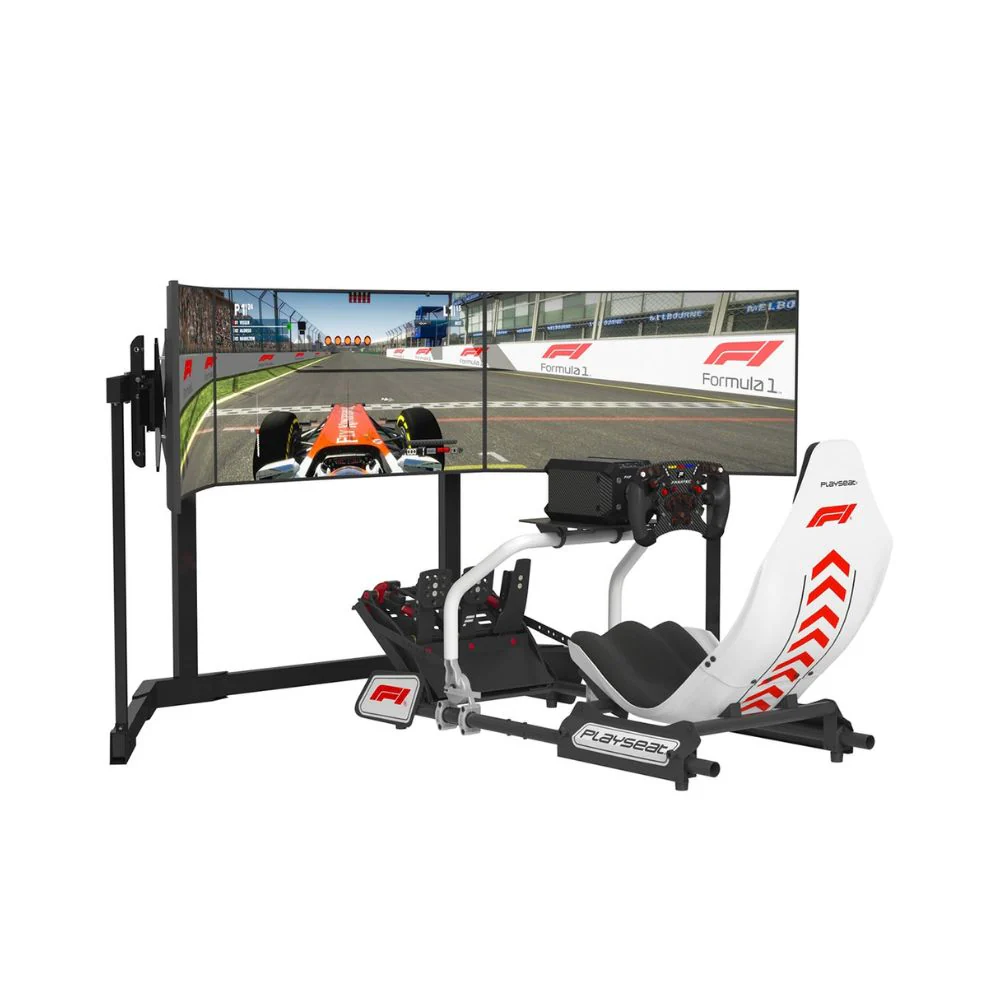
Triple monitors give strong side visibility, which can make racing around other cars feel more natural. They need space, careful alignment, and a stable monitor stand. An ultrawide monitor is simpler and cleaner, with less adjustment needed. VR gives strong immersion, but some drivers prefer screens for longer sessions because a headset can cause fatigue.
Audio also adds depth to the experience. Headphones are clean and simple. Speakers can make the room feel more open. Tactile transducers can add vibration through the seat or frame, giving physical cues for engine revs, kerbs, and road texture.
If you’re planning a screen-based setup, racing simulator monitor stands can be just as important as the monitor itself because alignment affects the whole driving view.
Motion can make a full racing simulator feel more physical, but it needs planning. A motion system can move the cockpit, seat, or frame to create cues for acceleration, braking, kerbs, and cornering. Haptic feedback can add vibration without moving the whole cockpit.
The main things to check are frame compatibility, floor space, ceiling clearance, cable routing, noise, and how intense you want the movement to feel. More movement isn’t always better. A well-adjusted motion system should give useful cues without distracting the driver.
Motion also changes the way accessories are mounted. Cables need slack. Monitor placement needs care. The cockpit needs to suit the platform. That’s why motion is best planned before the rest of the setup is locked in.
For drivers who want body movement and physical feedback, motion simulators can add a major layer of immersion when the rest of the setup is ready for it.
Start by measuring your room. Check the full footprint of the cockpit, seat travel, monitor stand, shifter mount, handbrake mount, and access space around the rig. A full racing simulator can take up more room once monitors and accessories are added.
Next, assemble the cockpit carefully and tighten the main frame before mounting hardware. Install the seat, then set your driving position before locking down the wheelbase and pedals. Your arms should have a comfortable bend, your shoulders should stay relaxed, and your feet should reach the pedals without stretching.
Once the hardware is mounted, connect each device and update the required software or firmware. Then calibrate steering rotation, centre point, brake force, throttle travel, clutch range, shifter inputs, handbrake response, and button mapping.
After that, drive a short session and make small adjustments. Many drivers change too much at once. It’s better to adjust one setting, drive a few laps, then decide if it feels better.
Compatibility can make or break a full racing simulator purchase. Before buying, check your platform, wheelbase, steering wheel, pedals, shifter, handbrake, monitor, and software requirements. A full racing simulator should be planned around the devices that can actually connect and calibrate correctly.
PC setups usually offer the widest hardware support. Console setups need closer attention because not every wheelbase, pedal set, wheel rim, shifter, or handbrake will work. Some accessories are PC-only. Some wheels only work with certain wheelbases. Some motion and haptic systems need specific software.
You should also check mounting compatibility. A cockpit may support one wheelbase or pedal set directly, while another may need brackets or an adapter plate. Monitor stands, seat sliders, shifter mounts, and handbrake mounts should also be checked before ordering.
If you’re choosing parts from one ecosystem, MOZA racing sim gear can make compatibility planning easier because wheelbases, wheels, pedals, shifters, and handbrakes are designed around the same product family.
The most common mistake is buying hardware in the wrong order. Many drivers start with a powerful wheelbase, then discover their cockpit isn’t strong enough to handle it. A better approach is to choose the cockpit and pedal mount with future hardware in mind.
Another mistake is overlooking the brake. A better brake pedal can change driving consistency more than a flashier wheel rim. If the cockpit can support a load cell pedal set, it’s often one of the best upgrades for drivers chasing cleaner laps.
Display planning is another area that gets missed. Triple monitors need width, depth, angle adjustment, and stable mounting. VR needs a PC that can run it smoothly. A single screen can still work well, but the height and distance need to be set correctly.
Drivers also forget accessory placement. A shifter that’s too far away or a handbrake mounted at the wrong angle can make the setup feel less natural. Plan the controls around your body, not just around the frame.
For smaller upgrades, racing simulator accessories can add more control and immersion, but they should fit the cockpit and driving style first.
The software side of a full racing simulator deserves as much care as the hardware. Force feedback, brake pressure, steering rotation, field of view, graphics settings, audio, and button mapping all affect the final feel.
Each racing title can need its own profile. A wheelbase setting that feels good in one sim may feel too heavy or too light in another. Pedal calibration can also change between software platforms, so it’s worth checking the brake curve and dead zones before long sessions.
Field of view is one of the most important screen settings. If it’s too wide or too narrow, corners and distance can feel wrong. Triple monitors need correct angles and bezel settings. VR needs smooth frame pacing and stable tracking.
Button mapping is another area to organise early. Map the controls you use often, such as brake bias, traction control, pit limiter, ignition, starter, view controls, and menu navigation. A clean layout keeps your hands on the wheel more often.
Once the main full racing simulator is built, start improving the parts that affect feel and consistency. The first areas to review are seat position, pedal force, steering strength, screen placement, and field of view.
If the wheel feels heavy or vague, reduce force feedback strength and check for clipping in the software. If the brake feels hard to judge, adjust pedal force and check that the pedal tray isn’t moving. If the car feels hard to place on track, review screen height, distance, and field of view.
Telemetry can also show where time is being lost. Brake traces, throttle input, steering angle, and gear selection can reveal habits that are hard to notice while driving. You don’t need to change everything at once. Small, controlled adjustments are easier to judge.
A full racing simulator should improve over time. Start with the foundation, set it up properly, then upgrade the parts that match your driving style.
A full racing simulator is at its best when every component supports the rest of the build. The cockpit needs to be strong enough for the wheelbase and pedals. The seat needs to fit your body. The display needs to match your space. The accessories need to suit the cars you drive. The software needs to be calibrated carefully.
The best setup isn’t always the most expensive one. It’s the one that feels stable, comfortable, compatible, and easy to use every time you race. A full racing simulator should make you want to drive more, not spend every session fixing the layout.
If you’re planning your first full racing simulator or upgrading an existing setup, start with the foundation. Choose the cockpit, seating position, wheelbase, pedals, display, and accessories as one complete system, and you’ll end up with a cleaner, more enjoyable racing experience.