


Essential Items For A Budget Racing Sim Setup
|
|
A good budget racing sim setup doesn't need to feel cheap, loose or thrown together. The right mix of wheel, pedals, cockpit, seat, display and audio can give you a more natural driving position, clearer feedback and better control without pushing straight into high-end gear.
At Gamer Gear Direct, our team works with racing simulator hardware every week across wheels, pedals, cockpits, wheelbases, shifters, handbrakes and display mounting options. We also speak with Australian customers who are trying to solve the same problems: limited space, console or PC compatibility, upgrade path, delivery, warranty and how to avoid buying gear that doesn't fit together.
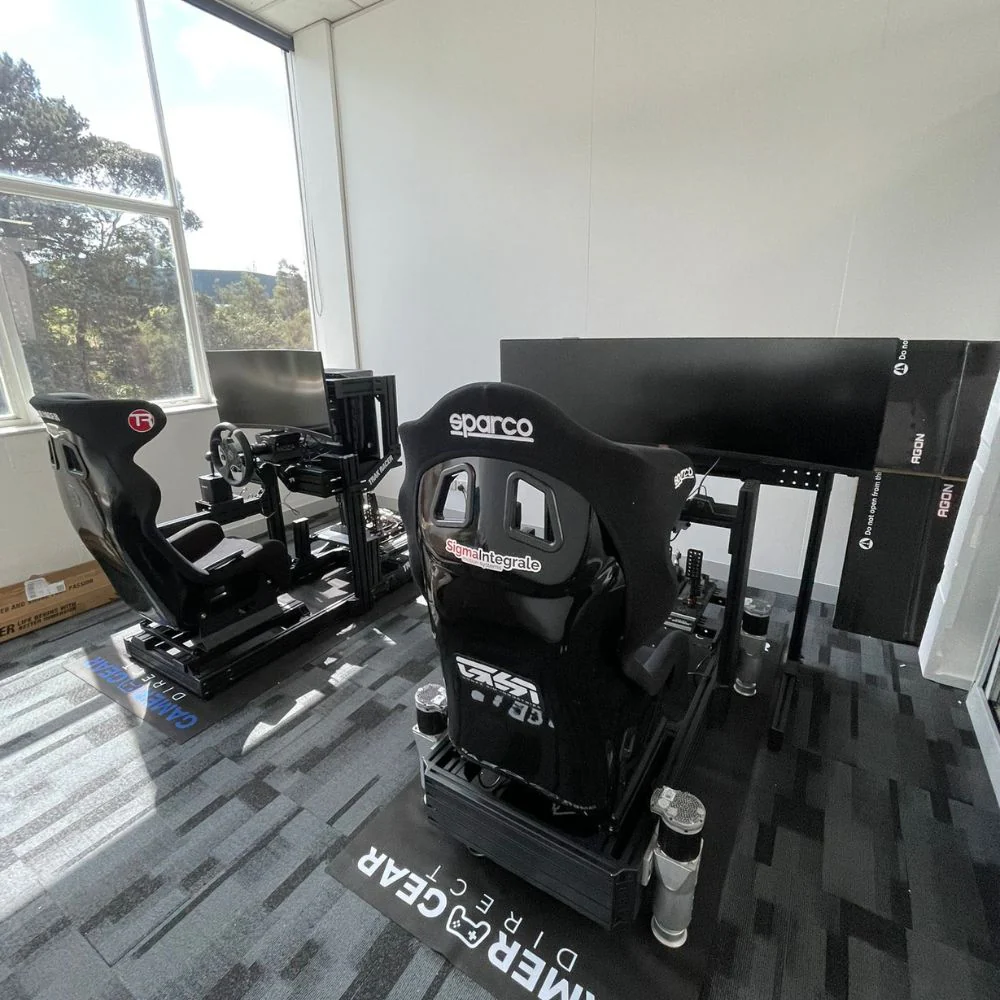
This article breaks down the seven core items we'd focus on first when building a budget racing sim setup. It also explains what we've learned from handling these products, helping customers plan rigs, and assessing setups in our Dandenong South showroom by appointment.
When we look at a budget racing sim setup, we don't judge it by the spec sheet alone. A wheelbase can claim strong force feedback, but the real question is how clearly it communicates grip loss, kerb strikes and oversteer. Pedals can look solid in photos, but the real test is how consistently the brake responds under repeated pressure. A cockpit can look rigid online, but flex becomes obvious once a wheel and pedal set are mounted.
Our team looks at six areas first: control feel, braking consistency, mounting stability, seating position, compatibility and upgrade path. Those areas decide how enjoyable a budget racing sim setup feels once you're driving.
The best place to spend your money is usually the part that fixes the weakest point in the setup. For many beginners, that means moving away from a loose desk mount or basic pedals before spending more on accessories. For others, it means choosing a wheelbase and cockpit that can grow with future upgrades.
A budget racing sim setup is the easiest way to move beyond controller racing and start building proper driving habits. You get a wheel in your hands, pedals under your feet and a driving position that feels closer to a real car. You also get more control over steering input, throttle application and braking pressure.
The biggest advantage is that you don't need to buy everything at once. You can start with a wheel and pedal bundle, add a wheel stand or cockpit, then upgrade pedals, display mounting, shifter or handbrake later. A staged build gives you time to learn what you actually need instead of spending money on parts that won't improve your driving.
In our experience, most first-time buyers don't need the most expensive gear. They need a stable base, consistent brake feel and a setup that fits their space. A compact budget racing sim setup can still feel excellent when the driving position is right and the main components are mounted securely.
A budget racing sim setup should do three things well. It should feel stable, it should give clear feedback and it should be easy to use often. If the setup takes too long to assemble, shakes under braking or forces you into an awkward seating position, it won't be enjoyable for long.
We'd judge value by these areas:
Wheel feedback that feels clear enough to read grip changes
Pedals that let you brake with repeatable pressure
A cockpit or stand that doesn't flex under load
A seat position that stays comfortable during longer sessions
Compatibility with your PC, PlayStation or Xbox setup
An upgrade path that doesn't force you to replace everything later
Extra gear can come later. A shifter, handbrake, button box or lighting kit can make a rig more immersive, but the foundation of a budget racing sim setup is wheel control, braking control and stability.
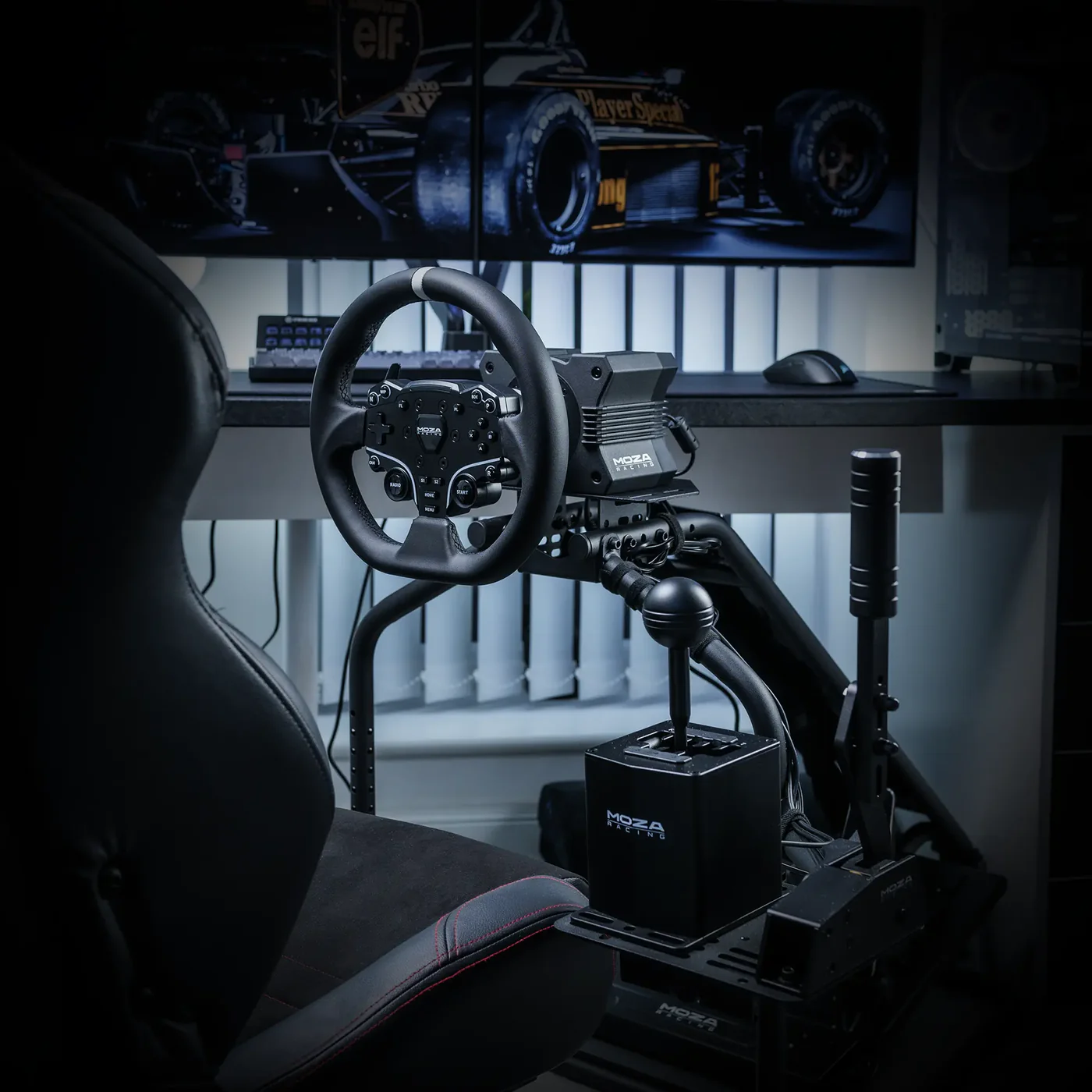
The wheel and force feedback base are the heart of a budget racing sim setup. This is the part that tells your hands what the virtual car is doing. A good wheelbase makes it easier to feel when the tyres are loaded, when the car is starting to slide and when you're riding kerbs too aggressively.
There are three common force feedback styles. Gear-driven wheels are usually the most affordable and can be a good entry point, though they may feel notchy. Belt-driven wheels tend to feel smoother. Direct drive bases send force feedback straight from the motor to the wheel shaft, which usually gives cleaner detail and faster response.
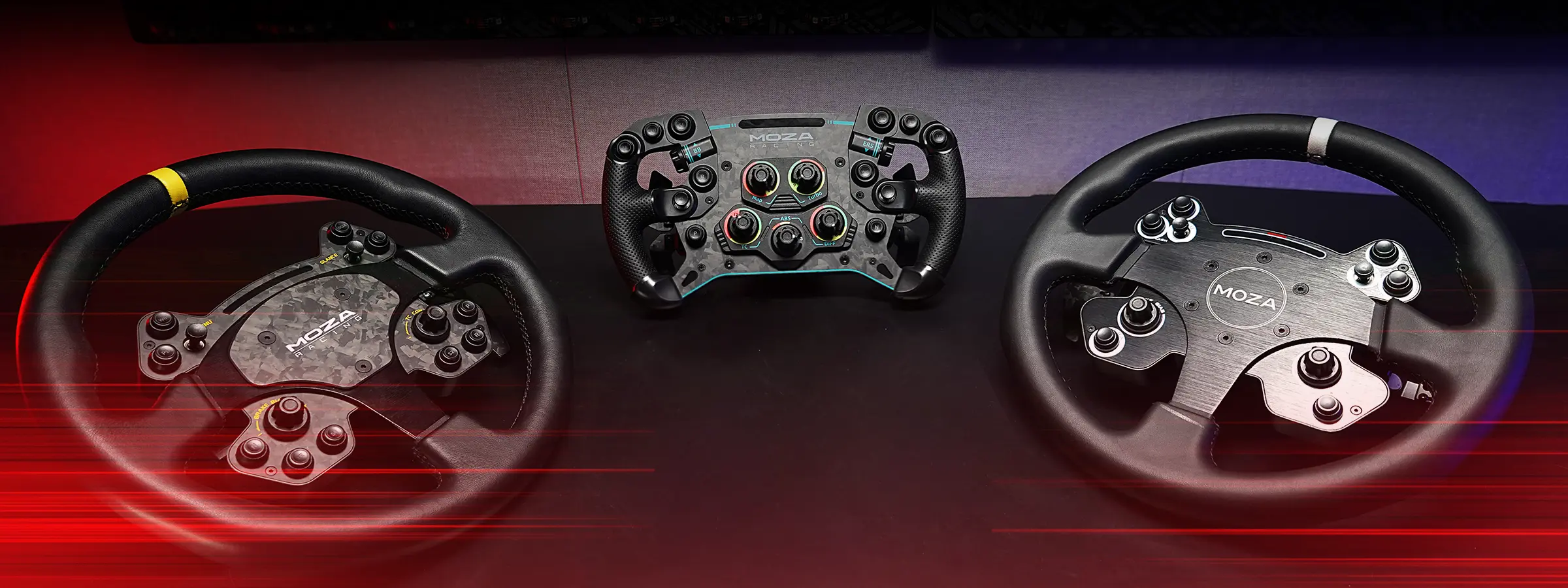
When our team compares racing wheels, we don't only look at peak torque. We look at smoothness, button layout, mounting options, software control, console support and how easy the wheel is to live with in a home setup. A budget racing sim setup should be simple enough to use often, not so awkward that it stays packed away.
Before buying, check platform compatibility, desk clamp strength, cockpit mounting pattern, wheel rim support and pedal connection options. If you plan to upgrade later, choose a wheelbase ecosystem with rims, pedals and accessories that suit the style of racing you enjoy.
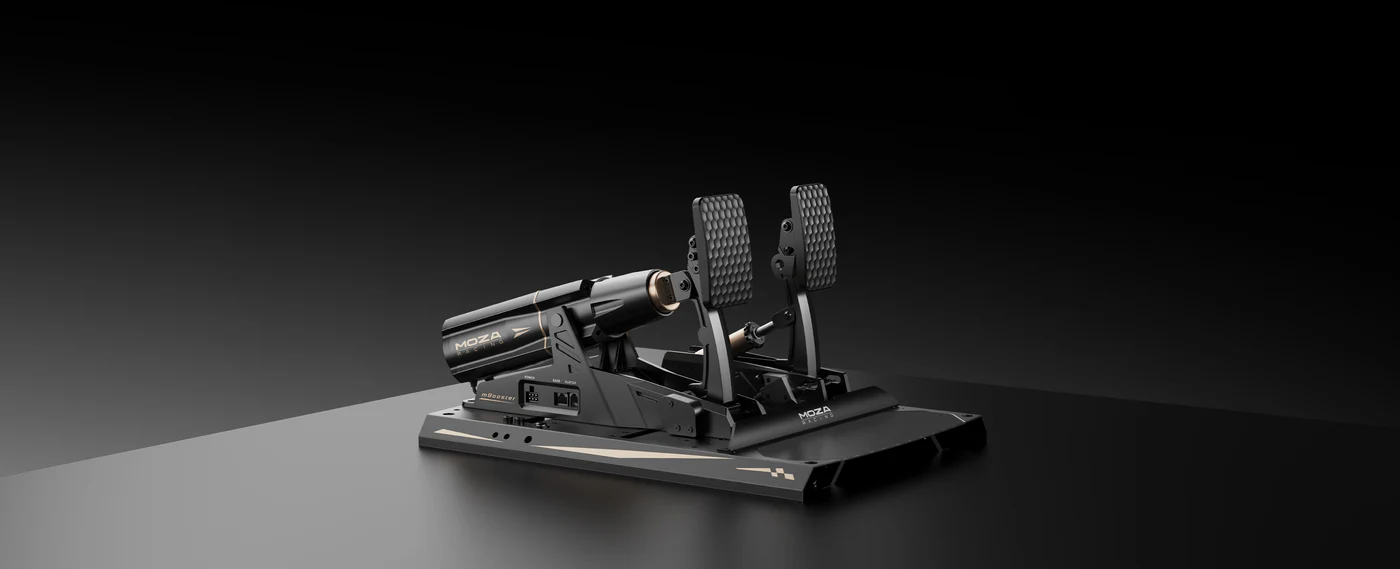
Pedals can make or break a budget racing sim setup. Many beginners focus on the wheel first, but braking is where a lot of lap time and consistency comes from. A basic pedal set can work well enough to start, but a better brake pedal gives you more control into corners.
The most important brake upgrade is usually a load cell brake. Instead of measuring only pedal travel, a load cell measures pressure. That makes it easier to build muscle memory because you can brake with a repeatable force rather than guessing based on how far the pedal has moved.
In our hands-on checks, pedal stability and brake feel are often more important than how expensive the pedal set looks. If the pedals slide around, sit at the wrong angle or flex under pressure, the driving experience suffers. A budget racing sim setup feels much better when the pedal plate is firm and the brake responds predictably.
If you're choosing between cosmetic accessories and better pedals, we'd usually upgrade the pedals first. Cleaner braking gives you more control in every race, especially in cars that punish late or uneven brake input.
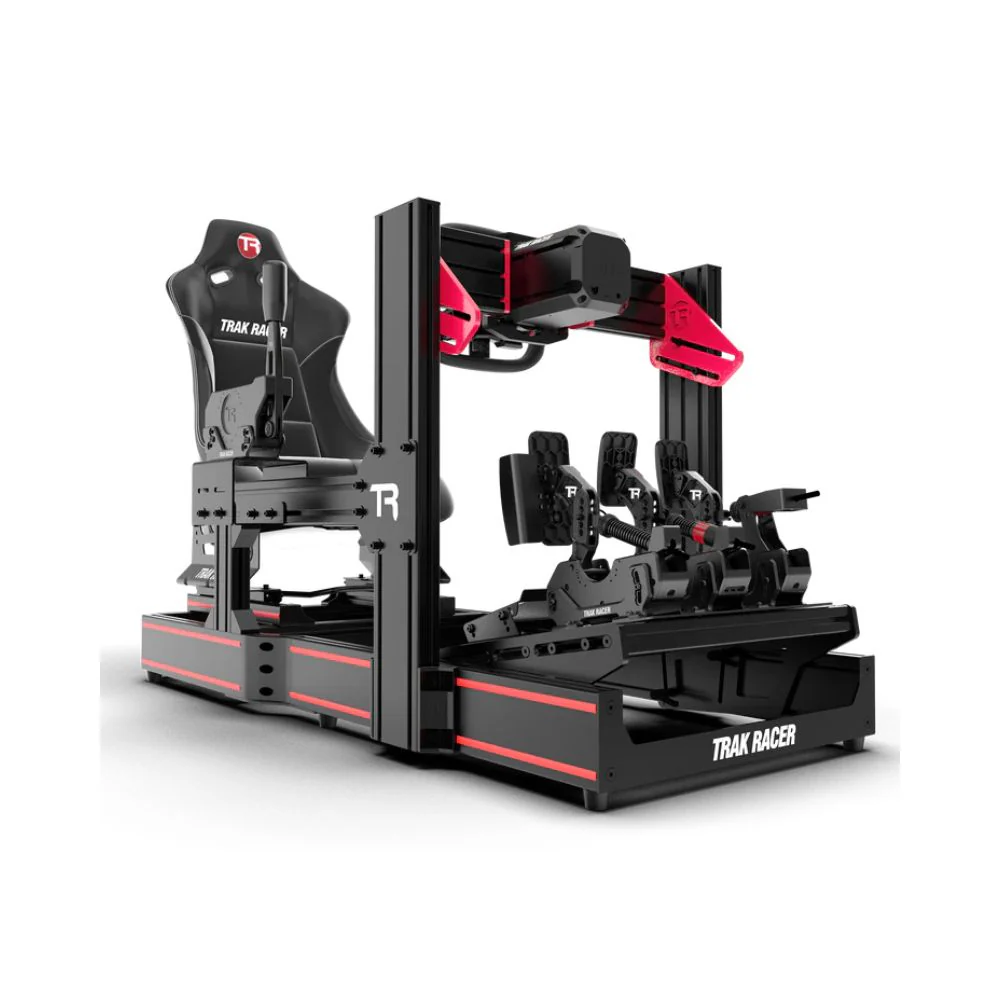
A stable cockpit or wheel stand is one of the biggest differences between a fun budget racing sim setup and a frustrating one. Force feedback can shake a weak desk. Pedals can slide on the floor. A chair with wheels can move backwards every time you brake. All of those problems make it harder to drive consistently.
A wheel stand is a good option when space is tight. It gives your wheel and pedals a more secure mounting point while still being easier to move away after use. A full cockpit gives a more fixed driving position and usually handles stronger wheelbases better.
In showroom discussions, one of the most common problems we hear is that a customer bought a decent wheel but mounted it to something too weak. The wheel then feels worse than it should because the stand or desk absorbs the feedback. For a budget racing sim setup, stability is often more valuable than adding extra accessories.
Look for wheel plate strength, pedal plate adjustment, seat compatibility, shifter mount options and storage needs. If the rig will be shared by different drivers, adjustment range becomes even more important.
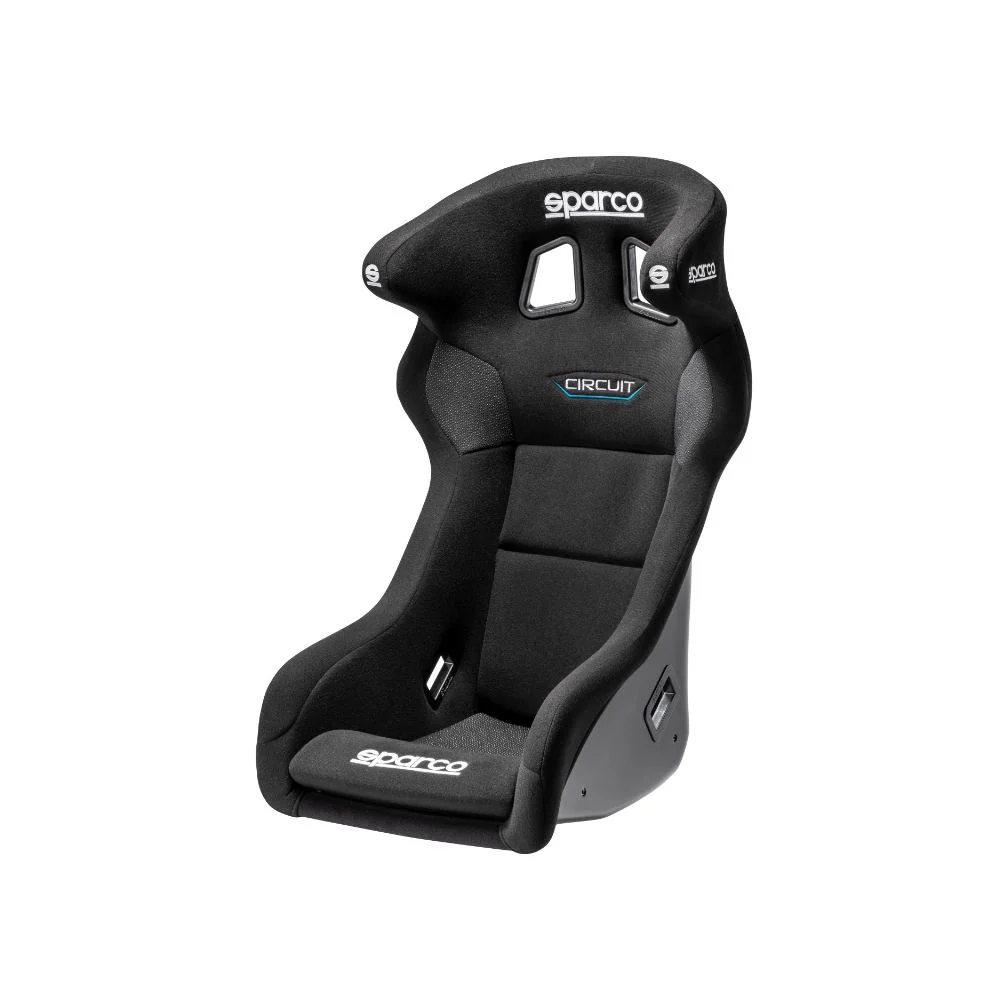
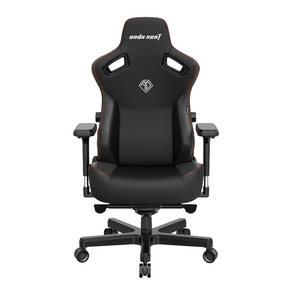
A racing seat isn't only about looks. In a budget racing sim setup, the seat controls your posture, pedal angle and distance from the wheel. If those points are wrong, you'll feel it in your back, shoulders, knees or braking foot.
You don't need an extreme bucket seat to enjoy sim racing. For most home users, stable mounting, decent padding, lumbar support and adjustability are more important. If multiple people will use the rig, seat sliders are worth considering because they make small position changes much easier.
When we help customers think through cockpit and seat choices, we look at body size, room size, how often the setup will move and the style of racing they enjoy. A low formula-style position may feel exciting, but a GT-style seating position is usually easier for mixed racing, longer sessions and shared rigs.
A budget racing sim setup should let you jump in and drive without fighting the seat position. If you have to stretch for the pedals or hunch over the wheel, the setup needs adjustment before it needs more accessories.
Your display shapes how connected you feel to the car. A budget racing sim setup can feel far more immersive when the screen is placed correctly and responds quickly. Refresh rate is important, but screen position and input lag are just as important for a good driving feel.
A smaller monitor placed close to the wheel can feel more natural than a large TV placed too far away. The goal is to see the track, braking markers, apexes and mirrors clearly without turning your head too much or sitting in an awkward position.
For a single-screen budget racing sim setup, focus on low input lag, good refresh rate, stable mounting and a comfortable eye line. If you're using a TV, check gaming mode settings so the image responds as quickly as possible. If you're using a monitor, make sure the stand or mount lets you place the screen close enough to the wheelbase.
Triple screens and ultrawide monitors can be excellent later, but they aren't required for a starter rig. Good placement on a single display can still give you a clean, enjoyable driving view.
Audio is easy to overlook in a budget racing sim setup, but it changes how much information you get while driving. Engine pitch, tyre scrub, kerb hits, gear changes and spotter calls all add useful cues.
A headset is often the better option for shared homes because it keeps noise down and gives you clear communication in online races. Speakers can work well in a dedicated room, but they need better placement to avoid muddy engine noise or distracting echoes.
In our experience, comfort is the main thing to check with budget audio. A headset that sounds good for ten minutes can become annoying across a longer race if it clamps too hard or traps too much heat. Good audio for a budget racing sim setup should be clear, comfortable and easy to connect to your PC or console.
You don't need to overspend here before the main driving hardware is sorted. Get audio that lets you hear key cues clearly, then put the bigger budget into wheel feel, brake feel and stability first.
A shifter or handbrake can make a budget racing sim setup more enjoyable, but it depends on what you drive. If you're into rally, drifting, street cars or older manual cars, these add-ons can add a lot to the experience. If you mostly race modern GT or formula cars, pedals and cockpit stability should come first.
Before adding either accessory, check mounting space and compatibility. Some compact stands don't leave enough room for a comfortable shifter position. Some wheel ecosystems also need specific connection methods, especially on console.
We've seen plenty of new racers buy accessories too early, then realise the main rig still moves around under braking. In most cases, a budget racing sim setup should start with the wheel, pedals, cockpit or stand, seat position and display placement. Add the shifter or handbrake once the foundation feels right.
Most budget build problems come from mismatched parts, weak mounting or spending in the wrong order. A customer might choose a good wheelbase, then mount it to a desk that moves. Another might buy a shifter before fixing pedal stability. Others forget to check PlayStation, Xbox or PC compatibility before ordering.
The most common mistakes are buying without checking platform support, underestimating cockpit flex, placing the screen too far away, using a rolling office chair under braking and ignoring pedal position. These problems aren't exciting, but they decide how the setup feels every time you drive.
A budget racing sim setup works best when each part supports the next. The wheel needs a stable mount. The pedals need a firm base. The seat needs to keep you in the same position. The display needs to line up with your driving view. When those pieces work together, even entry-level gear can feel much better.
If you already have a budget racing sim setup and want to improve it, start with the part that's holding back control. For many drivers, that means pedals. A better brake pedal can improve consistency quickly because braking affects every corner.
After pedals, we'd look at cockpit or stand stability. If the wheel or pedals move, better hardware won't feel as good as it should. Once the rig is stable, a better wheelbase can add more detail and strength. After that, improve display placement, then add shifters, handbrakes or other accessories based on the games and cars you enjoy.
The best upgrade order is usually:
Pedals for braking consistency
Cockpit or stand for stability
Wheelbase for clearer feedback
Display placement for better visibility
Shifter or handbrake for rally, drift or manual cars
A budget racing sim setup doesn't need every upgrade at once. It needs the right upgrade at the right time.
Once the hardware is assembled, calibration can make a budget racing sim setup feel much better. Start by mounting the wheel and pedals firmly. Then set the seat position so your arms have a slight bend at the wheel and your legs can press the brake without stretching.
Install the correct software for your wheelbase and pedals. Set steering rotation to suit the games you play, then adjust force feedback so it feels clear without clipping or shaking the whole rig. For pedals, check brake range, throttle response and dead zones. If your brake has adjustable resistance, start with a setting you can repeat comfortably.
Screen position is worth checking again after the seat and wheel are locked in. Place the display close enough to feel connected, with the centre of the screen near eye level. Keep cables away from pedals and moving parts, especially if the setup folds away after use.
Take a few slow laps before judging the setup. Listen for rattles, check pedal movement and make small changes until the driving position feels natural. A well-calibrated budget racing sim setup will feel more controlled than a more expensive rig with poor mounting and rushed settings.
Before ordering, make sure the full setup works together. Check your available space, platform compatibility, mounting points, pedal placement, display position and upgrade path. Don't assume every wheel, pedal, cockpit and accessory will connect without extra parts.
A good budget racing sim setup should be easy to use, stable under load and comfortable enough for regular racing. Start with the core items, then add accessories once the basics feel right. The aim isn't to buy the most expensive gear. It's to create a setup you'll actually use, enjoy and improve with over time.
Gamer Gear Direct works with Australian sim racing customers across racing wheels, wheelbases, pedals, cockpits, seats, shifters, handbrakes and racing simulator accessories, with showroom support available by appointment at Dandenong South.