Hydraulic Racing Sim Guide: What You Need To Know Before You Start Building
|
|
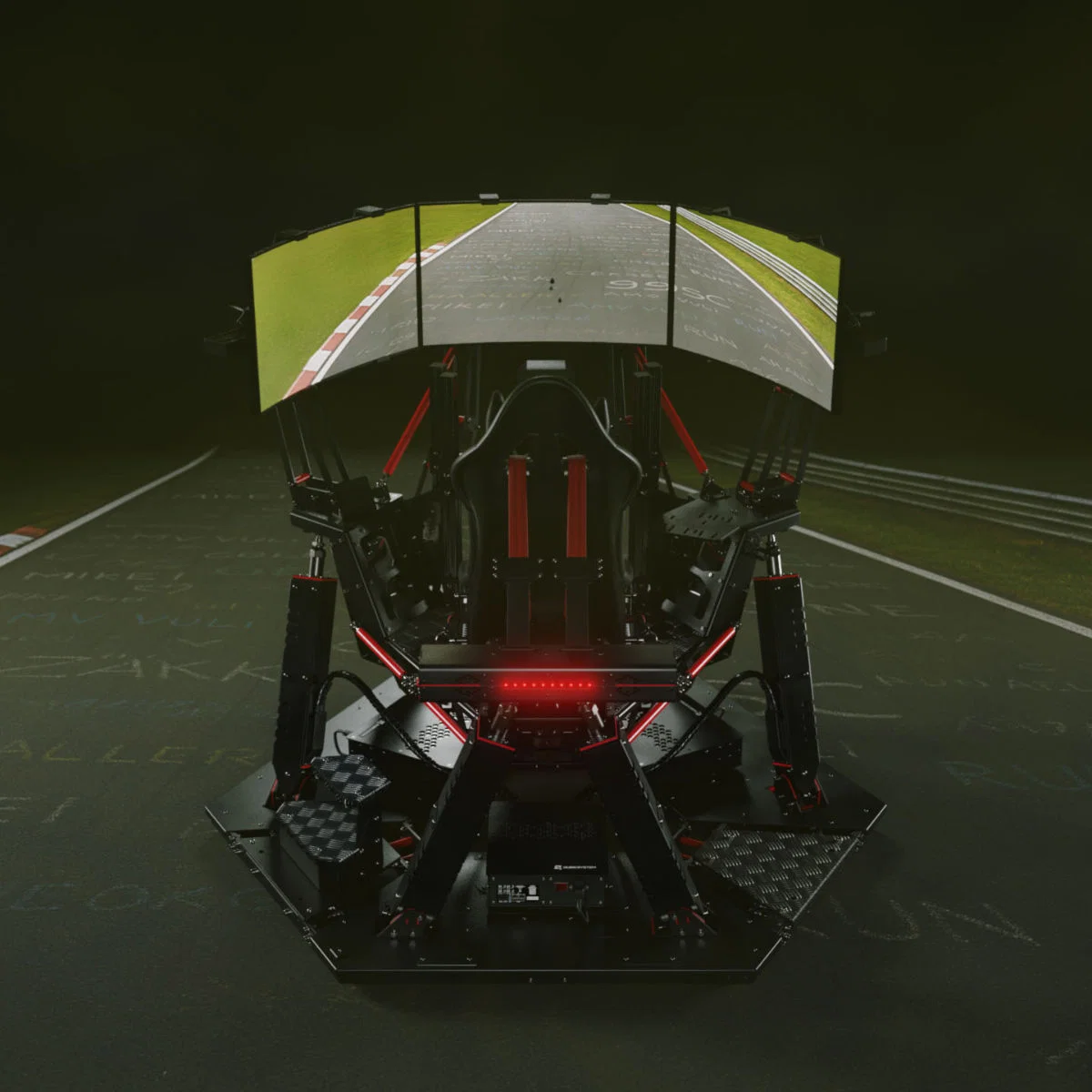
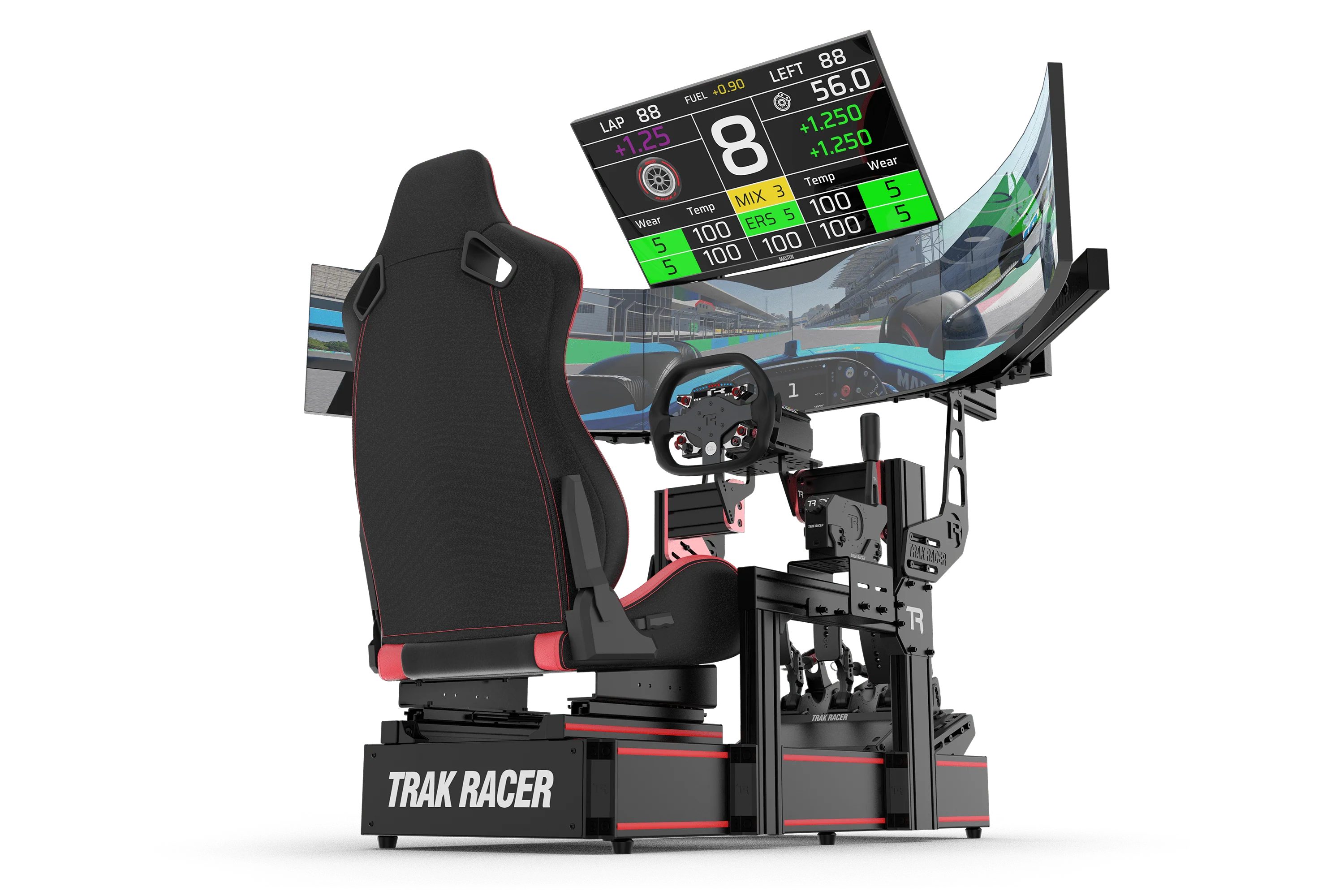
A hydraulic racing sim can transform a racing setup from a screen-and-wheel experience into something far closer to a driver training environment. Instead of relying only on wheel force feedback, pedals, and visuals, a hydraulic racing sim adds physical movement through braking load, cornering force, kerb strikes, elevation changes, and surface detail.
After testing motion systems through showroom builds, customer setup work, and long-form product checks at our Dandenong South showroom, we’ve found one clear thing: the best motion setup isn’t always the one with the most aggressive movement. A good hydraulic racing sim needs control, stability, accurate calibration, safe installation, and a cockpit that can handle the forces being sent through it.
This guide breaks down how a hydraulic racing sim works, what to check before buying, how to plan your room, and how to get a more believable driving feel once it’s installed. It’s written for sim racers who want a better understanding of motion technology before investing in a premium setup.
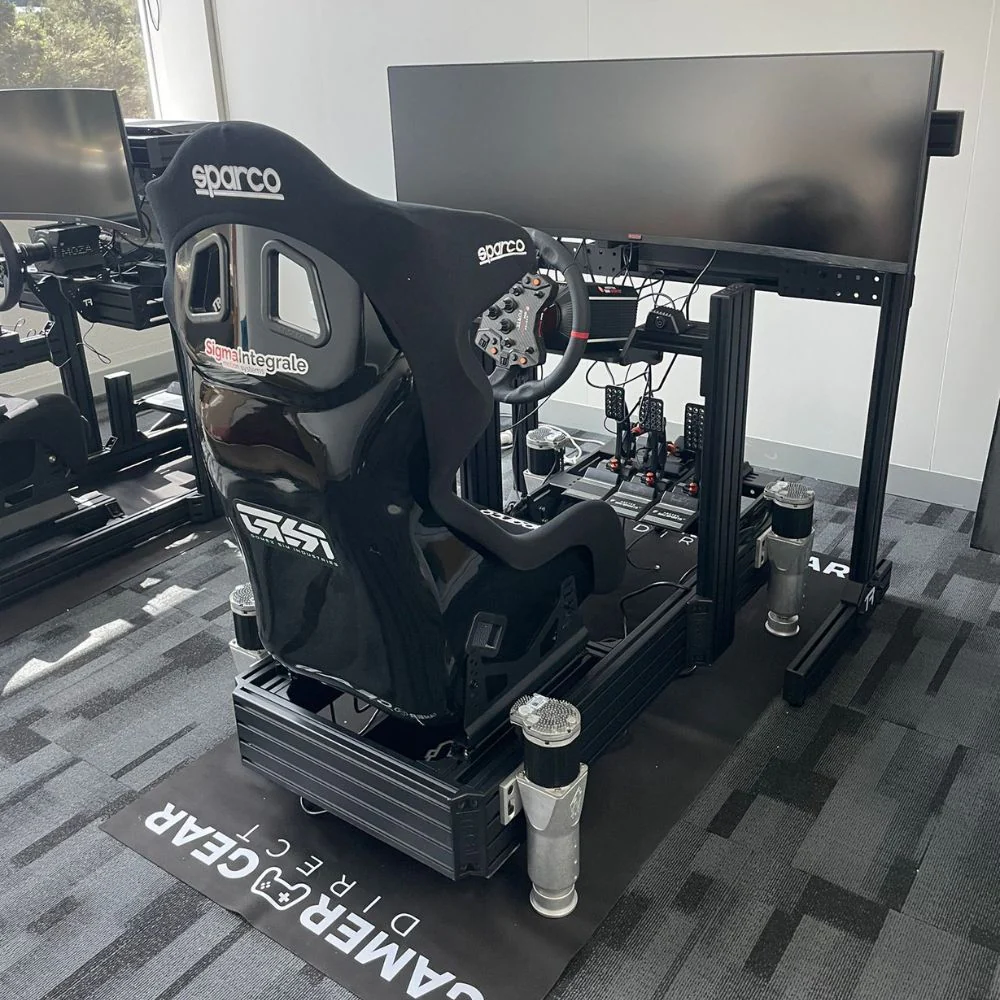
The Gamer Gear Direct team works with racing simulator cockpits, direct drive wheelbases, pedals, monitor stands, and motion systems across home and commercial setups. We’ve tested motion behaviour in our Dandenong South showroom and reviewed the common questions customers ask before buying a hydraulic racing sim or other full-motion racing simulator.
Our testing focus is simple: does the setup feel controlled, stable, repeatable, and worth the extra cost?
A hydraulic racing sim can look impressive in a short demo, but the real test comes during longer sessions where comfort, noise, software settings, cockpit stiffness, and motion accuracy become much easier to judge.
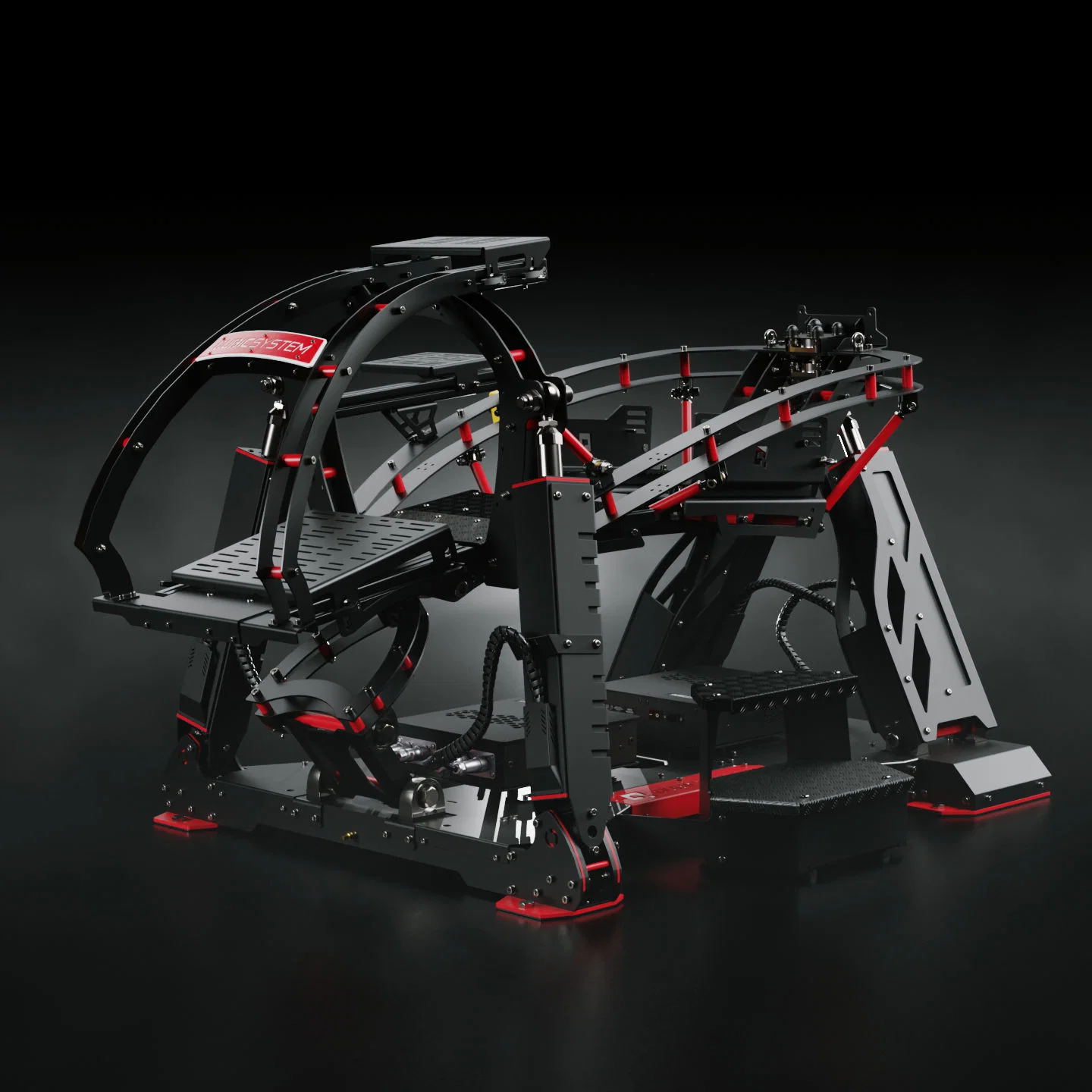
A true hydraulic racing sim uses fluid pressure to move part of the rig. The system relies on hydraulic components such as pumps, lines, reservoirs, valves, and actuators. These parts work together to move the cockpit, seat, or platform in response to data from the racing software.
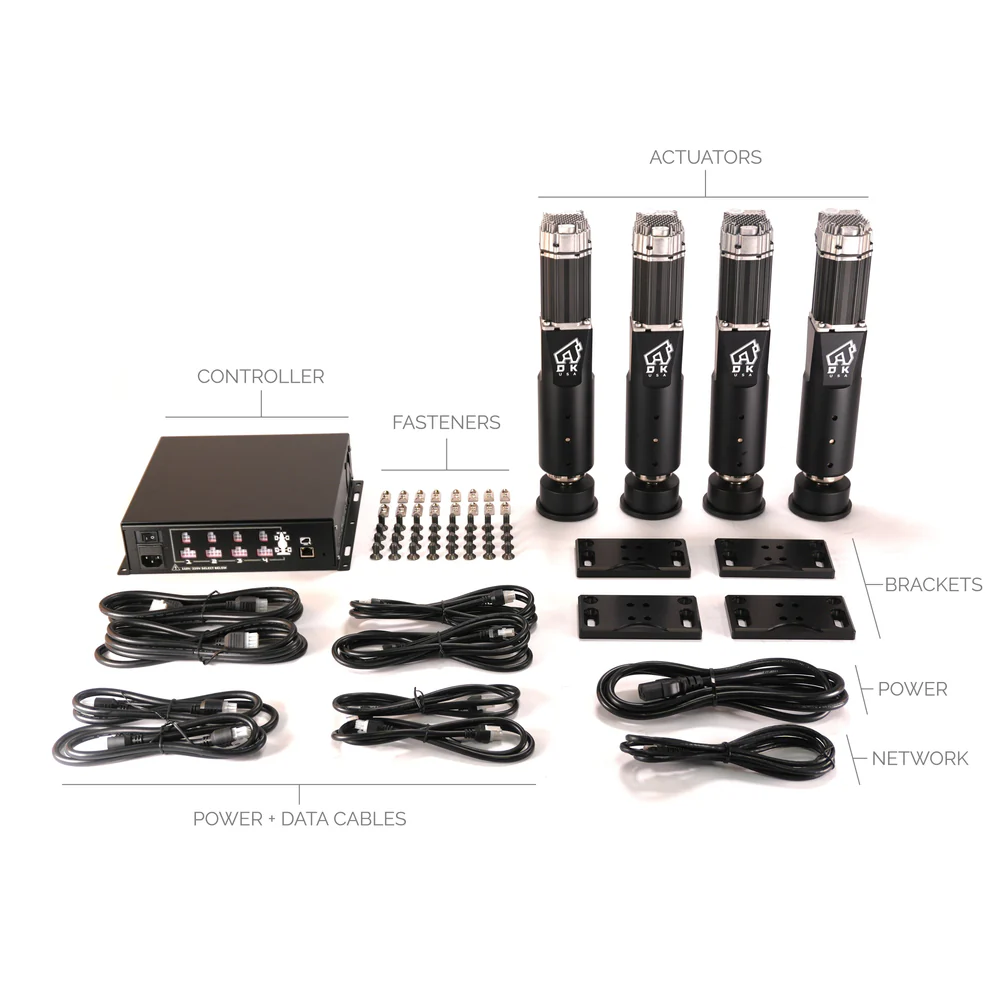
Many sim racers also use the term hydraulic racing sim when they’re really talking about a broader motion simulator setup. Some motion platforms use electric actuators instead of hydraulic components. Others use haptic systems, traction-loss platforms, or seat movers. The goal is similar, but the hardware, noise, maintenance, cost, and installation process can be very different.
This distinction is important because a hydraulic racing sim can demand more space, more maintenance, and more planning than a static cockpit or compact actuator system. If you’re shopping for motion, don’t focus only on the name. Check how the system moves, how it mounts, how it’s serviced, and how it works with your cockpit.
When we assess a hydraulic racing sim or full-motion setup, we look beyond the first impression. Strong movement can feel exciting straight away, but it can also hide problems. A setup that throws the driver around too much can become tiring, unrealistic, and harder to control.
Our testing looks at motion response, braking pitch, cornering roll, chassis flex, pedal stability, wheel deck movement, cable routing, software control, driver comfort, and noise transfer through the floor. We also check how the system feels across GT racing, formula-style driving, rally stages, drifting, and longer endurance sessions.
For a hydraulic racing sim, the key question is not “how much can it move?” It’s “does the movement make the car easier to read?” When the motion profile is right, braking load, kerb contact, and surface change feel connected to what you see on screen. When it’s wrong, the rig feels busy for the sake of being busy.
A hydraulic racing sim adds movement cues that a static racing rig can’t produce on its own. Under braking, the platform can pitch forward. During cornering, it can create a sense of lateral load. Over kerbs, it can add sharp vibration or vertical movement. On rough tracks, it can communicate surface texture through the chassis.
The most useful part of a hydraulic racing sim is not the biggest movement. It’s the smaller cues that tell you what the car is doing. In testing, we’ve found that subtle braking pitch and kerb feedback can feel more believable than dramatic body roll. A cleaner motion profile usually gives the driver more confidence than an exaggerated one.
That’s why the cockpit is so important. If the frame flexes, the motion gets lost in the structure. If the seat mount moves, the driver receives mixed feedback. If the monitor stand is too close to the moving platform, the setup can become distracting. A quality racing simulator cockpit gives a hydraulic racing sim a stronger foundation.
A hydraulic racing sim has more moving parts than a static setup, so the buying decision needs to be more detailed. Start with the actuator design, maximum load rating, travel range, mounting system, and software control. Then check service access, emergency stop controls, cable management, power needs, and compatibility with your current cockpit.
Payload is one of the biggest checks. The system needs to support the driver, seat, cockpit, wheelbase, pedals, shifter, handbrake, and any mounted accessories. A direct drive wheelbase and load cell pedals can add more force through the frame, so the motion platform and cockpit need to work together.
You should also check noise. A hydraulic racing sim can create mechanical sound, vibration, and floor transfer. In a dedicated sim room, that may be easy to manage. In an apartment or shared home, it can become a real issue. If noise is a concern, ask about isolation feet, flooring, platform design, and conservative motion profiles.
The best results come from treating a hydraulic racing sim as a complete system, not a single product. The cockpit, wheelbase, pedals, seat, monitor position, PC, and motion software all influence the final feel.
In our Dandenong South showroom testing, the biggest improvement came from starting with a stable seating position before adjusting motion. If the seat angle, pedal distance, and wheel height are wrong, the movement feels harder to control. Once the driving position is correct, the hydraulic racing sim can be calibrated around the driver instead of forcing the driver to adapt to the rig.
We’ve also found that new users often prefer softer motion after the first few laps. Big movement looks good in video clips, but smaller and cleaner cues usually feel better over a full race. For most drivers, a hydraulic racing sim should support car control rather than distract from it.
Before buying a hydraulic racing sim, measure the full area around the rig, not just the footprint of the cockpit. Motion needs safe clearance around the seat, pedals, wheelbase, monitor stand, and cables. Leave room for the driver to get in and out without stepping over moving hardware.
Flooring needs attention too. Solid flooring gives the system a more stable base. Thick carpet can make the rig feel less planted, and vibration may travel through some floors more than expected. If the hydraulic racing sim is going upstairs, check weight, access, and noise transfer before ordering.
Power and PC placement should be planned before assembly. Keep the PC safe from movement, heat, and cable strain. Cables need enough slack for the platform to move without pulling on USB hubs, monitors, button boxes, or accessories. A clean layout will make the setup safer and easier to service.
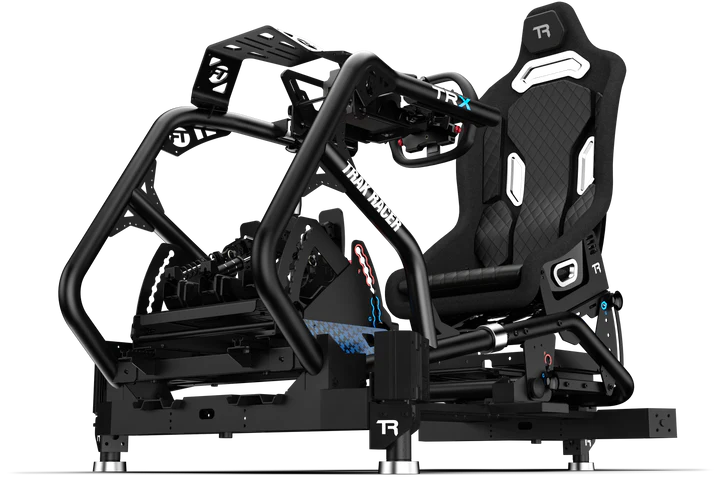
A hydraulic racing sim needs a cockpit that can take force from multiple directions. A light frame may feel fine with a basic wheel and pedals, but motion can expose flex quickly. For best results, look for a rigid cockpit with strong pedal mounting, a firm wheel deck, a secure seat mount, and a layout that supports accessories without wobble.
If you’re using a high-torque direct drive wheelbase, rigidity becomes even more important. Wheelbase flex, pedal plate movement, and seat movement can all reduce the quality of motion feedback. The more stable the cockpit, the more clearly the hydraulic racing sim can communicate braking, kerb strikes, and weight transfer.
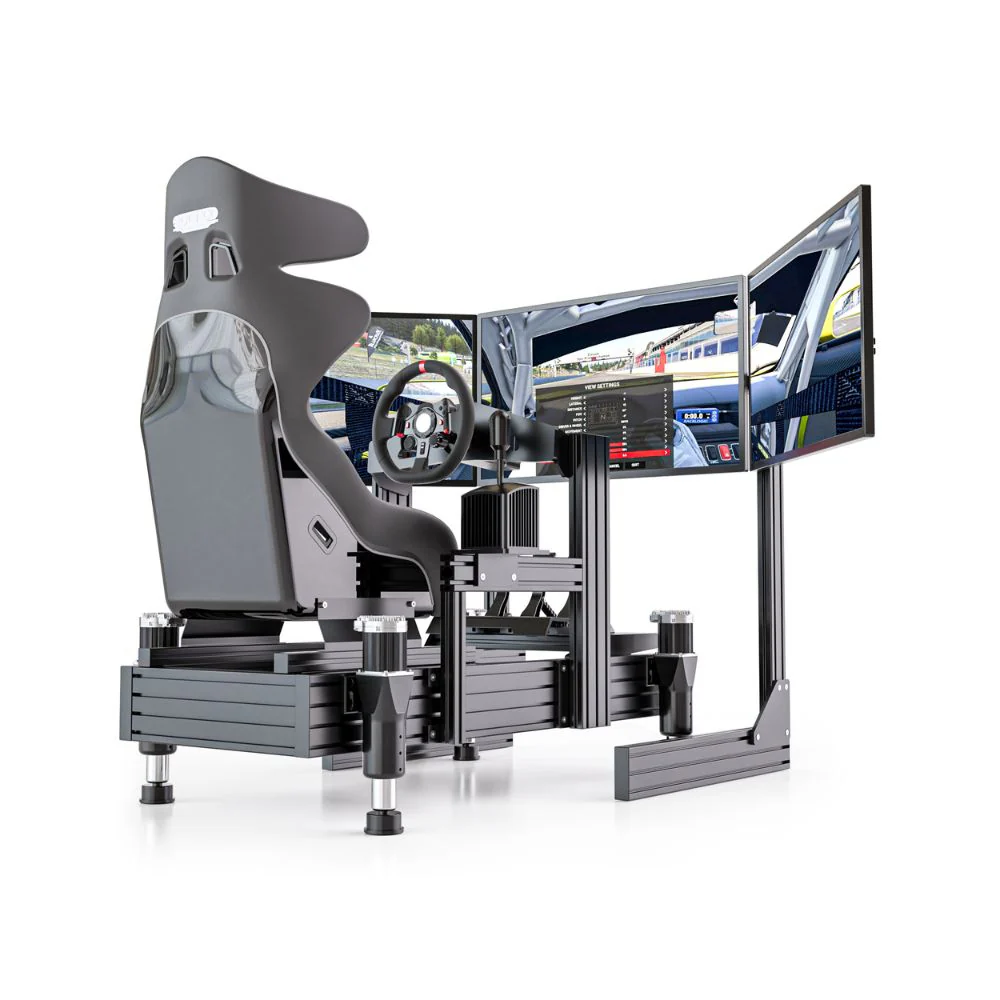
For monitor setups, keep the display stable and separate from moving parts unless the system is designed to carry the screen. A freestanding sim racing monitor stand can work well, but it needs enough clearance so the moving rig never contacts the screen, frame, or cables.
Installation should be handled carefully. A hydraulic racing sim uses moving hardware, and every mount, cable, and fitting needs to be checked before first use. Don’t rush the build. Get the cockpit square, tighten all mounting points, confirm the seat is secure, and make sure the moving section has full clearance.
Cable routing is one area that deserves extra attention. USB cables, pedal cables, power leads, display cables, and button box cables can all become failure points if they’re pulled tight. Give moving cables enough travel, then secure them so they can’t catch on the platform or driver.
During first start-up, run a low-intensity motion profile before increasing settings. Listen for unusual noise, watch for unwanted movement, and check that emergency stop controls are easy to reach. A hydraulic racing sim should never be tested at high force before the full setup has been inspected.
Calibration is where a hydraulic racing sim becomes useful. The goal is to create motion that supports driving inputs, not movement that fights the driver. We start by reducing effects, confirming the driver position, and testing one cue at a time.
Braking pitch is usually the first cue to get right. If the rig moves too far forward under brakes, it can feel unnatural and tiring. If it’s too soft, the hydraulic racing sim may not add much over a static setup. Once braking feels controlled, we move to kerb response, surface texture, cornering roll, and shift effects.
GT cars usually work best with controlled braking feedback and clear kerb detail. Formula-style cars need faster, smaller cues. Rally driving can handle more vertical movement and rougher surface detail. Drifting needs smooth transitions so the driver can feel rotation without delayed sway. Save separate profiles for each driving style instead of trying to run one profile for every game.
A hydraulic racing sim works best when the rest of the rig is set up properly. Good pedals can make braking feel more natural, especially when the motion profile matches the pedal pressure. Quality sim racing pedals are one of the most important parts of the build because braking is where motion feedback becomes most noticeable.
Displays also change the feel. Triple screens create strong visual reference points, while VR can make motion feel more intense. If using VR, keep the profile conservative at first. Too much movement can increase fatigue, especially for new users.
Tactile feedback can also work with a hydraulic racing sim. Bass shakers and haptic accessories can add engine vibration, gear shift feel, and road texture without relying on the motion system to do everything. The best builds use each part for a clear job instead of pushing one system too hard.
A hydraulic racing sim needs more ongoing care than a static cockpit. Check mounts, fittings, cables, and moving parts on a regular schedule. Look for fluid leaks if the system uses true hydraulic hardware. Keep the area around the rig clean so nothing can interfere with moving parts.
Bolts can loosen over time due to vibration and repeated load. Make a habit of checking the seat mount, pedal mount, wheelbase mount, and actuator mounting points. If the rig starts making new noises, feels uneven, or moves differently from normal, stop and inspect it before driving again.
Software also needs attention. Keep motion software, firmware, game plugins, and device drivers updated. A hydraulic racing sim depends on clean communication between the game, PC, motion controller, and hardware. Small software issues can create large physical effects if they’re ignored.
The most common mistake is buying motion before checking cockpit rigidity. A hydraulic racing sim can only perform as well as the structure underneath it. If the cockpit flexes, the motion feels vague.
Another common issue is running motion settings too high. New users often want the rig to move as much as possible, but that can make the car harder to read. A calmer profile usually feels more natural after the novelty wears off.
Cable management is another problem area. If the rig moves, every connected cable needs to be planned around that movement. A cable that looks safe when the rig is still may be too tight once the hydraulic racing sim starts moving through its full range.
A hydraulic racing sim makes the most sense for drivers who already have a dedicated space, a rigid cockpit, and a clear reason for wanting motion. It’s a good fit for enthusiasts who want more physical feedback, commercial venues that need a more immersive setup, and drivers who spend enough time racing to justify the extra cost and setup work.
It can also suit training-style environments where repeatable driving position, consistent hardware, and controlled motion profiles are important. In these setups, the hydraulic racing sim needs to be installed safely, maintained properly, and calibrated for the drivers using it.
If you mainly race casually, have limited space, or want a simple plug-and-play setup, a hydraulic racing sim may be more than you need. A rigid cockpit, quality pedals, a direct drive wheelbase, and the right racing simulator accessories may deliver a better result for your budget before adding motion.
For a first motion setup, start with the most stable cockpit you can justify, then decide if a hydraulic racing sim is the right move. If space, noise, maintenance, or budget are concerns, a compact motion system may be a better entry point.
For a commercial setup, focus on durability, driver access, serviceability, and repeatable adjustment. The hydraulic racing sim should be easy to reset between users and strong enough to handle long operating hours.
For VR racing, keep motion settings controlled and cable routing clean. A hydraulic racing sim can feel intense in VR, so comfort and consistency should come before dramatic movement.
For endurance racing, seat comfort and pedal position are just as important as motion. A hydraulic racing sim should reduce fatigue through better feedback, not create extra strain across longer sessions.
A hydraulic racing sim is worth considering if you want a premium motion experience and you’re ready for the extra planning that comes with it. It can add braking feel, kerb detail, surface feedback, and immersion that a static cockpit can’t match.
It’s not the right upgrade for every driver. If your cockpit flexes, your room is tight, or your budget is better spent on pedals, displays, or a stronger wheelbase, start there first. Motion works best after the foundation is already solid.
From our testing, the best hydraulic racing sim setup is the one that feels controlled after an hour, not just impressive in the first lap. Get the cockpit right, keep the motion profile clean, plan the space properly, and the result can be one of the most immersive ways to experience sim racing at home or in a dedicated training environment.