





Top 4 Golf Simulator For Home Picks To Transform Your Game 2025
|
|
Imagine stepping into your garage and playing a round at St Andrews or Pebble Beach without leaving home. In 2025, the golf simulator for home is changing the way Australians practise and enjoy golf.
This article is your guide to the top 4 picks, helping you find the best golf simulator for home so you can sharpen your skills all year round. We’ll break down each simulator’s unique features, who they suit best, and what to look for when buying.
Ready to bring pro-level practice to your living room? Let’s tee off on your journey to better golf at home.
The way we practise golf is changing fast, isn't it? If you've ever wished you could work on your swing any day, rain or shine, a golf simulator for home is quickly becoming the new normal for Aussie golfers. Why? Let's break it down.
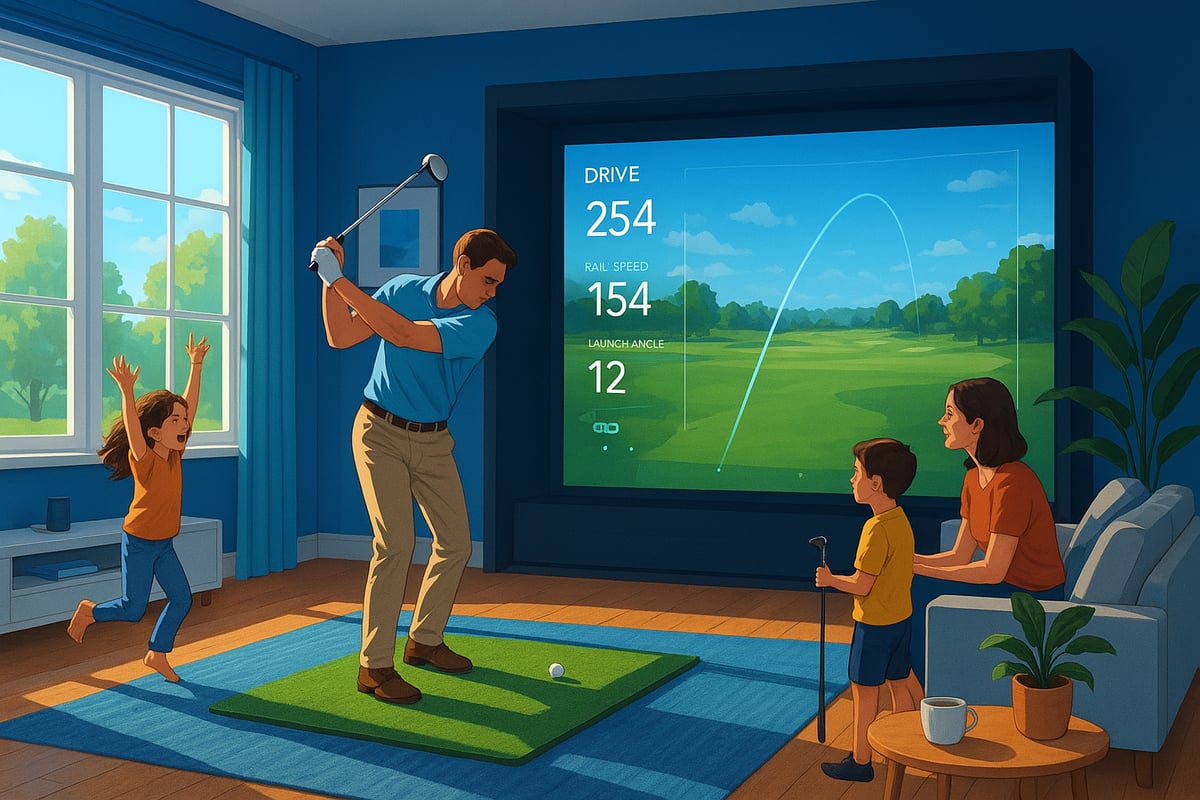
Golf practice isn't confined to the driving range anymore. Thanks to advances in technology and the reality of limited outdoor space, more people are installing a golf simulator for home use. This move offers total flexibility, letting you practise on your schedule, whether it's early morning or after work.
A big bonus? Year-round play, even when the weather's wild. Data shows a surge in Australian households adding simulators, with the Australia Golf Simulator Market Outlook reporting rapid growth over the past two years. It's clear—home simulators are transforming how and where we play.
Using a golf simulator for home brings a stack of advantages. You get instant feedback on your swing, ball flight, and club path, so you can spot mistakes and improve faster.
You can "travel" to world-famous courses without leaving your lounge, adding excitement and variety to each session. Plus, it's great for families—kids and adults can play, learn, and compete together.
Over time, you'll likely save money compared to regular trips to the range or club. That means more practice, less hassle, and better value overall.
A golf simulator for home isn't just for pros. If you're a beginner, it's a safe, private way to learn the basics without feeling self-conscious.
For intermediate players, all the data and feedback help smash through plateaus and reach new goals. Advanced golfers get high-precision analytics and realistic course play, making every session count.
No matter your level, a home simulator can help you sharpen your skills and enjoy the game on your terms.
Choosing the right golf simulator for home use can feel overwhelming, but breaking it down into key features makes the process much easier. If you focus on what matters most, you’ll find the perfect match for your space, goals, and budget.
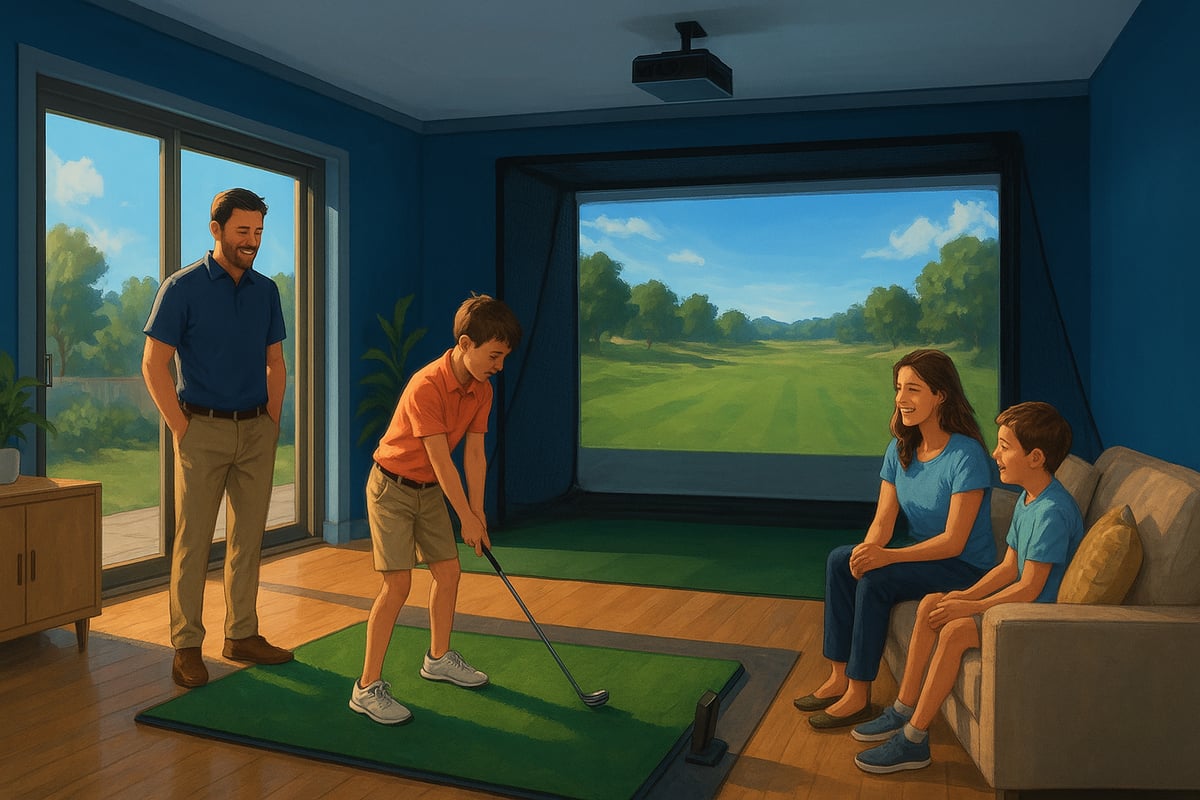
Accuracy is at the heart of any golf simulator for home. The best systems use either high-speed cameras or radar sensors to capture crucial swing data. Look for simulators that measure ball speed, spin, launch angle, carry distance, and club path. Reliable data helps you pinpoint strengths and weaknesses, so you can see real improvement. If you’re serious about lowering your scores, don’t compromise on this feature.
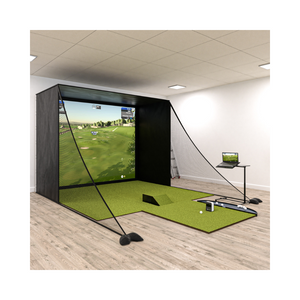
Before you buy, measure your available space. Most golf simulator for home setups need at least 3m wide, 5m deep, and 2.7m high. Portable simulators can fit into smaller areas or garages, while permanent installations might need extra room for screens and enclosures. Consider how easy it is to assemble and pack away your chosen system, especially if you’ll be sharing your space with other activities.
The magic of a golf simulator for home lies in its software. Top picks offer virtual rounds on famous courses and a range of practice modes. Many are compatible with popular simulation platforms like FSX Play, E6 Connect, or GSPro. If you want the full scoop on software options and setup, check out the Golf Simulator Guide 2025 for expert insights.
Modern golf simulator for home systems offer seamless integration with smartphones, tablets, and PCs. Wireless or Bluetooth connections make it easy to analyse your data, share progress, or even compete with friends online. Look for models that support app connectivity and cloud storage, so you can review your swings anywhere, anytime.
Golf simulator for home prices range from entry-level to premium. Entry units might start around $1,200, while professional setups can exceed $15,000. Also, factor in ongoing costs like software subscriptions or course packs. Weigh the upfront investment against long-term value; sometimes, paying a bit more upfront saves you money in the long run.
Are you dreaming of transforming your spare room or garage into a golfer’s paradise? With the right golf simulator for home, you can bring the game you love right into your living space. Whether you’re chasing lower scores, looking for family fun, or just want to practice year-round, these top 4 picks for 2025 will help you find the perfect match.
Let’s dive in and see which golf simulator for home fits your needs, budget, and space. Plus, if you want to make the most of your investment, check out these Home Golf Sim Tips 2025 for expert advice on setup and gameplay.
The SkyTrak+ is a favourite for those wanting a balance of price and performance in a golf simulator for home. Starting from $10,999, it features hybrid camera and radar tracking, delivering solid club and ball data.
Its compatibility with popular simulation software means you can play world-class courses and enjoy realistic practice. The user-friendly setup and portability make it great for different home environments.
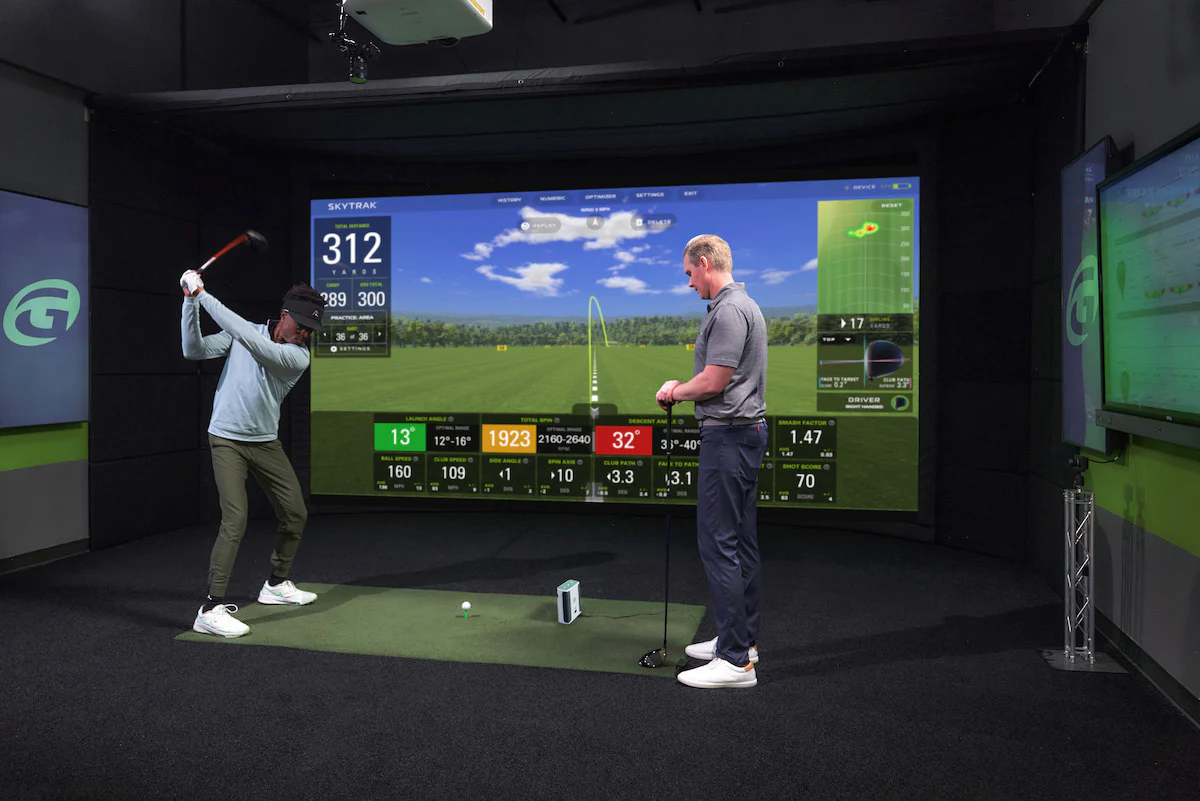
Ideal for: Golfers who want value without sacrificing quality.
Pros: Accurate, portable, works with third-party apps.
Cons: Less precise than elite models, some software features require subscriptions.
This golf simulator for home is perfect for most Aussie golfers looking for performance on a budget.
If flexibility is your priority, the FlightScope Mevo+ golf simulator package stands out in the golf simulator for home market. Starting at under $10,000 AUD, it uses Doppler radar to track 20+ data points, and it’s suitable for both indoor and outdoor use.
You get robust analytics for serious practice, plus the opportunity to use it at the range. It’s portable and offers multi-sport capability, which is a bonus for active families.
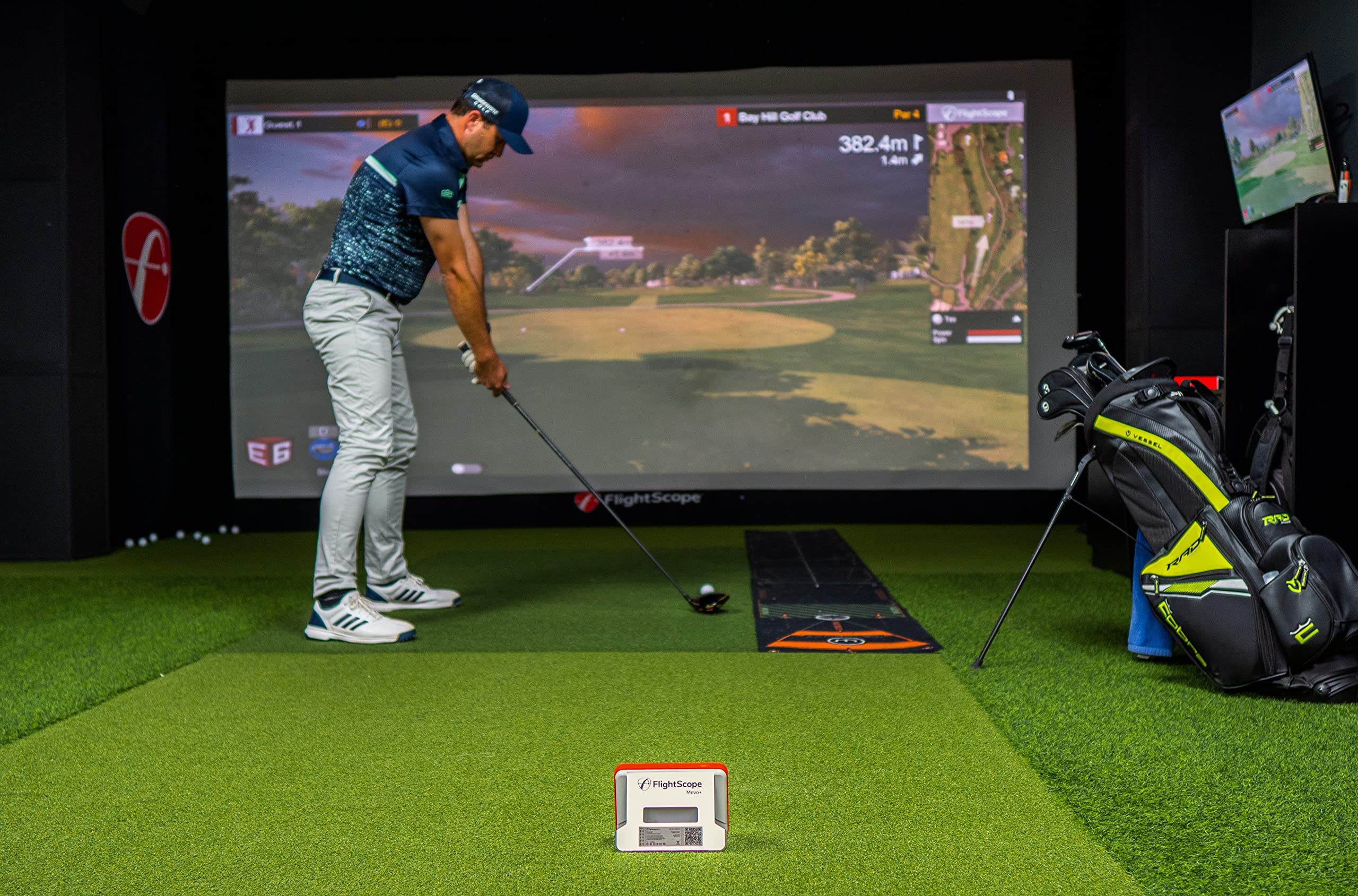
Ideal for: Golfers wanting both home and outdoor options.
Pros: Outdoor use, rich data, good value.
Cons: Needs more space behind the ball, indoor accuracy can depend on lighting.
This golf simulator for home is for those who want versatility and serious data tracking.
The Golfzon Wave golf simulator package delivers an incredibly accurate training experience thanks to its dual-sensor launch monitor system, capturing both ball and club data with impressive precision. It’s a compact, budget-friendly setup that still unlocks premium practice features like detailed swing analysis, skills challenges, and realistic course play.
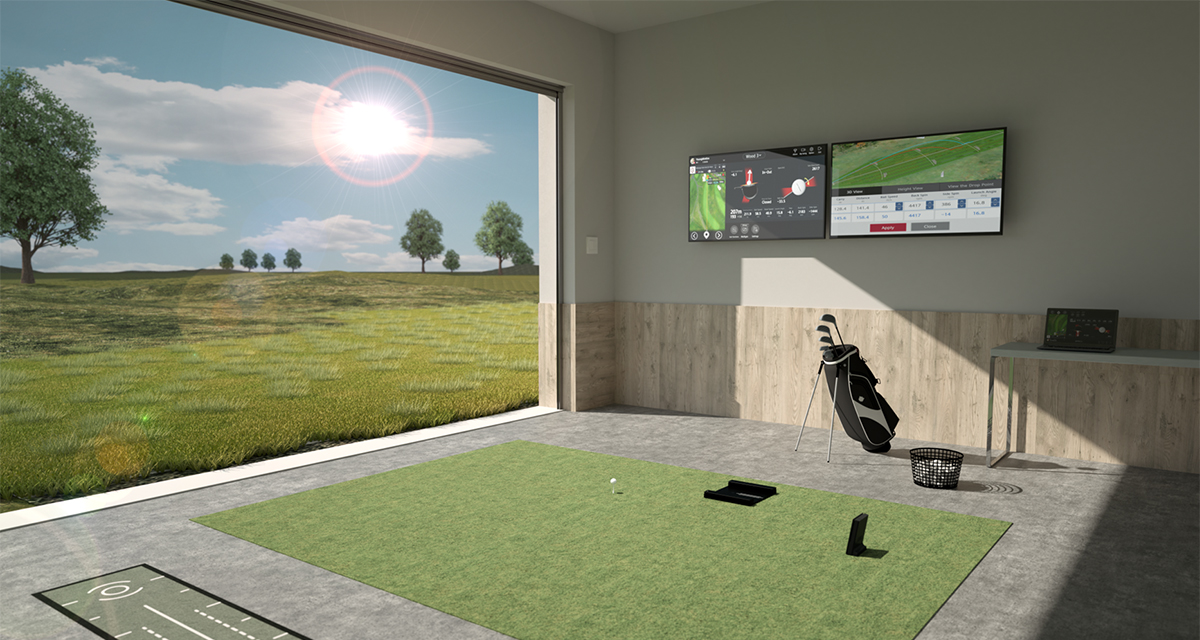
Ideal for: golfers who want a reliable, modern simulator for home practice without committing to a high-end overhead system—perfect for improving consistency, understanding swing mechanics, and enjoying at-home rounds with friends or family.
Pros: Highly accurate data, easy setup, portable design, and great value for home golfers.
Cons: Works best indoors with controlled lighting and requires a subscription for full course access. This package is ideal for
If you’re looking for a high-end package, the Garmin Approach R50 is a fantastic golf simulator for home.
You get camera-based tracking and integration with over 42,000 courses. It's incredibly precise for those that need super-accurate data.
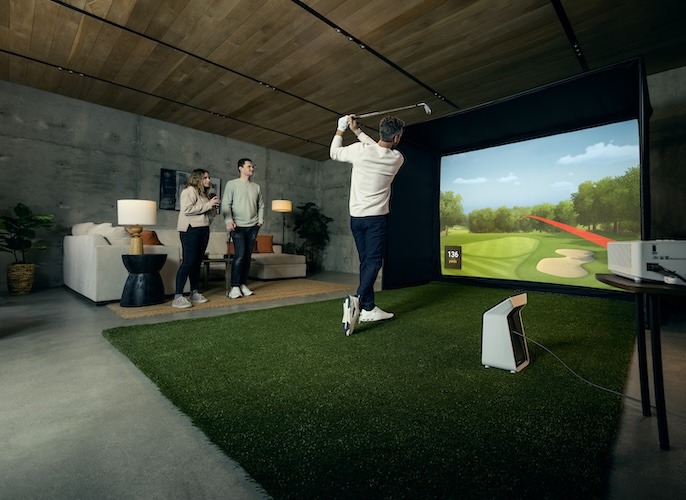
Ideal for: Experienced golfers, commercial customers.
Pros: High-end quality, huge course library.
Cons: Expensive, not as portable as others.
Ready to get the most out of your golf simulator for home? It’s not just about buying the right gear, but also about how you set up your space, create focused practice routines, and involve everyone in the fun. Let’s walk through some practical tips to help you make every session count.

First things first, measure your space before installing your golf simulator for home. You’ll want a ceiling height of at least 2.7 metres, enough width for a full swing, and a clear area for your hitting mat and screen.
Careful projector and screen alignment keeps your visuals crisp. Watch out for reflective surfaces, as glare can mess with both tracking and immersion. Good lighting is key—aim for even, diffused light. If you want step-by-step help, the Complete DIY Golf Simulator Guide walks you through setup from start to finish.
A golf simulator for home is only as useful as your practice plan. Structure your sessions: start with a warm-up, then focus on specific skills like driving, chipping, or putting.
Use the data from your simulator to set goals and track progress week by week. Try mixing in virtual course play with targeted drills to keep things fresh and challenging. This approach helps you stay motivated and see steady improvement over time.
Why keep the fun to yourself? Set up individual profiles so everyone in your household can track their stats. Many simulators offer multiplayer and challenge modes, perfect for friendly competitions or group games.
This makes your setup more than just a solo training tool—it becomes a centrepiece for family entertainment and shared skill-building.
Thinking about a golf simulator for home but have a few burning questions? You’re not alone. Here are answers to the most common queries Aussie golfers have before making the leap.
What’s the minimum space needed for a golf simulator for home?
Most setups require at least 3 metres width, 5 metres depth, and 2.8+ metres ceiling height. For tight spaces, check out this Garage Golf Simulator Guide for expert tips on fitting your golf simulator for home into a garage or spare room.
How accurate are consumer-level golf simulators?
Advancements in technology mean today’s golf simulator for home can deliver impressive accuracy, especially with camera or radar-based launch monitors. According to the Golf Australia Participation Report 2024, the latest models are trusted by both coaches and keen amateurs.
Can these simulators be used outdoors as well as indoors?
Many portable options can be set up outdoors, but check your model’s specs. Weather and lighting may affect performance.
What ongoing costs should buyers expect?
Budget for software subscriptions, course packs, and occasional replacement parts. Some premium features may require extra fees.
Are golf simulators suitable for children and beginners?
Absolutely. Most systems allow you to adjust difficulty and create user profiles, making the experience fun and educational for all ages.
How do I maintain and care for my simulator equipment?
Keep screens clean, store electronics safely, and check cables regularly. Follow manufacturer guidelines for best results.
Can I upgrade my simulator over time as my needs change?
Yes, many systems are modular. You can add new software, upgrade launch monitors, or expand accessories as your skills improve.
Question |
Quick Answer |
|---|---|
Space needed |
3m x 5m x 2.8m (minimum) |
Accuracy |
High, depends on tech |
Indoor/outdoor use |
Many support both |
Ongoing costs |
Subscriptions + occasional parts |
For kids/beginners |
Yes, with adjustable settings |
Maintenance |
Clean screens, regular checks |
Upgrade options |
Modular, scalable |
Still curious? Drop your questions below or explore our full guides for more on finding the perfect golf simulator for home.


